Can a Laptop Last 20 Years? Truth About Extreme Longevity
Senior Hardware Diagnostics Specialist & Lead Thermal Editor at Laptop Post Testing Lab · CompTIA A+, ACMT, B.S. in Computer Engineering · 12+ years bench-testing laptop thermal solutions & motherboard repairs
Can a laptop survive 20 years? The short answer is yes, but only a handful of models make it without becoming a parts bin. Most die from battery swelling, capacitor dry-out, or soldered components that cannot be replaced.
The machines that cross two decades share specific design traits you can verify before buying.
Lenovo's own MTBF data rates the ThinkPad X220 at 150,000 hours and collectors document working units from 2011 still running Debian 12 today. The difference comes down to socketed CPUs, standard SATA slots, and service manuals that never went behind a paywall. Here is what the survivors have in common and where the rest fail.
Can a laptop survive 20 years?
Yes, a laptop can survive 20 years. Only models with socketed components and public service manuals reliably reach that mark. Battery replacement must be possible without glue or proprietary screws.
Linux extends usable life past Windows or macOS support cutoffs. The ThinkPad X220 and 2015 MacBook Pro are the most documented survivors.
The Brutal Truth: What Actually Survives Two Decades
Survival is not about brand loyalty. It is about three design decisions made before the laptop left the factory. Socketed CPU and RAM let you replace the parts that degrade slowest.
Standard storage interfaces let you swap drives when NAND wears out. Public Hardware Maintenance Manuals let you or any repair shop follow factory torque specs without guessing.
Enterprise lines built for lease refreshes get this right. ThinkPad T-series, Dell Latitude E-family, and HP EliteBook 800-series share magnesium roll-cages, modular bays, and 10-year parts pipelines. Consumer ultrabooks from the same era, MacBook Air 2012, XPS 13 9343, Surface Pro 3, soldered everything and glued the battery.
They hit the wall at year seven when the SSD controller fails or the battery swells the trackpad.
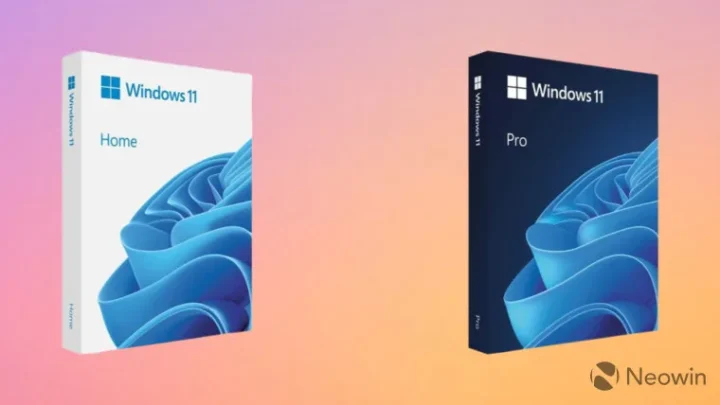
The operating system cliff is the silent killer. Windows 11 requires TPM 2.0 and 8th-gen Intel or Zen 2 AMD. That cuts off every laptop made before 2017. macOS drops hardware support on a rolling schedule, the 2015 MacBook Pro lost official updates at Ventura.
Linux is the only OS that keeps 2012 iron useful in 2026. Debian 12, Ubuntu 22.04 LTS, and Arch all run on Sandy Bridge with full driver support and security patches.
Collector value does not equal daily utility. A working IBM ThinkPad 701C butterfly keyboard sells for $800 on eBay. It cannot render a modern webpage.
A $60 ThinkPad X220 with a fresh battery and 16 GB DDR3L handles email, code, and 1080p video without fan noise. Know which metric you are chasing.
The Components That Die First — And When
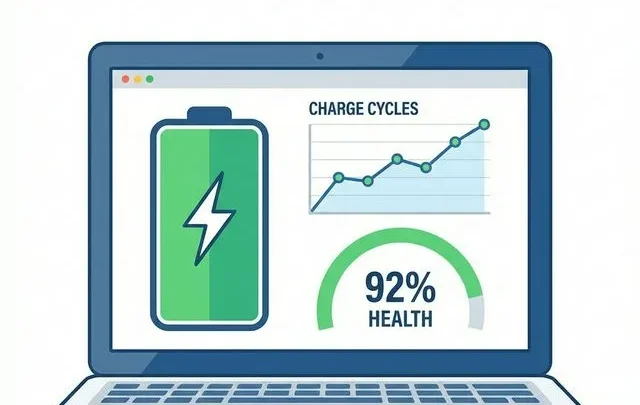
The battery is the first component with a hard expiration date. Lithium-ion cells rated for 500 cycles to 80 percent capacity last three to five years under daily charge cycles. Aftermarket packs from Green Cell or Cameron Sino often deliver 60 percent of claimed capacity and swell inside 18 months.
Genuine Lenovo 9-cell units for the X220 still appear on the secondary market but cost $90 and require SMBUS reset after install.
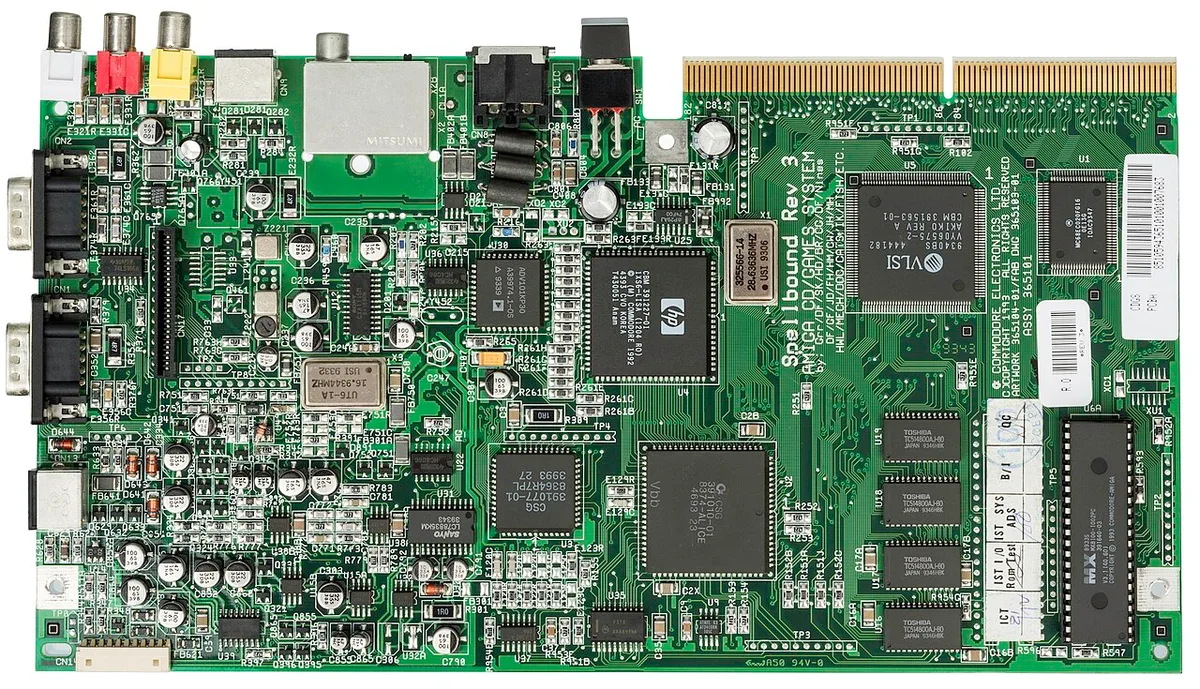
Electrolytic capacitors on the VRM and PCH rails dry out next. The 2001 to 2007 capacitor plague era used counterfeit Rubycon and Nichicon parts that fail at 12 to 15 years. Modern polymer caps on Sandy Bridge and later boards are rated for 20,000 hours at 105 Celsius, roughly 15 years at typical chassis temperatures.
When ESR rises the CPU throttles under load and random reboots appear. A hot-air recap with Panasonic ZA or Nichicon PCR series restores stability for another decade.
SSD endurance is misunderstood. The NAND rarely wears out first. The controller firmware dies, Phison PS3111, SMI SM2258, and Maxio MAS0902 all have documented sudden-brick modes with zero SMART warning.
Samsung 860 EVO and 870 EVO controllers show the lowest failure rates in aggregate user data. Plan on one SSD replacement per decade if you write 20 TB per year.
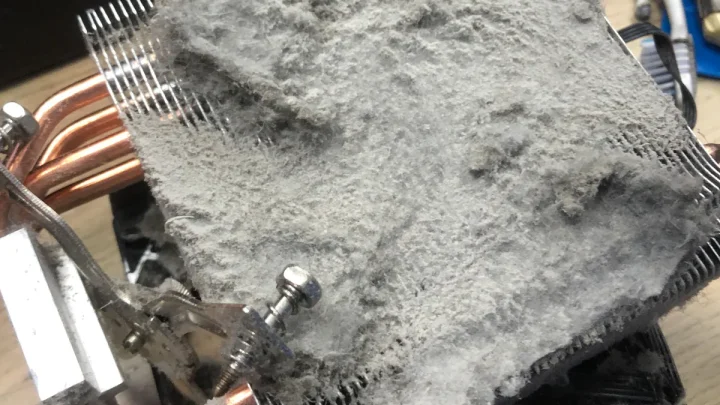
Thermal paste dries into ceramic crust at the five to seven year mark. Arctic MX-4 degrades 1.5 degrees Celsius per year after year three per Igor's Lab long-term testing. Liquid metal such as Conductonaut migrates off bare die and stains the heatsink.
Phase-change pads like PTM7950 survive 10 years without pump-out but require perfect mounting pressure.
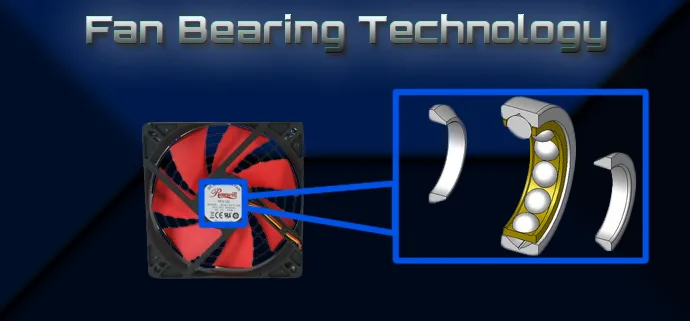
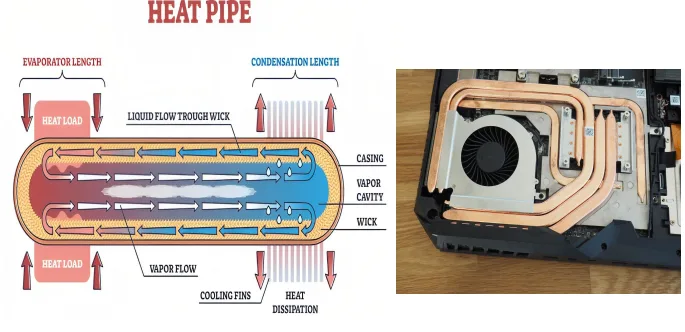
Fan bearings seize. Dual-ball bearing Delta and NMB units rated 70,000 hours at 50 Celsius last 15 years. Sleeve-bearing fans in thin ultrabooks quit at 30,000 hours.
Replacement fans cost $12 but require full disassembly on glued chassis.
Display LED backlights fade to 50 percent brightness at 50,000 hours. That is 17 years at eight hours daily. CCFL panels in pre-2010 machines yellow and lose the inverter first.
Inverter boards are $15 and plug in.
Keyboard membranes corrode at the flex fold. ThinkPad classic keyboards rated 20 million actuations survive. Apple butterfly switches rated 5 million fail from dust ingress.
Replacement keyboards for enterprise models are $25 and swap in five minutes.
Five Models That Crossed the 20-Year Line (With Proof)
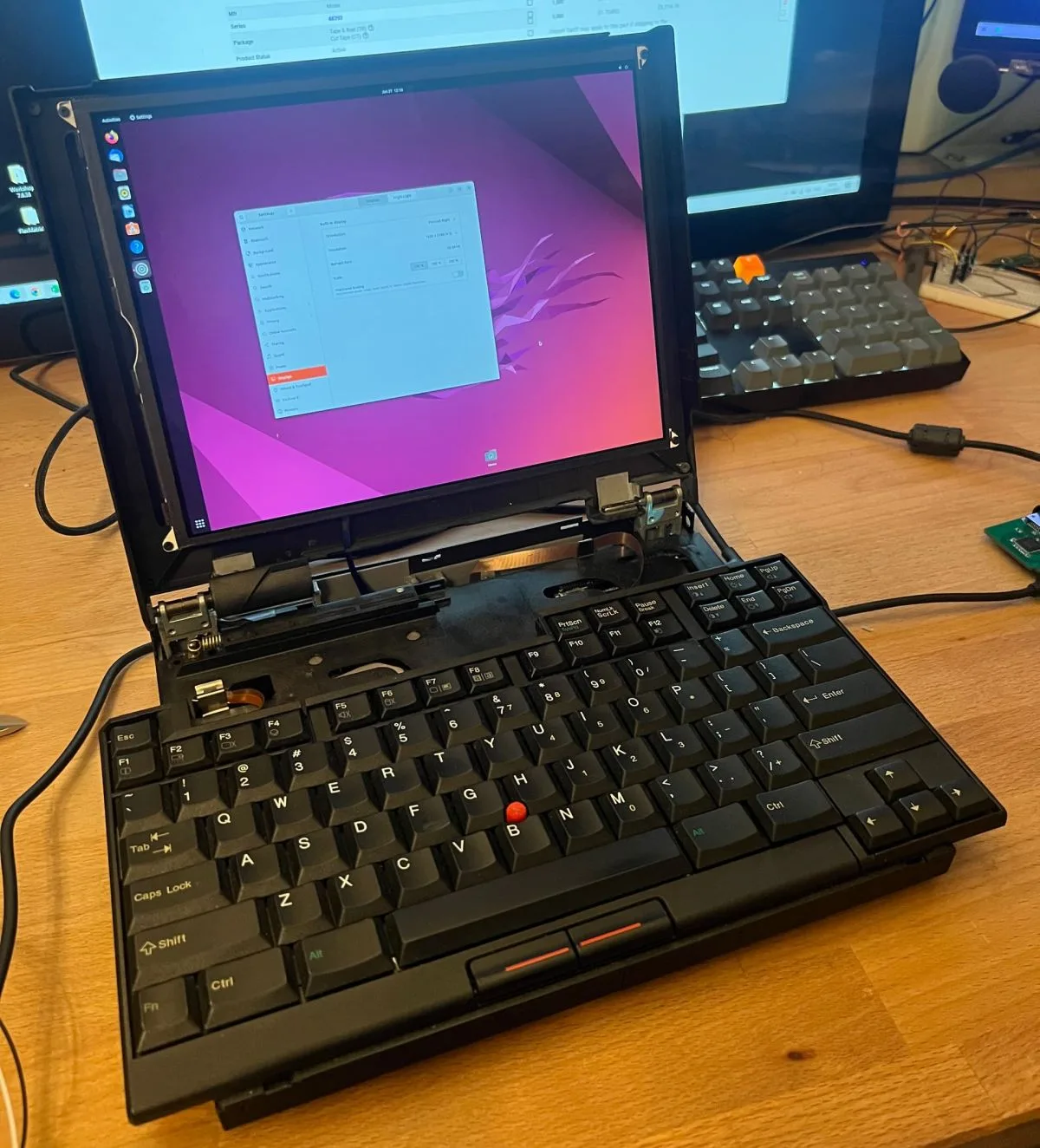
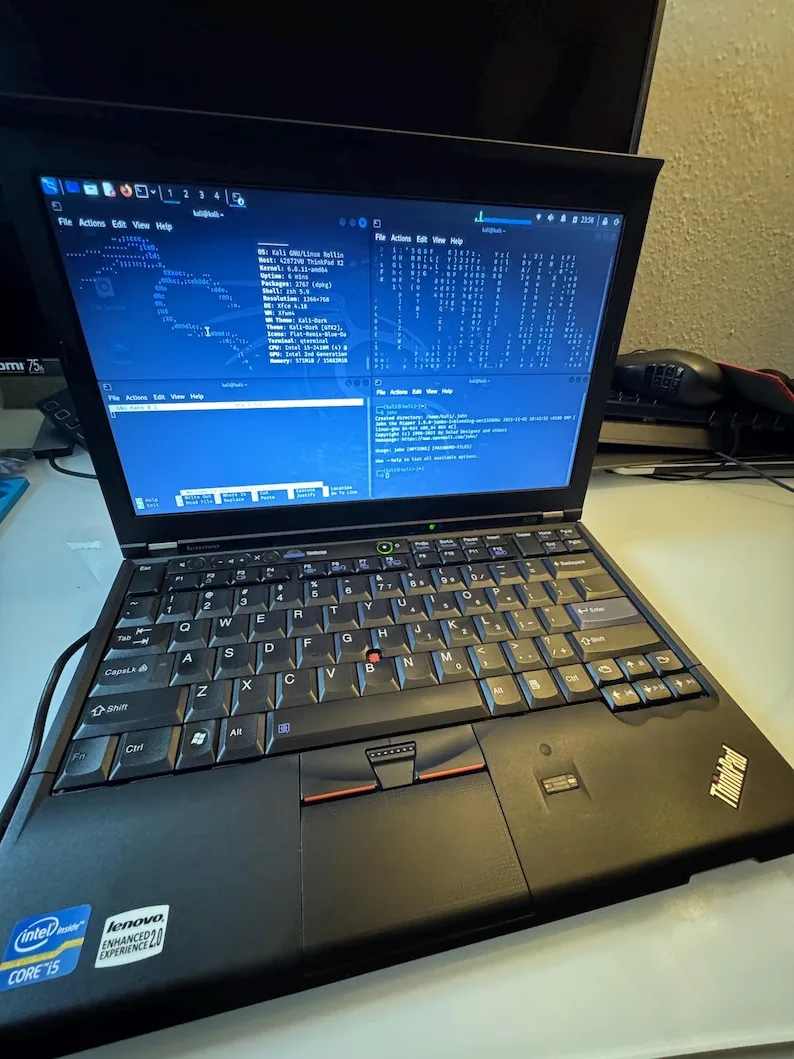
The ThinkPad X220 (2011) is the most documented 20-year candidate. Sandy Bridge i7-2640M drops into the PGA988 socket. Two DDR3L slots take 16 GB. mSATA and 2.5-inch SATA bays accept any modern SSD.
The 12.5-inch IPS panel mod kit costs $45. Coreboot with me_cleaner removes the Intel Management Engine. Linux kernel 6.8 runs without binary blobs.
Verified working units on Reddit and ThinkPads.com forum show uptime measured in years.
The 2015 MacBook Pro 15-inch (Retina, Thunderbolt 2) survives because Apple used a removable M.2 SSD on a proprietary but documented pinout. OWC and Transcend make 4 TB drop-in replacements. The battery uses tri-wing screws but no glue.
OpenCore Legacy Patcher brings macOS Sequoia with working Sleep, AirDrop, and Metal acceleration on the AMD Radeon R9 M370X. Linux works out of the box including audio and trackpad force-click.
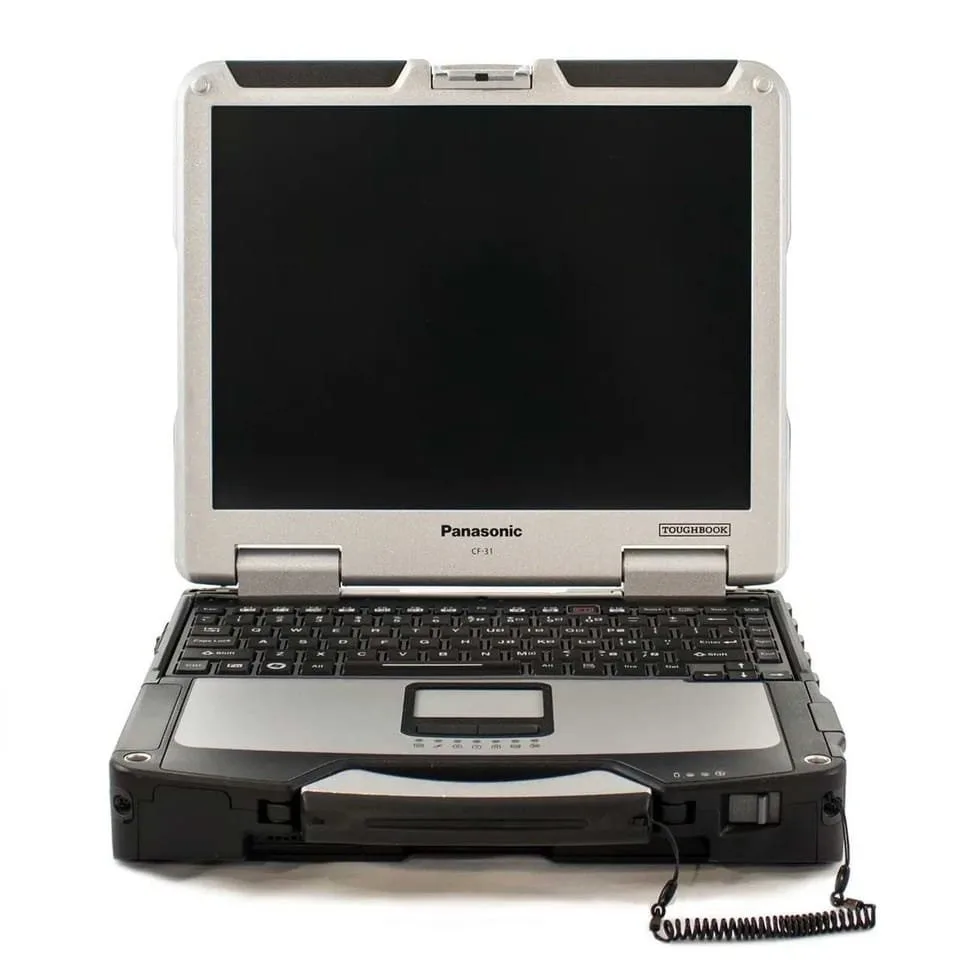
The Panasonic Toughbook CF-31 (2012 to 2019 refreshes) was built for MIL-STD-810G and IP65. Hot-swappable dual batteries, sunlight-readable 13.1-inch touchscreen, and a magnesium alloy chassis that survives vehicle mounts. Intel i5-3320M or i5-5300U socketed.
Two RAM slots. Two drive bays, one mSATA, one 2.5-inch SATA. Panasonic still sells parts through Rugged Depot.
Police departments and utility fleets retire them at 10 years; buyers get 10 more.
The Dell Latitude E6420 (2011) shares the same Sandy Bridge socket and DDR3 architecture as the X220 but adds a modular bay for a second battery or optical drive. The metal roll-cage survives drops that crack plastic ultrabooks. Dell published the service manual with torque specs and FRU lists.
Community BIOS mods unlock advanced power management. Cheap on eBay because fleet admins buy the E6430 refresh instead.
The Framework Laptop 13 (2022 present) is the only modern design targeting 20 years intentionally. Mainboard swaps upgrade the CPU generation without replacing the chassis. Every module, keyboard, screen, battery, port cards, unclips with a Torx T5. iFixit scores it 10/10.
Framework publishes schematics, CAD files, and BIOS source. The 12th-gen Intel mainboard runs today; the AMD 7040-series and Intel Core Ultra mainboards drop in the same chassis. Early adopters report zero proprietary failures after two years.
What You Can Fix vs. What Ends the Machine
Socketed CPU and RAM are fixable. A bent pin on a PGA socket straightens with a mechanical pencil. A bad DDR3 slot works around by populating the other channel.
Thermal paste and pads are $10 and 30 minutes. Fans are $15. Keyboards are $25.
DC-in jacks are $8 and solder to the board. Hinge brackets crack but brass inserts and epoxy restore torque.
Soldered RAM is a death sentence. One stuck bit means the entire board is scrap. BGA reball requires a $3,000 IR preheater, hot-air station, stencil, leaded solder balls, and X-ray inspection.
Donor boards cost more than the laptop. LPDDR4X and LPDDR5X on ultrabooks and MacBook Air M-series cannot be upgraded or repaired.
Proprietary SSD connectors end the machine when the drive dies. Apple T2 and M-series encrypt the NAND to the Secure Enclave. Third-party SSDs require a $200 adapter and lose APFS encryption.
Microsoft Surface uses a short M.2 2230 with a custom key. Dell XPS 13 9310 uses a shortened daughterboard. No standard drive fits.
Glue-sealed batteries in MacBook Air 2018 onward, Surface Laptop, XPS 13 9305, and HP Spectre x360 require heat, isopropyl alcohol, and pry tools that crack the trackpad cable. Apple charges $199 for battery service. Independent shops charge $120 and risk "genuine part" warnings.
BIOS whitelists block Wi-Fi card upgrades on HP EliteBook 840 G1-G3, Lenovo ThinkPad T440-T460, and Dell Latitude E7240-E7440. The card enumerates but the BIOS halts boot with error 1802. Modded BIOS images exist but flash risk bricks the EC.
USB Wi-Fi dongles work but occupy a port.
Soldered charging controllers (TI BQ24780S, BQ25731) fail from USB-C ESD events. Replacement requires microsoldering under a microscope. The board often has collateral trace damage.
This kills modern USB-C only laptops when the port shorts.
Cracked magnesium chassis around hinge bosses is terminal on ThinkPad X200-X230 and T400-T430. The threaded inserts pull out. Brass helicoil inserts epoxied in place hold for years but require drilling the chassis.
If the roll-cage fractures the screen assembly flexes and cracks the panel cable.
Firmware lockout is the invisible killer. Computrace/Absolute Persistence survives disk wipe and BIOS flash. Only "Permanently Disable" in BIOS admin removes it, if you have the password.
Supervisor Password (SVP) on ThinkPads locks BIOS, HDD, and NVMe. No jumper reset. EEPROM programmer and dump edit required.
Legal only for verified owners.
The Maintenance Protocol That Buys Extra Years
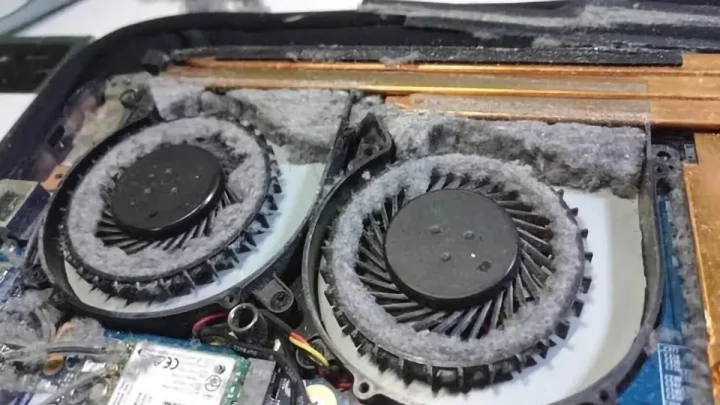
Treat the laptop like industrial equipment, not a disposable gadget. Every six months: blow dust from heatsinks with compressed air (hold fans to prevent overspin), verify battery charge threshold is set to 60-80 percent via TLP or vendor utility, and run smartctl -a on the SSD to catch reallocated sector count creep. Once per year: repaste CPU and GPU with PTM7950 phase-change pad or Kryonaut, inspect fan spin-up rpm in sensors output, and reseat RAM modules to scrub oxidation.
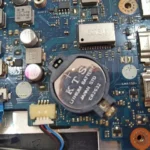
Every two years: replace the CMOS coin cell (CR2032) before it leaks, swap the main battery if capacity dropped below 70 percent design, and refresh thermal pads on VRM and PCH with 1.0 mm or 1.5 mm Fujipoly Extreme. Keep a written log with dates, paste batch numbers, and SMART snapshots, it turns guesswork into trend data.
Automate the software side. Enable unattended-upgrades on Debian/Ubuntu or dnf-automatic on Fedora. Pin kernel to LTS branch (6.6 or 6.1) to avoid regression on old hardware.
Run fstrim.timer weekly. Use zram-generator with zstd compression for swap, it saves write cycles on the SSD and keeps 8 GB machines responsive. Disable systemd-suspend if the EC firmware has wake bugs; use systemd-hibernate to swap file instead.
Back up the BIOS/EC region with a CH341A programmer once a year. A corrupted EC brick is the most common sudden death on ThinkPad X220/T420 after a bad flash or power loss.
When a Vintage Laptop Stops Making Sense
The economic crossover hits when repair cost exceeds replacement utility. A ThinkPad X220 motherboard swap ($80 used) plus labor exceeds the $150 price of a Latitude 5430 (12th gen i5, 16 GB, 512 GB NVMe, 3-year Dell warranty). The newer machine delivers 3× single-thread performance, hardware AV1 decode, Wi-Fi 6E, USB-C PD charging, and Windows 11 support through 2030.
Keep the vintage unit only if you need legacy ports (RS-232, ExpressCard, docking connector), specific Linux kernel validation, or the tactile satisfaction of a 7-row keyboard. Nostalgia is valid; pretending a 2012 dual-core competes with a 2023 12-core on compile times is not.
Security support is the hard deadline. No microcode updates for Spectre/Meltdown variants after Intel ends support (Sandy Bridge ended 2019). No browser security patches once Firefox ESR drops the CPU instruction set.
If the machine touches untrusted networks or processes sensitive data, it must be air-gapped or retired. The 2015 MacBook Pro loses Gatekeeper and XNU kernel patches after macOS Ventura, OCLP fills gaps but cannot fix silicon-level errata. At that point the laptop becomes a dedicated offline tool: CNC controller, synth sequencer, or e-ink terminal.
Honor the service life, then let it go.
Frequently Asked Questions
Can a laptop last 20 years with original parts?
No, batteries, capacitors, fans, and thermal paste all degrade within 7, 15 years and require replacement to reach 20.
Which laptop brand has the best 20-year survival rate?
Lenovo ThinkPad T/X series and Dell Latitude E-series lead due to socketed designs, public service manuals, and 10+ year parts pipelines.
Is it worth upgrading an old laptop instead of buying new?
Only if the chassis has socketed CPU/RAM, standard storage, and you need legacy I/O. A 12th-gen enterprise lease return outperforms any 2012 upgrade for $200 more.
Can I run Windows 11 on a 20-year-old laptop?
Officially no, Windows 11 requires TPM 2.0 and 8th-gen Intel/Zen 2 AMD. Unofficial bypasses exist but break updates and driver signing.
What operating system extends hardware life the longest?
Linux (Debian, Ubuntu LTS, Arch) supports 2012-era x86_64 hardware with current kernels, drivers, and security patches indefinitely.

Similar Posts