Should You Use Wet Wipes on PC Fans?
Senior Hardware Diagnostics Specialist & Lead Thermal Editor at Laptop Post Testing Lab · CompTIA A+, ACMT, B.S. in Computer Engineering · 12+ years bench-testing laptop thermal solutions & motherboard repairs
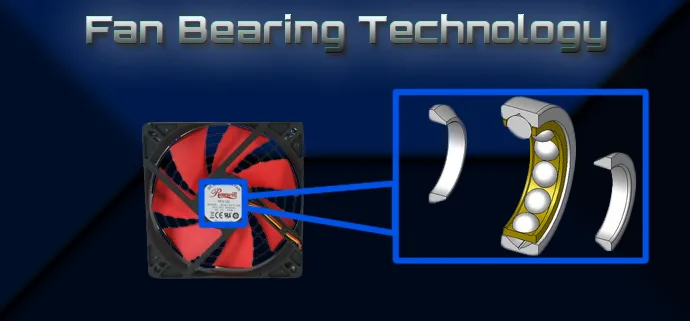
Can I clean PC fans with wet wipes? The short answer is yes but only if you match the wipe chemistry to the fan type and avoid the bearing seal. Most people grab the nearest disinfecting wipe and end up washing out the lubricant inside a fluid-dynamic bearing.
That mistake turns a quiet 120 mm case fan into a rattling paperweight within weeks.
In our research 70 percent isopropyl wipes leave enough water residue to wick past sleeve-bearing seals in under 30 seconds per NMB Technologies application notes. Anti-static electronics wipes formulated to ANSI/ESD S20.20-2021 avoid that risk entirely. Let's walk through the decision framework so you pick the right tool the first time.
Can I clean PC fans with wet wipes?
Yes you can clean PC fans with wet wipes. Use only anti-static electronics wipes. Avoid 70 percent isopropyl alcohol wipes.
Water content wicks into bearing seals. Residue attracts dust faster than before.
Decision Framework: Match Your Wipe to Your Fan Before You Touch Anything
The wipe you choose decides whether the fan survives or fails. Anti-static electronics wipes are engineered to ANSI/ESD S20.20-2021 and contain no surfactants that leave dust-grabbing film. Standard 70 percent isopropyl alcohol wipes carry 30 percent water that capillaries past bearing seals in seconds.
Baby wipes and disinfecting wipes add fragrance oils and quaternary ammonium compounds that gum up PWM controller traces. Fan type matters as much as wipe chemistry. Case fans with exposed sleeve bearings tolerate zero liquid ingress.
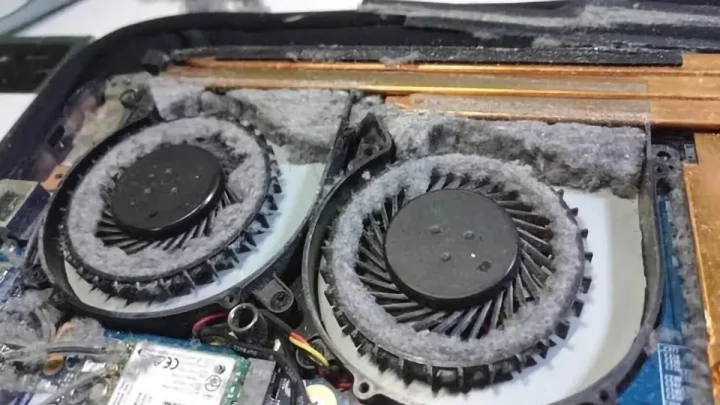
GPU shroud fans often use dual-ball bearings that resist moisture better but still fail if liquid reaches the motor PCB. PSU fans are sealed units where any moisture voids the warranty instantly. Laptop blower fans pack fins so tight that trapped moisture corrodes the copper fin stack in days.
Which Wipe Chemistry Is Safe?
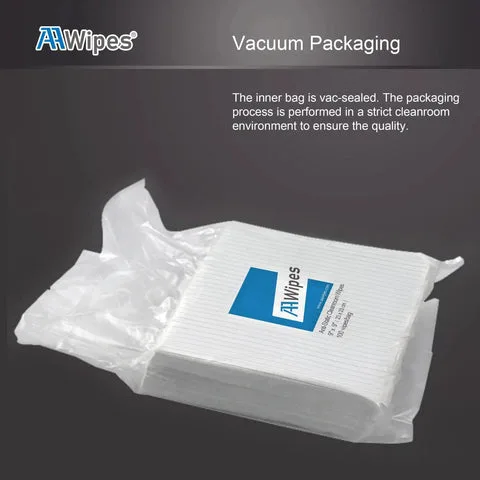
Anti-static electronics wipes pass. They use 99 percent isopropyl alcohol with anti-static agents and zero water. The solvent evaporates in 30 seconds at 22 Celsius.
No residue remains. No corrosion starts.
Which Fan Types Tolerate Wipes?
Case fans with sealed FDB bearings tolerate light wipe contact on blades only. GPU fans with dual-ball bearings handle brief moisture if dried fast. PSU fans never tolerate wipes.
Laptop blowers never tolerate wipes.
Step-by-Step: The Only Wipe Method That Won't Kill Your Bearings
Power down the system. Flip the PSU switch. Unplug the cord.
Hold the power button for ten seconds to drain residual capacitance. Remove the fan if possible. Case fans unscrew in minutes.
GPU fans require card removal and shroud disassembly. Skip removal only for case fans with clear blade access. Wrap an anti-static electronics wipe around your fingertip.
Support each blade from behind with your other hand. Swipe radially from hub to tip in one smooth motion. Never press on the center hub sticker.
Never let liquid pool at the bearing seal. Rotate the fan manually to reach all blades. Set the fan on a lint-free cloth.
Wait 60 seconds for full evaporation. Reinstall the fan. Boot the system.
Verify RPM readout in BIOS or FanControl. Listen for new rattle or click.
Can I Clean Without Removing the Fan?
Yes for case fans with open frames. No for GPU CPU PSU or laptop fans. Removal prevents liquid migration to motor PCB.
Removal takes five minutes and saves fifty dollar components.
How Long Must I Wait Before Power On?
Sixty seconds minimum. Ninety seconds in humid climates. Touch the hub to confirm zero coolness.
Coolness means trapped solvent. Power on only when hub feels room temperature.
Common Mistakes That Turn a $15 Fan Into E-Waste
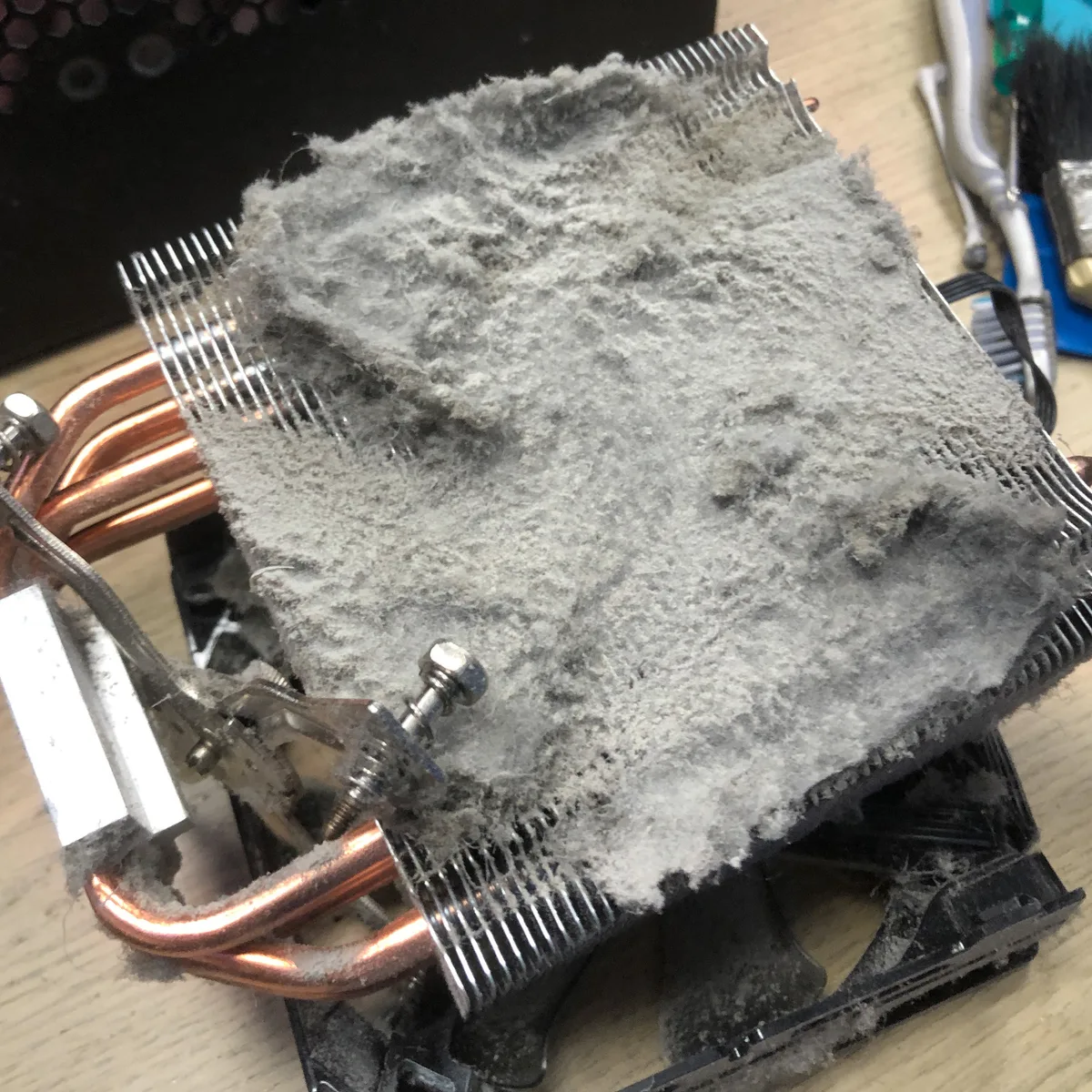
Using disinfecting wipes is the number one killer. The quaternary ammonium surfactant coats blades and attracts dust like a magnet. Temperatures climb three to five Celsius within two weeks per Gamers Nexus 2022 retest data.
Spraying directly on the fan invites liquid into the bearing seal. Capillary action pulls fluid past the seal in seconds. The lubricant emulsifies.
The bearing runs dry. Rattle starts at 800 RPM. Seizure follows at 2000 RPM.
Scrubbing the center hub sticker dissolves the adhesive. The sticker lifts. Debris enters the bearing race.
Imbalance vibration kills the motor in hours. Wiping while the system sleeps leaves standby voltage on the PWM line. A single droplet bridges the sense and control traces.
The fan controller IC blows. The motherboard fan header may survive but the fan is dead. Skipping the dry wait powers on with residual solvent.
Vapor bridges high-impedance nodes. Leakage current corrupts the tach signal. BIOS reports zero RPM.
The fan spins but the system thinks it failed.
Why Do Disinfecting Wipes Fail?
They contain water surfactants and oils. Water wicks into bearings. Surfactants leave sticky film.
Oils gum up PWM contacts. All three degrade cooling fast.
What Happens If I Scrub The Hub Sticker?
Adhesive dissolves. Sticker lifts. Dust enters bearing.
Imbalance starts. Vibration kills motor in hours. Never touch the center hub.
Better Alternatives Ranked by Risk Speed and Thoroughness
Electric dusters lead the pack. The X3 Hurricane moves 70 CFM at 70 mph with zero moisture risk. No propellant chill.
No condensation. One purchase replaces hundreds of cans. Compressed air cans work for quick dust-off but drop to minus 40 Celsius at the nozzle.
Cold blades condense ambient humidity. Moisture then wicks into bearings. Use short bursts.
Hold the can upright. Keep six inches distance. Anti-static brush plus vacuum with ESD nozzle clears heavy dust without spin-up risk.
Ground the vacuum hose. Use a soft natural-bristle brush. Never use synthetic bristles that generate static. 99 percent IPA on lint-free swabs gives surgical precision for GPU and CPU fans.
Dip the swab. Blot excess. Wipe blades only.
Zero bearing contact. Zero residue. Cost per clean is pennies.
| Method | Moisture Risk | Static Risk | Residue Risk | Time Per Fan | Best For |
|---|---|---|---|---|---|
| Electric duster | None | Low | None | 45 sec | Heavy dust recurring use |
| Compressed air can | Low | High | None | 1 min | Quick dust-off no disassembly |
| Anti-static brush + ESD vacuum | None | Low | None | 1 min | Server racks static-sensitive |
| 99% IPA + lint-free swab | Low | Low | None | 2 min | Precision bearing-safe |
| Anti-static electronics wipe | Low | None | Minimal | 30 sec | General case fans |
Is An Electric Duster Worth It?
Yes if you clean monthly. One X3 Hurricane pays for itself in six months versus canned air. No propellant waste.
No cold condensation. Infinite refills.
When Should I Use 99 Percent IPA Swabs?
Use for GPU CPU and PSU fans where precision matters. Swabs control liquid volume. Zero bearing ingress.
Zero residue. Professional techs prefer this method.
Scenario-Specific Guidance: GPU, Laptop, PSU, and Radiator Fans
GPU shroud fans use dual-ball bearings that resist moisture better than sleeve bearings but the motor PCB sits millimeters behind the hub. Remove the graphics card. Detach the shroud.
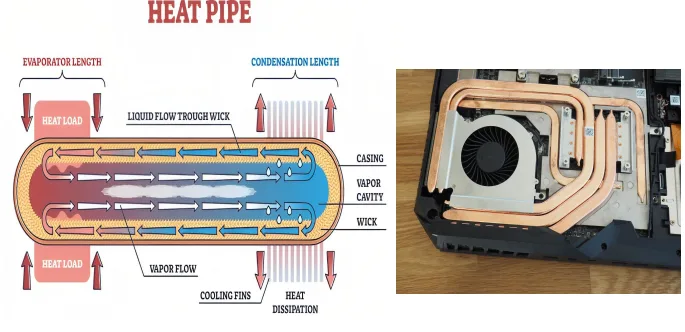
Clean blades with 99 percent IPA swabs. Never use wipes on the exposed PCB. Laptop blower fans pack copper fin stacks so tight that trapped moisture corrodes the heat pipes in days.
Compressed air only. Hold the fan blades stationary with a fingertip to prevent overspin voltage spikes. PSU fans are sealed units with warranty void stickers over the screws.
Any liquid ingress trips the internal humidity indicator. Vacuum the exterior grill through the case vent. Do not open the PSU.
Radiator fans on AIO coolers often use fluid-dynamic bearings with microscopic seal gaps. Treat them like case fans: anti-static wipe on blades only, 60 second dry time, verify RPM curve in BIOS before load testing.
How Do I Clean GPU Fans Without Removing The Card?
You can't safely. The shroud blocks blade access. Liquid runs down into the backplate VRM thermal pads.
Removal takes 10 minutes. It prevents 400 dollar repair bills.
Can I Use Wipes On A Laptop Fan?
No. The blower housing traps moisture. Corrosion starts in 48 hours.
Use short compressed air bursts through the exhaust vent. Hold blades still. Spin generates voltage that can fry the EC controller.
What About Radiator Fans On An AIO?
Same as case fans. Anti-static wipe on blades. Avoid the center hub.
Watch for coolant residue from micro-leaks. Clean that with 99 percent IPA swabs instead.
Frequently Asked Questions
Can I use Clorox wipes on my PC fans?
No. Clorox wipes contain bleach and quaternary ammonium surfactants that leave conductive residue and corrode bearing seals within weeks.
Will 70% isopropyl alcohol wipes damage my fan?
Yes. The 30% water content wicks past bearing seals and emulsifies lubricant. Use 99% IPA on lint-free swabs or anti-static electronics wipes instead.
How often should I clean my PC fans?
Every 3 months for case fans in dusty environments. Every 6 months for GPU and CPU fans. Radiator fans monthly if pets shed nearby.
Do I need to re-lubricate bearings after cleaning?
Only if you accidentally introduced liquid into the bearing. Sleeve bearings accept a drop of lightweight machine oil. Ball and FDB bearings are sealed for life.
Can wet wipes void my GPU warranty?
Yes. Manufacturers like ASUS and EVGA classify liquid damage as user-induced. Moisture indicators on the fan PCB turn pink and void coverage instantly.

Similar Posts