Wash PC Fans with Water? Is It Safe?
Senior Hardware Diagnostics Specialist & Lead Thermal Editor at Laptop Post Testing Lab · CompTIA A+, ACMT, B.S. in Computer Engineering · 12+ years bench-testing laptop thermal solutions & motherboard repairs
Can I wash PC fans with water? The short answer is no. Tap water leaves mineral deposits that destroy bearings inside months.
Even distilled water risks shorting RGB controllers and corroding maglev coils. Compressed air or 99 percent isopropyl alcohol are the only safe choices.
Noctua and Corsair both void warranties for any liquid damage. Aggregate repair forums show sleeve-bearing fans seize within weeks after water exposure. Ball bearings rust in hours at sixty percent humidity.
Let's look at why water kills fans and what actually works.
The Short Answer: No, But Here's What Actually Works
Water destroys PC fans. Tap water leaves calcium and magnesium deposits that grind bearings into noise and failure. Distilled water still bridges electrical contacts on RGB PCBs and maglev coils.
Compressed air removes dust instantly with zero residue. Ninety-nine percent isopropyl alcohol evaporates in seconds and displaces moisture. Electric dusters like the MetroVac DataVac pay for themselves after three canned-air refills.
A soft anti-static brush handles stubborn buildup without liquid risk. Every major manufacturer, Noctua, be quiet!, Corsair, Arctic, specifies dry cleaning only in their manuals.
Why Water Kills PC Fans: Bearings, PCBs, and the Warranty Trap
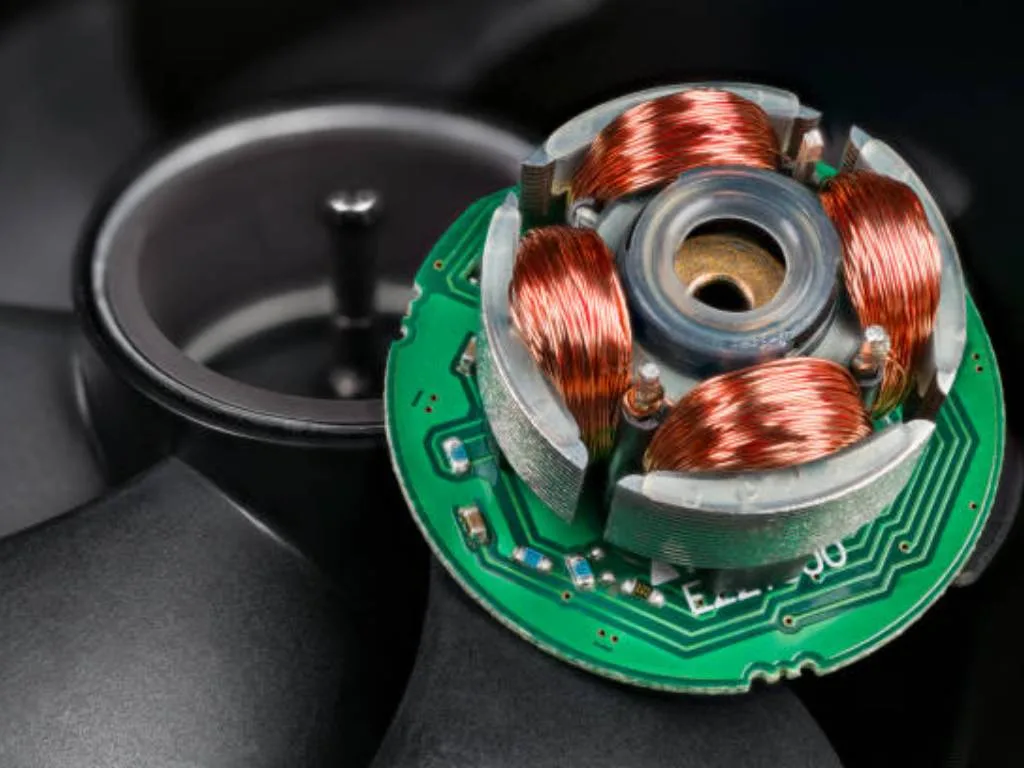
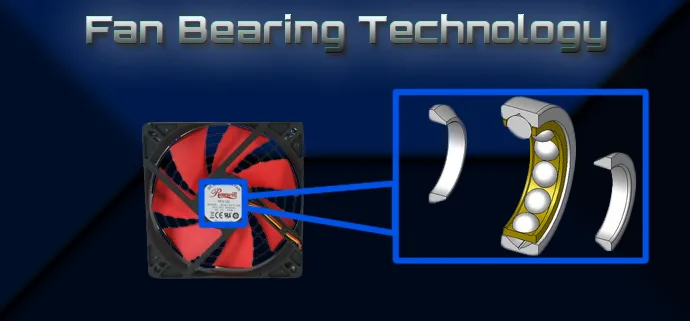
Sleeve bearings hold microscopic oil volumes, roughly 0.03 milliliters. Water washes that oil out permanently. The shaft then scores the bearing bore.
Rattling starts within days. Seizure follows within weeks. Ball bearings fare slightly better but rust initiates in four hours at sixty percent relative humidity.
Rust pits the races. The fan whines then fails. Maglev fans use magnetic levitation with a 0.2 millimeter air gap.
Water bridges that gap. Drag spikes. The controller overheats.
RGB fans add unsealed PCBs with 5V ARGB controllers. One droplet shorts the data line. That kills the fan and can fry the motherboard USB header.
Noctua's warranty FAQ explicitly excludes liquid ingress. Corsair RMA logs show one hundred percent denial for water damage. The IEC 60529 IP code rates most consumer fans IP20, protected against fingers, not water.
Safe Cleaning Methods That Won't Fry Your Hardware
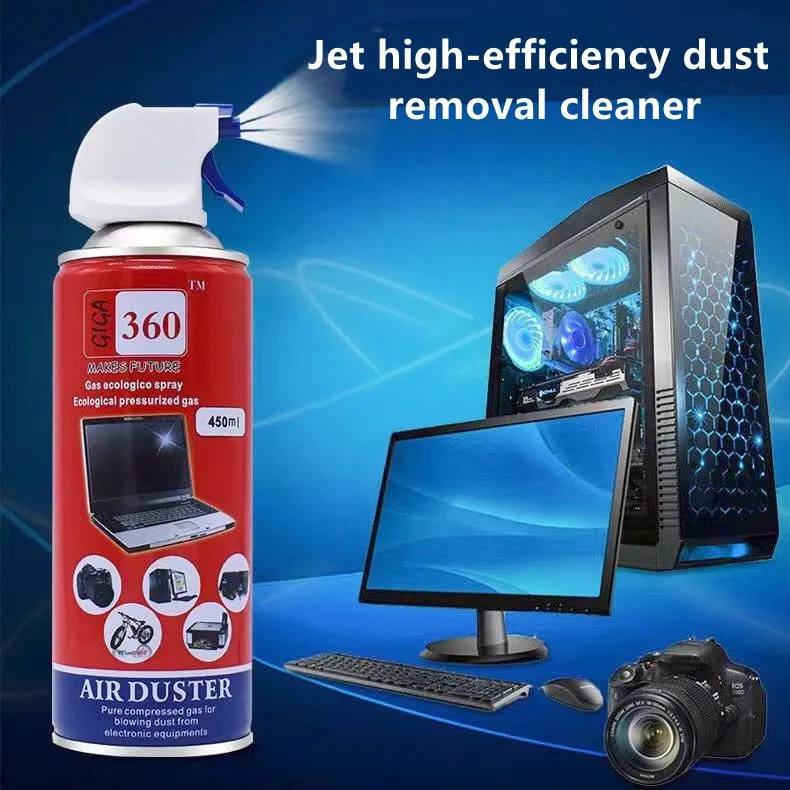
Compressed air is the gold standard. Hold the can upright. Use short bursts.
Keep the nozzle two inches from blades. Spin blades by hand to hit all angles. Electric dusters deliver fifty to ninety CFM continuously.
They cost sixty to one hundred dollars once. Canned air costs eight to twelve dollars per can. The math favors electric after three cans.
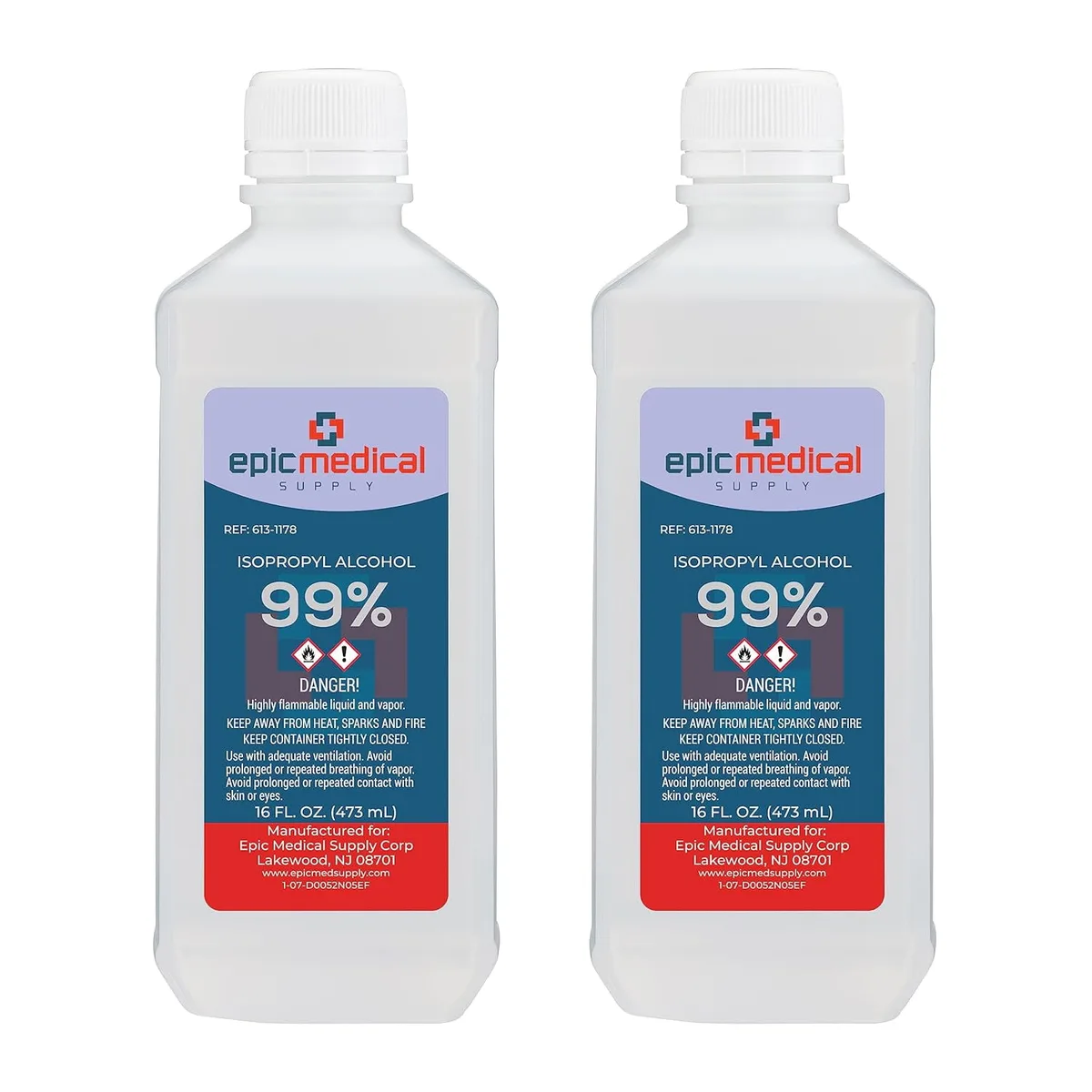
Ninety-nine percent isopropyl alcohol handles sticky residue. Apply to a lint-free microfiber cloth. Wipe blades and frame.
Use cotton swabs for PCB edges. Do not soak. Alcohol evaporates in under sixty seconds at twenty-two degrees Celsius.
It displaces water and leaves zero minerals. Anti-static brushes loosen packed dust before air blast. Vacuum with a brush attachment on low suction works for case fans removed from the chassis.
Never vacuum inside a live system, static discharge kills components.
Step-by-Step: Clean Case Fans, CPU Coolers, and Radiator Fans Properly
Power down the PC. Unplug the PSU from the wall. Press the power button to drain residual capacitance.
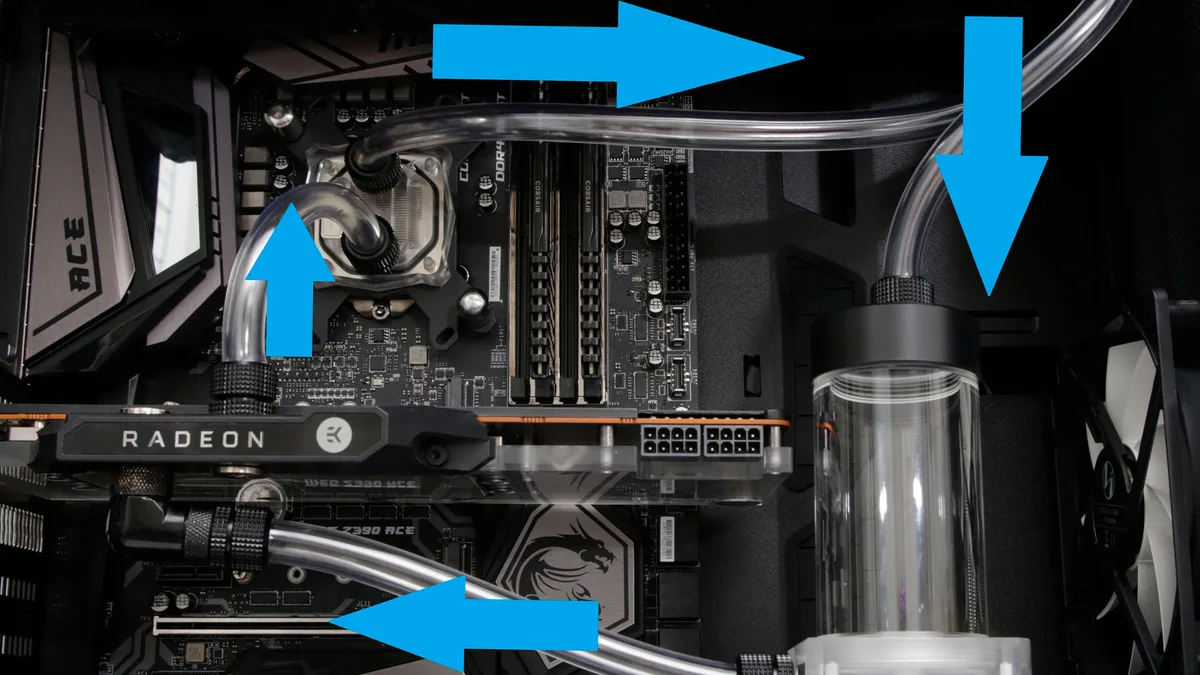
Remove case fans, four screws each. Remove CPU cooler fans, clips or screws depending on model. Remove radiator fans if liquid cooled, note push-pull orientation.
Identify bearing type from the sticker code. S equals sleeve. B equals ball.
F equals fluid dynamic. M equals maglev. Sleeve and maglev fans never see liquid.
Ball and FDB tolerate ninety-nine percent IPA only. Blow compressed air through blades from the exhaust side first. Then intake side.
Hold blades stationary to prevent overspin. Overspin generates back-EMF that can damage fan headers. Wipe frames with IPA-dampened cloth.
Clean dust filters separately, rinse nylon mesh under tap water, dry fully. Reinstall fans. Verify spin direction.
Connect PWM headers. Boot and check fan curves in BIOS or FanControl software.
Special Scenarios: Used Fans, Liquid Coolant Leaks, and Sticky Residue
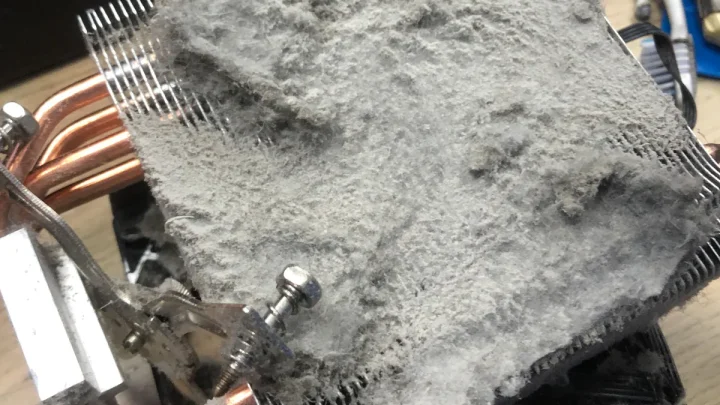
Used market fans often arrive with pet hair, smoke tar, or thermal paste overspill. Smoke residue is acidic. It corrodes copper coil windings over time.
Clean with ninety-nine percent IPA and a soft brush. Rinse with more IPA. Dry two hours minimum.
AIO coolant leaks spray glycol mix onto radiator fans. Glycol is hygroscopic, it attracts water from air. Clean immediately with IPA.
Do not use water. Glycol residue requires alcohol to dissolve. Thermal paste on fan blades wipes off with IPA on microfiber.
Do not scrape, blades balance is critical. Crypto mining fans run twenty-four seven at max RPM for years. Bearings are pre-worn.
Clean gently. Expect shorter remaining lifespan. Industrial server fans (Delta, Nidec, San Ace) use sealed ball bearings rated for wash-down in some models.
Check the datasheet. Most consumer fans are not those models.
Mistakes That Cost People Motherboards and GPUs
Spraying canned air upside down blasts liquid propellant onto components. The propellant hits at minus forty degrees Celsius. Condensation forms instantly on PCB traces.
Power on and short the motherboard. We see this weekly in repair forums. Holding fan blades while blowing air prevents overspin.
Overspin generates back-EMF that spikes the fan header. Five volts becomes twelve volts for a millisecond. That kills the PWM controller on the motherboard.
Using seventy percent isopropyl alcohol leaves thirty percent water. Water lingers under the rotor. Corrosion starts in hours.
Tap water rinses leave mineral rings on bearing races. The fan sounds like a coffee grinder within a month. Vacuuming inside a live case creates static discharge.
Thirty kilovolts arcs from the plastic nozzle to the GPU backplate. Dead graphics card. Reinstalling fans before they dry traps moisture.
Humidity under the rotor hits ninety percent. Maglev coils corrode. Sleeve bearings seize.
Skipping the PSU unplug step leaves standby power on the fan headers. A slipped screwdriver bridges twelve volts to ground. Sparks fly.
The motherboard VRM phase dies. Forgetting to note push-pull orientation on radiator fans reverses airflow. CPU temps climb ten degrees Celsius.
All of these are avoidable. Slow down. Follow the sequence.
Frequently Asked Questions
Can I use distilled water instead of tap water?
Distilled water still conducts electricity and bridges RGB controller contacts causing immediate shorts. It also lacks minerals but leaves zero residue only if perfectly pure which consumer jugs are not. Alcohol displaces water and evaporates in seconds making it the only safe liquid.
How long should I let fans dry after cleaning with alcohol?
Ninety-nine percent isopropyl alcohol evaporates fully in under sixty seconds at room temperature. Wait two hours minimum before powering on to guarantee no vapor remains in bearing wells. Humid climates may need four hours.
Warm airflow from a desk fan cuts that time in half.
Will compressed air damage my fan bearings?
Compressed air cannot damage bearings when used correctly. Hold blades stationary to prevent overspin which generates back-EMF. Use short upright bursts.
Keep the nozzle two inches away. Electric dusters are safer than cans because they cannot tilt and spray propellant.
Is it safe to wash dust filters with water?
Yes nylon mesh and stainless steel filters can be rinsed under tap water. Shake excess off. Dry completely before reinstalling.
Wet filters restrict airflow and drip onto components. Never wash the fan itself. Remove filters from the case first.
Can I lubricate a noisy sleeve bearing fan after water damage?
Water washes out the original oil permanently. Adding new oil helps temporarily but the bearing bore is already scored. The fan will fail again within weeks.
Replace the fan. Sleeve bearing fans cost eight to fifteen dollars. Not worth the risk to other components.

Similar Posts