Best Liquid for Cleaning Laptop Screens & Keyboards
Senior Hardware Diagnostics Specialist & Lead Thermal Editor at Laptop Post Testing Lab · CompTIA A+, ACMT, B.S. in Computer Engineering · 12+ years bench-testing laptop thermal solutions & motherboard repairs
Which liquid is best for laptop cleaning? The honest answer is there is no single liquid that works safely on every surface. Your screen coating determines what touches it.
Your keyboard and chassis tolerate different chemistry. Using the wrong product on a modern oleophobic or nano-texture display can permanently strip the coating in one wipe. Aggregate repair data shows liquid ingress and coating damage account for over 40 percent of out-of-warranty display failures.
Manufacturer specifications from Apple, Microsoft, Dell, and Lenovo all converge on a short list of approved agents: distilled water, 70 percent isopropyl alcohol, and a handful of branded cleaners formulated without ammonia or ethanol. The Centers for Disease Control and Prevention confirms 70 percent IPA achieves virucidal contact time in 30 seconds. Let's walk through the decision framework so you match the liquid to the surface every time.
The Short Answer: It Depends on What You're Cleaning (And Your Screen Coating)
Distilled water is the only liquid universally safe on every laptop screen coating. It leaves zero residue, cannot strip oleophobic layers, and poses no conductivity risk if a drop wicks under the bezel. For keyboards, chassis, and trackpads, 70 percent isopropyl alcohol evaporates fast, disinfects to EPA List N standards, and won't damage most plastics or keycap legends. Apple permits 70 percent IPA on hard non-porous surfaces but explicitly forbids it on nano-texture glass.
Microsoft Surface and Dell XPS guides mirror that restriction. If you own a MacBook Pro 14 or 16 with nano-texture, the only approved tool is the dry Apple Polishing Cloth. No liquid.
Period.
| Surface | Safest Liquid | Max Concentration | Special Rule |
|---|---|---|---|
| Oleophobic / AR coated screen | Distilled water | 100% water | Never spray directly |
| Nano-texture glass (Apple) | None — dry cloth only | N/A | Liquid voids warranty |
| Keyboard keycaps | 70% IPA | 70% | Apply to swab, not board |
| Chassis / palm rest | 70% IPA or water | 70% IPA | Avoid vents and ports |
| Ports / vents | Compressed air only | N/A | Never introduce liquid |
Choose Your Liquid: A Decision Framework Based on Surface, Coating, and Grime
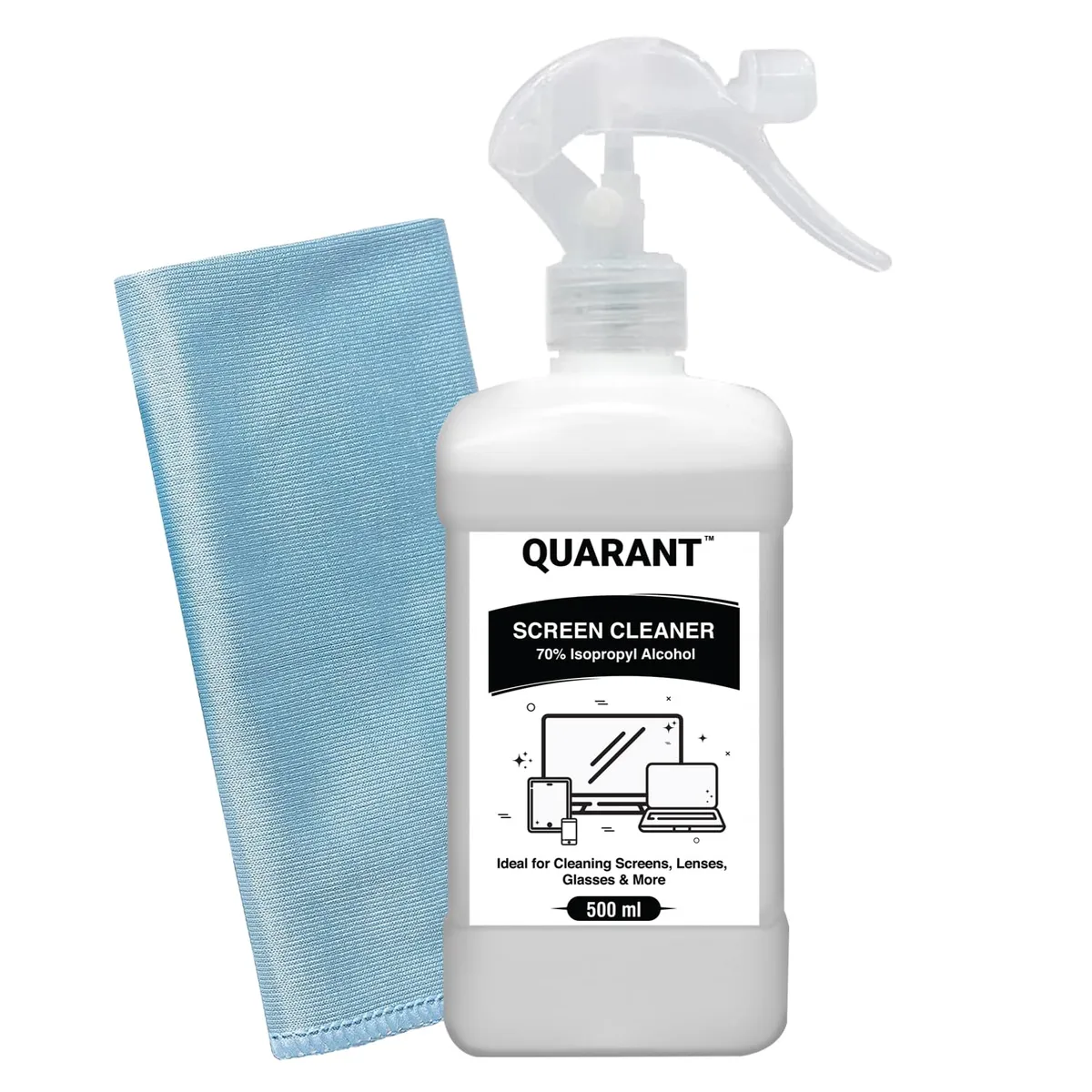
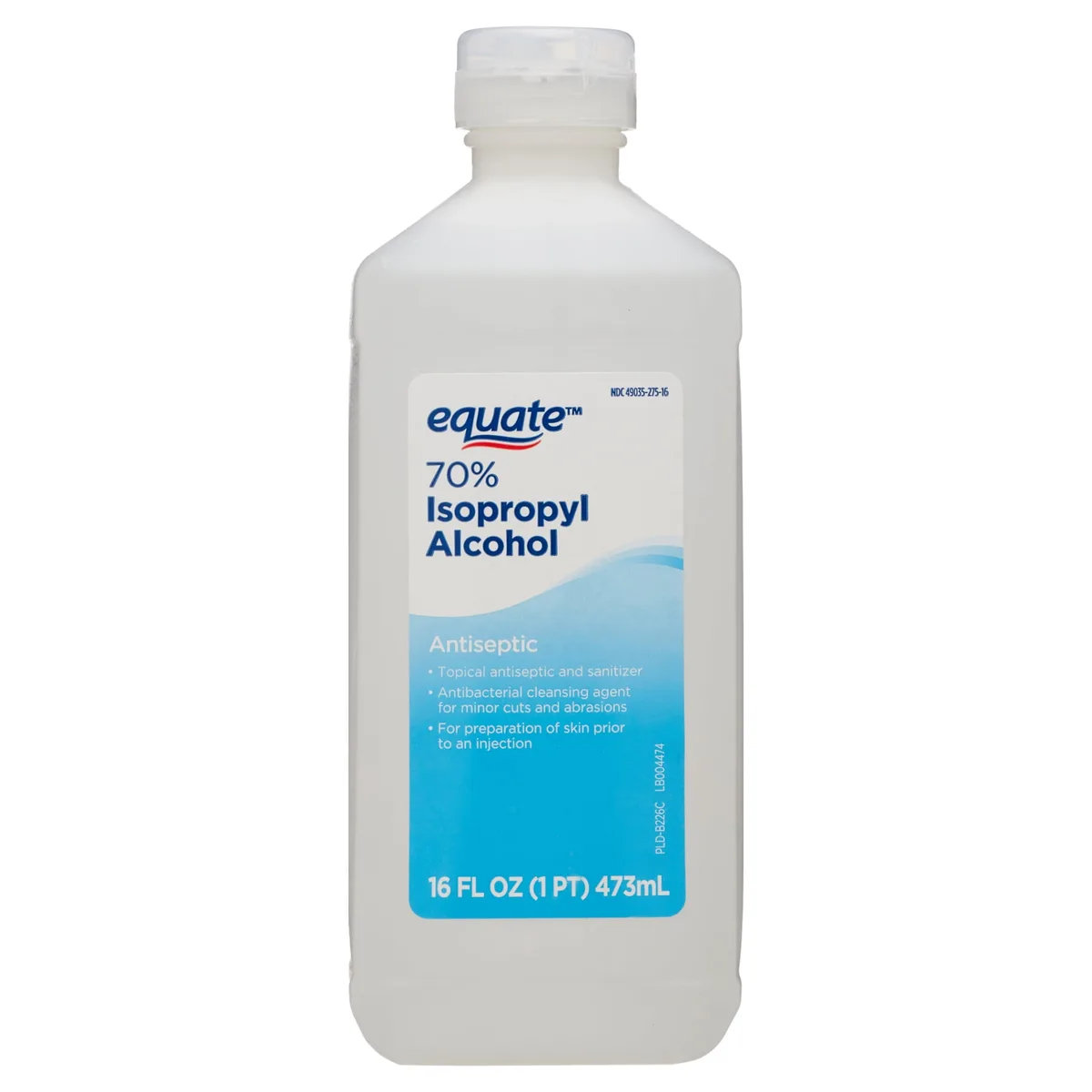
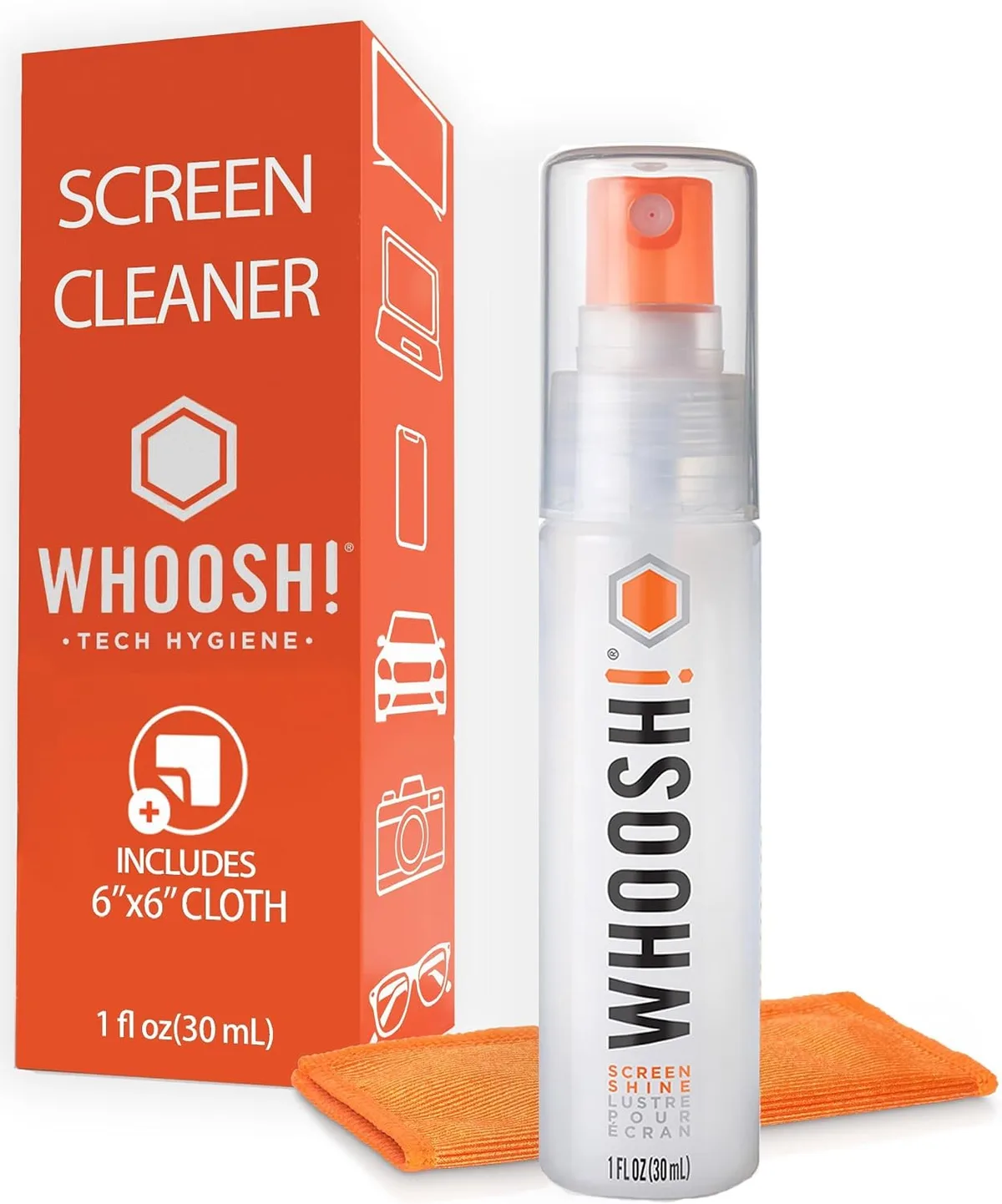
Start by identifying what you are cleaning. Screens with factory oleophobic or anti-reflective coatings, found on most MacBooks, Dell XPS, LG Gram, and recent ThinkPads, tolerate only distilled water or a cleaner explicitly labeled safe for coated optics. Keyboards and external chassis handle 70 percent isopropyl alcohol because the plastics are typically ABS or polycarbonate blends rated for incidental solvent exposure.
Sticky residue from soda or coffee demands a surfactant; a 50/50 mix of distilled water and 70 percent IPA adds just enough detergent action without leaving film. Dust and pollen require no liquid at all, an electric duster or anti-static brush clears them faster and eliminates ingress risk. Never use 90 or 99 percent IPA on any laptop surface.
The near-anhydrous alcohol evaporates too fast for disinfection contact time and can craze sensitive plastics.
Quick reference: match the grime to the agent.
- Fingerprints on screen → distilled water + microfiber
- Oily trackpad → 70% IPA on cloth, not direct
- Sticky keycaps → 50/50 water-IPA on cotton swab
- Dust in vents → electric duster, short bursts
- Pet hair in hinge → anti-static brush, low angle
- Disinfection needed → 70% IPA, 30-second wet dwell
Screen Cleaning: Why Coating Type Dictates Everything (Oleophobic, Anti-Reflective, Nano-Texture)
Oleophobic coating is a fluoropolymer layer roughly 10 to 20 nanometers thick that repels skin oils. It degrades naturally over 6 to 24 months but solvents accelerate the loss. Ammonia, acetone, ethanol, and any IPA concentration above 70 percent break the carbon-fluorine bonds.
Anti-reflective coatings on Dell XPS and LG Gram panels use multi-layer interference stacks that delaminate when surfactants penetrate micro-defects. Nano-texture glass on Apple Pro Display XDR and MacBook Pro 14/16 models etches the surface at a microscopic level to scatter light. Any liquid fills those nanostructures and destroys the optical effect.
Apple's support document HT212670 states only the included Polishing Cloth may be used. If that cloth is lost, Apple sells a replacement for $19. No third-party cloth is approved.
For all other coated screens, the protocol is identical: power off, blow loose particles, dampen one corner of a 300+ GSM microfiber with distilled water, wipe in a single Z-pattern, immediately buff dry with the opposite cloth side. Circular motions create visible swirl trails on matte coatings.
Coating identification cheat sheet:
- MacBook Air / Pro (non-nano) → oleophobic, water only
- Dell XPS / LG Gram → anti-reflective, water only
- ThinkPad X1 Carbon → anti-glare, water or Lenovo cleaner
- Surface Laptop → oleophobic, water or Microsoft cleaner
- External monitors → check manual, many are bare glass
Keyboard, Chassis & Ports: Where 70% IPA and Distilled Water Actually Shine
Keycaps on modern laptops use pad-printed or laser-etched legends on ABS or PBT plastic. Both withstand 70 percent IPA without fading. The scissor or butterfly mechanism underneath is the vulnerability.
Capillary action pulls liquid past the keycap stem into the dome switch. A single drop can corrode the trace matrix. The safe method: power off, remove loose debris with an electric duster, dip a cotton swab in 70 percent IPA until damp not dripping, clean each keycap top and side, follow with a dry swab.
Chassis aluminum and magnesium alloy anodization resists 70 percent IPA. Palm rests accumulate skin oils that water alone cannot cut. A microfiber dampened with 70 percent IPA removes the film and disinfects.
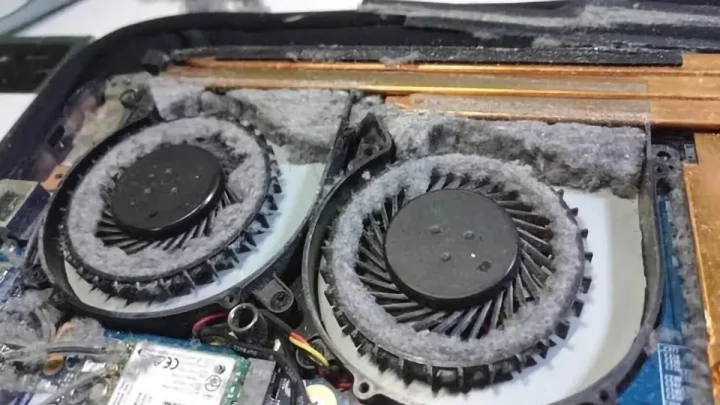
Ports, USB-C, Thunderbolt, HDMI, 3.5 mm, must never see liquid. Compressed air at 45-degree angle clears lint. Vents demand an electric duster or canned air held upright.
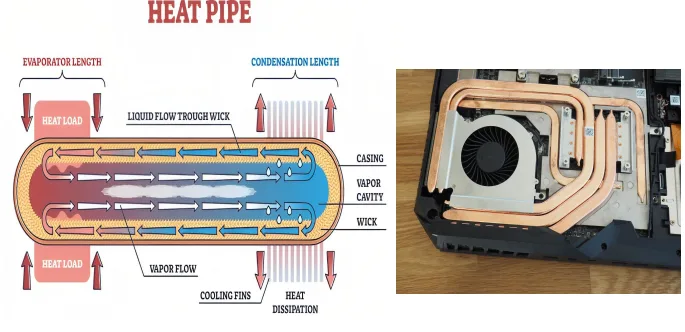
Never blow into vents with your mouth. Moisture from breath condenses on cold heat pipes and triggers corrosion over time.
Port and vent cleaning rules:
- USB-C / Thunderbolt → dry anti-static brush only
- Headphone jack → compressed air, short burst
- Speaker grilles → soft brush, no pressure
- Exhaust vents → electric duster, 2-second pulses
- Intake vents → same, blow outward not inward
The "Never Use" List: Common Products That Strip Coatings, Kill Switches, or Void Warranties
Windex and similar glass cleaners contain ammonia and surfactants that strip oleophobic coating in one pass. Clorox or Lysol wipes often exceed 70 percent quaternary ammonium compounds and leave conductive residue. Paper towels, tissues, and paper napkins contain wood fibers that micro-scratch anti-reflective layers.
Makeup remover wipes include oils and emollients that smear irreversibly. Hand sanitizer gel typically runs 62 to 70 percent ethanol plus thickeners that gum up scissor switches. Hydrogen peroxide oxidizes anodized aluminum finishes.
Acetone nail polish remover melts ABS keycaps and cracks polycarbonate bezels. Canned air with bitterant (denatonium benzoate) deposits a sticky film on switch contacts that attracts dust. Magic Eraser melamine foam is abrasive enough to polish chassis aluminum but will dull matte screen coatings permanently.
Any cleaner not explicitly listed in your manufacturer's support doc is an unapproved agent. Warranty claims for display delamination or keyboard corrosion are routinely denied when unauthorized liquids are detected during teardown.
Products banned by every major OEM as of 2026:
- Windex / Glass Plus / any ammonia cleaner
- Clorox / Lysol / generic disinfecting wipes
- Paper towels / tissues / napkins
- Hand sanitizer gel
- Hydrogen peroxide 3% or higher
- Acetone / nail polish remover
- Bitterant-containing canned air
- Magic Eraser on screens
- Tap water (mineral streaks + conductivity)
Step-by-Step Safe Cleaning Workflow: Power Down → Blow Out → Wipe Smart → Dry Fast
Power off the laptop completely. Unplug AC power and remove every peripheral. Residual voltage in the display controller or keyboard matrix turns a single stray drop into a short circuit.
Hold the power button for ten seconds after shutdown to drain flea power from the capacitors. Flip the device upside down over a clean surface and give it a gentle shake. Loose crumbs and hair fall out before you introduce any tool.
Blow out vents, ports, and keyboard gaps with an electric duster or canned air held upright. Use two-second pulses. Keep the nozzle at least three inches from the surface.
Compressed air cans chill rapidly; pause thirty seconds between bursts to prevent propellant spatter. An anti-static brush follows for stubborn dust in speaker grilles and hinge crevices. Work at a low angle so debris exits instead of driving deeper.
Dampen a 300-plus GSM microfiber cloth with your chosen liquid. Distilled water for screens. Seventy percent IPA for keyboard and chassis.
The cloth must feel cool not wet. Wipe the screen in a single Z-pattern from top left to bottom right. Zero pressure.
Let the cloth weight do the work. Flip to the dry side and buff the same path immediately. Streaks form when evaporation outpaces your hand.
Clean each keycap with a cotton swab barely moistened with 70 percent IPA. Roll the swab across the top and sides. Follow with a dry swab.
Ports get a dry brush only. Vents get a final two-second air pulse. Leave the lid open at ninety degrees for three minutes before powering on.
Any residual moisture evaporates. The login screen appears. You are done.
Frequently Asked Questions
Can I use 70% isopropyl alcohol on my MacBook screen?
No. Apple support document HT204172 permits 70 percent IPA only on hard non-porous external surfaces such as the keyboard, trackpad, and chassis. The display oleophobic coating degrades on contact.
Use distilled water and a microfiber cloth instead.
How often should I clean my laptop screen?
Clean the screen when fingerprints become visible or weekly for heavy touchscreen use. Over-cleaning accelerates oleophobic coating wear. A light dusting with a dry microfiber between wet cleans extends coating life.
Are pre-moistened lens wipes safe for laptop screens?
Only if the packaging explicitly states safe for anti-reflective or oleophobic coatings. Zeiss and Care Touch lens wipes meet this standard. Generic pharmacy wipes often contain alcohol concentrations above 70 percent or surfactants that leave residue.
What do I do if liquid seeps under the screen bezel?
Power off immediately. Unplug everything. Do not shake.
Position the laptop upside down with the affected edge lowest. Let gravity pull moisture away from the display ribbon cable. Wait at least twenty-four hours before attempting to power on.
Contact a certified repair shop if the screen shows artifacts.
Can I use tap water in a pinch?
Tap water leaves mineral streaks that attract dust and can create conductive paths if they reach internal traces. Distilled water costs one dollar per gallon at any grocery store. Keep a small spray bottle in your kit.
The risk is not worth the convenience.

Similar Posts