How Much Weight Can a Heavy Duty Aluminum Laptop Stand Hold?
Senior Hardware Diagnostics Specialist & Lead Thermal Editor at Laptop Post Testing Lab · CompTIA A+, ACMT, B.S. in Computer Engineering · 12+ years bench-testing laptop thermal solutions & motherboard repairs
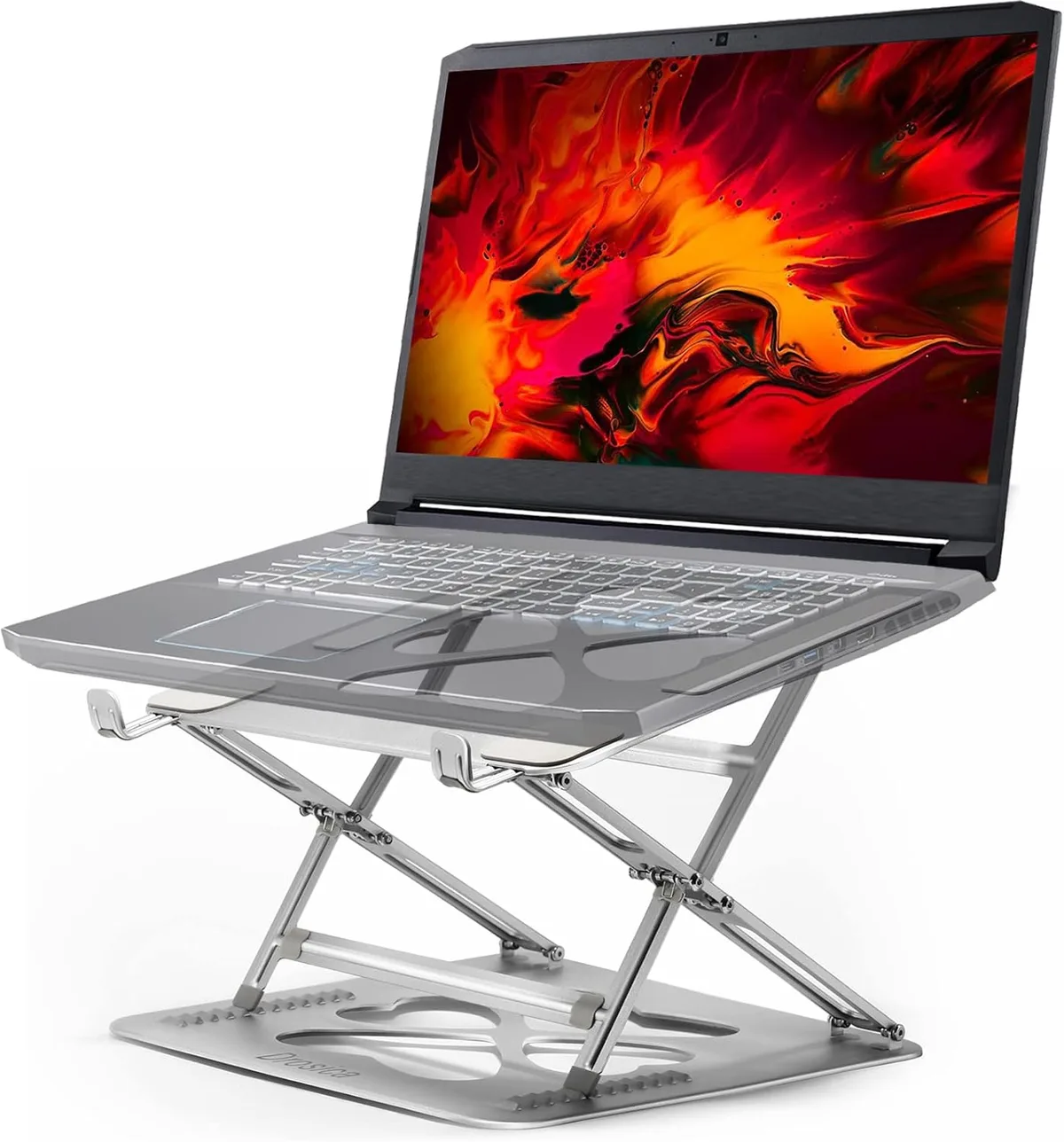
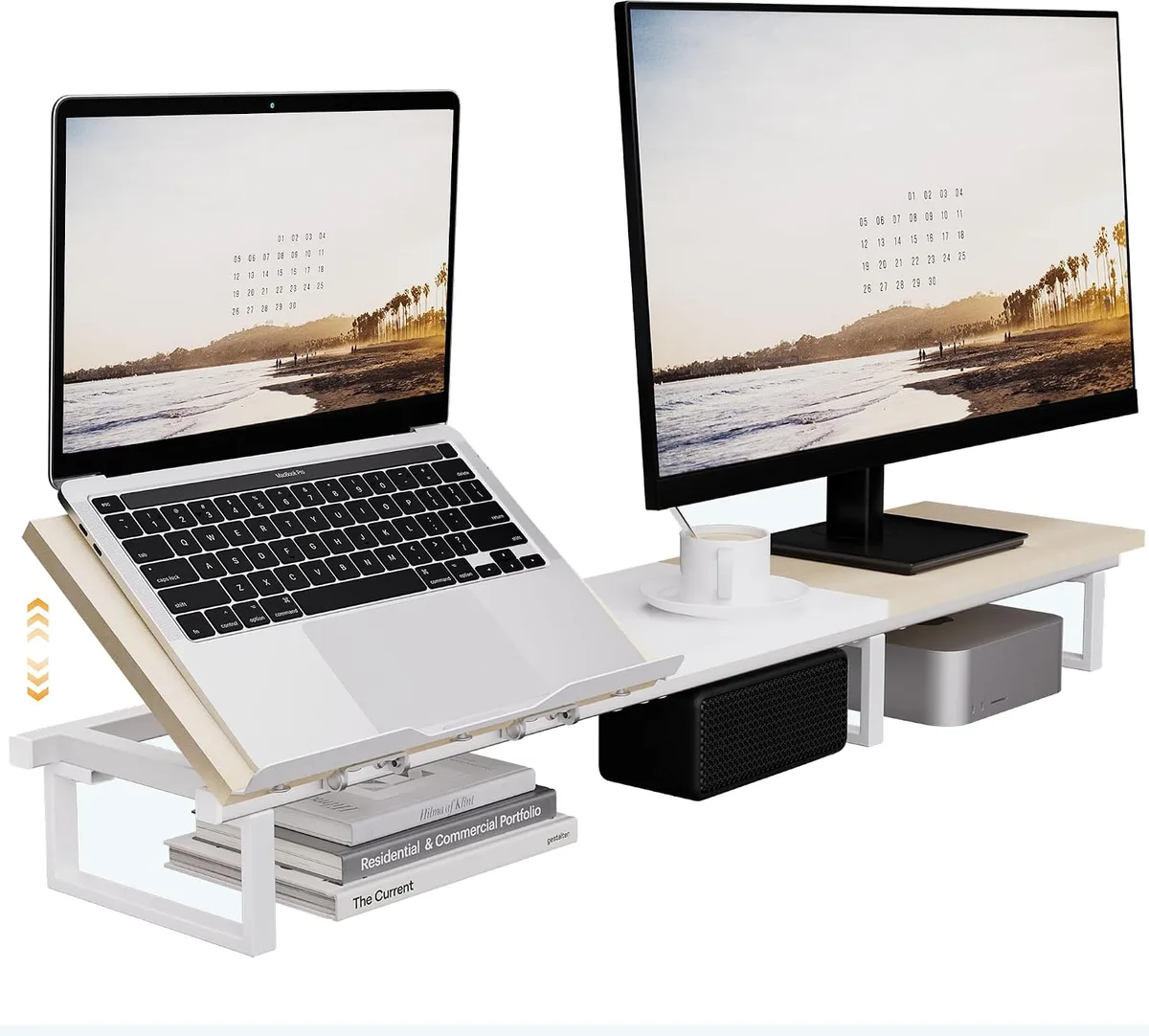
Finding out exactly what weight a heavy-duty aluminum laptop stand can hold is a common concern for professionals setting up an ergonomic workstation. While many manufacturers market their products as universal solutions, the actual load capacity depends on the engineering of the joints and the base.
As of 2026, most high-quality aluminum stands are designed to support between 10 and 20 pounds. However, the limit often drops significantly if the stand relies on friction-based hinges rather than locking mechanisms.
Quick Answer
A heavy-duty aluminum laptop stand typically supports 10 to 20 pounds. Weight capacity depends mostly on hinge tension and base stability. Most laptops weigh less than 6 pounds in total.
Heavy-duty models can easily handle that weight for daily tasks. Check your hinge type to ensure long-term stability.
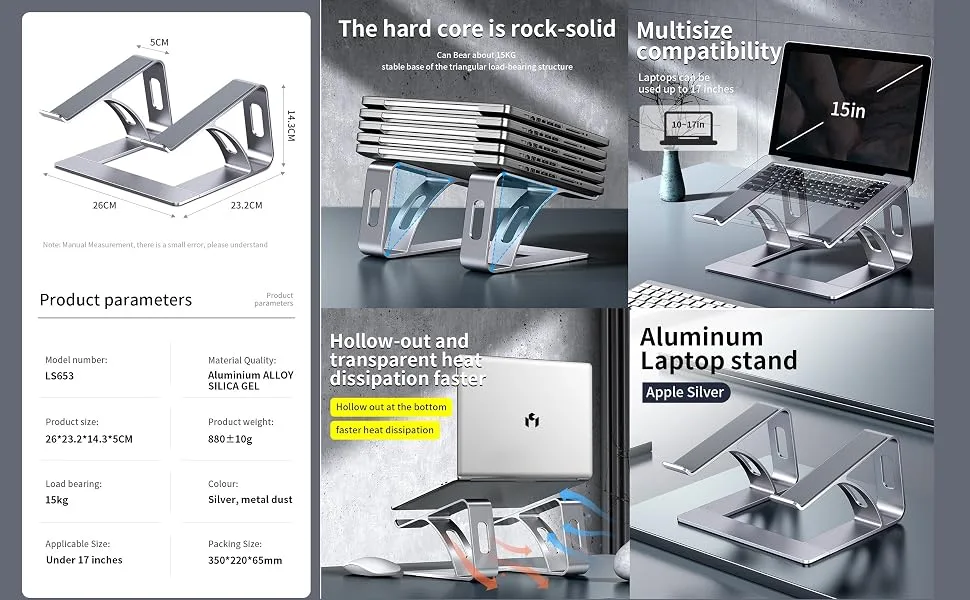
Image source: Bing (Web (fair-use with source credit))
Why Weight Rating Labels Can Be Misleading
Manufacturers often list a maximum weight capacity, but these numbers rarely account for the force applied during typing. If you rest your palms heavily on the laptop while typing, you add significant downward pressure to the stand. This force can exceed the static weight limit of the hardware.
Engineering specifications rarely consider dynamic loads in their entry-level product listings. You should look for stands that specify a weight range rather than a single, high maximum number. A stand rated for 20 pounds might feel solid for a monitor but could still bounce when you type on a laptop.
Anatomy of a Stable Laptop Stand
A stable stand uses a combination of high-grade, anodized aluminum and reinforced contact points. The base needs to be weighted or wide enough to prevent the laptop from tipping backward when adjusted to a steep angle. You want a design that incorporates rubberized feet to stop the stand from sliding across your desk.
The connection points are where stability either succeeds or fails. High-end models often use thicker aluminum plates that resist bending under concentrated weight. If the stand wobbles when you touch the screen, the material gauge is likely too thin for your specific laptop.
How Hinge Tension Defines Your Real-World Limit
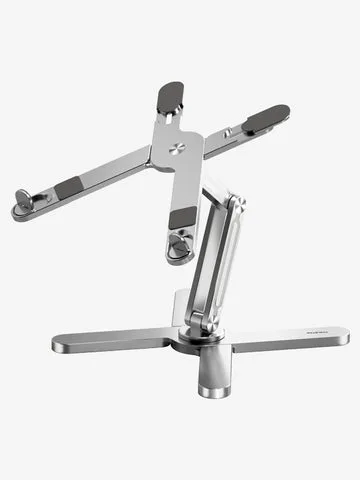
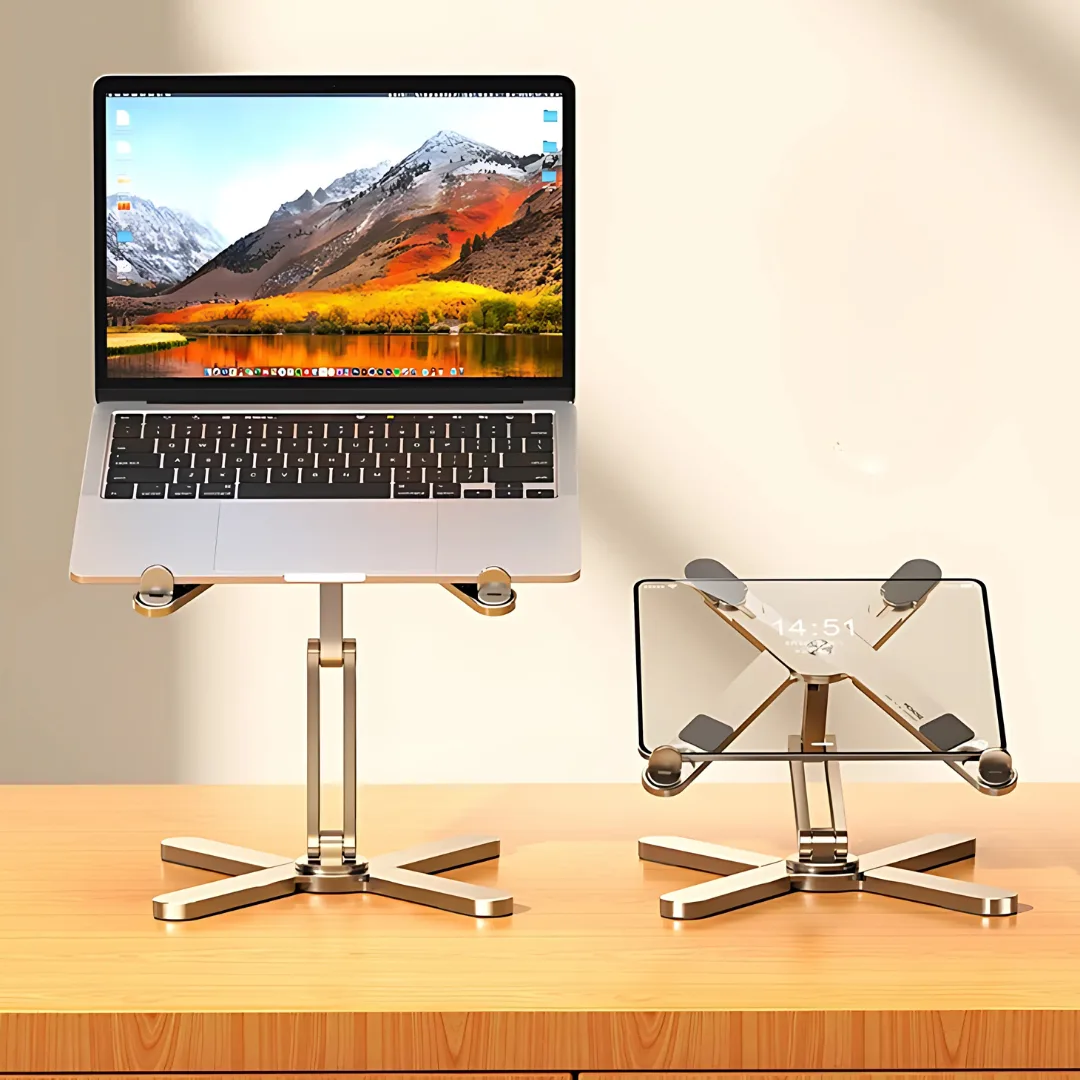
Friction hinges are the most common adjustment method for modern stands. These hinges use internal resistance to keep the laptop at your chosen angle without needing a locking pin. Over time, the internal screws can loosen, causing the stand to sag under the weight of your device.
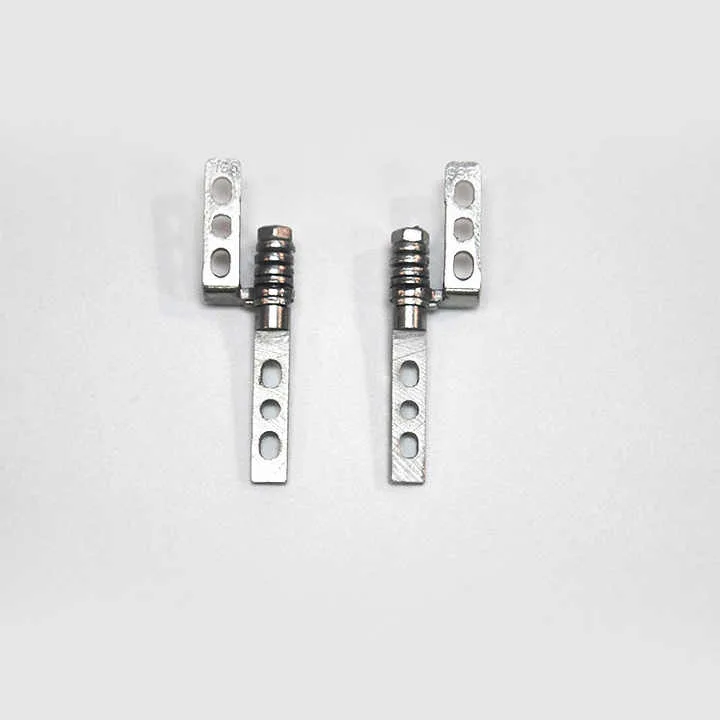
Image source: Bing (Web (fair-use with source credit))
You can often adjust this tension yourself using a standard tool provided by the manufacturer. If a stand lacks an adjustment point, the hinge is likely sealed, meaning it cannot be tightened if it starts to fail. Always verify that your stand includes accessible tension adjustment points before committing to a long-term setup.
Comparing Stand Designs: Which Structure Handles More Weight?
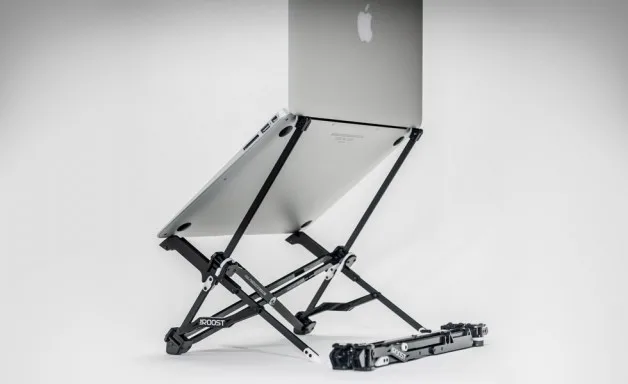
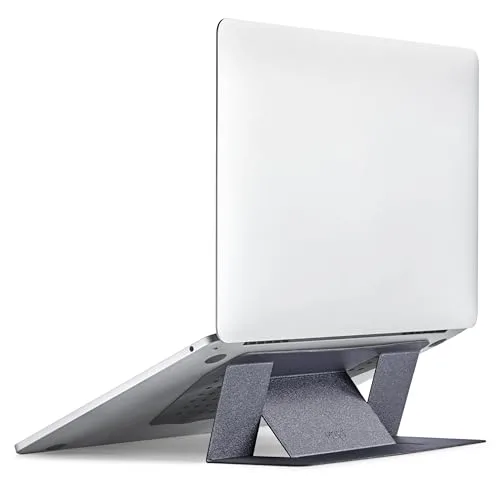
Different stand architectures offer varying levels of structural integrity. A simple foldable X-frame stand is great for travel but struggles with heavier 16-inch laptops. A Z-type stand offers better height adjustment, though it requires a very stiff hinge to prevent the laptop from bouncing.
| Stand Type | Stability Level | Best Use Case |
|---|---|---|
| X-Frame | Low | Occasional travel, small tablets |
| Z-Type | Moderate | Standard office work, light typing |
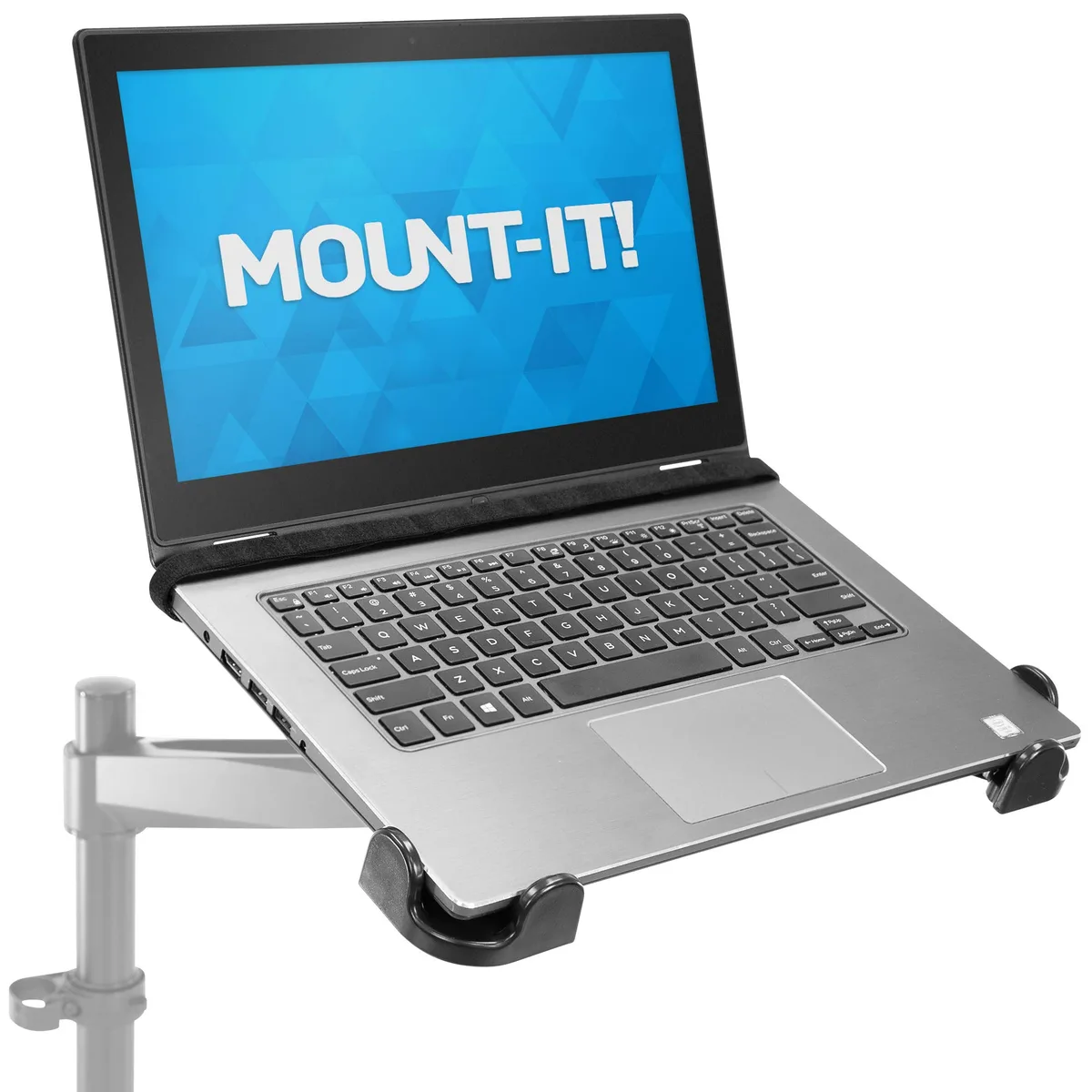
| Fixed Pillar | High | Heavy workstation laptops |
| Monitor Arm | Very High | Permanent setups, high weight |
The Occupational Safety and Health Administration notes that proper positioning of display equipment is critical for avoiding musculoskeletal strain. If you plan to use an external keyboard, a Z-type stand is usually sufficient because you aren't putting pressure on the laptop itself. If you plan to use the built-in keyboard, look for a fixed-pillar design that eliminates hinge bounce.
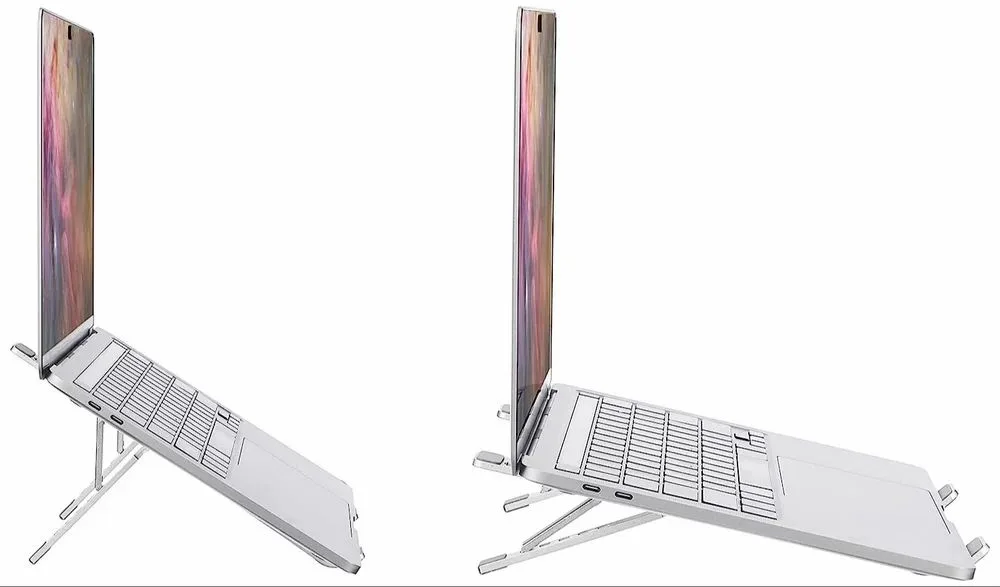
Image source: Bing (Web (fair-use with source credit))
Core Factors: Why Your Laptop’s Footprint Changes Everything
Your laptop footprint, or the surface area of the base, plays a massive role in stand stability. A large 17-inch laptop has a wider center of gravity than a compact 13-inch machine. If the stand has a narrow base, a larger laptop creates a longer lever arm, which increases the torque on the main hinge.
Make sure the rubber pads on your stand align with the rubber feet on your laptop. When these surfaces grip each other, it prevents the laptop from sliding forward during use. If the stand platform is smaller than your laptop, the weight is not supported evenly, which can lead to stress fractures in the aluminum over extended periods.
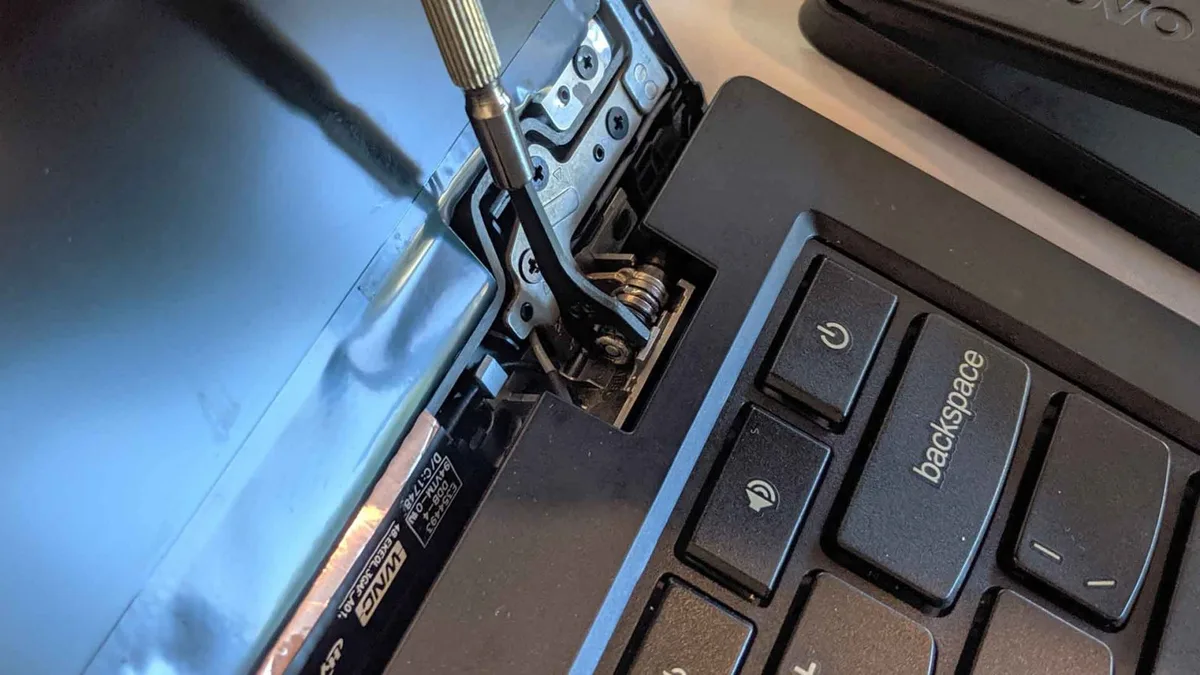
Image source: Bing (Web (fair-use with source credit))
Pros and Cons of Heavy-Duty Aluminum Stands
Aluminum stands are favored for their strength-to-weight ratio and heat dissipation properties. Because aluminum is a conductive metal, it acts as a passive heatsink for your laptop chassis. This can help lower internal temperatures during demanding tasks like video rendering or heavy gaming sessions.
However, these stands are not without their drawbacks. They often lack the compact portability of lighter, plastic alternatives. If you move your workspace frequently, the solid build might become a burden in your bag.
Some users also find that rigid metal edges can scratch delicate laptop finishes if the anti-slip pads wear down.
- Pros: Excellent heat dissipation, high structural durability, stable typing surface.
- Cons: Heavier weight for travel, potential to scratch devices, higher cost.
Common Mistakes That Lead to Sagging and Tipping
The most frequent error is over-extending the stand to achieve an extreme viewing angle. When you tilt the screen too far back, you shift the laptop's center of gravity behind the rear support base. This puts the entire assembly at risk of tipping over backwards if you nudge the desk.
Another mistake involves neglecting to distribute weight evenly across the platform. If you place a heavy gaming laptop off-center, you create uneven torque on the hinges. This localized stress causes one hinge to weaken faster than the other, leading to a permanent tilt in your screen alignment.
How to Properly Test Your Stand for Stability
You should conduct a simple bounce test to determine if your stand is truly stable. Place your laptop on the stand and apply pressure as if you were typing on the keyboard. If the screen vibrates or bounces back and forth, the hinges lack the necessary tension to support your usage style.
Check the stand base for any signs of lifting during this test. If the front feet rise when you lean on the back, the footprint is too small for your laptop size. This indicates that the stand will remain unstable under real-world conditions regardless of its official weight rating.
Routine Maintenance: Keeping Your Hinges Tight
Metal hinges are mechanical parts that require periodic attention to maintain their performance. You will notice that friction hinges gradually lose their grip after hundreds of adjustment cycles. If your stand starts to drift under the weight of your laptop, it is time for a quick maintenance check.
Check your stand for visible adjustment screws or hex-head bolts near the joints. Using the provided Allen wrench, turn these screws clockwise in small increments to increase tension. Be careful not to overtighten, as excessive force can strip the internal threads or crack the surrounding aluminum casing.
Best Use Cases for High-Capacity Stands
High-capacity stands are ideal for users who rely on permanent desktop workstations. If you use a large 16-inch or 17-inch mobile workstation, these stands provide the necessary support to keep your display at eye level. This aligns your screen with your natural line of sight, reducing neck strain over long hours.
These stands are also perfect for professionals who integrate multiple peripherals into their setup. Because the stand elevates the device, you can clear space on your desk for a full-sized mechanical keyboard and a mouse. This separation of input devices is the most effective way to eliminate the diving board effect that ruins the typing experience on elevated stands.
Final Verdict: Choosing the Right Support for Your Gear
Choosing the right stand comes down to how much you prioritize stability over portability. If you use a heavy laptop for high-performance tasks, skip the lightweight, foldable options. Instead, invest in a robust, fixed-height, or heavy-gauge aluminum riser that offers high-friction hinges.
Your setup is an investment, so choose gear that protects the internal hardware of your laptop by keeping it secure. When in doubt, lean toward a model that features manual tension adjustment, as this guarantees you can keep your screen at the perfect eye level for years to come. A stable, comfortable workspace is worth the extra weight of a premium stand.
Frequently Asked Questions
How can I tell if my stand is overloading my hinges?
You will notice the screen drifting downward slowly during use or the stand wobbling significantly when you type. These signs indicate that the torque on the friction hinges is exceeding their design capacity. Immediately lower the angle to reduce the stress until you can tighten the tension bolts.
Are aluminum stands safe for laptops with active cooling?
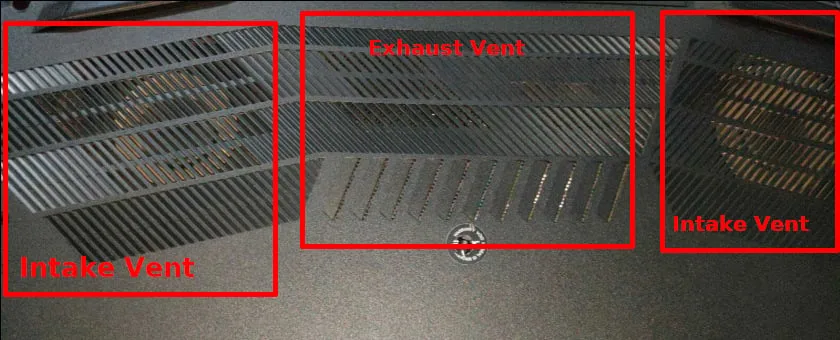
Yes, aluminum is an excellent material for laptops with intake vents on the bottom. The metal acts as a passive heatsink, drawing heat away from the chassis. Just ensure the stand design does not physically block your cooling fans, as airflow is necessary for thermal management.
Do I need a specific stand for a 17-inch gaming laptop?
You should look for a stand with a wide, deep base to ensure the laptop footprint is fully supported. Gaming laptops are often rear-heavy due to their larger batteries and cooling systems, so a stand with a low center of gravity is mandatory. Check the base width against your laptop dimensions before purchasing.
Can I leave my laptop on the stand overnight?
It is perfectly safe to leave your device on the stand as long as it is on a stable, flat surface. Ensure your desk is not prone to vibration or accidental bumps that could knock the stand off balance. If you have pets or children in the area, consider a stand with a locking mechanism.
What is the advantage of a fixed-angle aluminum stand?
Fixed-angle stands are structurally stronger because they lack the moving joints that typically fail in adjustable models. They offer superior stability for heavy typing and rarely suffer from the diving board bounce effect. These are the best choice if you only need one consistent height for your workflow.

Similar Posts