Can You Charge a Steam Deck With a 65W Laptop Charger?
Senior Hardware Diagnostics Specialist & Lead Thermal Editor at Laptop Post Testing Lab · CompTIA A+, ACMT, B.S. in Computer Engineering · 12+ years bench-testing laptop thermal solutions & motherboard repairs
You can absolutely charge a Steam Deck with a 65W laptop charger in most standard situations. Since the console utilizes the widespread USB-C Power Delivery standard, it communicates with the charger to safely negotiate the correct power levels for the internal battery.
As of 2026, the device expects an input profile of at least 45W for optimal performance. Most modern laptop chargers exceeding this wattage are backward compatible with lower-power devices, making them a versatile choice for your gaming kit.
Quick Answer
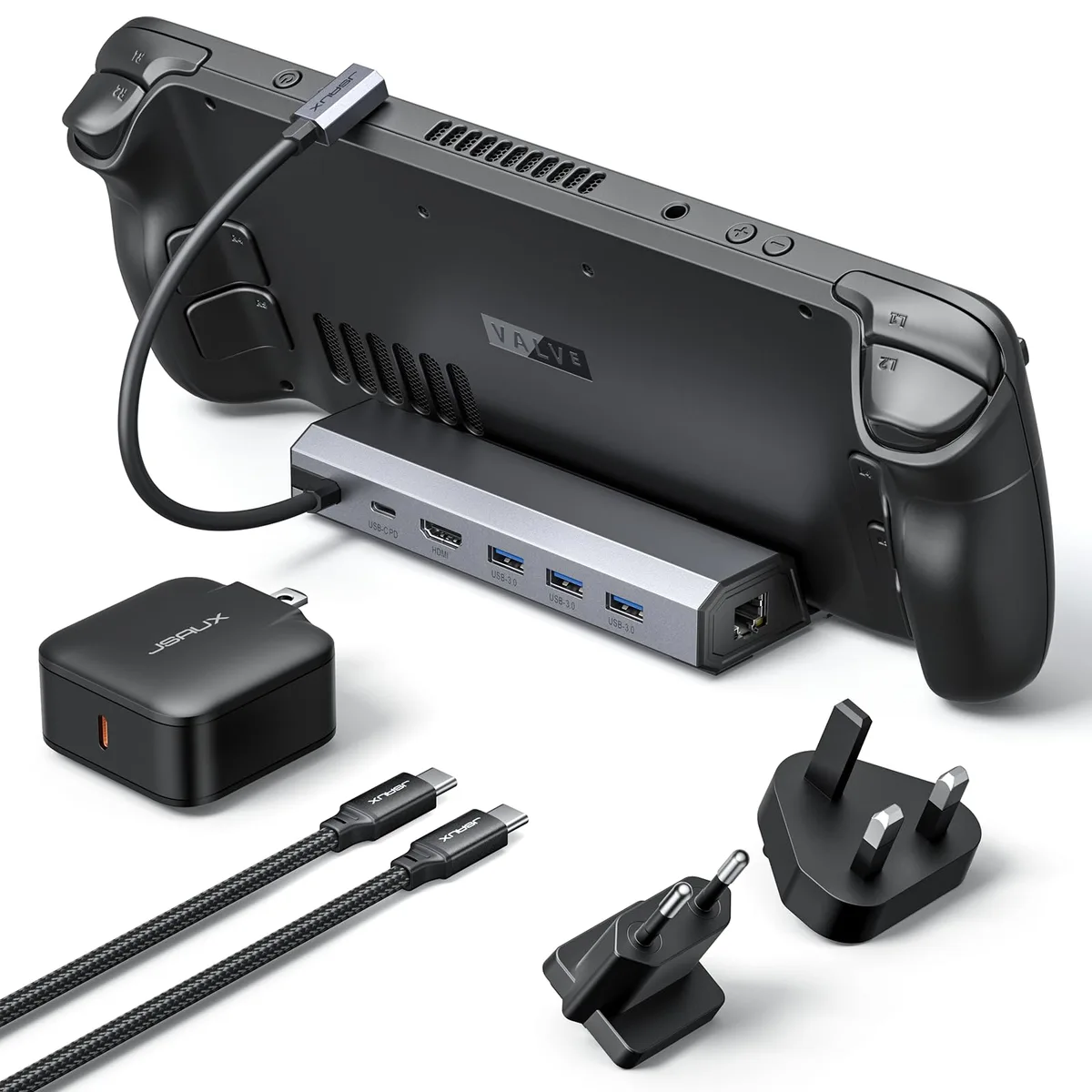
You can use a 65W laptop charger for your Steam Deck. The console uses standard USB-C Power Delivery protocols. It automatically negotiates the safe power limit.
You do not risk damaging the hardware. Most 65W chargers work perfectly well.
Why Charging Safety Matters for Your Steam Deck
Your Steam Deck relies on a sophisticated Battery Management System to regulate power intake. When you connect a power source, the device and the charger perform a digital handshake. This process ensures the power brick provides only what the console can safely accept.
Using a non-compliant or faulty charger can interfere with this negotiation process. In some cases, poor-quality power supplies may introduce electrical noise or fail to provide a stable current. This can manifest as inconsistent charging speeds or input lag during gameplay.
Safety standards, such as those provided by the USB Implementers Forum, ensure that devices communicate effectively. Sticking to chargers that follow these universal standards protects your hardware from overheating or overvoltage events. Always prioritize chargers with recognized safety certifications.
The Quick Verdict: Can You Use Your 65W Laptop Charger?
You generally don't need to worry about the 65W rating being too much for your handheld. The Steam Deck is designed to limit its draw to its maximum capacity. Even if your brick is capable of pushing 65W, the console will only pull what it needs to charge and run.
This flexibility makes 65W USB-C chargers a favorite among travelers. You can often power both your laptop and your Steam Deck with the same single brick. Just confirm that the specific laptop charger supports the USB-PD standard.
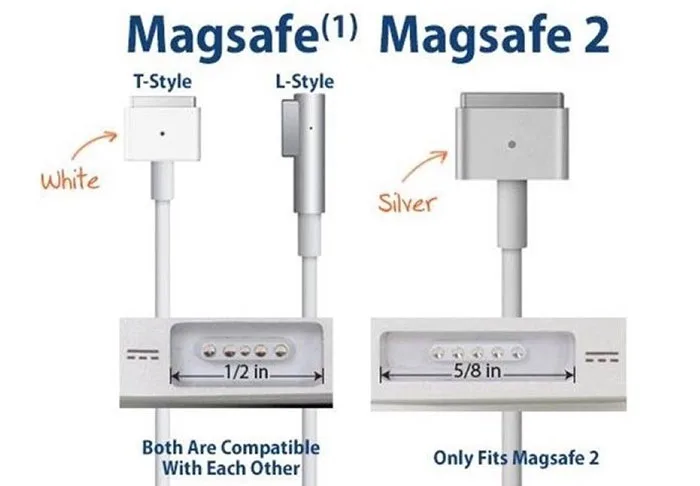
If you have a charger from a major manufacturer, it likely adheres to the required protocols. However, keep in mind that some laptop brands use proprietary technology that might not provide power to non-branded electronics. Always check your charger's technical label for the PD logo.
| Charger Type | Compatibility | Performance |
|---|---|---|
| Standard USB-PD 65W | Fully Compatible | Optimal/Fast |
| Proprietary Laptop Charger | Hit or Miss | Variable/Slow |
| Low-Wattage Phone Charger | Minimal | Very Slow/None |
Understanding USB-C Power Delivery
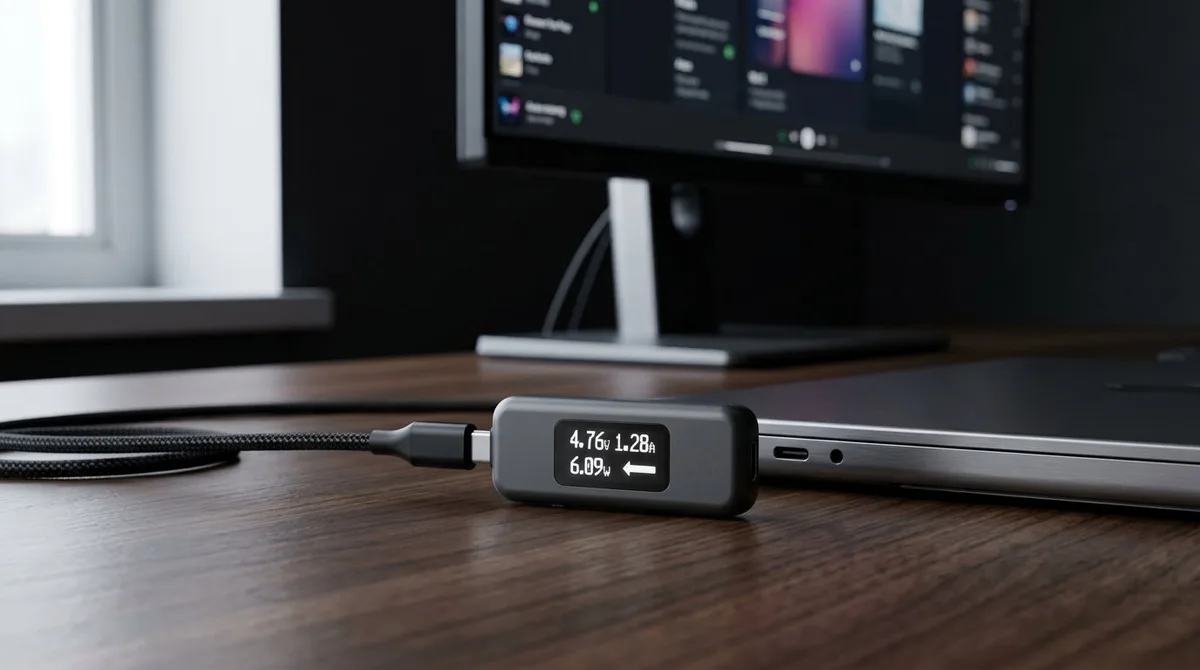
USB-C Power Delivery is a technical standard that allows devices to share power more intelligently. Unlike older barrel-plug chargers that pushed a fixed voltage, USB-PD allows the charger and device to choose the best power profile.
This communication happens in milliseconds once you plug in the cable. The Steam Deck requests a specific voltage and current, typically 15V at 3A. The charger then adjusts its output to match this request exactly.
This method is efficient and safe for all connected devices. It eliminates the need for bulky transformers that were once common in laptop power supplies. Because the handshake is digital, the hardware remains protected even if you use a high-capacity charger.
Identifying a Compatible Power Brick
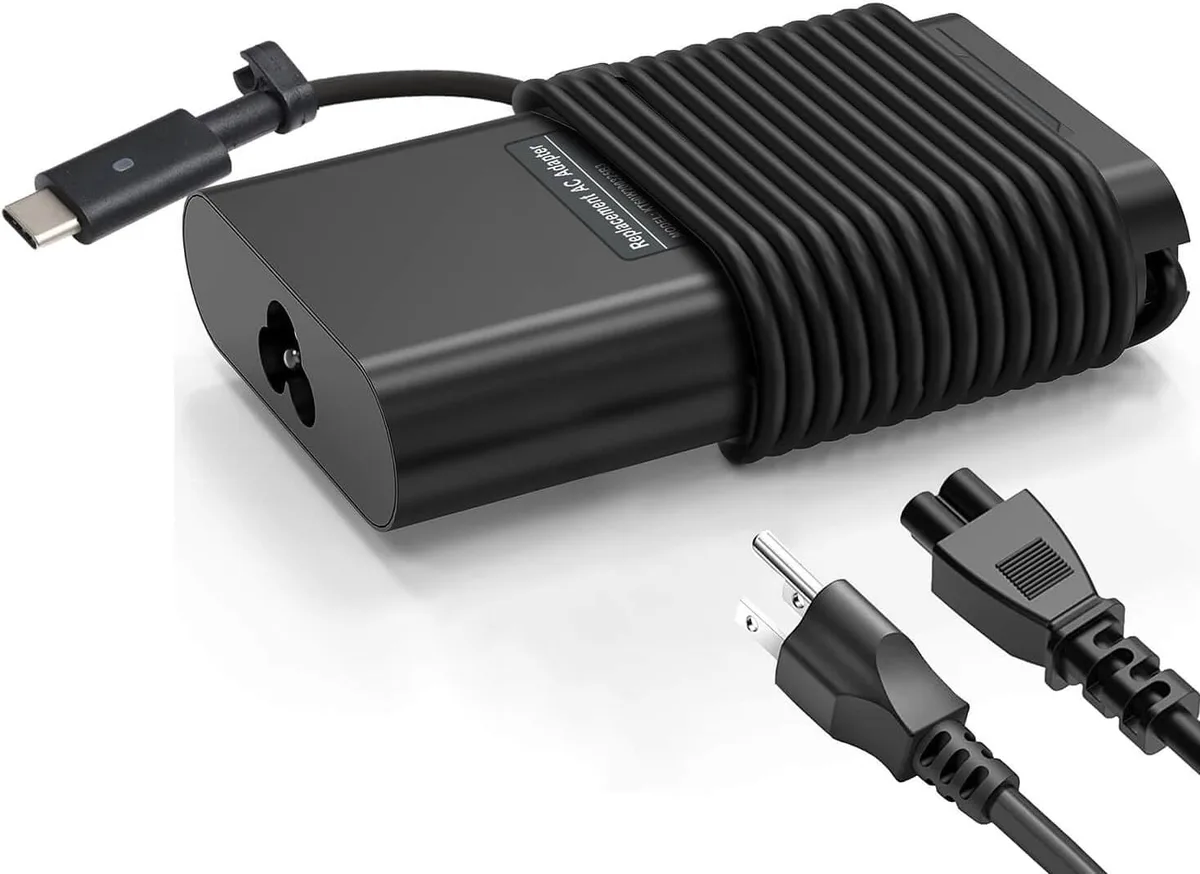
To ensure your charger is safe, look for the technical specifications printed on the power brick itself. You should find a section labeled Output that lists various voltages and amperages. A charger compatible with the Steam Deck typically includes an entry for 15V/3A or 20V/2.25A.
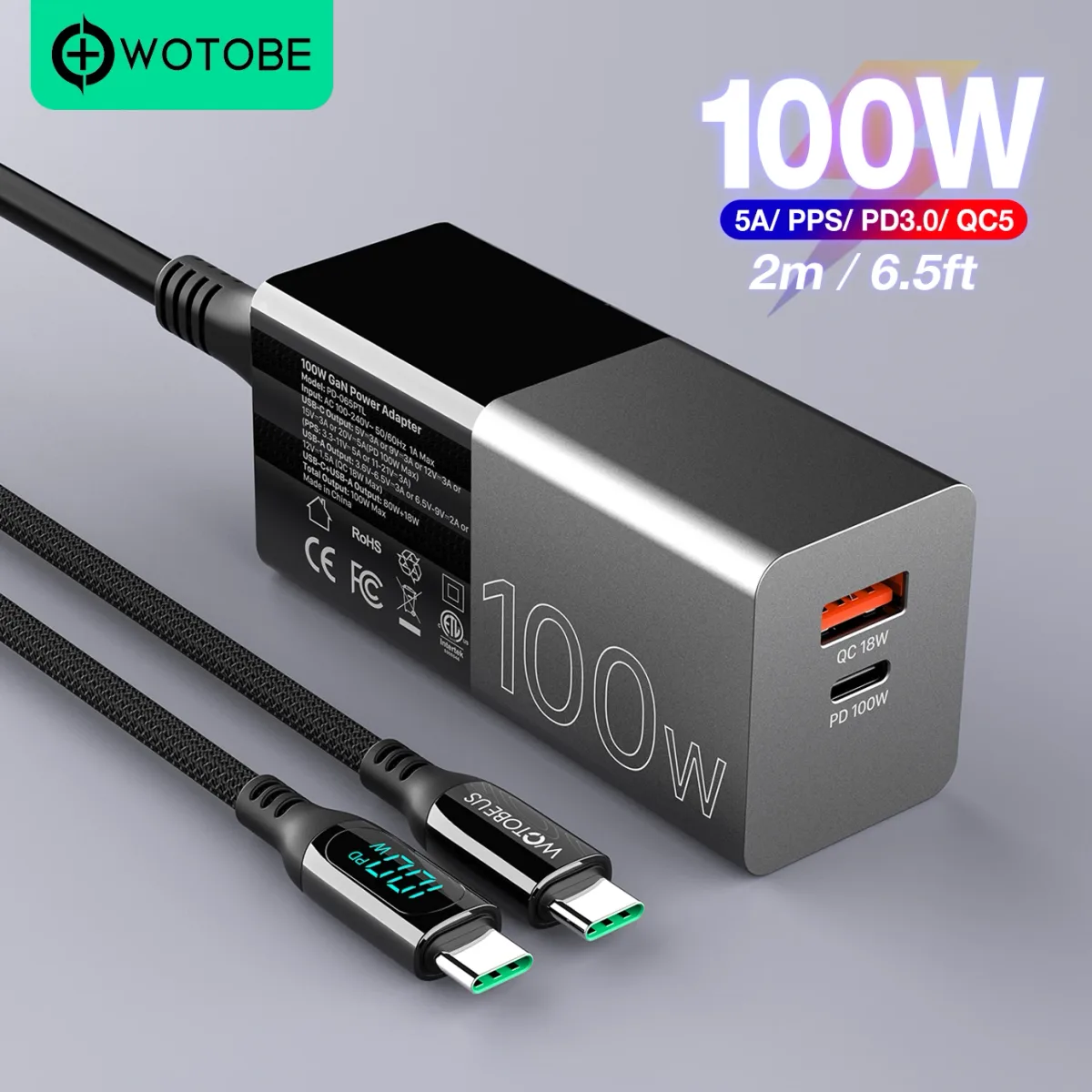
Check for certification marks such as UL or CE to ensure the device meets regional safety requirements. Avoid chargers that lack any clear specifications or markings. These no-name bricks often fail to manage the negotiation process correctly.
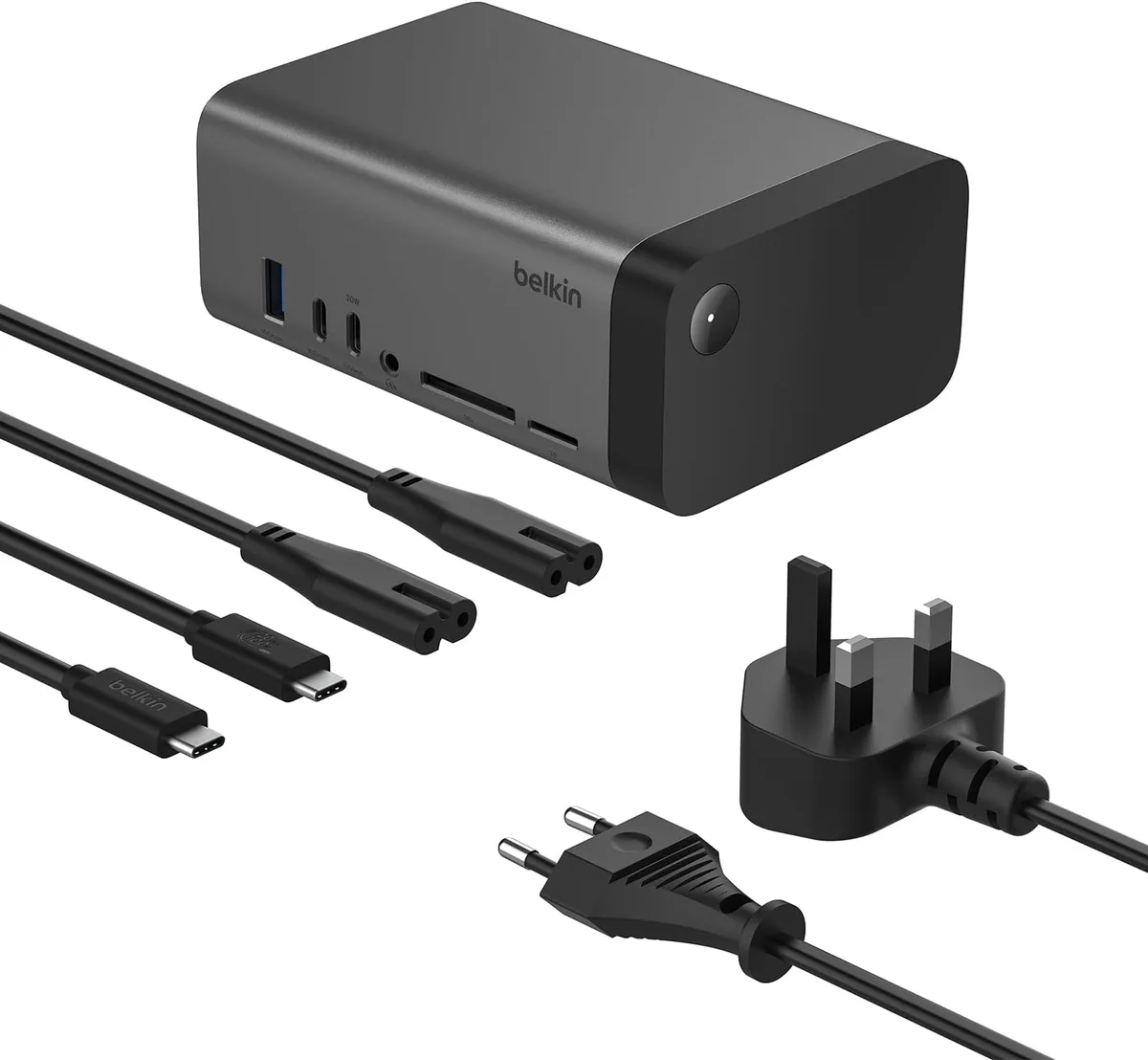
If you are using a multi-port charger, be mindful of how it splits power. Some bricks drop to a lower wattage for the primary port if a second device is plugged in simultaneously. This can trigger a Slow Charger warning on your Steam Deck screen.
Common Charging Pitfalls and Slow Charger Warnings
The most common issue users face is the Slow Charger notification appearing on the Steam Deck display. This message occurs when the console detects that the power source cannot provide the full 45W required for intensive gaming.
While your Deck will still charge in this state, it may happen at a much slower rate. You might also notice that the battery percentage drains even while plugged in if you are running a demanding game. This happens because the system is consuming more power than the charger is providing.
Troubleshooting the Slow Charger Message
- Verify the cable is pushed firmly into both the wall and the Deck port.
- Disconnect other devices from a multi-port power brick to free up wattage.
- Ensure the charger is connected directly to a wall outlet rather than a low-power USB hub.
- Check for any debris inside the Steam Deck charging port that might be obstructing the connection.
When a 65W Charger Might Fail You
A 65W charger will occasionally fail to charge your console if the unit lacks support for the necessary USB-PD power profiles. Some older laptop chargers use proprietary voltage standards, such as 19V or 20V fixed outputs, which do not offer the flexible 15V/3A negotiation the Steam Deck requires.
If your charger is designed specifically for a single laptop model, check the fine print on the back. If it only lists one voltage and amperage, it likely won't work with your handheld. These specialized chargers often lack the intelligence to talk to modern mobile devices.
You should also look for hidden compatibility issues with older Quick Charge protocols used by some phone chargers. While these might have the right connector, they don't always align with the Power Delivery standard. Stick to chargers that explicitly mention USB-PD on the packaging.
Why Your Cable Matters as Much as the Charger
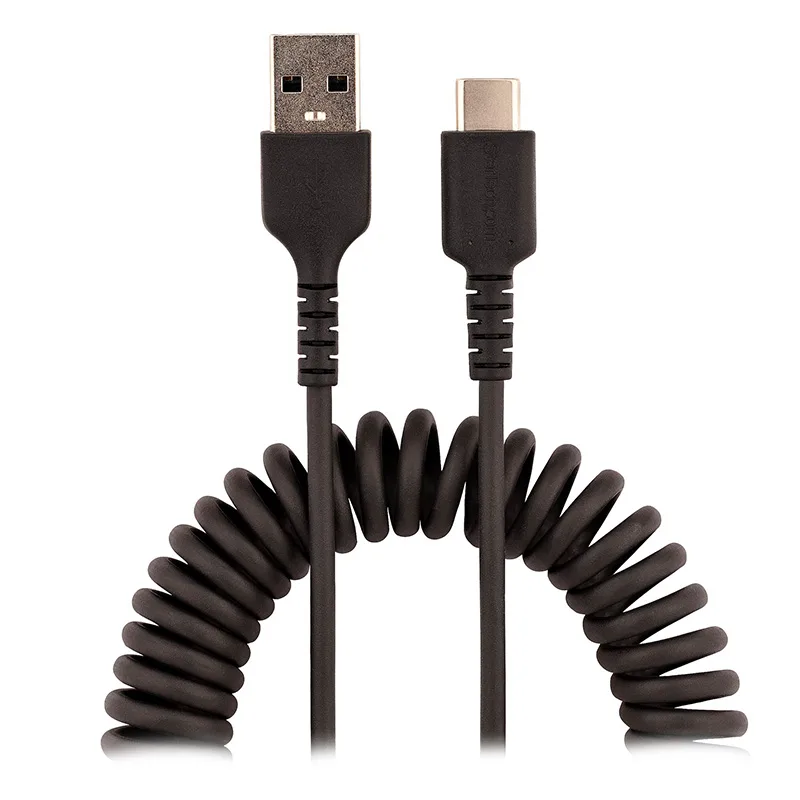
Your charging cable acts as the bridge for the power handshake, and a low-quality wire can break the connection. Not all USB-C cables are created equal because they have different internal ratings for electrical current.
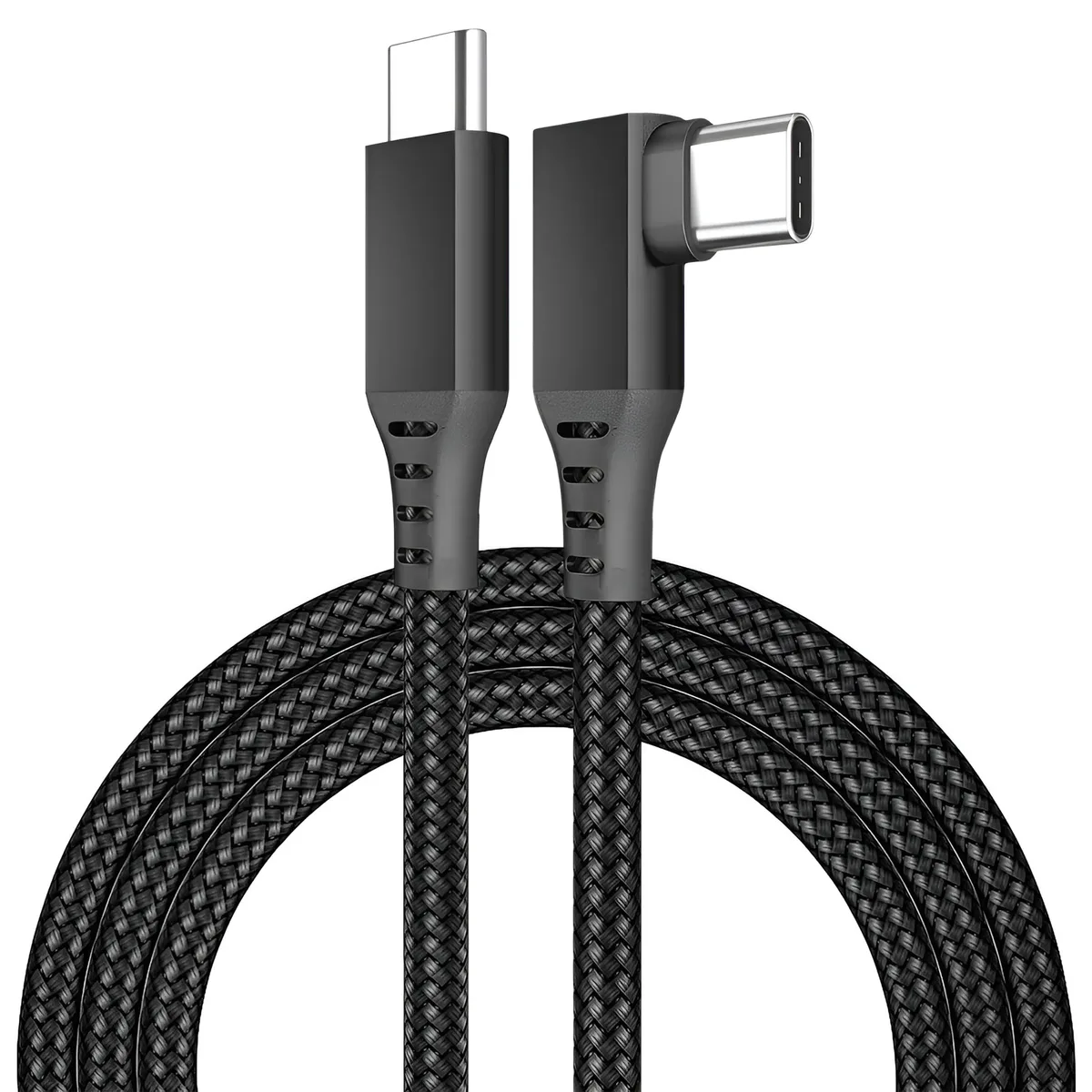
Many basic cables are only designed for data transfer or low-speed charging. If you use a cheap, thin cable, it may create too much resistance, leading to power loss or total charging failure. A cable rated for 5A or at least 60W is a much safer bet.
Look for cables that are labeled as PD capable or E-marked if you need extra length. These cables include a tiny chip that tells the charger the cable is safe to handle high current. Using a robust, high-quality cable prevents the Slow Charger message and keeps your battery charging at full speed.
Safety Standards: What to Look for on the Label
Safety certifications ensure that your power brick won't create a fire hazard or damage your electronics. Look for symbols like UL, ETL, or CE on the bottom of your charger. These marks indicate the unit has passed rigorous testing for heat, short-circuit protection, and electrical interference.
Avoid purchasing unbranded chargers from secondary marketplaces where safety testing is not guaranteed. These units often skip vital components like fuses or surge protectors. If a charger feels unusually light or lacks these certification marks, it is best to avoid using it with expensive handheld hardware.
Temperature management is another key aspect of safety. High-quality power bricks are built with heat-dissipating materials that stay cool during long charging sessions. If your charger gets uncomfortably hot to the touch, unplug it immediately.
Deciphering Power Profiles and Wattage Negotiation
The Steam Deck does not simply accept 65W of power from a brick. Instead, it initiates a handshake that determines the optimal voltage and amperage. This allows the device to manage its battery health effectively.

A multi-profile charger can offer several options, such as 5V/3A, 9V/3A, 15V/3A, and 20V/3.25A. The console will scan these profiles and select the one that matches its requirements. This negotiation cycle happens in a fraction of a second, ensuring the device gets the right amount of power every time.
Understanding these profiles helps you troubleshoot connection issues. If the Deck is not charging, it might be because the charger cannot provide the specific voltage tier requested. Modern USB-PD 3.0 chargers are much better at this negotiation than older versions.
Pro Tips for Traveling with One Charger
You can significantly reduce your travel weight by using a single, high-output charger for all your gear. Look for a GaN (Gallium Nitride) charger if you are buying a new unit. These are smaller, cooler, and more efficient than traditional silicone chargers.
Choose a GaN charger that offers at least two USB-C ports to charge your phone and your Deck simultaneously. Remember to check the wattage split on the charger's box, as some will drop the primary port's output when the second port is in use. A 65W charger that holds 45W on the main port is perfect for your needs.
Organize your kit with a high-rated, 100W-capable cable. Having one consistent cable prevents confusion when you are packing for a trip. Keep your gear in a small tech pouch to protect the charger from damage while on the move.
Frequently Asked Questions
What happens if I use a charger higher than 65W?
The Steam Deck will remain perfectly safe even if you use a 100W or 140W laptop charger. The internal power management system acts as a gatekeeper. It accepts only the necessary voltage and amperage.
The extra capacity of the charger simply sits idle.
Why does my Steam Deck not charge when plugged into a USB hub?
Many USB hubs consume a portion of the incoming power to run their own ports and connected peripherals. If your charger provides exactly 45W, the hub may reduce that figure below the threshold required by the console. Use a higher-wattage power adapter to compensate for this pass-through loss.
Can a bad charger damage the battery health?
A high-quality charger following USB-PD standards will not harm your battery. The real danger comes from unregulated, off-brand power supplies that lack proper voltage regulation. Stick to reputable brands to ensure your battery stays healthy over its lifecycle.
Does playing while charging damage the unit?
It is perfectly safe to play games while the device is plugged in. The system is designed to handle power pass-through, meaning it runs off the wall power while simultaneously topping up the battery. You won't cause premature degradation by playing during a charge session.
Final Recommendation: Balancing Convenience and Hardware Health
You should feel confident using your 65W laptop charger for your gaming needs. It is one of the best ways to simplify your tech kit while maintaining excellent performance. Just ensure your charger supports the universal USB-PD standard to guarantee a stable connection.
Prioritize high-quality cables over exotic features when shopping for accessories. A solid, thick, and rated USB-C cable will save you more frustration than any fancy charger brick. Keep your charging components reputable to protect your investment for years to come.
Ultimately, charging your handheld shouldn't be a complex technical task. As long as the charger talks to your Deck using the correct protocol, you can enjoy your games without worrying about the underlying power math. Keep your firmware updated, use standard hardware, and focus on your gameplay.

Similar Posts