Class 1 vs. Class 2 Laptop Chargers: What’s the Difference?
Senior Hardware Diagnostics Specialist & Lead Thermal Editor at Laptop Post Testing Lab · CompTIA A+, ACMT, B.S. in Computer Engineering · 12+ years bench-testing laptop thermal solutions & motherboard repairs
Knowing the difference between class 1 and class 2 grounded laptop chargers is vital for your electrical safety. These classifications determine how your charger manages power faults to keep you and your hardware protected.
Manufacturers follow strict engineering standards to ensure your device functions without risk of shock. As of 2026, most consumer electronics fall into one of these two categories based on their internal design.
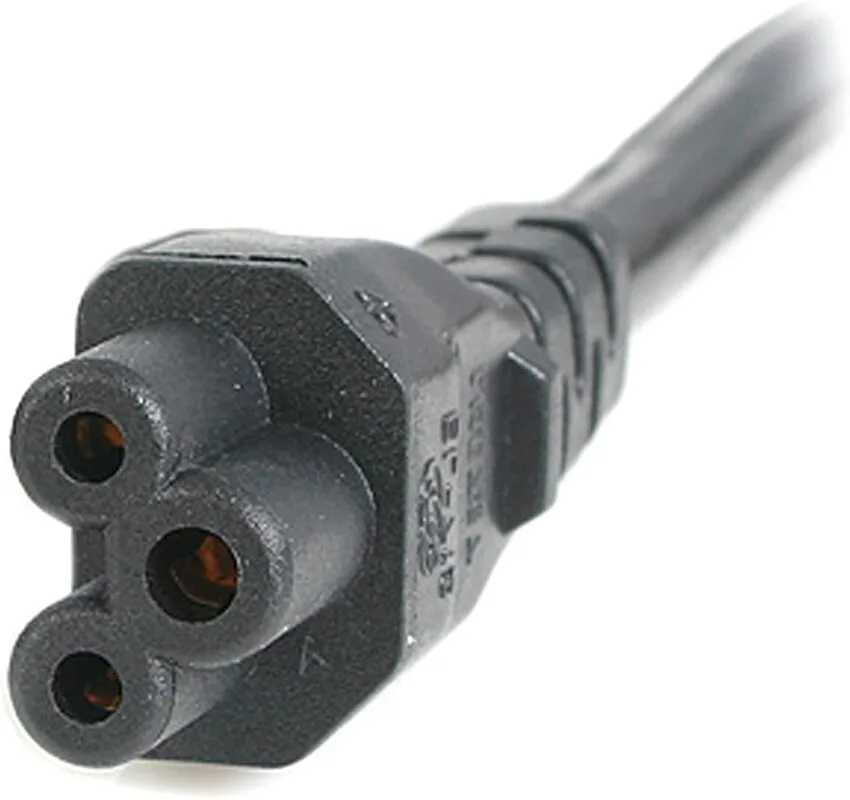
Image source: Bing (Web (fair-use with source credit))
Quick Answer
Class 1 chargers use a three-prong plug for active grounding. Class 2 chargers use a two-prong plug without a ground pin. Class 2 units rely on double insulation for safety.
You must match the charger class to your laptop design. Never swap these power cords or use unapproved adapters.
Why Laptop Charger Safety Matters
Electricity is a powerful tool, but it requires reliable containment. Your charger acts as a bridge between high-voltage wall outlets and sensitive computer components. If a fault occurs, that path must be safe.
Understanding how your specific charger works helps you spot signs of trouble early. Manufacturer specifications prioritize these safety designs to prevent equipment damage. Relying on the correct charger ensures your laptop stays grounded or insulated as intended by the standards maintained at https://www.iec.ch.
Identifying Your Charger: 2-Prong vs. 3-Prong
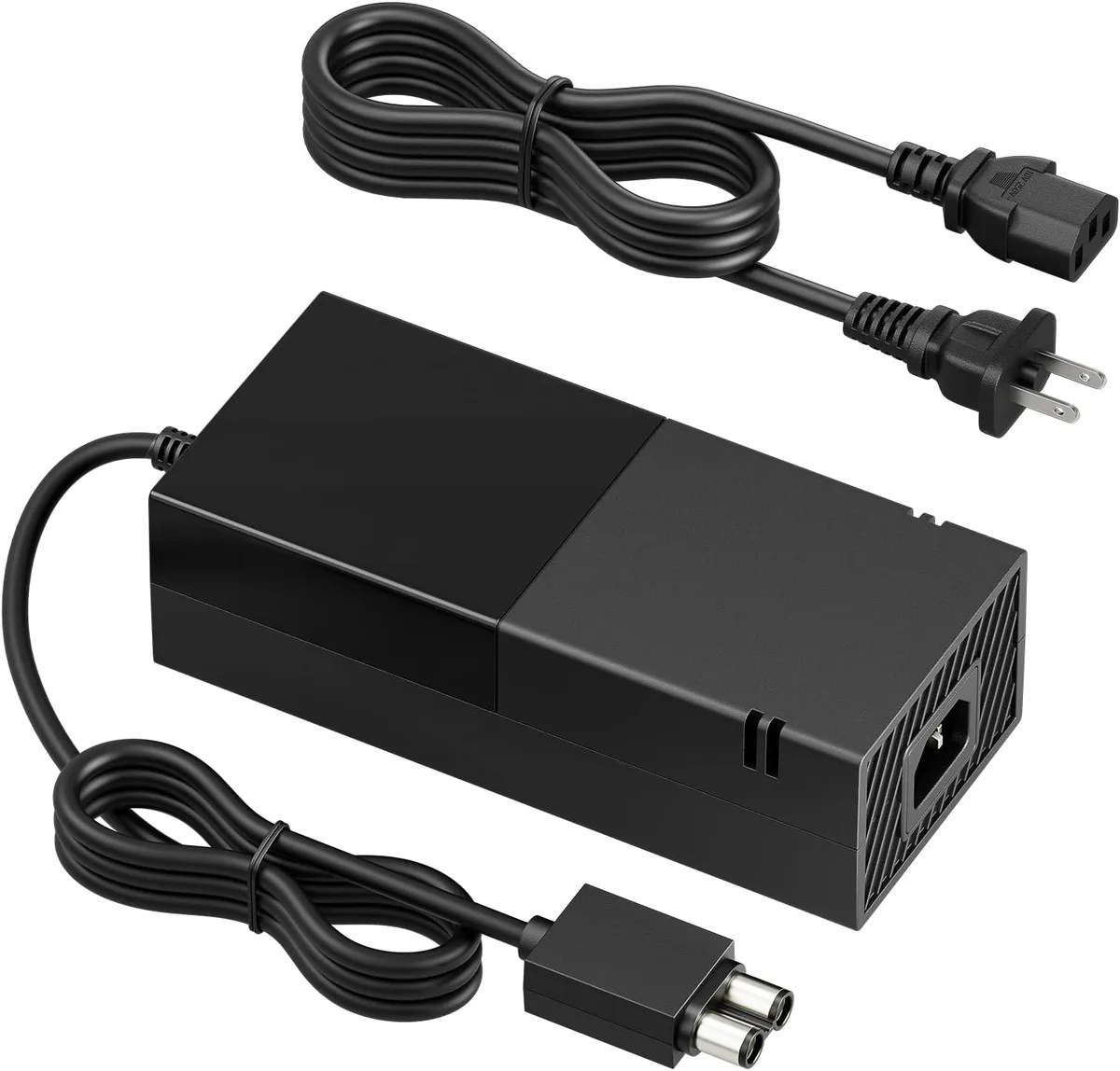
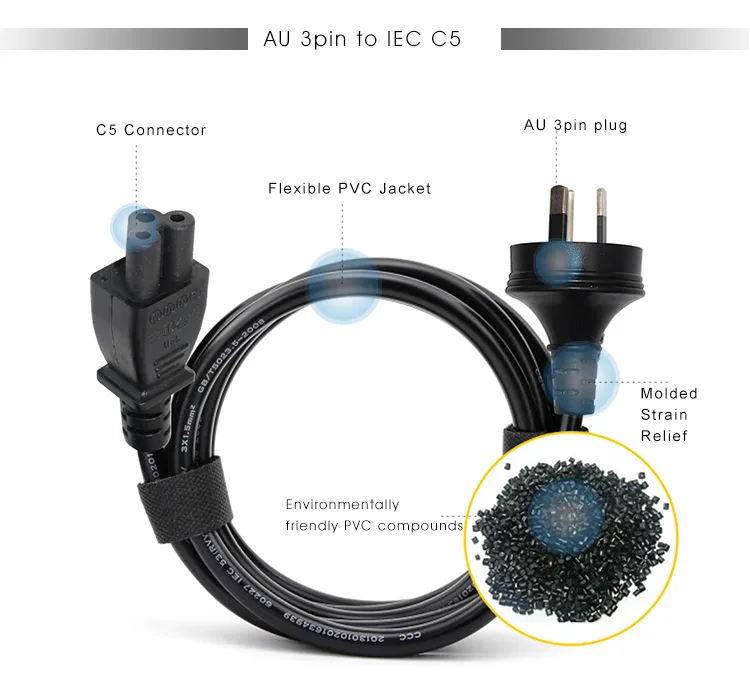
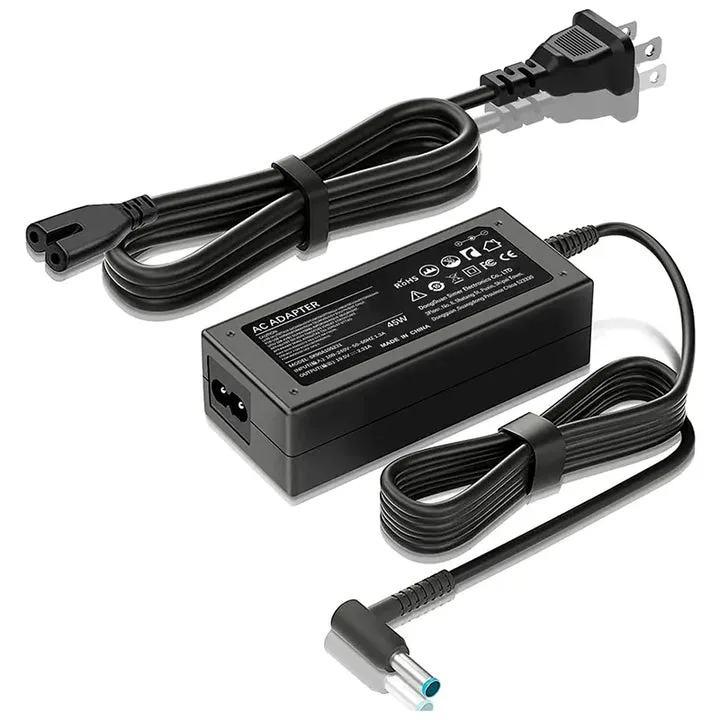
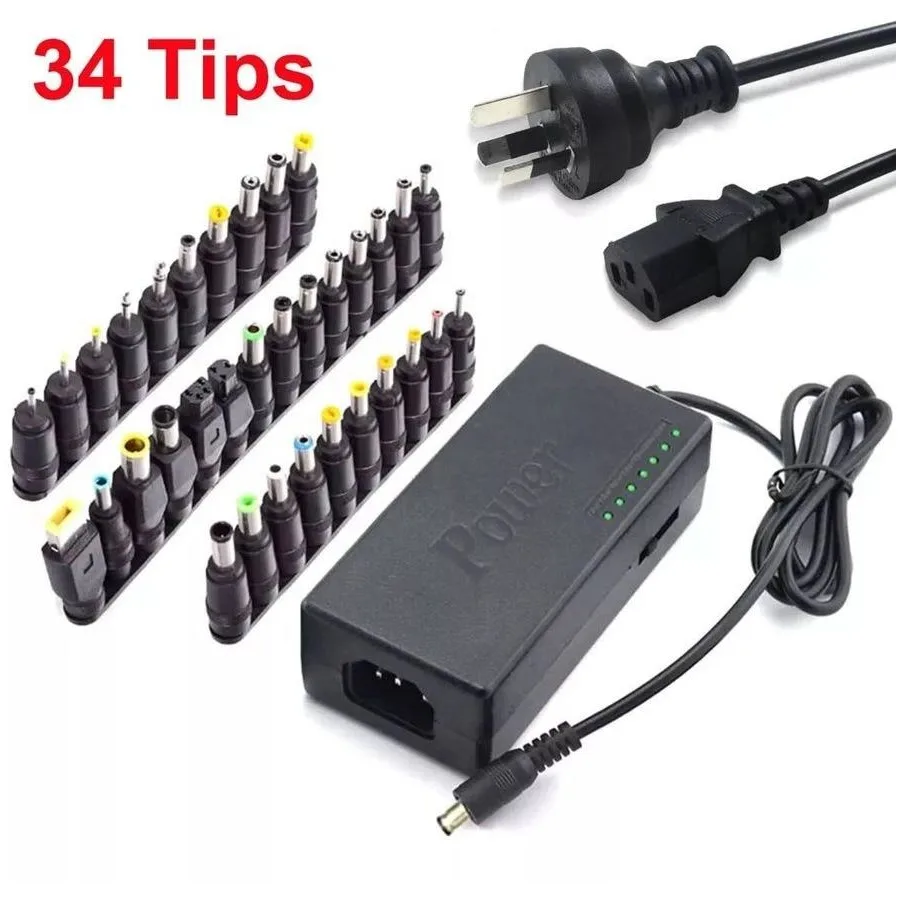
The easiest way to identify your charger class is to look at the plug. A 3-prong plug features a large circular pin in addition to the two flat blades. That third pin is the Protective Earth.
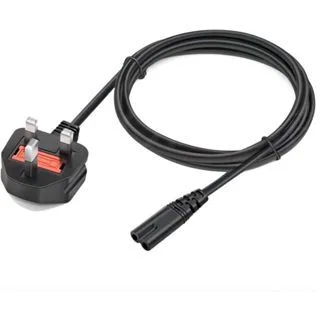
A 2-prong plug has only two flat blades. These are often compact, fitting directly into the wall or attaching to a small power brick. The absence of the third prong is your primary visual clue.
| Feature | 3-Prong (Class 1) | 2-Prong (Class 2) |
|---|---|---|
| Grounding Pin | Present | Absent |
| Primary Safety | Earth connection | Double insulation |
| Plug Type | NEMA 5-15P style | NEMA 1-15P style |
Understanding Class 1: How Grounding Protects You
Class 1 equipment requires a dedicated ground wire. This wire connects the metal chassis of the power supply to the earth pin in your wall outlet.
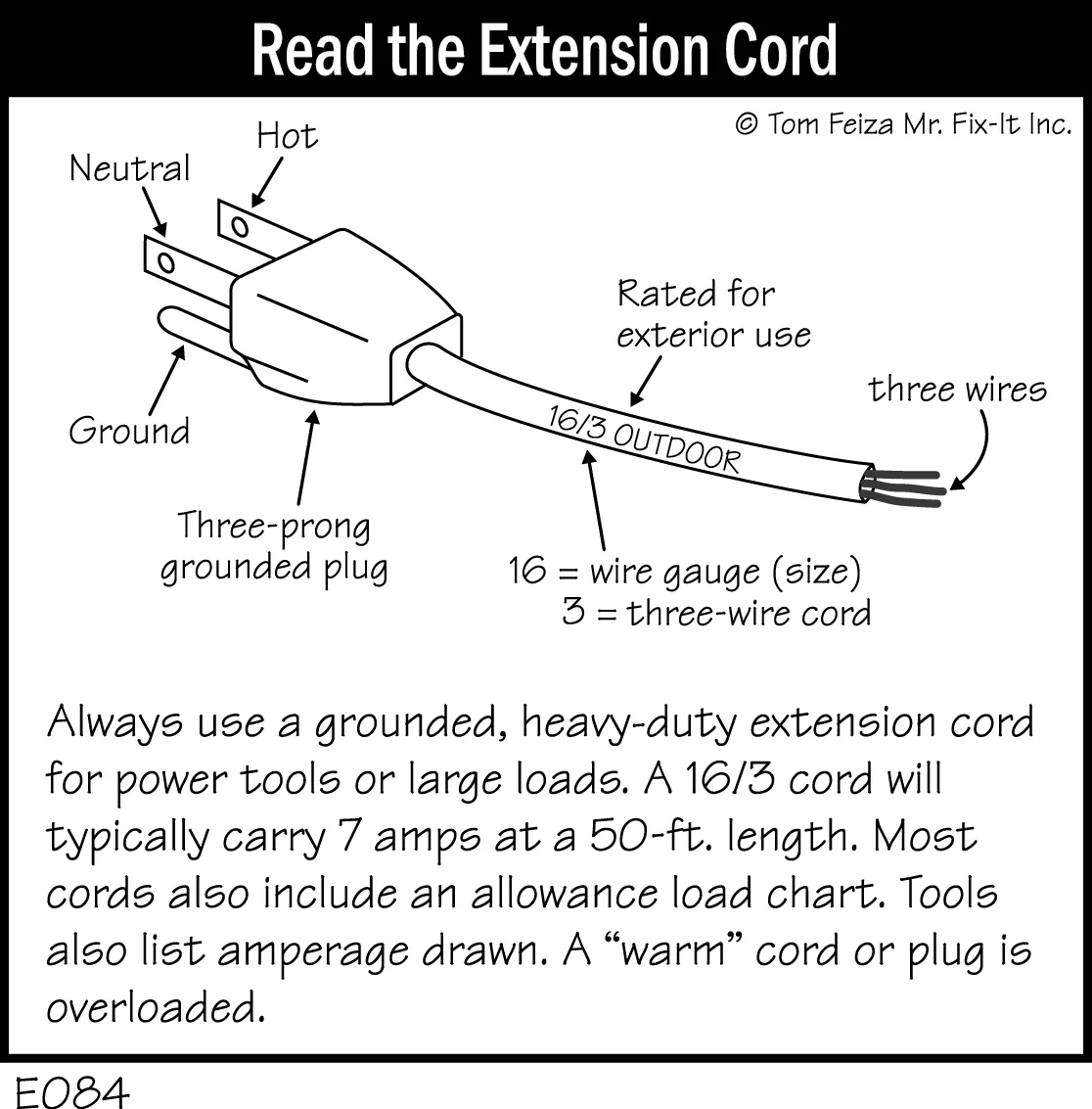
Image source: Bing (Web (fair-use with source credit))
If an internal wire touches the metal casing, electricity follows the path of least resistance. It flows safely into the ground pin. This immediate surge of current trips your circuit breaker.
You are protected from receiving a shock because the electricity never passes through you.
Understanding Class 2: The Logic of Double Insulation
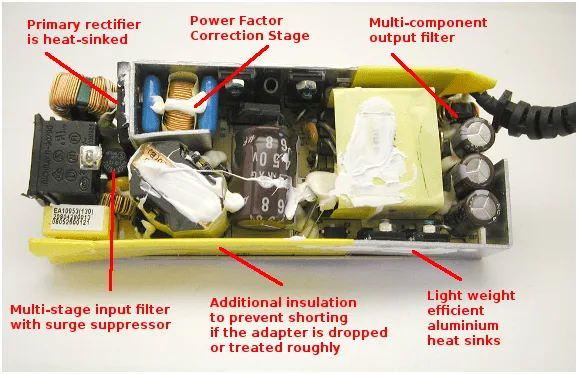
Class 2 chargers do not use a ground pin. Instead, they feature a design known as double insulation. This means there are two distinct layers of insulating material between you and the internal live parts.
Because the outer casing is made of non-conductive plastic, it is nearly impossible for a dangerous current to reach the outside. This design is highly effective for smaller, portable power bricks. It eliminates the need for an earth connection while maintaining a high safety standard.
Side-by-Side: Key Differences at a Glance
Choosing the right charger is not just about the connector shape. It is about how the device manages energy. Class 1 chargers use the building electrical system as a safety net.
Class 2 chargers carry their own safety net inside the brick.
- Class 1: Uses a ground pin to shunt current during a short.
- Class 2: Uses reinforced casing to prevent current from escaping.
- Compatibility: Laptop hardware is built to utilize one or the other.
- Performance: Grounding in Class 1 can reduce signal interference in audio.
Why You Should Never Swap or Modify Plugs
You might be tempted to use a 2-prong cable on a 3-prong charger by using an adapter. Do not do this. You are removing the safety ground that the charger needs to function correctly.
Using an ungrounded adapter on a Class 1 device leaves the metal housing exposed to potential faults. If an internal wire breaks, the casing could become live. Touching it would then complete the circuit through your body to the floor.
Likewise, do not try to force a 3-prong plug into a 2-prong wall socket using a cheater plug. If a device is marked Class 1, it requires a ground to meet safety standards. Always use the cord provided by the manufacturer.
The Role of IEC 61140 Standards
The International Electrotechnical Commission, or IEC, sets the global benchmarks for electrical safety. Their 61140 standard provides the technical definition for these protection classes.
These standards ensure that manufacturers build products with consistent safety margins. When you see a label on your charger, it is usually backed by this type of testing. Following these standards keeps your home and equipment within a safe operating range.
Recognizing the Symbols on Your Power Brick
Manufacturers print symbols on the charger label to help you identify its class. You don't need a degree in engineering to read them.

Image source: Bing (Web (fair-use with source credit))
Look for a square inside a larger square. This symbol confirms the device is Class 2 double-insulated. It means the internal components have two layers of protection.
You will rarely find a ground pin on a device with this mark.
Class 1 devices often feature the grounding symbol. It looks like a vertical line with three horizontal lines of decreasing length below it. This confirms the device expects a connection to earth.
Common Risks: Interference, Shocks, and Faulty Casing
Even with proper design, risks exist if you ignore the basics. Frayed cables are the most common source of trouble.
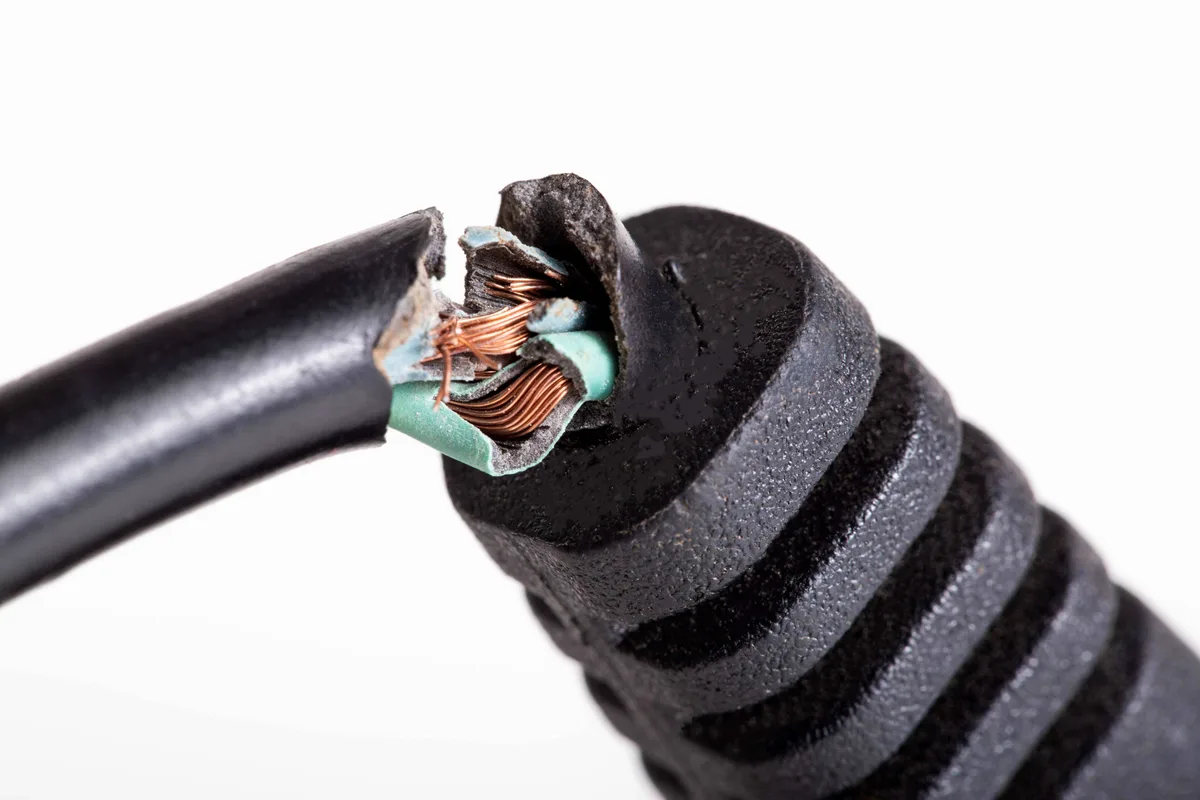
Image source: Bing (Web (fair-use with source credit))
If the cord shielding wears down, the internal wires can touch. This causes heat, potential sparks, or a dead charger. A damaged cord is dangerous regardless of the class.
Replace any charger with exposed internal wires immediately.
Some users report a slight buzzing or tingling sensation when touching their laptop chassis. This often happens when a Class 1 laptop is used with an ungrounded outlet. The laptop effectively floats without a path to earth, letting electricity build up on the surface.
Best Practices for Replacement and Maintenance
Always buy official replacements from the laptop manufacturer. Third-party chargers may cut corners on the internal insulation or omit the ground pin entirely. These cheap clones are frequent causes of electrical fires.
Inspect your power brick every few months. Check for cracks in the plastic housing and fraying near the plug. Look for signs of melting or discoloration near the connection points.
If you find damage, stop using the charger. Take it to an authorized repair center or recycle it according to local guidelines.
Expert Advice: Sticking to Manufacturer Specs
Always verify the voltage and amperage on the replacement charger. These numbers must match the original brick exactly. Using a charger with the wrong wattage can lead to overheating.
Consistency is key for your laptop's longevity. If the original design required grounding, it's because the internal components were designed to bleed off static or handle faults through that pin. Don't second-guess the manufacturer's safety decisions.
Troubleshooting Signal Interference and Grounding Issues
Audible hums or static through your headphones often point to a grounding mismatch. If your laptop uses a Class 1 charger but you plug it into an ungrounded outlet, the chassis may accumulate stray charge. This creates a floating ground state that interferes with sensitive analog audio components.
You can resolve this by ensuring your wall outlet has a verified earth connection. Use a basic outlet tester to check your wall port. If the tester shows an open ground, have a licensed electrician address the wiring in your home.
Do not attempt to modify the charger plug itself to stop interference. If the hum persists after confirming a good ground, the issue may be internal to the power brick shielding. Reach out to your laptop manufacturer for a diagnostic test.
When to Seek Professional Electrical Help
Consult a professional if you notice persistent issues with your power infrastructure. Flickering lights, warm-to-the-touch wall outlets, or tripped breakers whenever you plug in your laptop are serious red flags. These symptoms suggest your home wiring may not support the current draw of your equipment.
Never try to open or repair a sealed laptop power brick. These units use high-frequency switching circuits that store electricity even when unplugged. A professional technician has the tools to discharge these components safely.
If you suspect your home has an electrical fault, contact a local certified electrician. They can perform a load test on your circuits. Relying on an expert ensures your environment meets the safety standards required for modern electronics.
Understanding Global Market Differences
Electrical standards vary significantly by country and region. While Class 1 and Class 2 classifications are universal, the physical plug shapes differ across borders. A charger designed for the United States will use different pins than one designed for the United Kingdom or Europe.
Always use a high-quality travel adapter if you take your laptop abroad. Avoid cheap, ungrounded adapters that do not support the third pin of a Class 1 plug. These adapters can bypass the safety ground entirely.
Check the input voltage rating on your charger label before traveling. Most modern laptop bricks are dual-voltage, supporting 100V to 240V. If your charger is not rated for the local voltage, you will need a dedicated step-down transformer.
The Long-Term Impact of Power Quality on Hardware
Consistent power delivery extends the lifespan of your motherboard and battery. Fluctuations in voltage, often caused by poor connections or ground loops, put extra stress on internal capacitors. Over time, this stress can lead to premature hardware failure.
Using the correct charger class keeps your power delivery stable. The grounding provided by Class 1 ensures that transient voltages are sent to earth instead of through your components. Class 2 double insulation ensures steady, clean power reaches the logic board.
Consider using a surge protector for your workstation. A high-quality surge protector adds a layer of protection against spikes in the power grid. It works alongside your charger design to keep your hardware running smoothly.
Comparing OEM Chargers to Third-Party Clones
Original Equipment Manufacturer (OEM) chargers are designed to meet specific safety and performance metrics. These units undergo rigorous testing for thermal runaway, insulation integrity, and electromagnetic compliance. They provide exactly the wattage and signal stability your laptop needs.
Third-party clones often fail to replicate these safety standards. They may omit the ground pin entirely on Class 1 designs or use inferior insulation materials. These compromises save on manufacturing costs but significantly increase your risk.
- OEM Reliability: Designed for your specific model and electrical class.
- Safety Compliance: Meets international standards like IEC 61140.
- Clone Risks: Higher fire risk, unstable output, and potential for data corruption.
Always prioritize safety over the initial cost savings of a clone charger. The price of a new laptop far outweighs the cost of an official power adapter. Check the manufacturer's website to identify the correct part number when you need a replacement.
Frequently Asked Questions
How do I know if my power brick is officially certified?
Check the label for safety certification marks like UL, ETL, or CE. These symbols indicate that the manufacturer submitted the device to a testing lab for safety verification. Avoid products that lack these markings or have labels with poor print quality.
Can a grounded charger work in an ungrounded outlet?
Technically, it will provide power, but you lose the safety benefit of the ground wire. You also increase the risk of chassis-related electrical noise or tingling sensations. Upgrade your wall outlets to a grounded type to ensure your Class 1 charger performs as intended.
Are all modern USB-C laptop chargers Class 2?
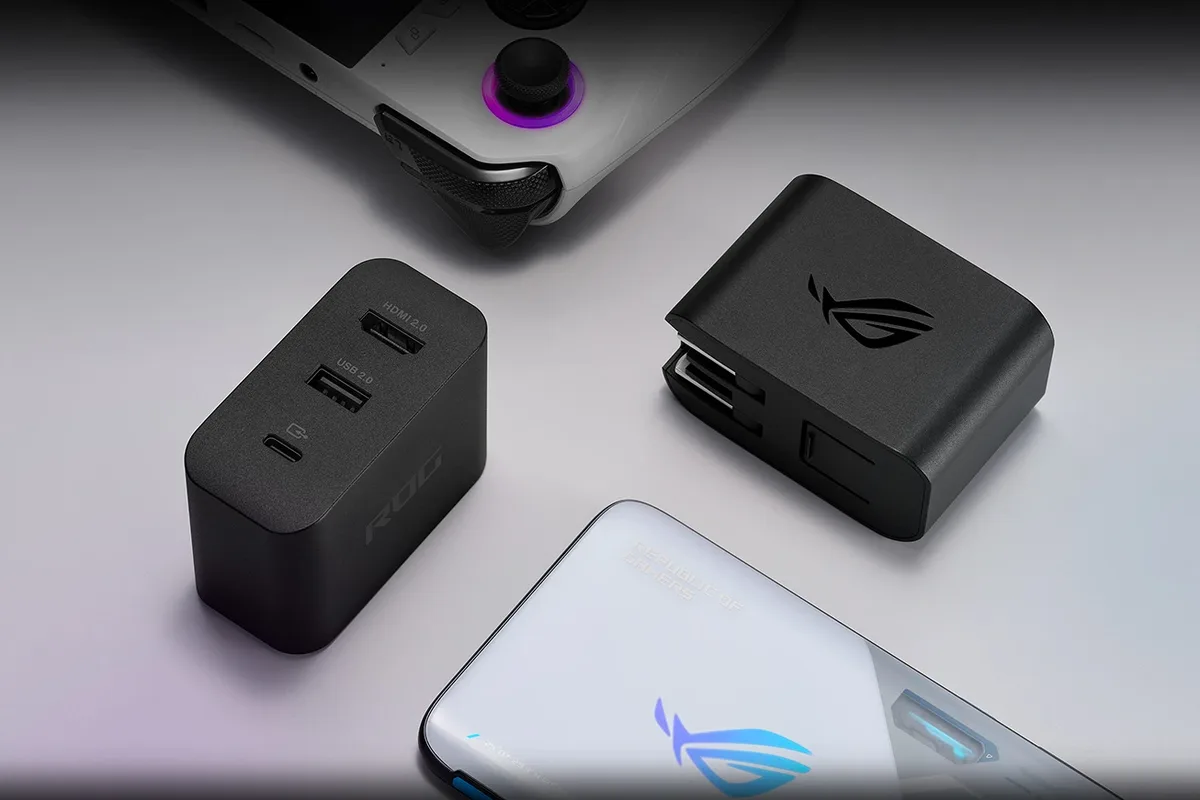
Most small, compact USB-C power adapters are Class 2. However, larger, high-wattage chargers for gaming or workstation laptops often require a ground connection. Always verify the charger's specific safety label for the double-square symbol before assuming it is ungrounded.
What is the difference between polarized and grounded plugs?
A polarized plug has one blade wider than the other to ensure it enters the socket in one orientation. A grounded plug features a dedicated third pin for earth connection. These features solve different electrical safety problems and are not interchangeable.
How often should I inspect my charger for signs of wear?
Perform a visual inspection every time you plug in your laptop. Look for fraying at the strain-relief points and cracks in the casing. If you notice persistent heat or discoloration, replace the brick immediately to prevent potential fire hazards.
Final Recommendation
Stick to the power supply design specified by your laptop manufacturer. If your device came with a Class 1 grounded charger, replace it only with a grounded model. Using a Class 2 ungrounded charger when the design requires a ground can create safety and signal-quality issues.
Your hardware performance depends on the stability of your power delivery. Inspect your charging equipment periodically for physical damage. If you ever feel uncertain about an electrical setup, contact a qualified professional.
Safety is always the better choice over a quick, non-compliant repair.

Similar Posts