Why Is My Laptop Charger Clicking? Causes and Fixes
Senior Hardware Diagnostics Specialist & Lead Thermal Editor at Laptop Post Testing Lab · CompTIA A+, ACMT, B.S. in Computer Engineering · 12+ years bench-testing laptop thermal solutions & motherboard repairs
If you’ve recently noticed that your laptop charger clicks repeatedly when plugged in, you aren’t alone. This rhythmic, ticking sound is a clear indicator that your power adapter is struggling to maintain a stable electrical output.
Modern power bricks, technically known as switching mode power supplies, rely on complex internal circuitry to convert wall voltage into safe power for your laptop. As of 2026, industry standards established by groups like the IEEE suggest that any abnormal noise from these devices indicates a significant failure in the internal regulation components.
Quick Answer
A clicking charger signals a failing internal power supply. The device is trapped in a protective restart cycle. This happens due to damaged internal capacitors.
Stop using the charger immediately to prevent hardware damage. Your laptop is at high risk of electrical shorts.
The Clicking Sound: A Sign of Electrical Stress
That repetitive clicking sound is essentially your charger crying for help. Inside the sealed plastic casing, your power adapter is trying to initiate a startup sequence. It senses an internal fault, shuts down to prevent an electrical fire, and then attempts to start up again.
This process repeats rapidly, resulting in the distinct clicking noise you hear. You should never try to force a clicking charger to work by plugging it in and out repeatedly. This cycle can cause voltage spikes that might damage your laptop motherboard or battery controller.
Why Your Charger is Struggling to Supply Power
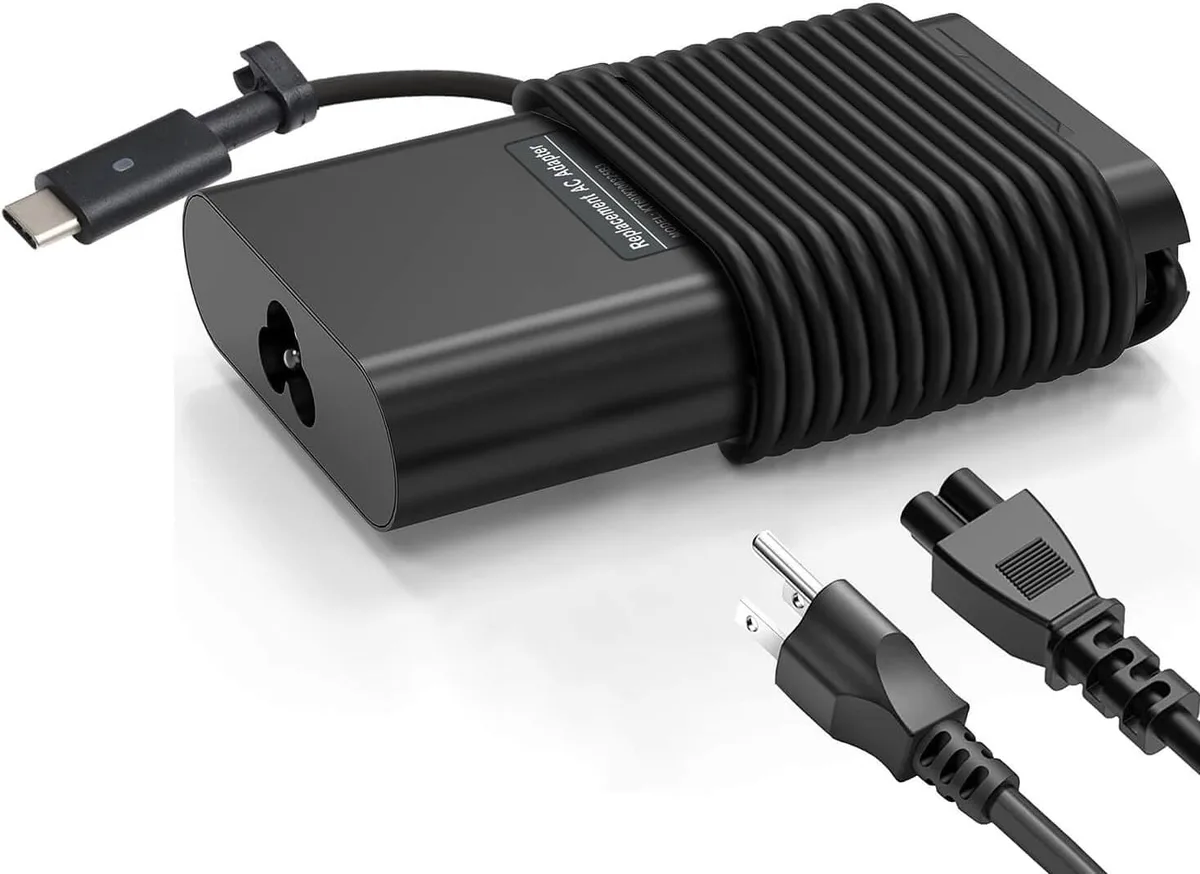
Your power brick acts as a bridge between high-voltage alternating current (AC) and low-voltage direct current (DC). It contains a controller chip that monitors the output for safety. If the chip detects a short circuit or a massive fluctuation in current, it triggers a protective mode.
This mode is a safety feature designed to protect the charger and your laptop from further damage. If the fault persists, the charger will continue to click indefinitely. In most cases, the internal components have degraded beyond the point of simple recovery.
Internal Anatomy: What’s Causing the Noise Inside Your Power Brick
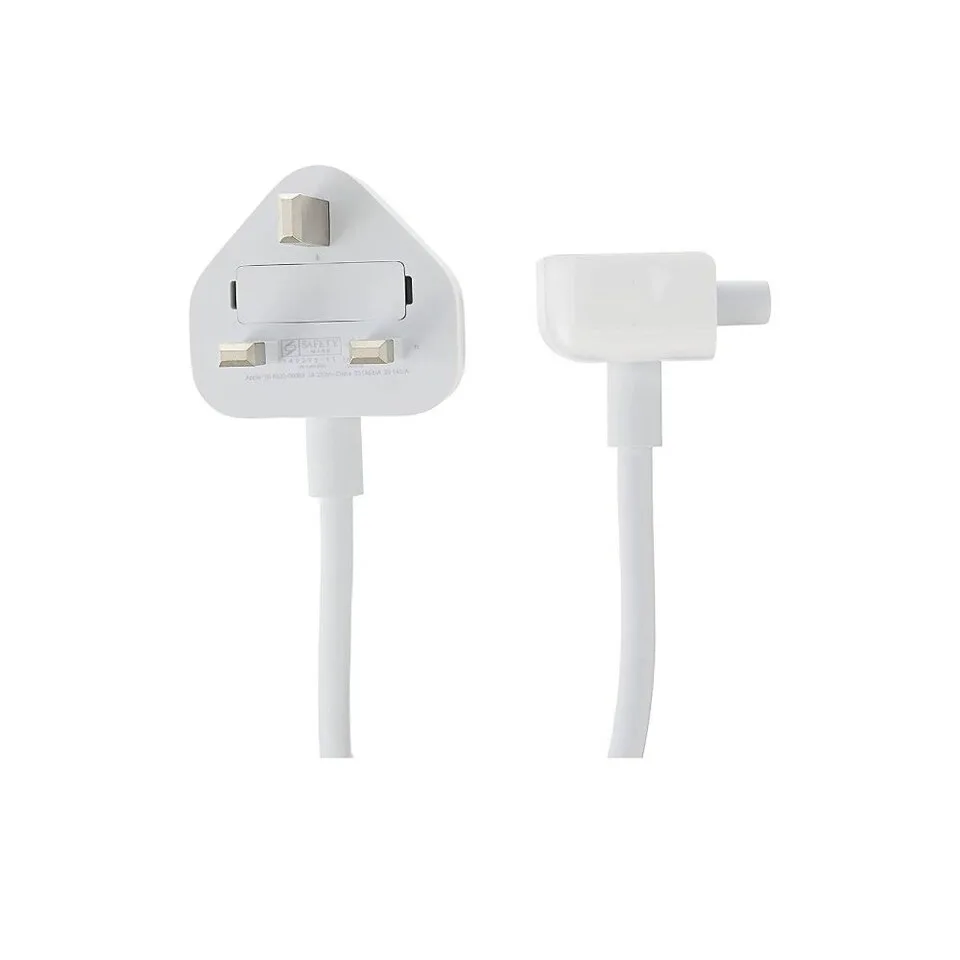
The primary culprit in a clicking charger is often the electrolytic capacitor. These small, cylinder-shaped components store energy to smooth out the power flow. Over time, these capacitors can dry out, swell, or leak, causing them to lose their ability to hold a charge.
When a capacitor fails, the power brick loses its ability to regulate voltage. The switching circuit then enters a cycle of constant reset. The sound is often the physical vibration of these failing components struggling under the load.
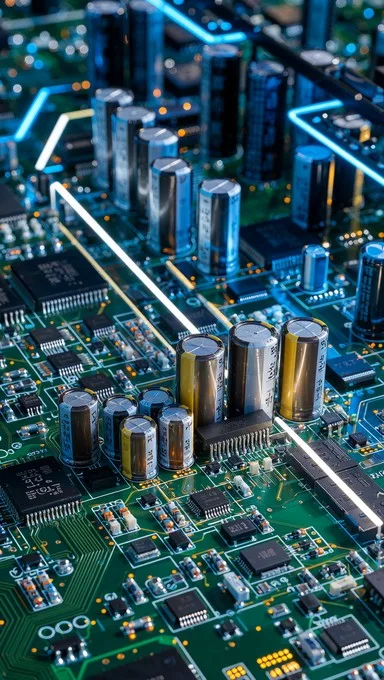
Image source: Bing (Web (fair-use with source credit))
Identifying the Source: Is it the Charger or the Laptop?
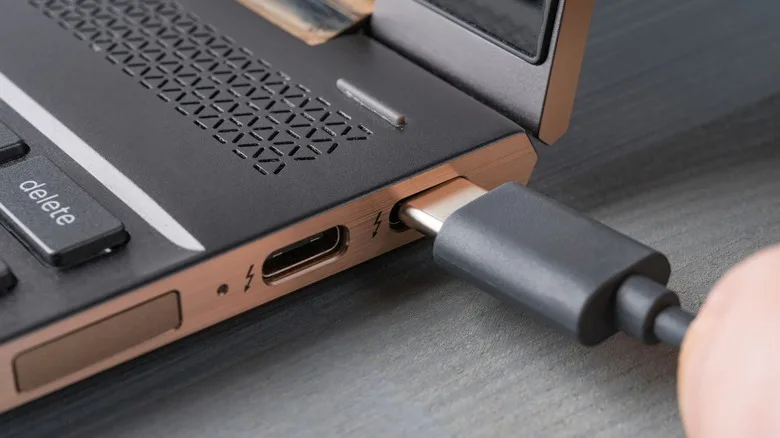
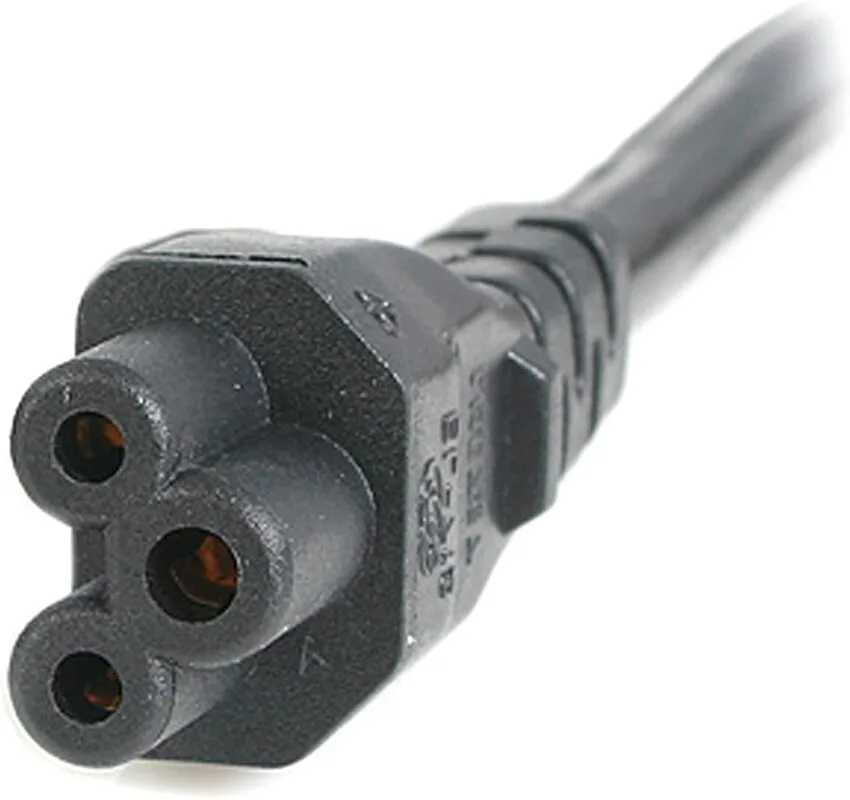
Not every power issue is caused by the charger itself. Sometimes, the charging port on your laptop has become loose or damaged from repeated use. If the internal pins in your charging jack are bent or touching, they can create a short circuit that trips the charger's protection.
To identify the culprit, perform a visual check of your laptop's charging port. Look for bent metal pins or burnt plastic. If the port looks clean, the issue is almost certainly within the charger.
You can confirm this by trying your charger on another compatible laptop if one is available.
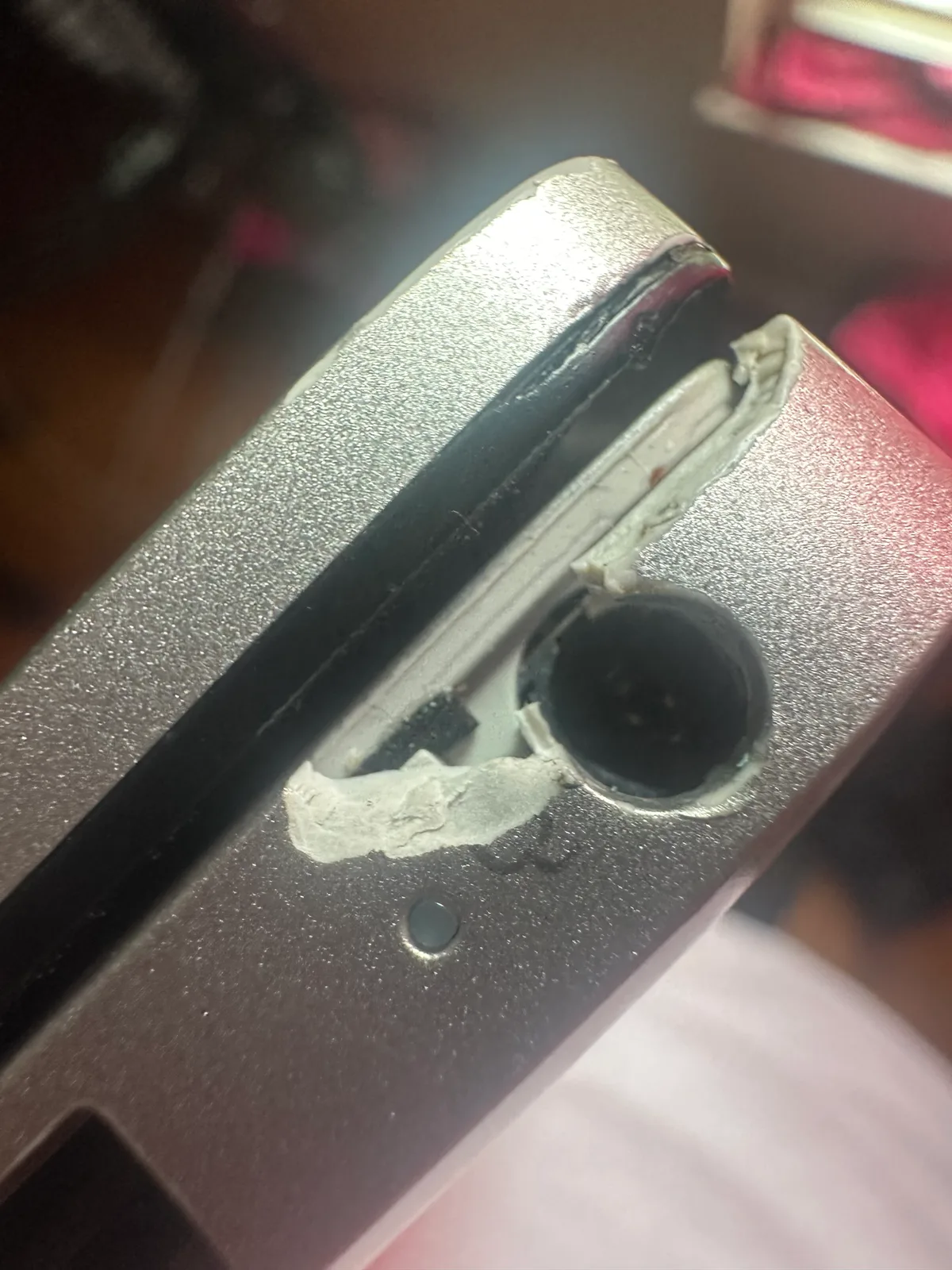
Image source: Bing (Web (fair-use with source credit))
Safety First: Essential Warnings Before You Touch Anything
Electricity can be unpredictable, especially when dealing with failing power electronics. A clicking charger is a clear sign of hardware failure, and it should be treated as a potential fire hazard. Always disconnect the device from both the wall and your computer immediately.
Never attempt to pry open the plastic shell of your power brick to inspect the damage. These units contain high-voltage components that can hold a lethal charge long after they are unplugged. If you suspect an electrical fault, replace the entire unit rather than risking a short circuit or an electrical shock.
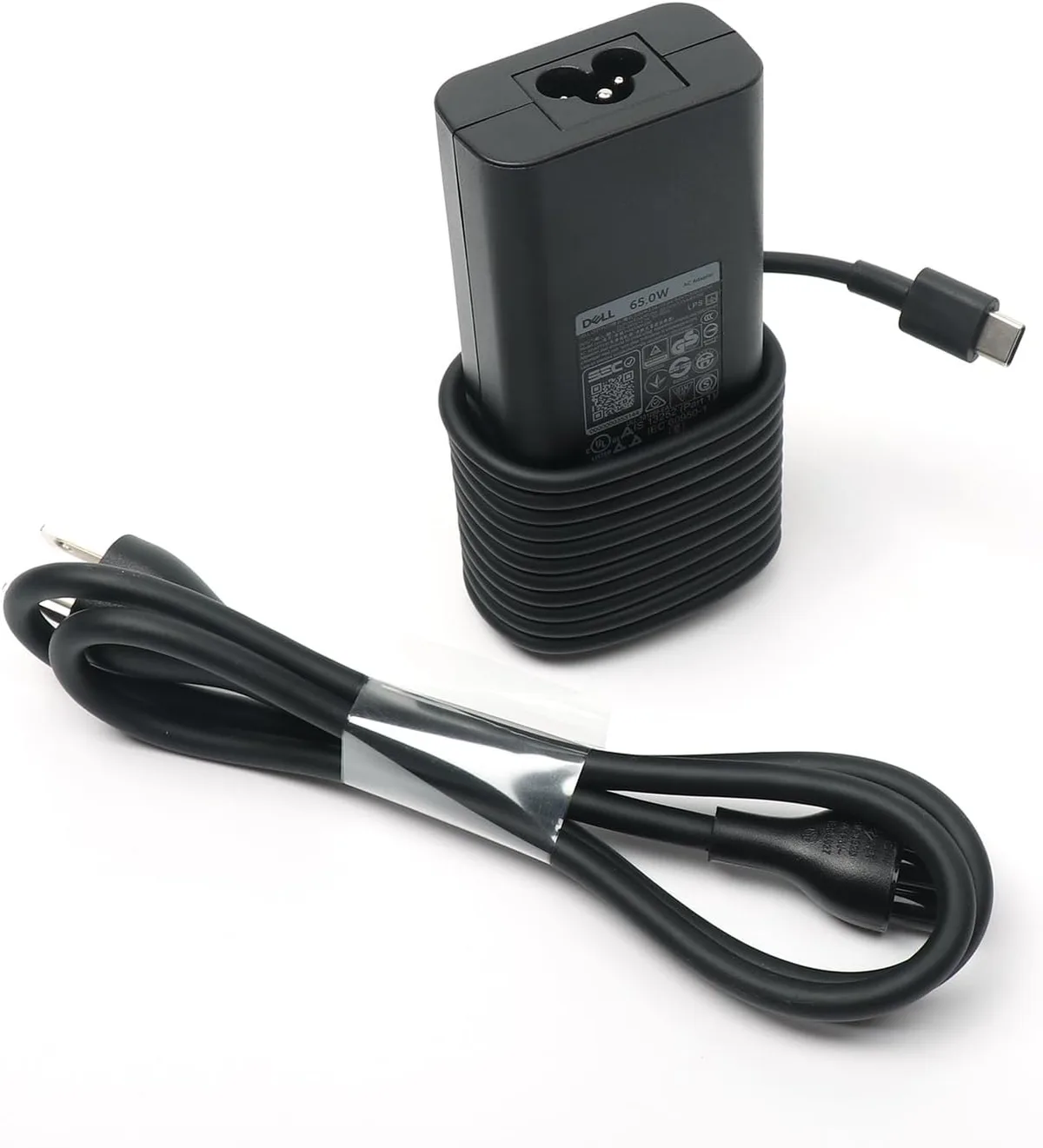
Image source: Bing (Web (fair-use with source credit))
The Diagnostic Swap: How to Rule Out Cable and Outlet Faults
Before you assume the entire brick is broken, perform a basic isolation test. Plug the charger into a different wall outlet in another room. Sometimes, a loose or damaged wall socket causes enough arc-fault noise to mimic a failing power adapter.
If the clicking continues, detach the cable from the laptop entirely. If the noise stops when the cable is disconnected from the computer, the issue might be a short circuit in your laptop's charging port. If the noise remains even when the cable is not connected to any device, the power brick itself has internally failed.
| Test Step | Observation | Likely Meaning |
|---|---|---|
| Swap Wall Outlet | Still clicks | Internal charger fault |
| Disconnect Laptop | Clicking stops | Laptop charging port short |
| Inspect Cable | Fraying or kinks | External cable failure |
Why DIY Repairs on Power Adapters are Risky
Opening a power brick to fix a clicking component is never a recommended path. Manufacturers seal these units permanently because they contain capacitors capable of storing high voltage for long periods. Even after you unplug the brick, these components can discharge enough energy to cause a painful shock.
Furthermore, these units require specialized thermal adhesives and shielding to function safely. If you force the case open, you likely destroy the structural integrity of the shell. A reassembled unit rarely regains the fire-retardant properties required by safety standards.
The risk of fire from an improperly serviced power supply far outweighs the cost of a replacement.
When to Replace Your Charger (And Why Compatible Isn't Always Enough)
When a charger begins clicking, it has reached the end of its useful service life. You should seek a replacement immediately from an authorized manufacturer or a reputable electronics retailer. While third-party compatible chargers might seem like a bargain, they often lack the sophisticated safety circuitry found in original equipment.
Some generic chargers skip essential surge protection features to cut costs. Using a low-quality, unregulated power supply can damage your laptop motherboard over time. Always check that the voltage (V) and amperage (A) of your new charger match your laptop's specific requirements.
Using an incorrect wattage or voltage can permanently fry your device battery.
Protecting Your Motherboard and Battery from Voltage Ripple
Your laptop battery expects a clean, consistent stream of power. When a charger fails, it produces voltage ripple, which is essentially erratic, fluctuating power. This unstable current forces your laptop’s internal power management chip to work overtime to smooth out the signals.
If this ripple continues, it can degrade your battery life prematurely. In severe cases, it can cause the laptop's motherboard power rails to overheat. Protecting your machine from these electrical inconsistencies is a primary reason to retire a clicking charger the moment the sound starts.
Reliable power is the foundation of long-term hardware health.
Common Mistakes: Nudging, Taping, and Ignoring the Click
Many users attempt to stop the clicking noise by wiggling the connector or applying electrical tape to the cable. This approach is ineffective and potentially dangerous. The clicking is not a loose physical connection you can fix with pressure.
It is a sign that the electronic components are failing internally.
Ignoring the sound in hopes that it will resolve on its own is another common error. Electronic components do not heal themselves. If anything, the condition will worsen as the damaged capacitor generates more heat.
Eventually, the unit will stop providing power entirely or enter a state that could damage your laptop. Always prioritize replacing the charger over trying to salvage a broken one.
Professional Help: When to See a Technician
Sometimes, the power issue hides deeper within the laptop's motherboard rather than the charger itself. If you have verified that your charger works perfectly on another machine but continues to fail with your own, the internal power circuitry of your laptop may require professional assessment.
Bring your laptop to a repair shop if you notice the battery not charging even when using a brand-new, manufacturer-certified power adapter. Technicians can check for blown fuses or damaged power management integrated circuits on the motherboard. Avoid attempting board-level repairs unless you have advanced soldering skills and proper diagnostic tools.
Final Verdict: Why Retirement is the Only Option for a Clicking Charger
A charger that has begun to click is an unreliable piece of equipment. It has experienced a structural failure in its power regulation components and cannot be safely restored to its original performance. Trusting a failing power brick is a gamble that could end in a total loss of your laptop data or hardware.
Make the choice to retire the unit immediately once the noise starts. Using it further only increases the risk of damage to other components that are significantly more expensive to replace. A new charger is a small price to pay for the safety and stability of your computing setup.
Frequently Asked Questions
Can I leave a clicking charger plugged in for short periods?
No. Every second a failing charger remains plugged in, it cycles through high-voltage stress. This process generates heat and potential power surges.
These can permanently damage your laptop's charging controller or battery. Unplug the device immediately to ensure your hardware remains protected from electrical faults.
Could a power surge have caused the clicking?
Yes. External power spikes or brownouts can overwhelm the input capacitors in your charger. These components are designed to filter minor fluctuations.
A significant surge can exceed their tolerances and lead to instant internal failure, resulting in the characteristic clicking sound you hear when the unit tries to cycle.
Does a clicking sound mean the charger will explode?
While a literal explosion is rare, a clicking charger indicates significant internal arcing and heat generation. These failures can melt internal plastic casing or cause the unit to emit smoke. It is a genuine fire risk that requires you to stop using the device as soon as you hear the noise.
Is there a reset button for laptop chargers?
Laptop chargers do not have reset buttons. They are designed to auto-reset once they detect that a fault has been cleared. If your charger continues to click, it means the fault is constant.
The internal protection is triggering a permanent loop, confirming that the hardware has reached its end of life.
Should I buy a cheaper universal charger instead?
Universal chargers are often less stable than official ones. They frequently lack the specific grounding and voltage regulation built for your exact laptop model. If you choose a universal option, ensure it meets the strict safety certifications listed by UL to avoid potential damage or fire risks.

Similar Posts