How to Charge a Laptop in a Car Without Draining the Battery
Senior Hardware Diagnostics Specialist & Lead Thermal Editor at Laptop Post Testing Lab · CompTIA A+, ACMT, B.S. in Computer Engineering · 12+ years bench-testing laptop thermal solutions & motherboard repairs
You can charge a laptop in a car without killing the battery, but the safe method changes with your setup. How to charge laptop in car without draining car battery comes down to power draw, battery health, and engine state. A healthy car battery can handle short sessions, but it has limits.
Most mainstream laptops need 45W to 100W through USB Power Delivery. A typical 12V socket may be fused for only 120W to 240W. That means the charger, socket, and battery all need to match.
The next step is understanding where the drain actually starts.
Quick Answer
How to charge laptop in car without draining car battery depends on wattage. Run the engine for long charges. Use a USB-C PD car charger.
For engine-off safety, use a power station. Keep accessories off and stop near 12.2 volts.
How to Charge a Laptop in a Car Without Draining the Battery
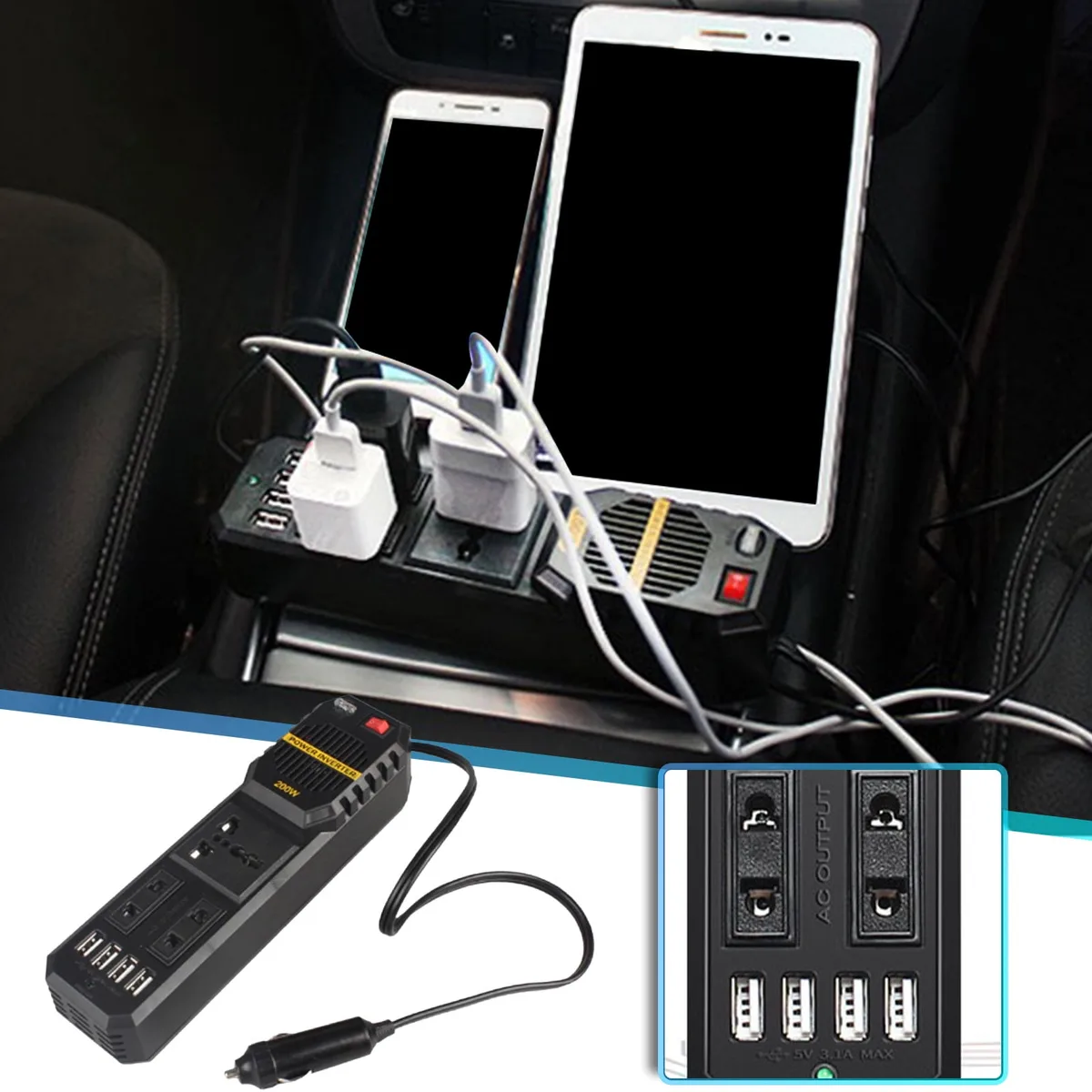
Image source: Bing (Web (fair-use with source credit))
Why a Laptop Can Drain a Car Battery Faster Than You Expect
A car battery is a start battery. Its main job is to crank the engine. Once the engine runs, the alternator takes over.
The alternator is the engine-driven generator that charges the battery and powers accessories.
When the engine is off, the laptop charger pulls energy directly from the battery. A 65W laptop can draw about 6A to 7A from a 12V system after losses. That may not sound large, but a small car battery may only have 40Ah to 60Ah of capacity.
| Electrical state | What powers the laptop | Drain risk |
|---|---|---|
| Engine off | Car battery | Highest |
| Accessory mode | Car battery | High |
| Engine running | Alternator | Lowest |
The real issue is usable capacity. A start battery should stay charged enough to crank the engine. If you drain it below about 12.2 volts at rest, starting can become unreliable.
Our research shows most drivers get into trouble when they combine laptop charging with lights, fans, or a weak battery.
The Quick Answer: Keep the Engine Running or Use a Separate Power Source for Long Charges
For long charging, keep the engine running or use a separate power source. The alternator can support the laptop while also replenishing the battery. This is the simplest way to avoid being stranded.
If the engine must stay off, keep the session short. A healthy battery may handle 15 to 30 minutes for a modest laptop load. That is a practical range, not a guarantee.
Battery age, temperature, and accessory load change the result.
A portable power station is the safer engine-off option. It sits between the car and laptop. The car battery stays protected because the station provides the energy.
Manufacturer specifications for many stations list 60W to 100W USB-C output, which covers common laptops.
If you idle for long periods, check local rules. The U.S. Department of Energy notes that idling gets zero miles per gallon and can waste fuel.
In some areas, anti-idling rules also apply.
The Four Conditions That Decide the Safe Charging Method
Four variables decide whether you can charge safely. They are laptop power draw, car battery condition, charging path, and engine state. If one variable is weak, the others need to compensate.
How Much Power Your Laptop Actually Pulls
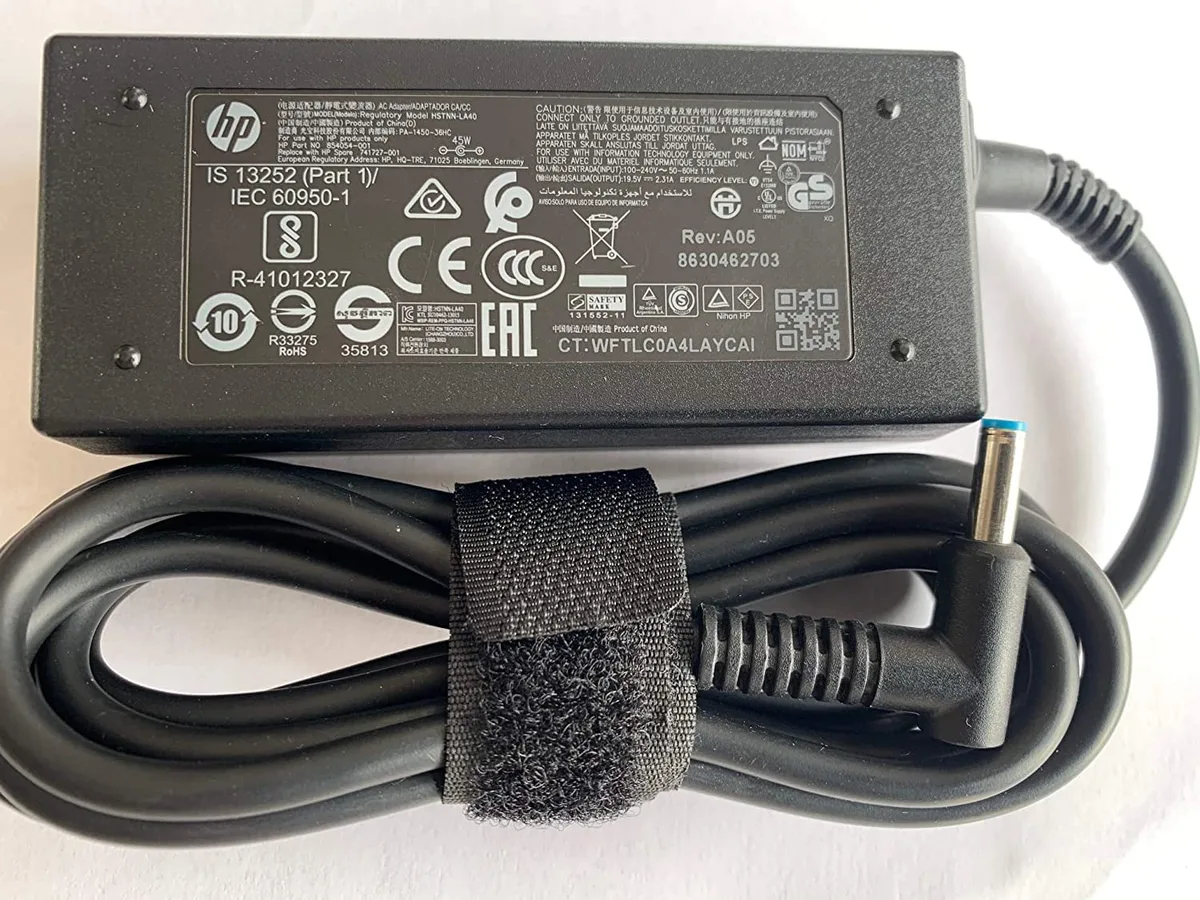
Check the laptop charger label first. Look for watts, volts, and amps. A 65W USB-C charger usually needs 20V at 3.25A.
A 100W charger may need 20V at 5A.
USB Power Delivery is the standard that lets a laptop negotiate higher voltage and current over USB-C. The USB Implementers Forum maintains the standard at USB-IF. As of 2026, many mainstream laptops use 65W or 100W USB-C PD charging.
Do not guess from screen size. A compact laptop may need 45W. A mobile workstation may need 140W or more.
If the laptop is under heavy load, it can pull more power than it does while idle.
Your Car Battery’s Health, Capacity, and Resting Voltage
Check battery health before relying on engine-off charging. A fully charged 12V lead-acid start battery usually rests near 12.6 volts. Around 12.2 volts, state of charge is much lower.
Below that, starting risk rises.
| Resting voltage | What it suggests |
|---|---|
| 12.6V | Fully charged |
| 12.4V | Partially charged |
| 12.2V | Low |
| 12.0V | Very low |
Battery capacity matters too. Many car batteries fall in the 40Ah to 70Ah range. In watt-hours, that is roughly 12V times Ah.
A 50Ah battery holds about 600Wh in theory, but you should not use all of it.
Age and temperature reduce available power. Cold weather lowers capacity and makes cranking harder. Heat speeds battery aging.
If the battery is more than a few years old, treat it as a limited reserve.
The Charging Path: USB-C PD, Inverter, 12V Adapter, or Power Station
The charging path changes efficiency and risk. A USB-C PD car charger is usually the cleanest route for USB-C laptops. It converts 12V power directly to the USB-C profile the laptop requests.
An AC power inverter lets you use the laptop’s original wall charger. It converts 12V DC to 120V AC in the US or 230V AC in many other markets. Inverters waste some energy as heat.
A 65W laptop may draw 75W to 85W from the car through an inverter.
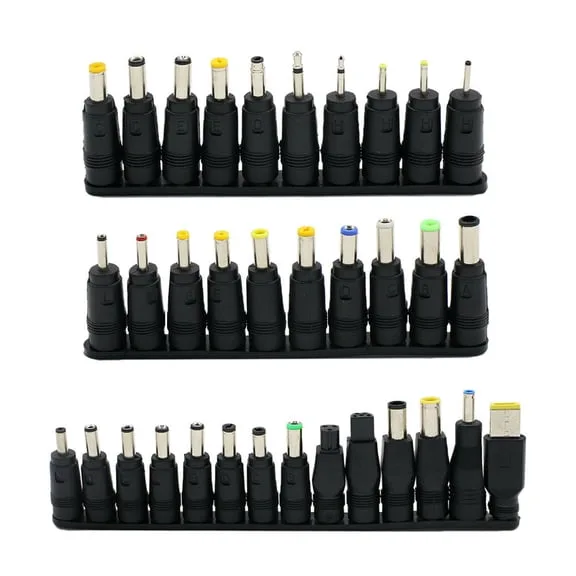
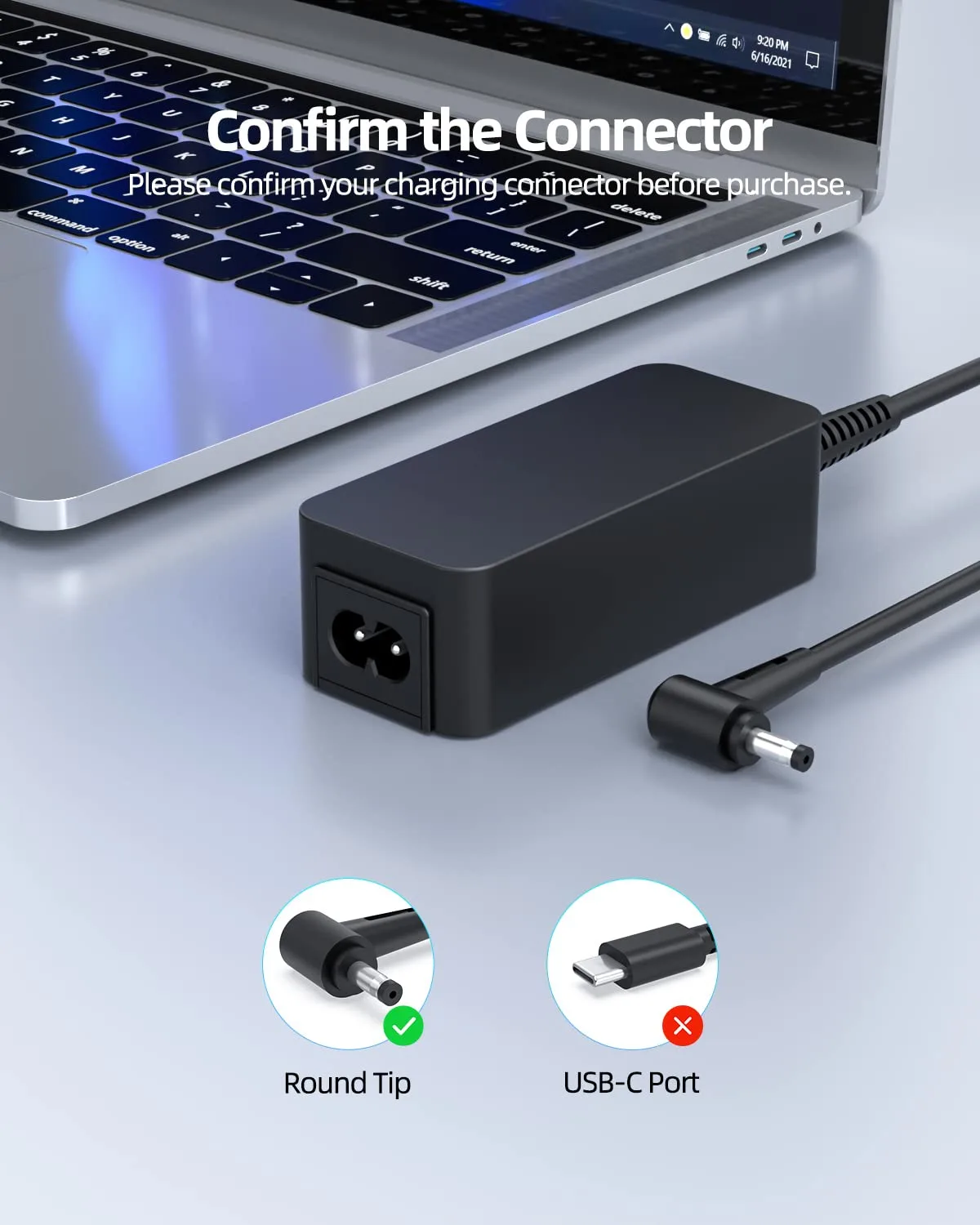
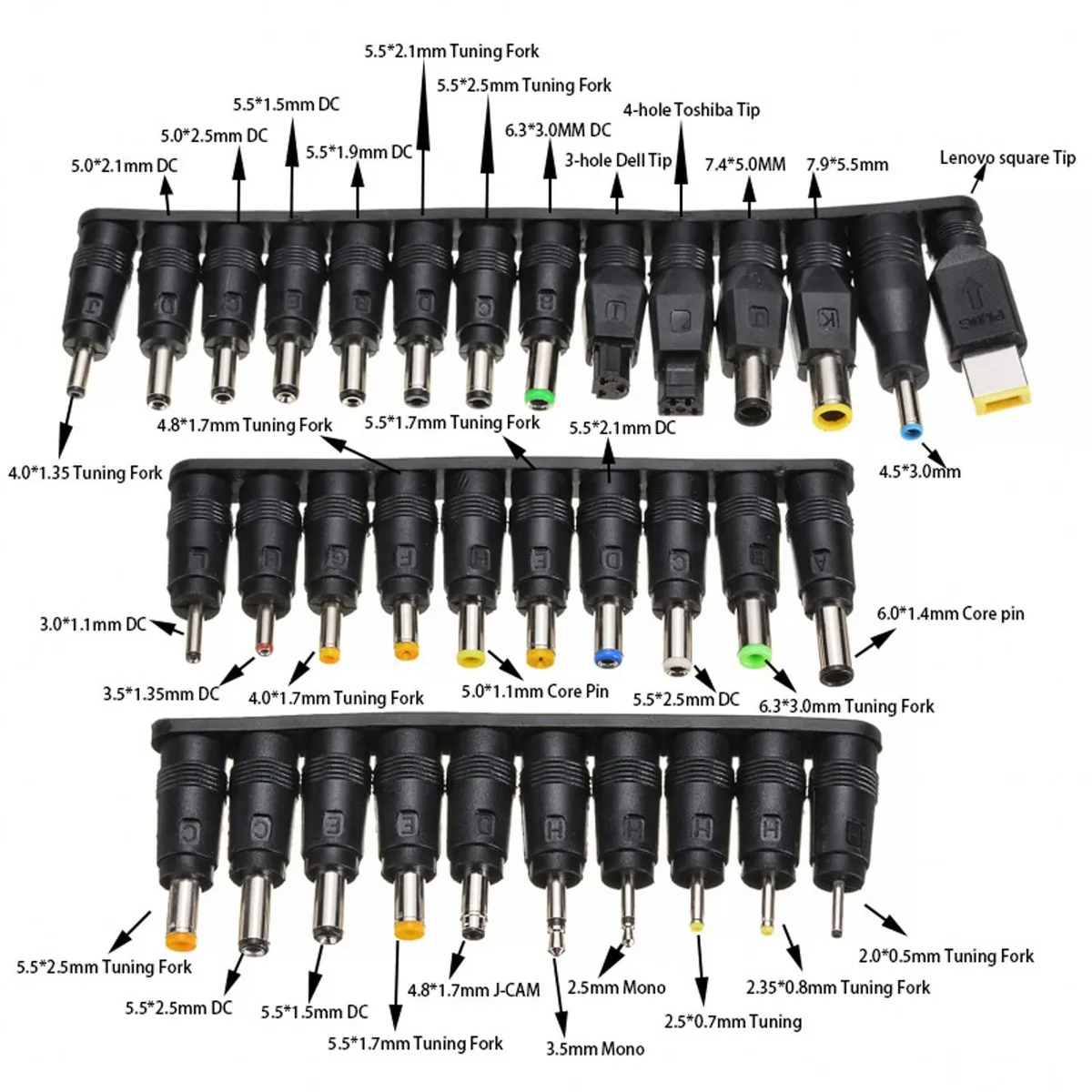
A 12V DC laptop adapter can work if it matches voltage, polarity, and connector size. A portable power station is a separate battery buffer. It is the best choice when the car must stay off for a while.
Engine Running, Accessory Mode, or Engine Off
Engine running is the safest electrical state for longer charging. The alternator supplies power and keeps the battery topped up. Accessory mode is riskier because the battery feeds everything.
Engine off is the highest risk state. The laptop draws from a finite reserve. If the vehicle has a weak battery, even 15 minutes can be too much.
Modern start-stop systems can surprise you. Some vehicles shut off the engine while parked. If the cabin fan, lights, or infotainment stay on, the total load grows fast.
Turn off anything you do not need.
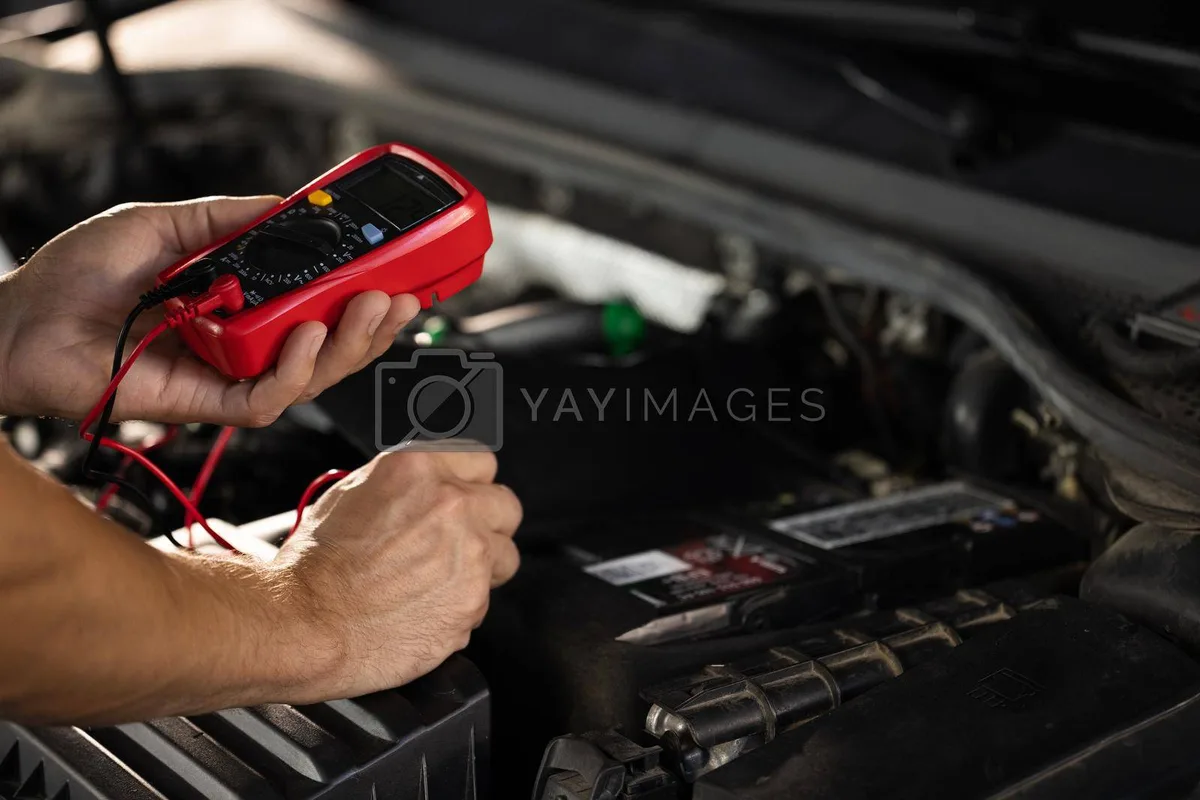
Image source: Bing (Web (fair-use with source credit))
Decision Tree: Can You Charge the Laptop With the Engine Off?
Sometimes, but only for short sessions with a healthy battery and a modest laptop load.
Use this quick decision flow.
- If the engine is running, charge through the proper charger and monitor heat.
- If the engine is off, check battery voltage first.
- If voltage is below 12.4V, do not start a long session.
- If the laptop draws 65W or less, a short session may be fine.
- If the laptop draws 100W or more, use the engine or a power station.
- If lights, fan, or electronics are also running, reduce the load.
- If you cannot monitor voltage, use a separate power source.
A low-voltage cutoff makes this safer. It disconnects power before the battery falls too far. Many battery protectors cut around 12.0V to 12.4V, depending on the setting.
Follow the device instructions and leave enough margin to start the car.
If the vehicle is a hybrid or EV, check the owner’s manual. Some 12V systems behave differently. The manual may also list accessory socket limits.
Charging Method Comparison: What Works Best Without Draining the Battery
No single method wins in every situation. The best choice depends on laptop wattage, engine state, and how often you charge away from wall power.
| Method | Best for | Main caution |
|---|---|---|
| USB-C PD car charger | USB-C laptops and efficient charging | Must match wattage and PD profile |
| AC power inverter | Original laptop charger | Extra losses and heat |
| 12V DC laptop adapter | Compatible barrel-input laptops | Voltage and connector must match |
| Portable power station | Engine-off charging | Adds cost and needs recharging |
| Auxiliary battery or DC-DC charger | Frequent mobile work | Installation is more involved |
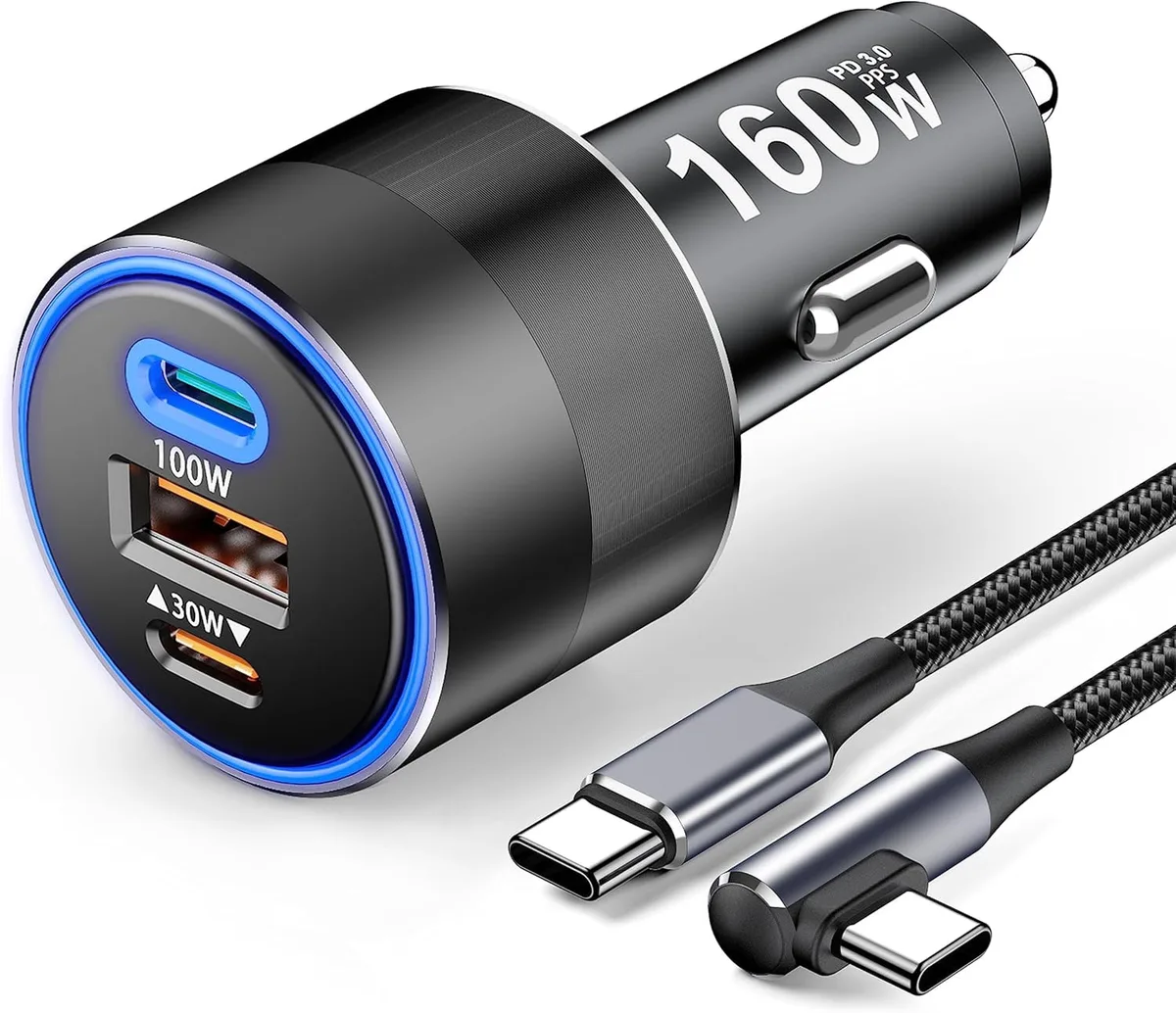
Image source: Bing (Web (fair-use with source credit))
USB-C PD Car Charger: Best for Most USB-C Laptops
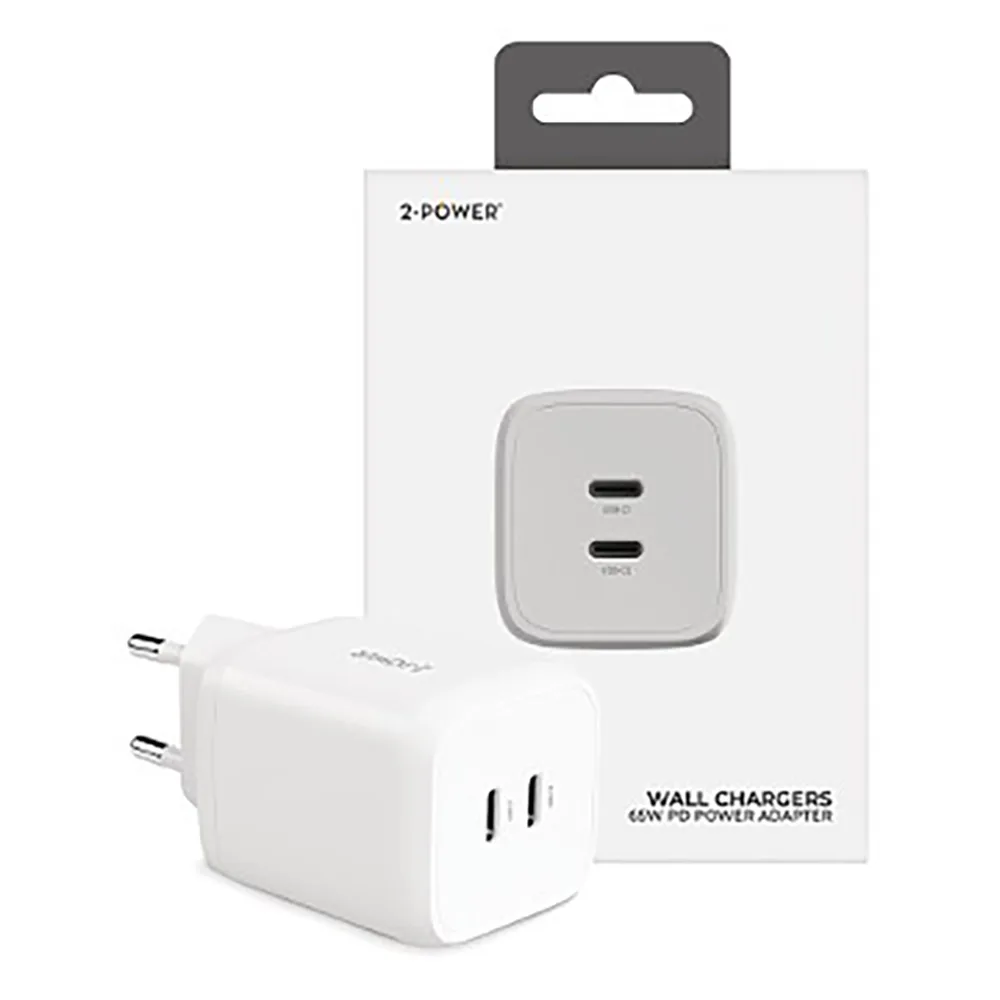
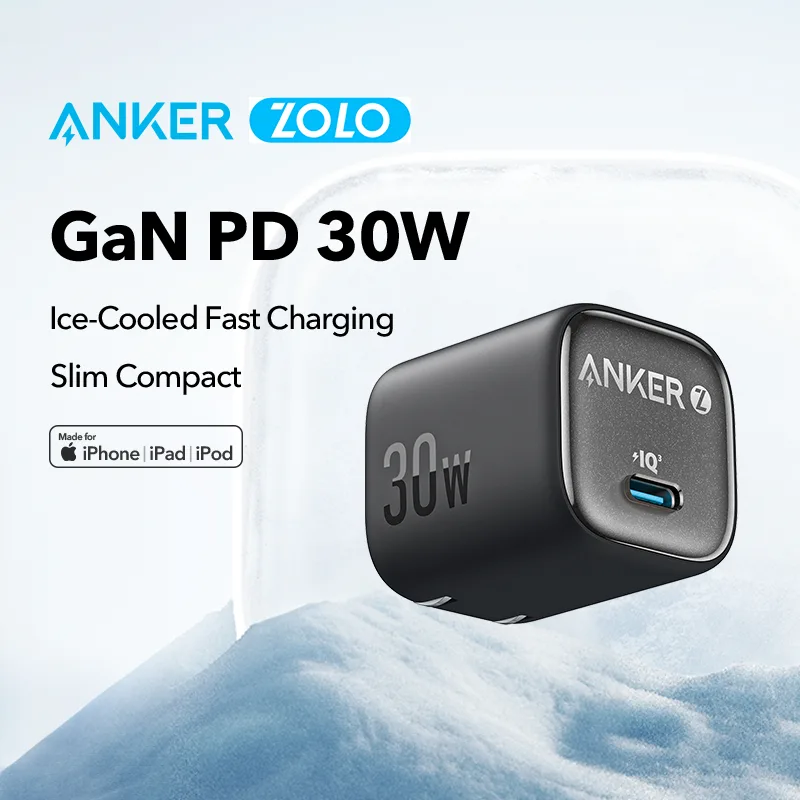
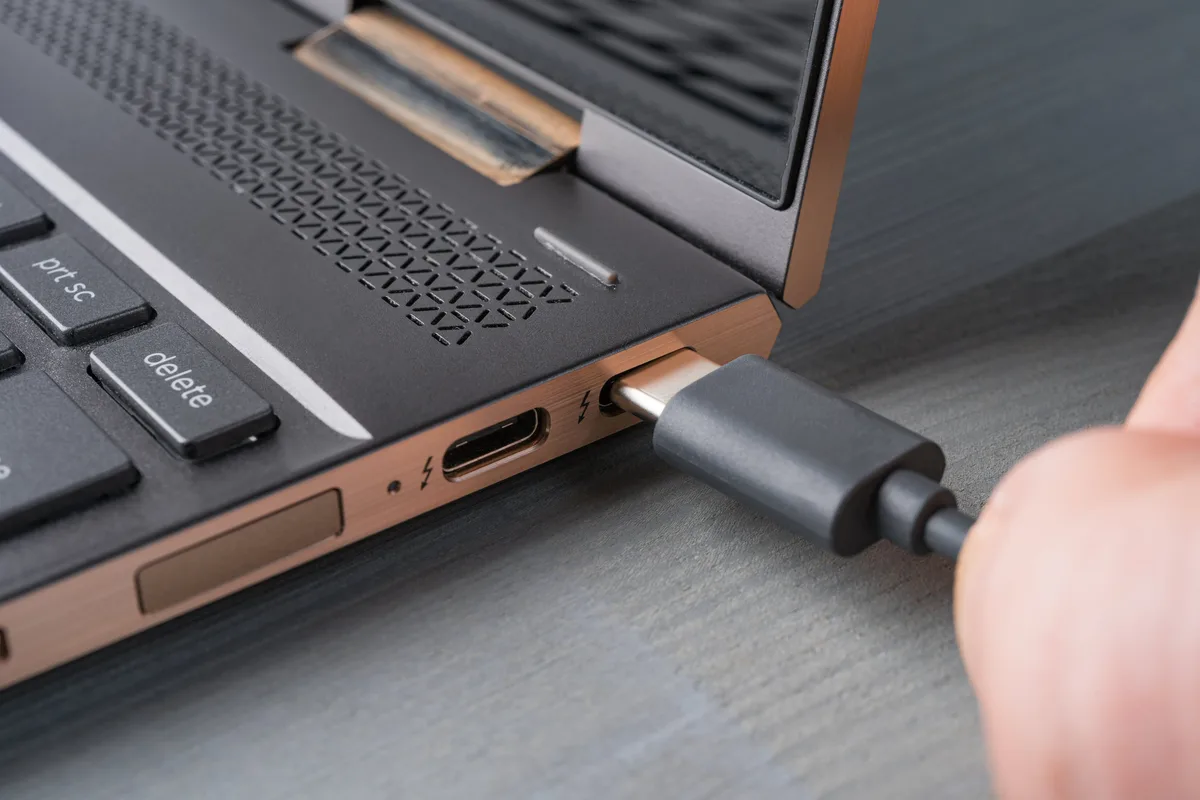
Choose this if your laptop charges by USB-C. It is usually the most efficient direct route. A good 65W or 100W USB-C PD car charger can run many laptops without an inverter.
Check the charger’s output list. It should include 20V. Many lower-cost car chargers offer 5V, 9V, or 15V but not 20V.
Without 20V, some laptops charge slowly or not at all.
Use a cable rated for the wattage. A thin or old USB-C cable can limit current. If the laptop supports 100W, use a 5A rated cable.
AC Power Inverter: Best for Original Laptop Chargers
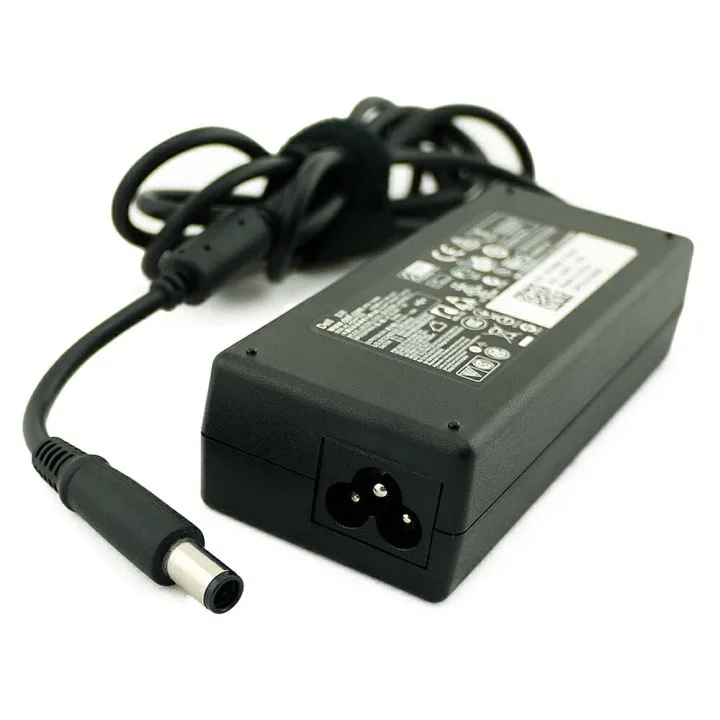
Use an inverter when the laptop needs its AC adapter. Plug the inverter into the 12V socket, then plug the laptop charger into the inverter. This is convenient, but it is less efficient.
Choose a pure sine wave inverter for sensitive electronics. Modified sine wave units can cause heat, noise, or charging issues with some adapters. Manufacturer manuals often recommend pure sine wave output for laptop power supplies.
Check the socket fuse. A 150W inverter may be fine on a 15A socket. A 300W inverter may exceed the socket limit.
Never force a larger inverter into a circuit that is not rated for it.
12V DC Laptop Adapter: Best When the Laptop Supports It
This option uses a 12V input adapter made for the laptop. It can be efficient because it avoids AC conversion. The catch is compatibility.
The adapter must match the laptop’s input voltage. Many laptops expect 19V or 20V from a barrel charger. A 12V input adapter must regulate that correctly.
Polarity and plug size also need to match.
If the laptop maker does not list 12V input support, skip this method. Wrong voltage can damage the laptop or trigger protection shutdowns.
Portable Power Station or Power Bank: Best for Engine-Off Safety
A portable power station is the safest buffer for engine-off charging. The car battery is not asked to feed the laptop directly. You can charge the station from the car, then use it to charge the laptop.
For laptop use, look for a 60W or higher USB-C PD output. A 100Wh station can add meaningful runtime. A 300Wh to 500Wh station is more useful for work sessions.
A laptop power bank can also help. It works best as a short bridge between car charging and laptop use. Check its watt-hour rating and output wattage before relying on it.
Auxiliary Battery or DC-DC Charger: Best for Frequent Mobile Work
This is the long-term setup for people who work from vehicles. An auxiliary battery or leisure battery is separate from the start battery. A DC-DC charger moves power from the vehicle system to that battery safely.
The start battery stays protected. The auxiliary battery handles laptop charging while parked. This is common in overlanding, field service, and mobile office builds.
This route costs more and takes more planning. It may need proper fusing, cable sizing, and installation. For occasional use, a portable power station is usually simpler.
How to Calculate Runtime Before the Battery Drops Too Low
Use watts and amps, not guesswork. Start with the laptop charger wattage. Then estimate the current drawn from the 12V system.
A simple formula works:
12V amps = laptop watts ÷ 12 ÷ charging efficiency
For a 65W laptop at about 85% efficiency, the draw is roughly 6.4A. A 100W laptop can pull close to 10A. Inverters usually add more loss than a direct USB-C PD car charger.
| Laptop draw | Approx 12V current | Conservative engine-off time |
|---|---|---|
| 45W | 4.5A | 45 to 60 minutes |
| 65W | 6.5A | 30 to 45 minutes |
| 100W | 10A | 15 to 25 minutes |
These times assume a healthy battery, no lights, no fan, and no other accessories. They are estimates, not promises. A weak battery can lose useful voltage much faster.
What voltage should you watch?
Watch voltage and stop before it falls too far. With the engine off, try to keep the battery above about 12.3V during the session. If it drops to 12.2V or lower, stop charging.
Use a 12V voltage monitor, multimeter, or a charger with a display. A low-voltage cutoff is safer because it acts automatically. If you need longer engine-off runtime, use a portable power station instead of the car battery.
Step-by-Step Workflow: Charge a Laptop Safely in a Car
Start with the lowest-risk path. Confirm the laptop wattage and the car socket limit before plugging anything in.
- Check the laptop charger label. Note the required watts and voltage.
- Check the vehicle owner’s manual. Confirm the 12V socket fuse rating and maximum accessory load.
- Choose the charging method. Use USB-C PD if the laptop supports it. Use an inverter only when needed.
- Check battery voltage. If the engine is off, start near 12.6V for the best margin.
- Turn off unnecessary loads. Switch off interior lights, seat heaters, fan, and accessories.
- Plug in the charger first. Then connect the laptop.
- Confirm charging. Look for the laptop charging icon or a power meter reading.
- Set a timer or voltage cutoff. Stop early if voltage falls.
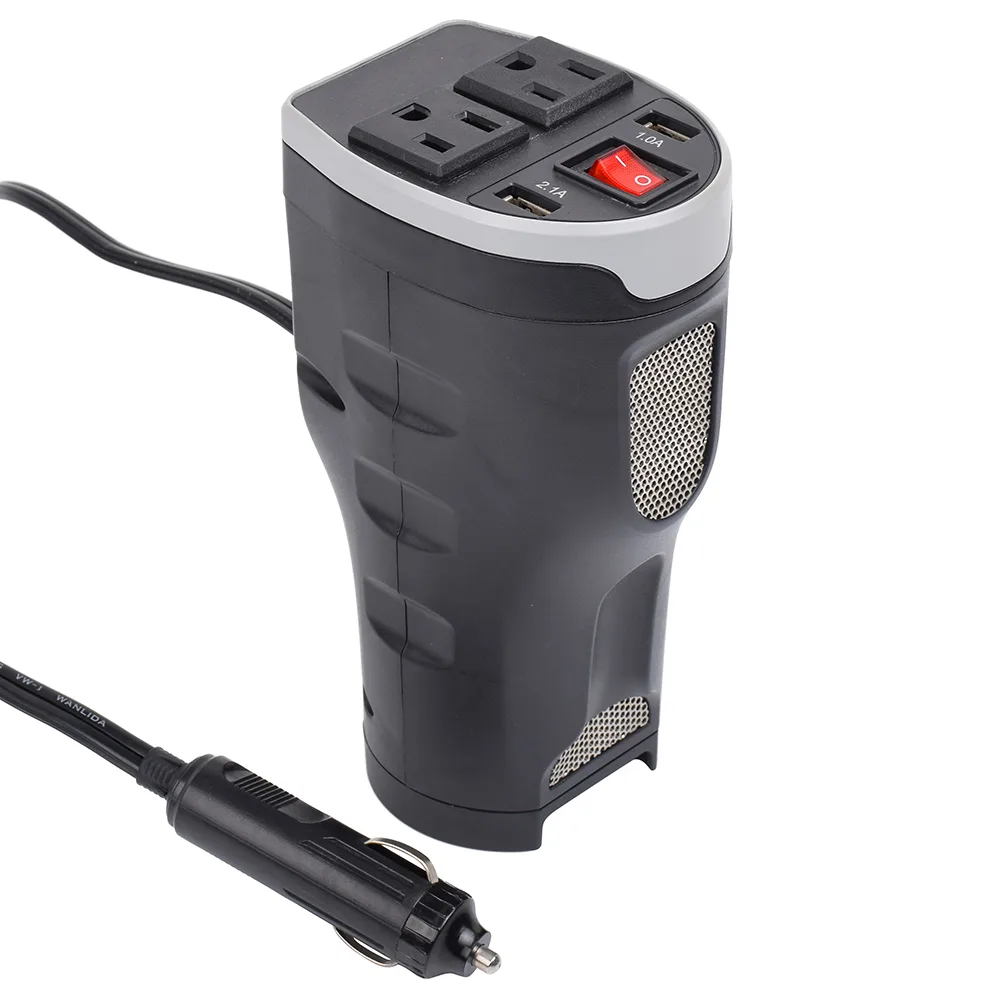
Image source: Bing (Web (fair-use with source credit))
If you use an inverter, keep it on a hard surface. Do not bury it under bags or seats. Inverters need airflow.
If the vehicle has start-stop, watch its behavior. Some systems shut the engine off while parked. If that happens, the laptop may keep drawing from the 12V battery.
Time Limits: Short Parked Sessions vs Long Drives
Short parked sessions need strict limits. Long drives give more electrical headroom, but they still need the right charger.
| Situation | Best practice |
|---|---|
| Engine off, healthy battery | Keep it under 30 minutes unless voltage stays strong |
| Engine off, unknown battery | Use a power station or avoid charging |
| Engine running, short drive | Charge normally, but monitor heat |
| Long highway drive | Use a proper USB-C PD charger or rated inverter |
For a short parked session, treat 30 minutes as a practical ceiling for a 45W to 65W laptop. If the battery is old or the weather is cold, cut that time. If voltage drops quickly, stop.
On long drives, the alternator does most of the work. A healthy charging system can support a laptop and still charge the battery. Watch the battery warning light.
If it comes on, stop charging and check the charging system.
Avoid running a large inverter from a small socket for hours. Heat builds up in the plug, socket, and inverter. If anything feels hot, disconnect it.
Common Mistakes That Leave You With a Dead Car Battery
Most dead-battery problems come from a few repeat mistakes. They are easy to avoid once you know the risk points.
- Using a car charger that is too weak. The laptop may discharge slowly or refuse to charge.
- Leaving the car in accessory mode. The ignition state can keep fans and electronics awake.
- Ignoring the 12V socket fuse rating. A 10A socket cannot safely feed a large inverter.
- Assuming the battery is healthy. Age, heat, and short trips reduce reserve capacity.
- Charging with lights, fan, or heated seats on. Extra loads drain the battery faster.
- Using a worn 12V socket. Loose contact can cause heat and voltage drops.
- Letting the engine shut off with start-stop. The battery then carries the laptop load.
- Using an inverter with no ventilation. Heat can trigger shutdown or damage components.
Another common mistake is trusting the laptop battery as the only buffer. If the laptop battery is old, it may need more power than expected. It can also shut down if the car charger cannot keep up.
Safety Rules for Fuses, Heat, Cables, and Inverters
Safety starts with the fuse. The fuse protects the wiring, not the laptop. Never bypass a fuse or use a larger fuse to make an inverter work.
If you connect directly to the battery, use an inline fuse close to the positive terminal. Size the fuse and cable for the expected current. Manufacturer instructions and SAE wiring guidance are the right reference for this.
Use the correct cable size. Thin cables heat up and drop voltage. Short, thick cables are better for high current.
If a cable is warm to the touch, it is too small or the connection is poor.
Watch heat at every point. Check the charger, socket, inverter, and laptop adapter. Warm is normal.
Hot is not. Stop if you smell hot plastic or see melted plugs.
Choose certified power electronics where possible. Look for recognized safety marks such as UL listing or CE marking. Cheap, uncertified inverters can fail without warning.
Secure the inverter before driving. It should not slide, tip, or block pedals. Keep vents clear and avoid covering it with clothing or bags.
What to Do If the Battery Voltage Drops or the Car Won’t Start
If voltage drops, stop charging immediately. Turn off lights, fan, and other accessories. Then give the battery a chance to recover.
If the car will not start, use a jump starter pack or jumper cables with a donor vehicle. Follow the vehicle manual. If the battery is old or repeatedly weak, have it tested.
After recovery, recharge the battery fully. A smart battery charger is the safest option if you have wall power. If the battery warning light appears while driving, have the alternator and charging system checked.
FAQs: Charging a Laptop in a Car Without Draining the Battery
Can I charge a laptop with the car off?
Yes, for short sessions. A healthy battery and a 45W to 65W laptop may be fine for 15 to 30 minutes. Watch voltage.
Stop near 12.2 volts. Use a power station for longer work.
Will charging drain the car battery?
It can. With the engine off, the laptop draws from the start battery. The drain grows with laptop wattage, lights, fans, and battery age.
Running the engine or using a separate power source reduces risk.
What is the best way to charge a USB-C laptop?
Use a USB-C PD car charger with the correct wattage. It should support 20V output. Match the laptop’s power requirement.
Use a high-quality cable. This is more efficient than an inverter for most USB-C laptops.
Can I use a power inverter?
Yes, if the socket and fuse can handle it. Choose a pure sine wave inverter. Keep the wattage within the 12V socket rating.
Monitor heat. Do not use a large inverter on a small accessory circuit.
Decision Guide: Choose the Right Setup for Your Situation
Use this quick guide to pick the safest setup.
| Your situation | Best setup |
|---|---|
| Occasional charging while driving | USB-C PD car charger |
| Laptop needs its AC adapter | Small pure sine wave inverter |
| Frequent engine-off work | Portable power station |
| Daily mobile office use | Auxiliary battery with DC-DC charger |
| Weak or old car battery | Avoid direct engine-off charging |
If you charge once in a while, a USB-C PD car charger or small inverter is enough. If you work from the car often, add a power station or auxiliary battery. The goal is simple.
Keep the start battery strong enough to start the car.

Similar Posts