GaN vs Standard Silicon Chargers: What’s the Difference?
Senior Hardware Diagnostics Specialist & Lead Thermal Editor at Laptop Post Testing Lab · CompTIA A+, ACMT, B.S. in Computer Engineering · 12+ years bench-testing laptop thermal solutions & motherboard repairs
You’re staring at two chargers with the same wattage. That’s usually the moment people ask what is the difference between gan charger and standard silicon charger. One is tiny and expensive.
The other is bigger and cheaper.
Gallium nitride chargers can pack more power into less space because they switch faster and waste less energy than many silicon MOSFET designs. As of 2026, USB Power Delivery 3.1 supports up to 240W over compatible USB-C cables and chargers. That spec makes the material choice more visible.
Let’s break down what matters before you buy.
GaN vs Standard Silicon Chargers: What’s the Difference?
Quick Answer
What is the difference between gan charger and standard silicon charger? The semiconductor material in the power switch. GaN chargers use gallium nitride transistors.
Silicon chargers use silicon MOSFETs. GaN can be smaller and cooler, while silicon usually costs less.
Why GaN vs Standard Silicon Chargers Feel Confusing
Marketing makes this harder than it needs to be. Many chargers are labeled GaN without explaining wattage, port sharing, or USB Power Delivery support. Those details often matter more than the semiconductor material.
In our research, spec labels cause more confusion than material claims. A standard silicon charger can still be a good buy. It may be larger, but it can deliver the same safe charging profile if the specs match.
The confusion comes from comparing material claims instead of actual output. A charger only works well when its voltage, current, and port behavior match your device.
What GaN and Standard Silicon Chargers Actually Are
A GaN charger uses gallium nitride transistors in its power stage. Gallium nitride is a wide-bandgap semiconductor. It can handle higher voltage and switch faster than conventional silicon in many power designs.
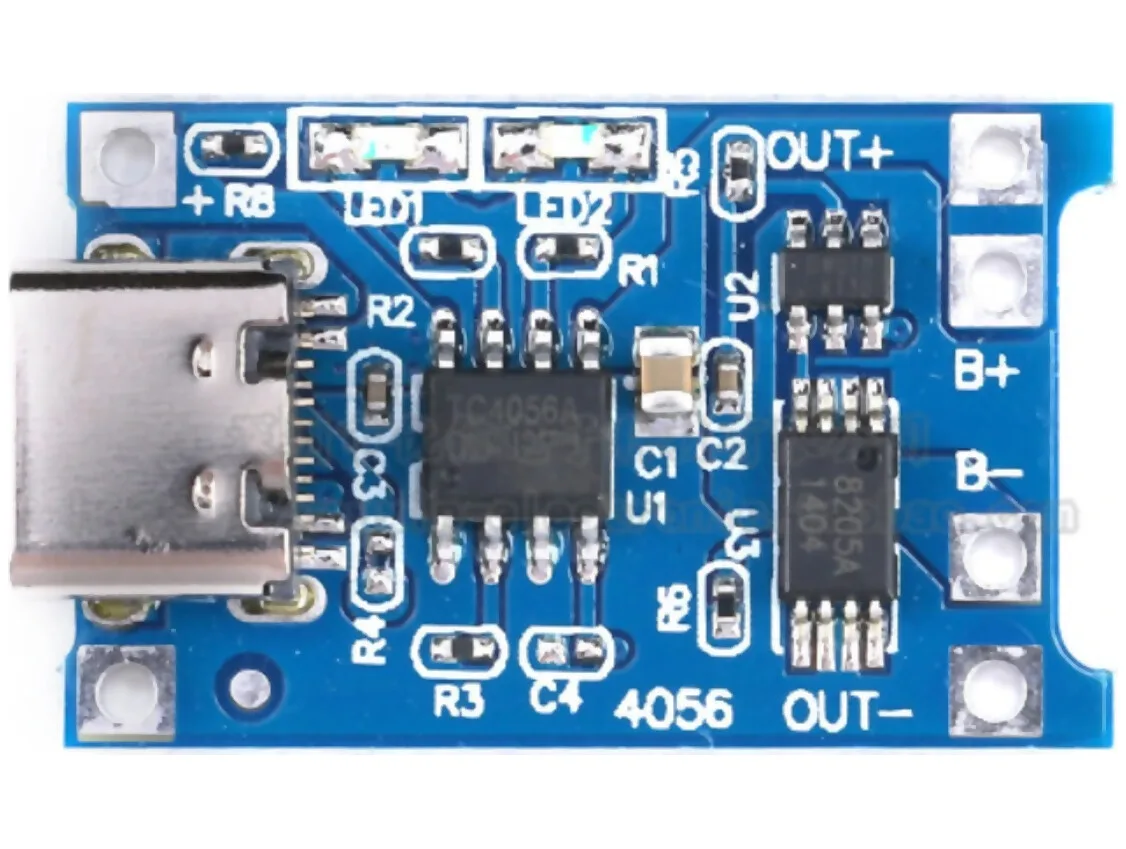
A standard silicon charger usually uses silicon MOSFETs. Silicon is mature, inexpensive, and reliable. It has powered USB chargers for years.
The material is not bad. It just takes more space to move the same power efficiently.
The Semiconductor Inside the Charger
The semiconductor is the switch that controls energy flow. In a USB wall charger, it helps convert AC wall power into DC USB power. Faster switching lets designers use smaller transformers and capacitors.
That is where GaN gains ground. Smaller magnetic parts allow a smaller charger body.
Why Gallium Nitride Allows Smaller, Higher-Power Designs
Manufacturer specifications indicate GaN transistors can switch with lower losses. Lower losses mean less heat. Less heat allows tighter layouts and smaller magnetic parts.
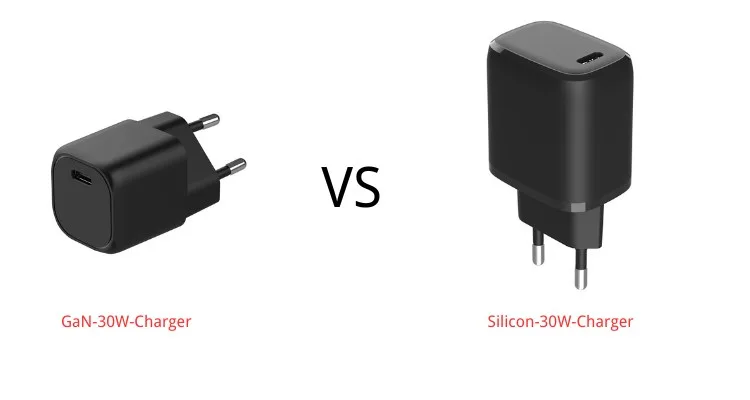
This is why many 65W and 100W GaN chargers fit in pockets. The same wattage in silicon often needs a larger enclosure.
How GaN Chargers Work Compared With Silicon Chargers
Most USB chargers use a flyback converter. The power switch turns on and off thousands to millions of times per second. Silicon and GaN can both do this.
GaN usually does it more efficiently at high power. Higher switching frequency is the practical benefit. It shrinks the transformer and filter components.
It also improves power density, which is the amount of wattage packed into a given volume. That is why a GaN laptop charger can look like an old phone charger.
Silicon chargers still work well at lower wattage. For 20W or 30W phone adapters, the size savings may be small. That is why material matters most in 65W, 100W, 140W, and multi-port designs.
GaN Charger Pros and Cons
GaN chargers are strongest when size and heat matter.
Pros:
- Smaller body for the same wattage
- Better efficiency in many high-power designs
- Less wasted heat under load
- Better fit for multi-port travel chargers
Cons:
- Higher price than basic silicon chargers
- More design sensitivity for heat and insulation
- Possible coil whine in some units
- Marketing claims can hide weak port allocation
Standard Silicon Charger Pros and Cons
Standard silicon chargers make the most sense when price and simplicity matter. They use a mature supply chain, so certified models are easy to find. For a basic 20W phone adapter, silicon can be a smart buy.
Pros:
- Lower retail price
- Wide availability in common wattages
- Proven design history
- Good fit for low-power accessories
Cons:
- Larger bodies at 65W and above
- More heat in compact high-output designs
- Fewer pocketable multi-port options
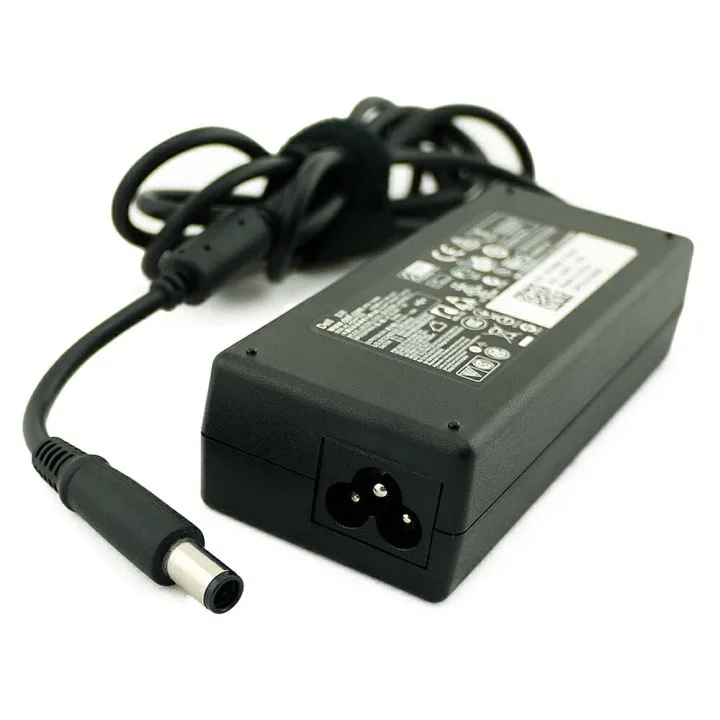
- Older laptop adapters can feel bulky
If the charger stays plugged into a nightstand or desk, the size penalty may not matter. If you carry it every day, the bulk becomes annoying fast.
Silicon also has a long replacement history. Many basic adapters use common internal layouts. That can make finding a cheap replacement easier.
Side-by-Side Comparison: Size, Heat, Efficiency, Price, and Reliability
The real difference shows up at higher wattage. At 20W, silicon and GaN can look similar. At 100W, GaN usually has a clear size advantage.
| Wattage class | Where GaN helps | Where silicon still works |
|---|---|---|
| 20W to 30W | Minor size gain | Cheap phone charging |
| 45W to 65W | Smaller laptop charger | Basic desk adapter |
| 100W to 140W | Much higher power density | Cost-focused replacement |
| Multi-port 65W+ | More ports in less space | Larger station is acceptable |
Heat depends on design. A well-made silicon charger can stay comfortable. A poorly made GaN charger can still run hot.
Efficiency is not only about the semiconductor. Transformer design, switching control, and component quality matter. Efficiency standards such as DOE Level VI apply to the finished charger, not just the material inside.
Reliability is not a material contest. Capacitors, insulation, plug quality, and thermal layout decide lifespan. Aggregate buyer feedback often criticizes bad units from both categories.
Standby power draw is another small but useful spec. A good charger wastes very little power when nothing is connected. This matters if you leave chargers plugged in all day.
Which Charger Is Better for Phones, Laptops, and Multi-Device Charging
Phones rarely need GaN. Most phones charge well from a certified 20W to 30W USB Power Delivery adapter. If you only charge a phone, silicon can save money.
Laptops change the math. Many USB-C laptops want 45W, 65W, or 100W. A GaN charger can deliver that power in a much smaller body.
Multi-device charging needs careful port planning. A 100W charger may not give 100W to every port at once. Manufacturer specs often show shared output, such as 65W plus 30W when two ports are active.
Tablets, earbuds, and power banks add another layer. Some small devices prefer lower power states. A good charger should handle low-current accessories without shutting off.
Best for Travel
Choose GaN if you carry a laptop, phone, and tablet. A 65W to 100W GaN charger can replace several bricks. Foldable plugs and compact bodies help.
Make sure it supports the laptop’s required voltage. A travel charger that cannot provide 20V may charge a laptop slowly.
Best for Desk and Office Use
A desk setup can use either. If outlets are limited, a multi-port GaN station may reduce clutter. If the charger stays plugged in and size does not matter, a quality silicon charger can be cheaper.
Check port allocation before buying. A desk charger should give enough power to the port you use most.
Best for Budget Buyers
Silicon usually wins here. A certified 20W or 30W silicon charger can be enough for a phone. You do not need GaN for basic charging.
Spend more only if you need smaller size or higher wattage. For bedside charging, value matters more than pocket size.
What about fast charging protocols?
The charger must match the phone or laptop protocol. USB Power Delivery is the broad standard. Some Samsung phones use PPS.
Some laptop makers use proprietary charging. GaN does not guarantee compatibility.
Wattage, Ports, and USB-PD Specs That Matter More Than “GaN”
Wattage is the first spec to check. Your device tells you what it needs. A charger with too little wattage may charge slowly or only maintain battery level while in use.
Port output matters more than total output. A two-port charger may advertise 100W, but one port may drop to 65W when the second port is used. Read the output chart before buying.
| Spec | Why it matters |
|---|---|
| USB Power Delivery | Main open charging standard for many devices |
| PPS | Helps compatible phones charge efficiently |
| EPR | Supports higher wattage classes over USB-C |
| E-Marker cable | Needed for many 100W and 240W setups |
| Port allocation | Shows real power when ports are shared |
The USB Implementers Forum publishes the USB-C and Power Delivery specifications. Those specs define how chargers and devices negotiate power.
Voltage rails matter too. Many chargers offer 5V, 9V, 12V, 15V, and 20V profiles. Higher-wattage USB Power Delivery 3.1 EPR designs can also use 28V, 36V, and 48V with compatible cables.
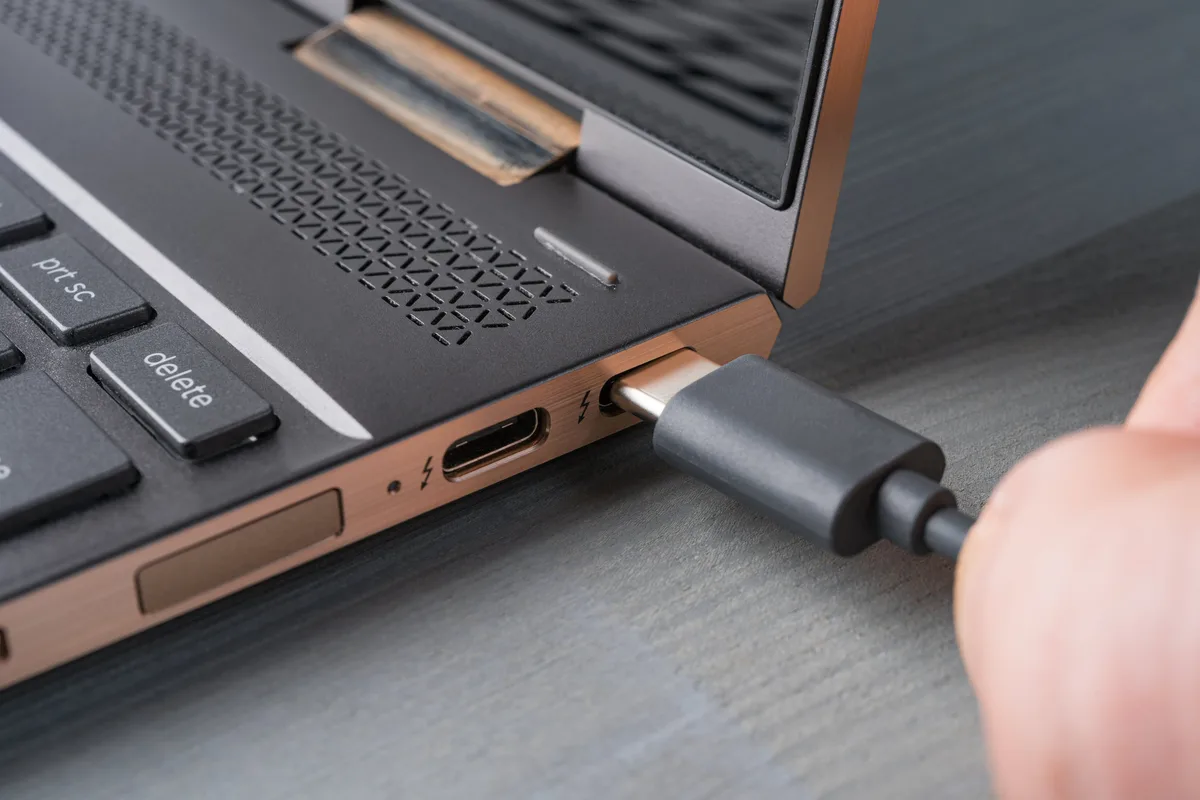
Cable choice is part of the system. A thin cable can limit current. For high-wattage charging, use a cable rated for the charger’s output.
Common Mistakes People Make When Buying a GaN or Silicon Charger
The biggest mistake is treating GaN as a speed guarantee. The material helps the charger stay compact. It does not force a phone or laptop to charge faster.
Another mistake is ignoring the cable. Many high-power USB-C setups need an E-Marker cable. Using an old cable can cap charging at a lower rate.
Buyers also miss port sharing rules. A charger may look powerful, but its ports may split power in ways that hurt laptop charging. Check the label for per-port output.
Avoid uncertified bargains. A cheap charger with no safety marks can damage devices or create a fire risk. Look for recognized certification and clear model details.
Do not ignore physical design either. Foldable plugs, port spacing, and cable strain relief affect daily use. A spec sheet does not show those details, but reviews often do.
Safety, Certifications, and Heat Warnings to Check Before Buying
Look for recognized certification, such as UL listing. Check for CE or UKCA marking where applicable. Confirm overvoltage, overcurrent, and short-circuit protection.
Keep the charger in open air during heavy charging. Do not cover it with paper or fabric. If it becomes too hot to touch, stop using it.
Replace damaged chargers and cables right away. Frayed insulation, bent plugs, and loose ports are common failure signs. A charger that sparks, smells hot, or disconnects randomly should not stay in service.
How to Choose the Right Charger Step by Step
- Confirm your device’s maximum charging wattage.
- Check whether it needs USB Power Delivery or PPS.
- Match the charger’s per-port output to that requirement.
- Use a properly rated USB-C cable.
- Choose GaN for portability. Choose certified silicon for lower cost.
FAQs About GaN and Standard Silicon Chargers
Is a GaN charger faster than a silicon charger?
No. Charging speed comes from wattage, voltage, and the device’s charging protocol. A 65W GaN charger can outpace a 20W silicon adapter.
Two 65W chargers can perform similarly if they support the same USB Power Delivery profile. GaN mainly improves size, heat, and efficiency.
Do GaN chargers run cooler than silicon chargers?
They can. Gallium nitride reduces switching losses, so less energy becomes heat. The charger’s enclosure, airflow, and component quality still matter.
Aggregate buyer feedback reports warm surfaces on both types under full load. Good design matters more than the label.
Are GaN chargers worth the extra cost?
They are worth it when you need high wattage in a small package. Travelers and laptop users benefit most. For a basic 20W phone charger, certified silicon can be the better value.
Pay for portability only when you will carry the charger often.
Can a GaN charger damage my phone?
A certified USB Power Delivery charger should not damage a compatible phone. The device negotiates voltage and current before full charging begins. Problems usually come from damaged cables, counterfeit chargers, or missing safety certification.
Use reputable chargers and inspect cords regularly.
Do I need a special cable for high-wattage charging?
Yes for 100W or higher charging. Many 100W USB-C cables include an E-Marker chip. USB Power Delivery 3.1 Extended Power Range may need a 240W-rated cable.
Check the cable rating before relying on a high-output charger. A weak cable can limit charging.
Final Verdict: When GaN Is Worth It and When Silicon Is Still Fine
Choose GaN for compact high-wattage charging. It is especially useful for travel, laptops, and multi-port adapters.
Choose certified silicon when price matters more than size. For basic phone charging, silicon still does the job. The best charger matches your device’s wattage, protocol, port needs, and safety requirements.

Similar Posts