Can You Use an Aluminum Laptop Stand Outdoors?
Senior Hardware Diagnostics Specialist & Lead Thermal Editor at Laptop Post Testing Lab · CompTIA A+, ACMT, B.S. in Computer Engineering · 12+ years bench-testing laptop thermal solutions & motherboard repairs
Taking your workspace outside can make a productive afternoon feel much more relaxed. You might wonder if you can use an aluminum laptop stand outdoors on a patio desk without causing damage to your hardware.
Aluminum is a common material for office gear because it is lightweight and durable. As of 2026, many remote workers find that a metal stand effectively supports an outdoor office setup.
Quick Answer
You can use an aluminum laptop stand outdoors safely. Aluminum naturally resists rust in humid air. Direct sunlight makes metal surfaces very hot.
Excessive heat can damage your laptop battery. Keep your stand in the shade while working.
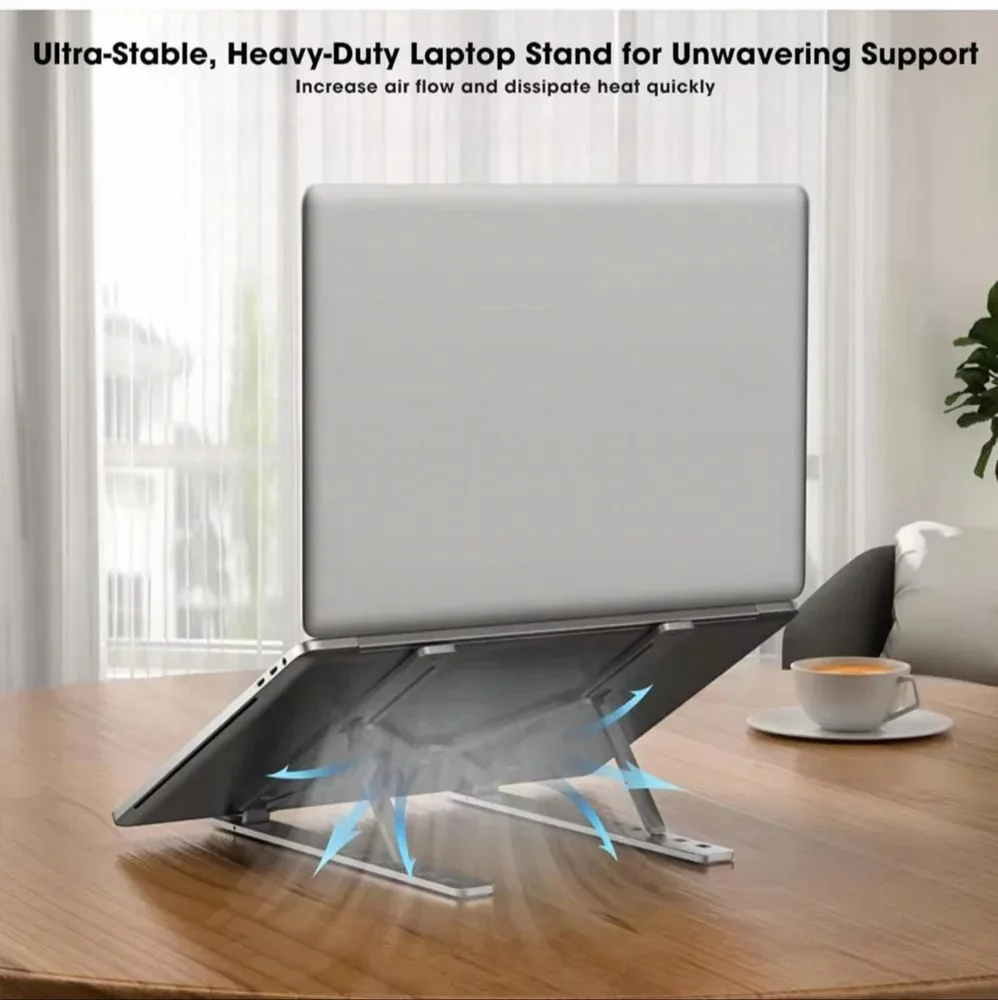
The Reality of Using Aluminum Stands Outdoors
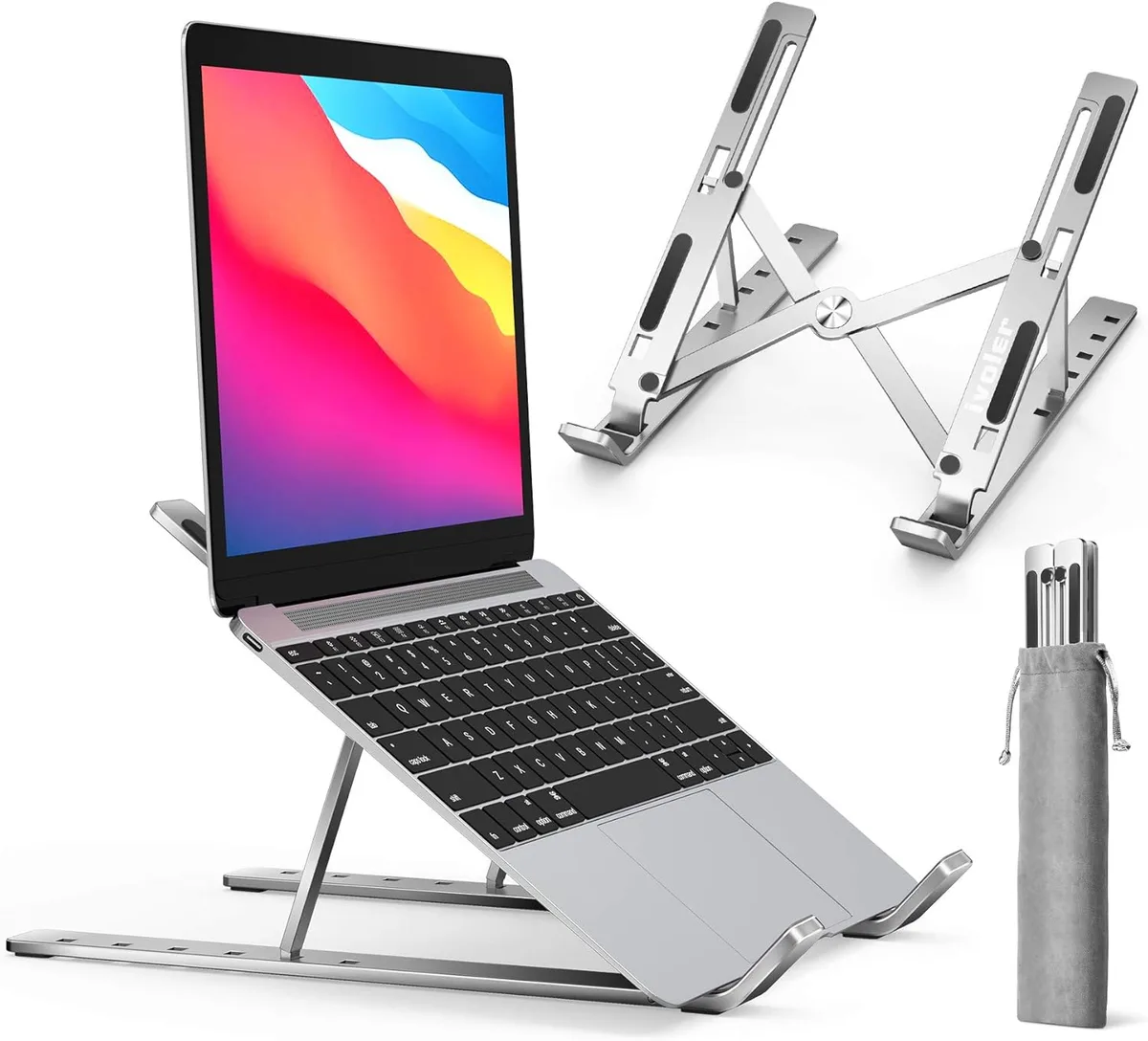
Using an aluminum laptop stand on your patio is generally a low-risk endeavor. The material is chosen by manufacturers for its longevity and resistance to atmospheric corrosion. Unlike iron, aluminum does not develop deep structural rust when exposed to moisture.
However, outdoor environments introduce variables that indoor offices do not have. Dust, high temperatures, and uneven surfaces create specific challenges. Your goal is to balance the convenience of an outdoor desk with the protection your expensive laptop requires.
Why Your Environment Changes the Outcome
Your local climate dictates how well your gear will hold up over time. If you live near the ocean, salt spray can eventually pit even high-quality aluminum finishes. This process is documented by the National Institute of Standards and Technology in their research on atmospheric corrosion.
Humid environments also encourage debris buildup in the hinges of adjustable stands. If your stand features moving parts, you must clean them regularly to prevent grit from seizing the mechanism. Dry, sunny environments present the opposite problem, where heat absorption becomes your primary focus.
The Hidden Risks of Heat and Direct Sunlight
Aluminum has high thermal conductivity, which is excellent for shedding heat from your device. If the stand sits in direct sunlight, however, it absorbs solar radiation and becomes a heat source rather than a heat sink. This creates a dangerous condition for your sensitive electronics.
High internal temperatures can lead to thermal throttling, where your CPU slows down to prevent hardware damage. Even worse, extreme heat accelerates the chemical degradation of lithium-ion batteries. Always position your desk in a shaded area to maintain a safe operating temperature.
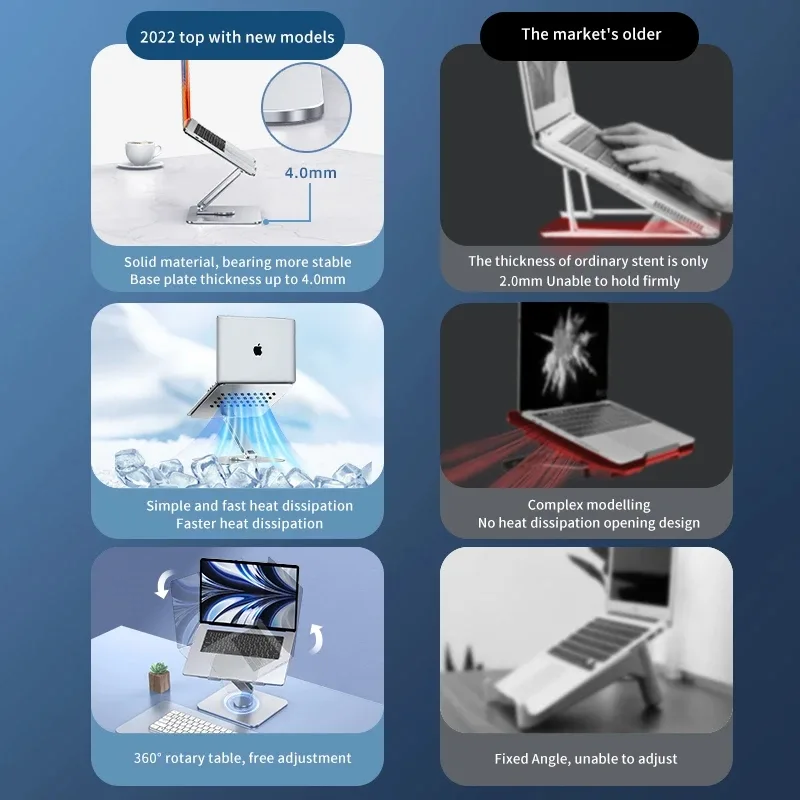
Assessing Your Patio Setup for Stability
Patio furniture is rarely as stable as a heavy indoor desk. Many outdoor tables have textured or slightly sloped surfaces that make stands prone to slipping. You need to ensure the base of your stand provides enough grip to prevent accidental movement.
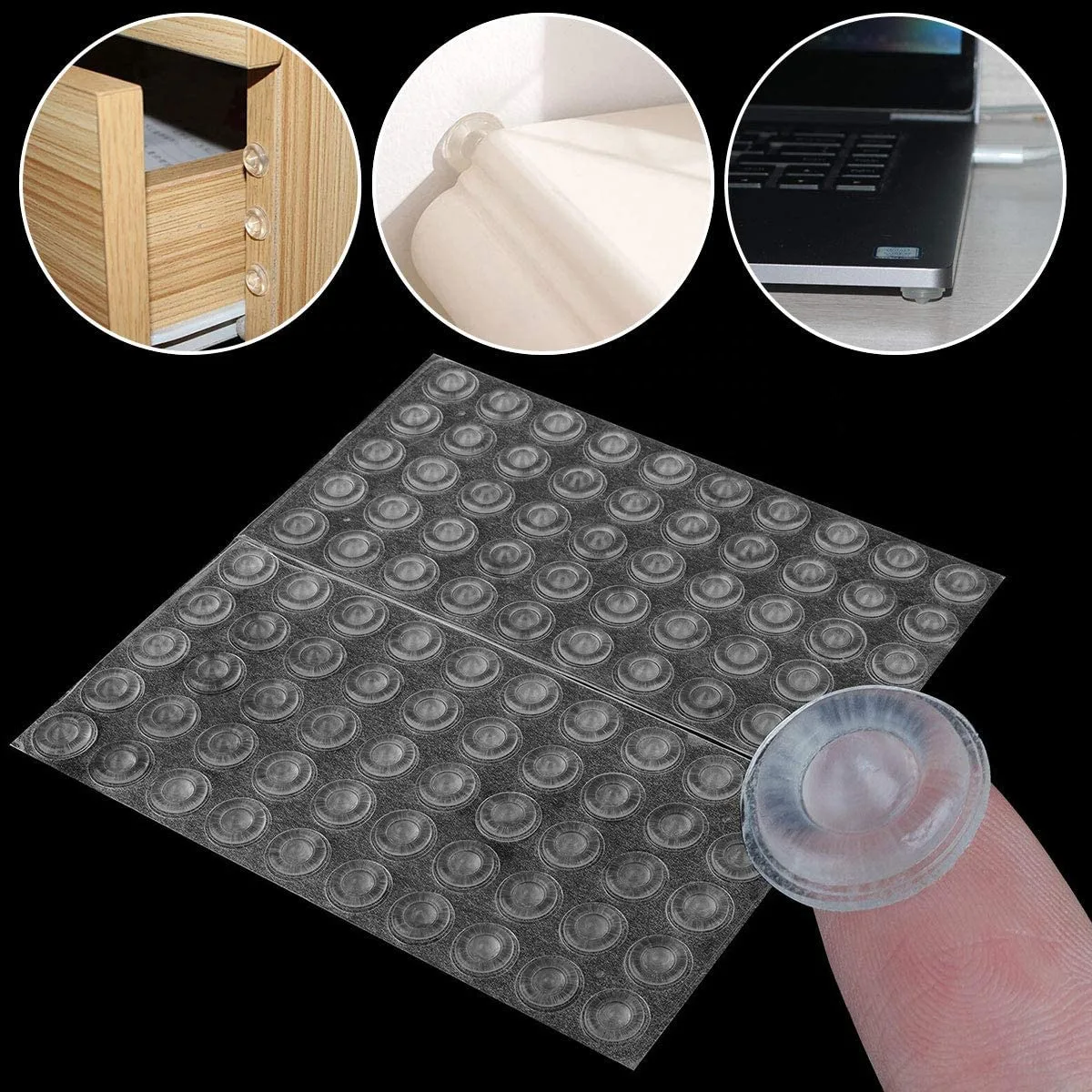
Most stands come with silicone or rubber feet to address this. Check that these pads are clean before you set up your workspace. If the pads are worn or missing, your stand might scratch your patio table surface.
Common Mistakes That Damage Your Laptop
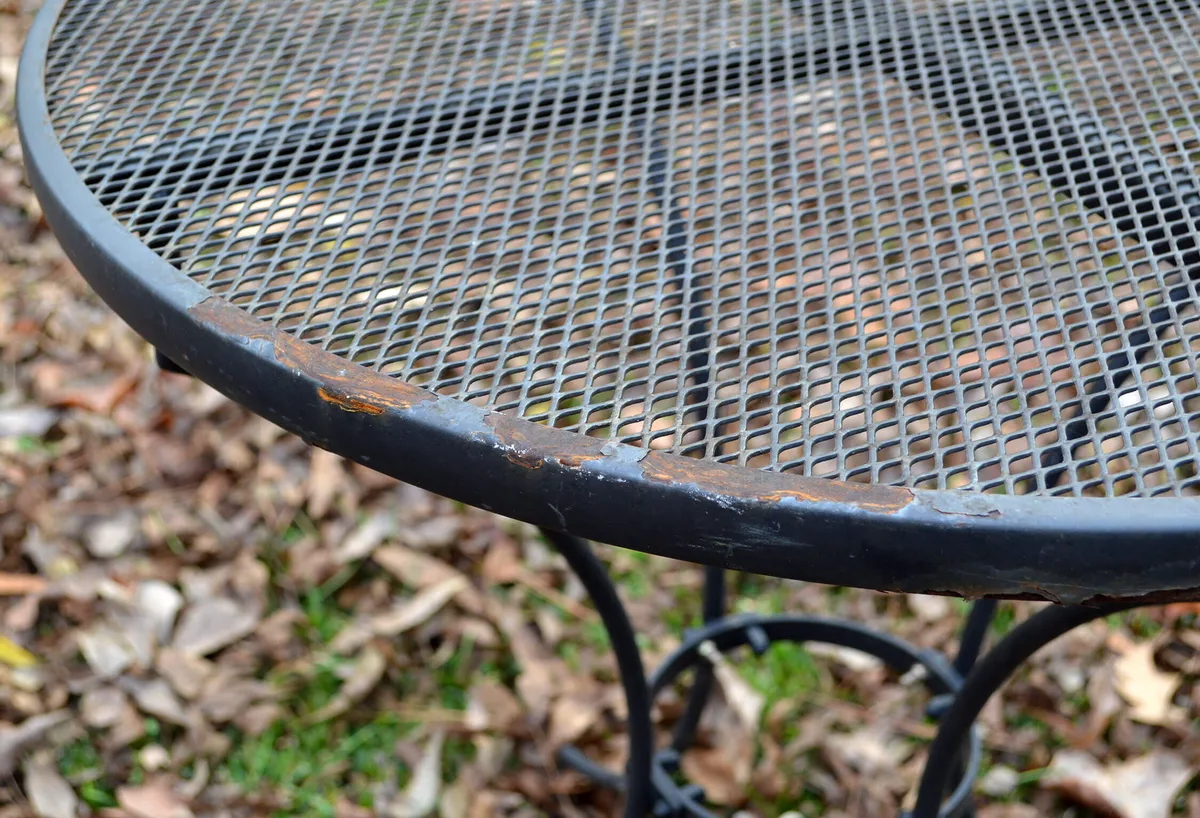
The biggest mistake is leaving an aluminum stand outside permanently. Even though the aluminum frame is tough, the small screws and fasteners are often made of zinc-plated steel. These cheap components will rust quickly when left in the rain or heavy morning dew.
Another error is ignoring the vent alignment of your laptop. If your stand covers the exhaust ports, the laptop will overheat regardless of how well the stand dissipates heat. Always verify that your laptop model has adequate clearance on your specific stand before you start working.
| Component | Risk Level | Mitigation Strategy |
|---|---|---|
| Aluminum Frame | Low | Wipe down periodically to remove dust. |
| Steel Fasteners | High | Keep out of rain or apply clear coat. |
| Silicone Pads | Medium | Clean debris to ensure maximum grip. |
| Laptop Vents | High | Verify alignment before each use. |
Step-by-Step: Evaluating Your Specific Location
Start your evaluation by tracking the sun’s movement across your patio area. You need to identify a spot that remains in shade for the duration of your work session. Afternoon sun is particularly harsh and can heat up metallic surfaces rapidly.
Check the level of your chosen surface next. Use a simple bubble level or even a smartphone app if the table looks slightly crooked. A lopsided surface increases the risk of your stand shifting during use.
Clear all debris before placing your stand. Even small pebbles or grit can prevent the stand from sitting flush against the table. A stable base is vital for both your hardware safety and your own wrist comfort while typing.
Choosing Between Aluminum, Steel, and Plastic
Aluminum is the superior choice for outdoor use when compared to most other common materials. Steel is often too heavy to move regularly and invites corrosion once the finish scratches. Plastic stands are lightweight but typically lack the structural rigidity required for larger laptops.
| Material | Outdoor Durability | Thermal Benefit | Weight |
|---|---|---|---|
| Aluminum | High | Excellent | Low |
| Steel | Low | Moderate | High |
| Plastic | Medium | Poor | Very Low |
Aluminum remains the industry standard for these accessories because it resists oxidation. If you have limited storage space, an aluminum stand offers the best balance of strength and portability. Plastic stands often rely on adhesive parts that degrade quickly under intense ultraviolet radiation.
Long-Term Maintenance for Outdoor Gear
Keep your stand in peak condition by wiping it with a damp cloth after each outdoor session. This removes salt, dust, and pollen that can accumulate in the hinges. These fine particles act like sandpaper over time if left inside the moving joints of the stand.
Inspect the mechanical fasteners monthly for any signs of surface discoloration. If you notice early rust spots on the screws, a tiny amount of marine-grade wax or a clear coat of enamel can prevent further degradation. Do not use harsh chemical cleaners, as these can strip the anodized coating.
Store the stand in a dry, indoor area whenever it is not in use. Bringing it inside protects the silicone pads from extreme temperature swings. Consistent storage cycles keep the tension in your stand’s hinges firm for many years.
Pro Tips for Protecting Your Hardware
Use an external keyboard and mouse to maximize the distance between you and the screen. This allows you to position your laptop at eye level while keeping your hands in a comfortable, ergonomic position. It also prevents you from touching hot metal surfaces near the laptop base.
Invest in a laptop skin or a protective hard shell if you plan to work outside frequently. These provide an extra barrier against minor bumps and surface scratches. If your screen is glossy, consider a matte anti-glare screen protector to combat the bright light of an outdoor patio.
Monitor your laptop battery health using built-in system diagnostics. Modern operating systems often display battery temperature metrics in the power settings menu. If you see temperatures rising above 45 degrees Celsius, pack up your gear immediately and move to a cooler environment.
FAQs: Weather and Material Concerns
Is it safe to leave my aluminum stand out in the rain?
You should avoid leaving the stand out during rainstorms. While the aluminum itself will not rust, the steel fasteners and tension pins are susceptible to moisture damage. Extended exposure to standing water can also degrade the adhesive on the silicone feet, causing them to slide off.
Does aluminum attract lightning during a storm?
Aluminum is a conductive metal, but it does not attract lightning in a meaningful way. Your laptop remains the primary concern during a storm due to potential electrical surges. Disconnect all chargers and bring your entire workstation inside the moment you see signs of incoming weather.
Can I clean my stand with window cleaner?
Avoid harsh glass cleaners that contain ammonia, as these can strip or cloud the finish on anodized aluminum. A mixture of mild dish soap and warm water is usually sufficient for cleaning. Always dry the stand thoroughly with a microfiber cloth to prevent water spots from forming.
How long does a typical aluminum stand last outdoors?
With proper care, an aluminum stand can last for many years in an outdoor setting. The limiting factor is usually the mechanical hinge tension or the degradation of the rubber pads rather than the metal frame itself. Regular cleaning and indoor storage are the keys to long-term ownership.
Final Decision Guide: Should You Take the Stand Outside?
Your decision to move your workspace outdoors rests on the specific environmental controls you can maintain. If you have a covered patio or a large offset umbrella, the aluminum stand will perform reliably. You can enjoy the ergonomic benefits of an elevated screen without compromising your hardware, provided you stay in the shade.
Avoid the outdoors if you cannot guarantee a stable, level, and shaded environment. Working in direct sunlight forces your laptop to work harder, which limits battery life and risks long-term component degradation. If your patio is exposed to heavy wind, ensure your stand is heavy enough to remain planted during sudden gusts.
Assessing Your Workspace Ergonomics
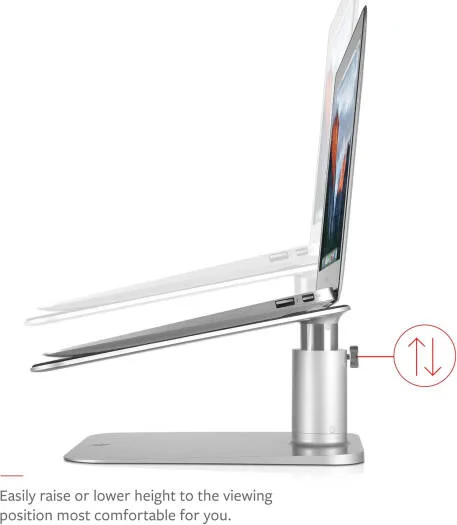
Correct elevation is the primary goal of any laptop stand. You should aim to place the top third of your display at eye level to prevent neck strain during long sessions. This adjustment helps you maintain a neutral posture, which is essential when working outside on non-standard patio seating.
Always prioritize wrist comfort alongside screen height. If the stand lifts your laptop too high, you might find yourself reaching upward, which causes shoulder fatigue. Using an external keyboard on the patio table surface allows you to maintain a perfect ergonomic triangle between your screen, your keyboard, and your chair.
Managing Glare and Screen Visibility
Glare is often the most significant frustration when working on a patio. Even a high-brightness display will struggle against direct sunlight reflecting off a table surface. If your stand is made of brushed aluminum, its reflective finish can bounce light directly into your eyes.
You can mitigate this by choosing a matte finish stand or placing a dark, non-reflective desk mat under your setup. This simple addition absorbs excess light and prevents it from hitting your screen. If glare remains an issue, shift your orientation so that the sun is behind you, but not directly hitting your monitor.
Balancing Portability and Stability
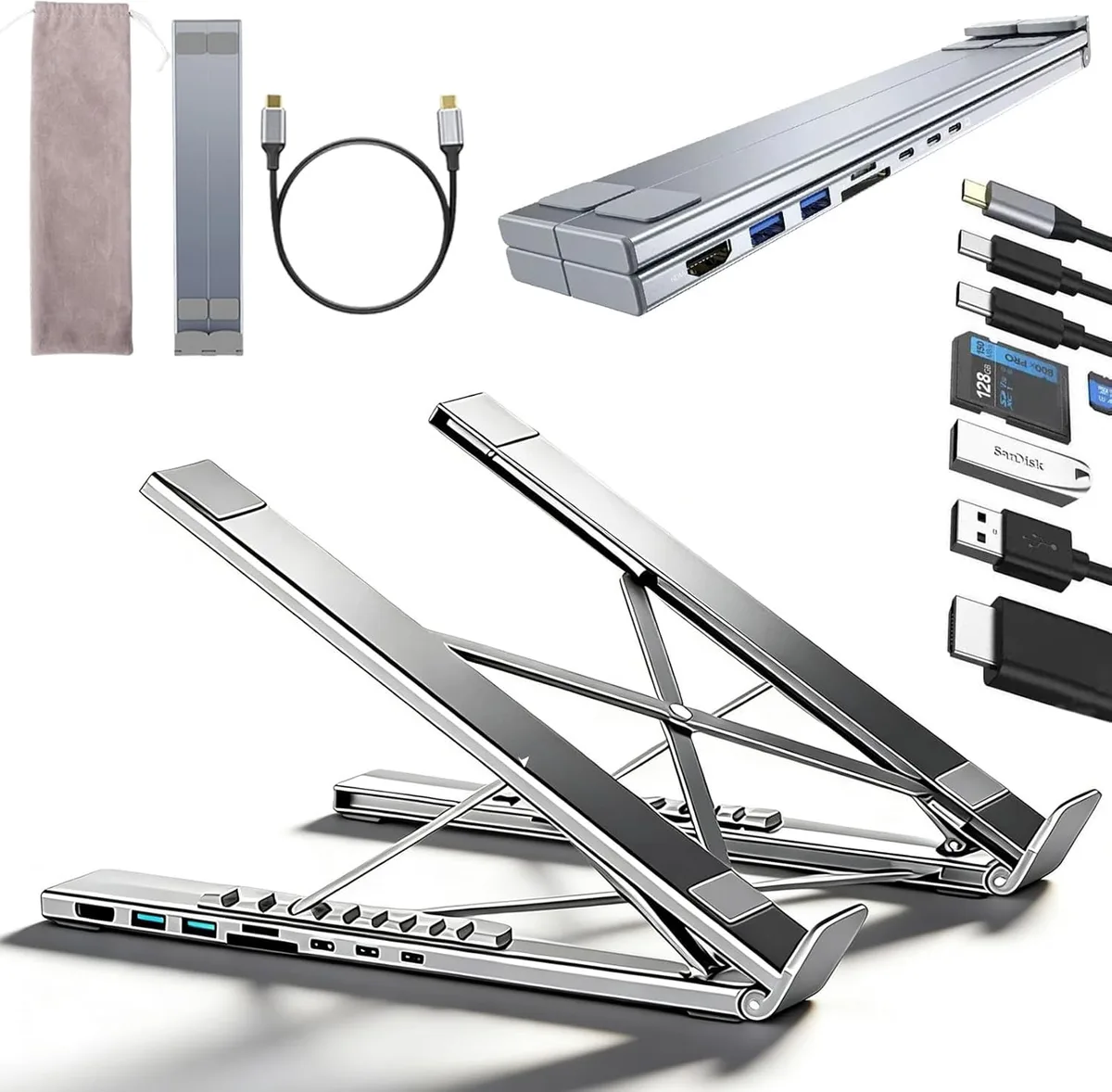
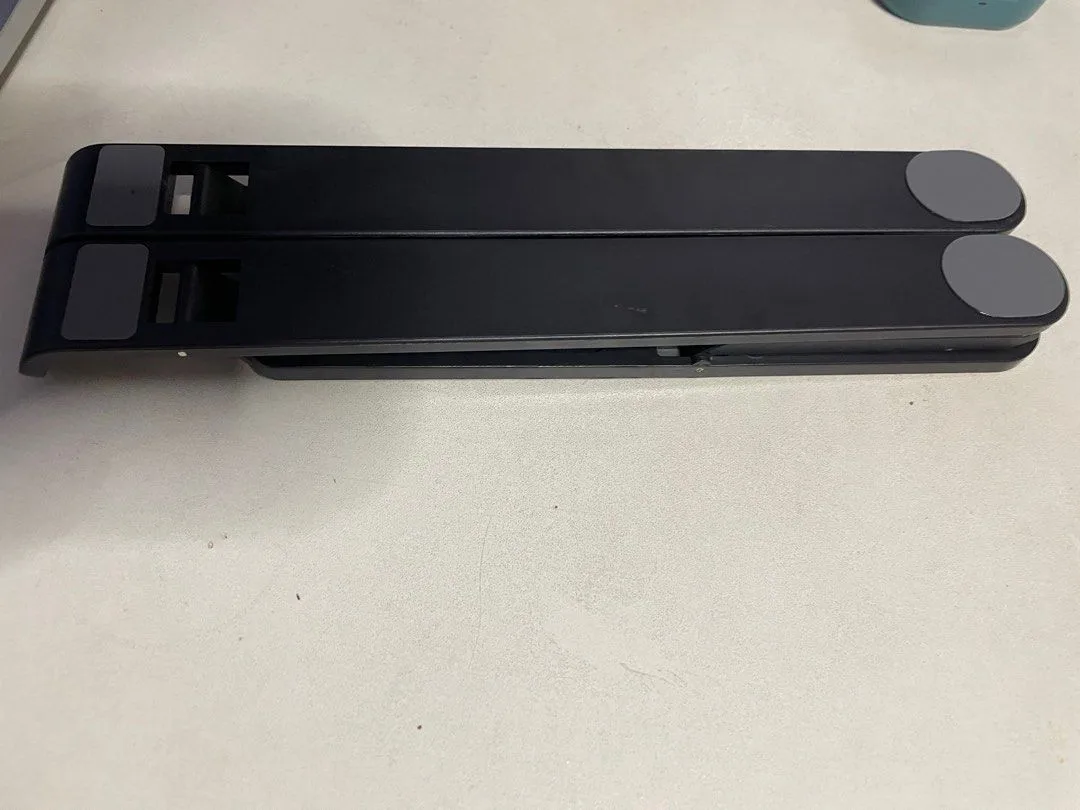
Portability is a huge advantage of aluminum stands, but consider how often you actually intend to move yours. If you want a setup you can take to a park, look for a lightweight, folding model that fits easily into a bag. These stands often use tension-based hinges that hold their position well.
If your setup is for a permanent patio table, consider a heavier, fixed-angle stand. These models offer superior stability and are less likely to tip if you accidentally bump the table. A fixed-angle stand also eliminates the mechanical hinges that often collect dirt and grit in outdoor environments.
Protecting Your Privacy and Security
Working outdoors changes your exposure to public view. If you are handling sensitive documents or proprietary software, be mindful of who can see your screen from the street or neighboring patios. Always position your desk to face a wall or a private hedge.
Digital security is also a factor when you leave your home network. Ensure you are using a secure, password-protected connection rather than an open public Wi-Fi signal. If you must use a public hotspot, a personal VPN provides the necessary layer of protection for your sensitive data while you enjoy the fresh air.

Similar Posts