what causes laptop charger to smell like burning electrical fish
Senior Hardware Diagnostics Specialist & Lead Thermal Editor at Laptop Post Testing Lab · CompTIA A+, ACMT, B.S. in Computer Engineering · 12+ years bench-testing laptop thermal solutions & motherboard repairs
What causes laptop charger to smell like burning electrical fish is a question no one wants to ask, because that sharp, ozone-like scent is a universal red flag for electrical danger. If you’ve ever caught that whiff while charging your work or gaming laptop, you’ve probably frozen mid-task wondering if your device is about to catch fire. That smell isn’t a random quirk of cheap chargers, either.
It’s a specific symptom of internal component failure that demands immediate action.
Per UL 1310, the global safety standard for Class 2 power units, laptop AC adapters should never emit detectable odors during normal operation, as of 2026. Any burning or chemical scent means internal components are overheating or arcing, which can lead to fire or permanent laptop damage in as little as 48 hours if you keep using it. We’ll break down exactly what’s happening inside your charger, how to stay safe, and how to fix the problem without wasting money on unnecessary replacements.
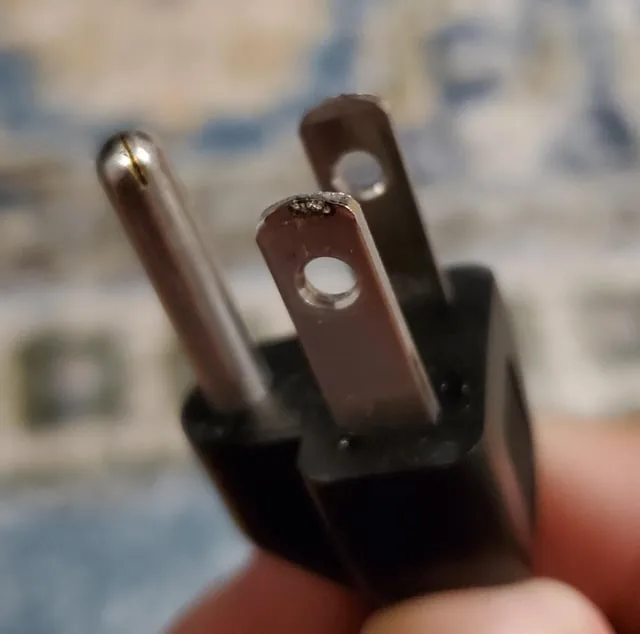
Image source: Bing (Web (fair-use with source credit))
Quick Answer
The burning electrical fish smell from your laptop charger comes from ozone produced by internal electrical arcing or overheating components. Failing capacitors, damaged transformers, and frayed cable insulation are the most common causes. This is not a harmless quirk.
It indicates an active electrical fault that poses fire and shock risks. Stop using the charger immediately and unplug it from the wall.
Why That Specific Burning Electrical Fish Smell Is a Serious Safety Red Flag
That sharp, fishy, ozone-like scent is not the same as the acrid smell of burning plastic. Burning plastic usually comes from melted cable insulation, while the fishy smell specifically points to electrical arcing inside the adapter. Arcing creates ozone, which has that distinct metallic, fishy odor most people notice first.
Per UL 1310 safety standards for Class 2 power units, any detectable odor from a laptop adapter indicates an internal fault. Per U.S. Consumer Product Safety Commission data on power adapter fire risks, faulty laptop chargers contribute to more than 1,000 residential fires each year in the U.S.
Ignoring the smell puts you at risk of electrical shock, fire, and permanent damage to your laptop’s motherboard, which can cost $200 or more to replace. This isn’t a minor inconvenience. It’s an active safety hazard that requires immediate action.
The Exact Internal Charger Faults That Cause the "Fishy" Burning Odor
The fishy burning smell comes from two core types of internal charger faults: gradual component degradation and sudden electrical arcing. Both produce ozone as a byproduct, which is what gives the scent its distinct metallic, fishy profile. Unlike the smell of burning plastic from melted insulation, this odor is a sign of active electrical discharge inside the sealed power brick.
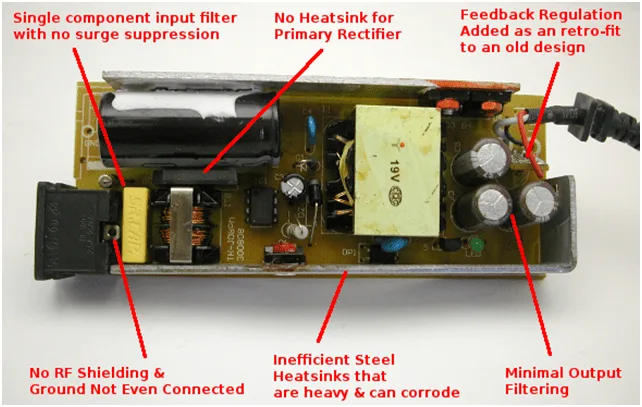
Image source: Bing (Web (fair-use with source credit))
Common Component Failures That Produce the Distinct Odor
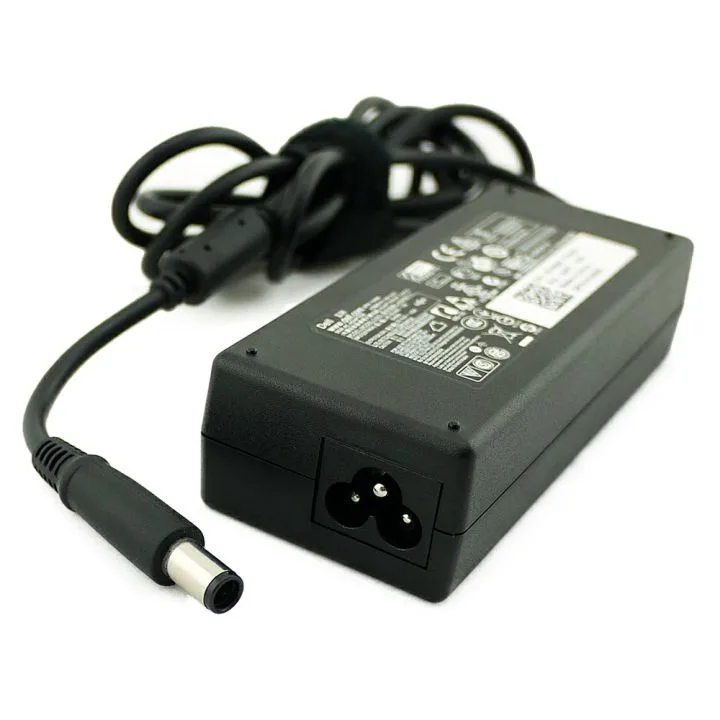
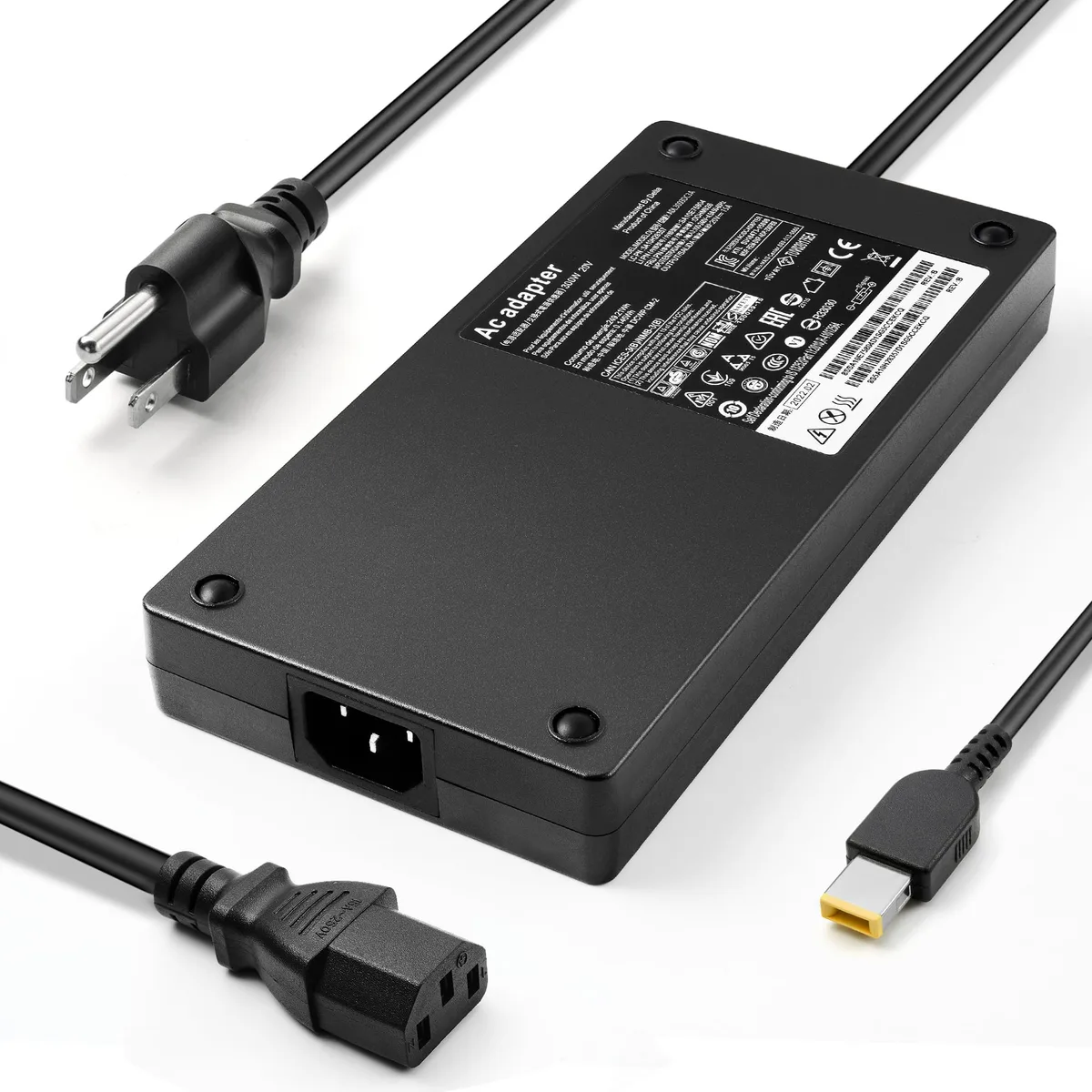
The most common failing parts in a laptop AC adapter are capacitors, transformers, and voltage regulators. Capacitors degrade over time, especially if the charger is regularly used in hot environments or exposed to power surges. A failing capacitor can overheat and release a fishy odor before it fails completely.
Transformers and inductors can also overheat if their internal windings degrade, which often happens in chargers that are 3 or more years old. Dust buildup inside the adapter’s vents accelerates this wear by trapping heat against internal components.
How Electrical Arcing and Ozone Create the "Fishy" Scent Profile
Electrical arcing happens when electrical current jumps across a gap between two conductive parts inside the adapter. This can occur if a solder joint cracks, a connector pin bends, or insulation around internal wires wears through. Arcing produces ozone as a byproduct, which has a sharp, fishy, metallic smell that is easy to distinguish from burning plastic.
Even small, intermittent arcing events produce enough ozone to notice, and they carry a high risk of igniting nearby flammable materials inside the adapter.
Common Triggers That Lead to These Charger Failures
Most laptop charger faults don’t happen out of the blue. They’re almost always caused by one or more avoidable stressors that wear down internal components over time. Knowing these triggers can help you avoid the problem entirely in the future.
- Using uncertified third-party chargers that lack proper voltage regulation and heat dissipation features
- Charging your laptop on soft surfaces like beds, couches, or carpets that block the adapter’s ventilation vents
- Exposing the charger to ambient temperatures above 35°C (95°F) for extended periods, such as leaving it in a hot car
- Frequent power surges from unstable electrical grids that overload internal components
- Physical damage to the charging cable or DC barrel/USB-C connector that causes intermittent connection issues
- Using an original charger that is 3 or more years old, as internal components naturally degrade with regular use
Immediate Safety Steps to Take the Second You Smell It
If you smell that distinct burning electrical fish odor, act fast to reduce fire and shock risk. These steps take less than 30 seconds to complete.
- Unplug the charger from the wall outlet first. Never yank the cable from the laptop while it’s still connected to power, as this can cause sparks.
- Move the charger away from flammable materials like paper, fabric, or curtains.
- Do not use the charger again until you’ve completed a full safety diagnosis.
- If you see visible smoke, sparks, or melting plastic, evacuate the area and call emergency services if a small fire starts.
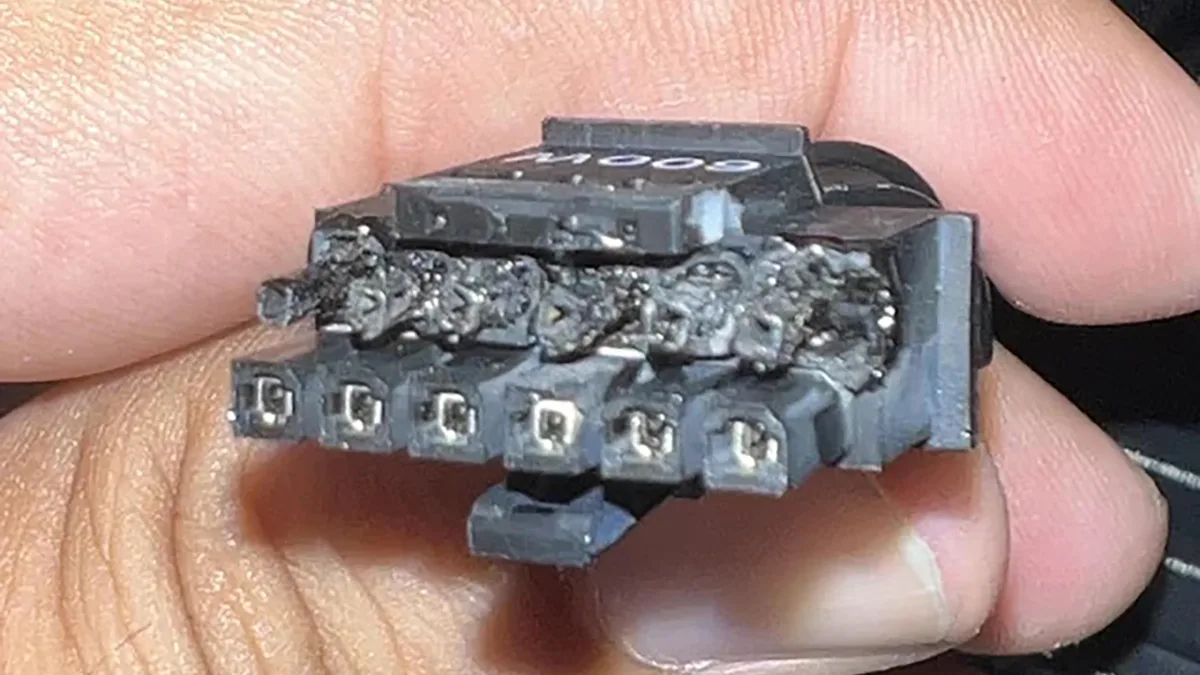
Image source: Bing (Web (fair-use with source credit))
Step-by-Step Safe Diagnosis to Pinpoint the Exact Cause
Before you toss the charger or buy a replacement, you need to confirm the smell is actually coming from the adapter, not your laptop’s internal components or charging port. This 5-minute process rules out other common causes and helps you avoid unnecessary spending.
How to Rule Out Laptop Internal Issues First
Start by sniffing around your laptop’s charging port and internal vents. If the fishy smell is strongest near the charging port, the fault may be in the port itself, not the adapter. A corroded or bent charging port can cause arcing that produces the same ozone smell.
If the port looks damaged or has bent pins, do not plug any charger into it until you’ve had it repaired.
How to Test If the Charger, Cable, or Port Is the Source
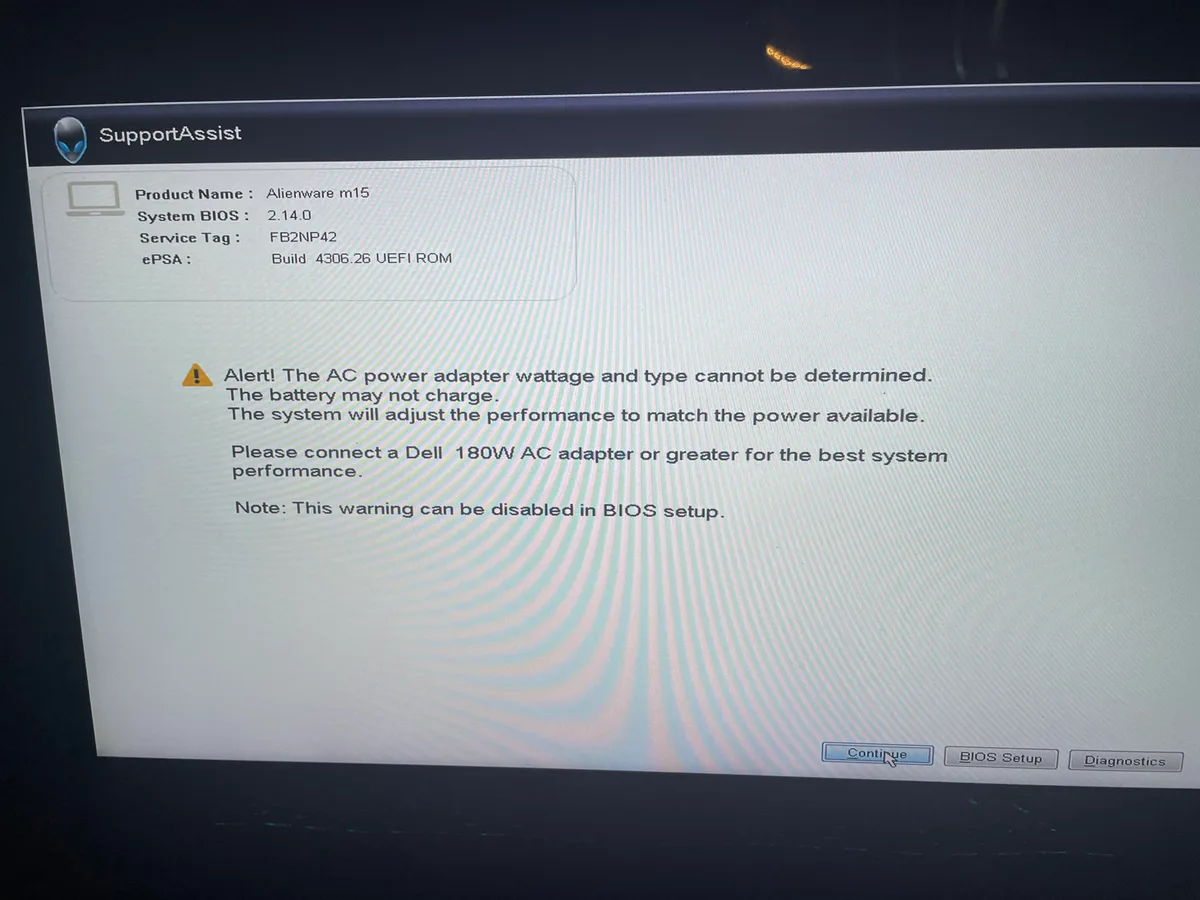
If the smell is strongest near the power brick, test with a known-good compatible charger. Plug the working charger into your laptop’s port and let it run for 5 minutes. If no smell appears, the fault is in your original charger or cable.
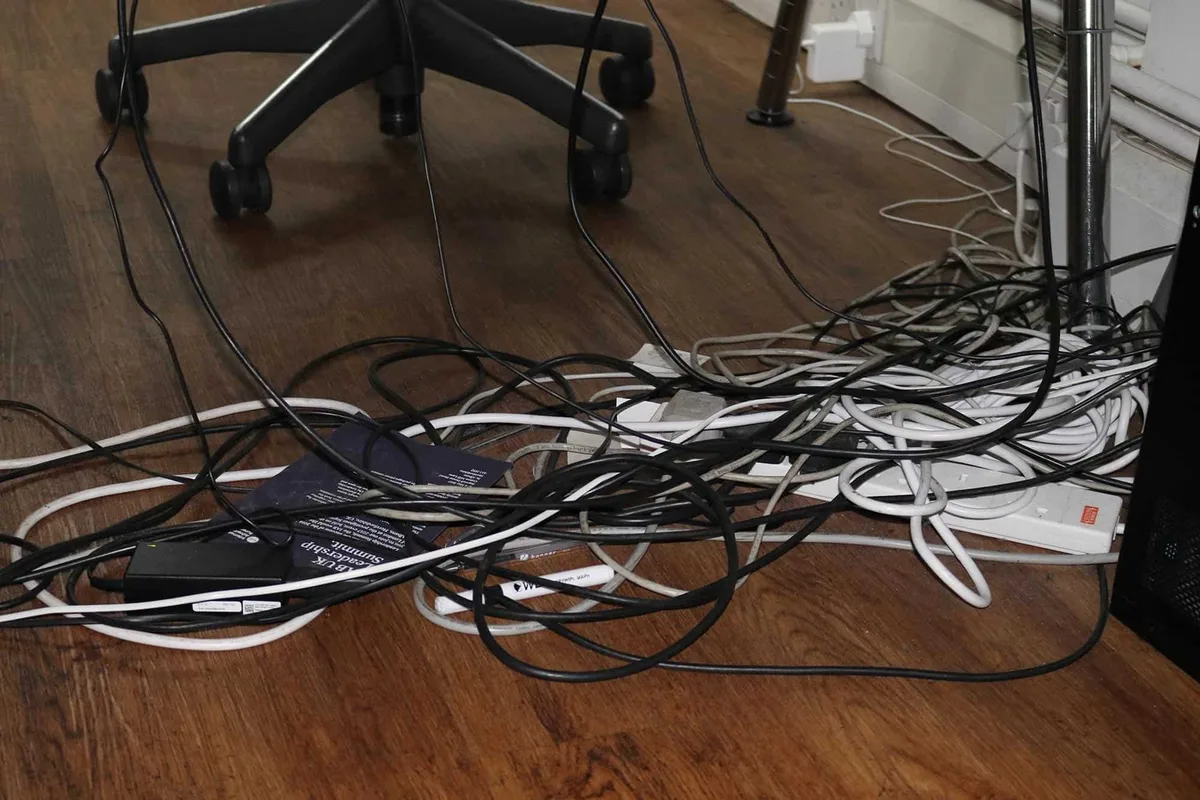
Inspect the cable for fraying, kinks, or exposed wires, and check the connector tips for burning marks or melting. If the cable is damaged, you may only need to replace the cable, not the full adapter.
Image source: Bing (Web (fair-use with source credit))
When a Faulty Charger Is Repairable vs When You Must Replace It Immediately
If your diagnosis shows only the charging cable is damaged, you may be able to fix the issue without replacing the full adapter. If the fault lies in the power brick itself, you’ll need to weigh repair costs against safety risks to make the right call. The table below breaks down the key factors to consider.
| Scenario | Repairable | Replace Immediately |
|---|---|---|
| Damage type | Frayed charging cable, minor port corrosion | Melted power brick, internal component failure, arcing marks |
| Cost threshold | Repair cost is less than 50% of a new charger price | Repair cost equals or exceeds the price of a new certified charger |
| Safety risk | Low, no signs of internal arcing or burning | High, active internal faults present |
If only the DC barrel or USB-C charging cable is frayed, you can buy a replacement cable for $10 to $20 and keep the functional power brick. Sealed power bricks are not designed for user repair, and opening them voids any remaining warranty. It also exposes you to high-voltage capacitors that can hold a charge even when unplugged.
Manufacturer warranties cover defects for 1 to 2 years as of 2026, so check your receipt or purchase records before spending money on a replacement.
Dangerous Mistakes to Avoid When Dealing With a Smelly Charger
Even when you know the smell signals a fault, it’s easy to make dangerous, costly errors in the moment. Avoid these common missteps to keep yourself and your devices safe.
- Continuing to use the smelly charger for days or weeks to "wait and see" if the smell goes away. Aggregate repair shop data shows this is the most common mistake, and it leads to catastrophic failure in most cases.
- Trying to open the sealed power brick to "fix" internal components. Laptop adapters are not user-serviceable, and opening them creates electric shock risk.
- Using duct tape, electrical tape, or glue to cover melted plastic or frayed wires. This does not fix the underlying electrical fault, and it can trap heat to make the problem worse.
- Plugging the smelly charger into a different outlet to "test" if the outlet is the problem. A faulty charger can damage the new outlet or trigger a power surge.
- Ignoring the smell if it goes away temporarily. Intermittent arcing often stops for a few hours before returning worse, so a temporary absence of odor is not a sign the problem is fixed.
Long-Term Practices to Prevent Future Charger Odor and Fire Risks
Most laptop charger failures are preventable with simple daily habits. Follow these evidence-based practices to extend your charger’s lifespan and avoid fire risks.
- Use only UL-listed or CE-marked OEM chargers or reputable third-party alternatives with matching wattage and voltage ratings. Uncertified chargers are significantly more likely to overheat per CPSC testing.
- Never rest the power brick on soft surfaces like beds, couches, or carpets. These block the adapter’s ventilation vents, trapping heat that degrades internal components. The safe operating ambient temperature for laptop adapters is 0°C to 35°C (32°F to 95°F), per manufacturer specifications.
- Plug your charger into a surge protector if you live in an area with frequent power surges. Surges as low as 500V can damage internal capacitors over time.
- Inspect your charging cable and power brick monthly for fraying, kinks, or burn marks. Catching minor wear early lets you replace a $10 cable instead of an $80 power brick.
- Store your charger in a cool, dry place when not in use. Avoid leaving it in hot cars or direct sunlight, as temperatures above 50°C (122°F) accelerate component degradation.
When to Seek Professional Help or File a Safety Report
Some charger faults require professional support, and certain defects qualify for official safety reporting to protect other users.
When to Visit a Repair Technician
Take your laptop and charger to a certified repair shop if the fishy smell comes from the laptop’s charging port rather than the adapter. Bent or corroded port pins require professional soldering to fix, and DIY attempts can damage the laptop’s motherboard. If your charger is under warranty, contact the manufacturer’s support line first to request a free replacement before paying for repairs.
Most OEMs cover defects for 1 to 2 years, and some extend coverage to 3 years for premium laptop models.
When to File a Safety Report
File a report with the U.S. Consumer Product Safety Commission (CPSC) if your charger catches fire, sparks, or causes injury. You can also report defects that haven’t caused harm to help regulators identify dangerous product lines.
The CPSC uses these reports to issue public recalls, which help prevent similar incidents for other consumers. Reports take less than 10 minutes to file online, and you can submit them anonymously.
Verified Safety Takeaways for Laptop Charger Odor Issues
The burning electrical fish smell from your laptop charger is never a normal occurrence. It is a clear sign of internal electrical fault that poses immediate fire, shock, and device damage risks. Unplug the charger the second you notice the odor, and do not use it again until you complete a full diagnostic check.
If the power brick has burn marks, internal arcing signs, or a persistent smell after cable replacement, dispose of it properly at an e-waste dropoff point. Stick to certified chargers with matching wattage and voltage ratings to avoid future issues. If you are unsure about the fault, contact a certified repair technician or the manufacturer’s support team for guidance before using the charger again.
Frequently Asked Questions
Is the burning electrical fish smell from my laptop charger dangerous?
Yes, this smell indicates active electrical arcing or overheating inside the adapter, which poses immediate fire, shock, and device damage risks. Per UL safety standards, any odor from a functioning laptop charger signals a critical fault. Stop using the charger immediately and unplug it from the wall to reduce risk.
Can I use my laptop charger if it smells like burning fish once?
No, even a single occurrence of the fishy burning smell means there is an active internal fault. Intermittent arcing or component failure often returns worse within hours or days. Using the charger again risks fire, permanent laptop damage, or electrical injury.
How long does a smelly laptop charger usually last before it fails completely?
Most faulty chargers with a persistent burning fish smell will suffer catastrophic failure within 1 to 7 days of continued use. Some may fail suddenly with sparks or smoke, while others degrade slowly until they stop working entirely. Never continue using a smelly charger to test how long it lasts.
Will a faulty laptop charger damage my laptop’s battery or motherboard?
Yes, a faulty charger can send unstable voltage to your laptop’s internal components. This can damage the motherboard’s power delivery circuit, ruin the battery, or corrupt stored data from sudden shutdowns. Motherboard repairs often cost $200 or more, far more than the price of a new certified charger.
Are third-party laptop chargers more likely to smell like burning fish?
Uncertified third-party chargers are significantly more likely to overheat and fail, as they often lack proper voltage regulation, heat dissipation features, and safety certifications. Stick to UL-listed or CE-marked chargers with matching wattage and voltage ratings to reduce risk.

Similar Posts