what is the maximum length for a 100w usb c charging cable
Senior Hardware Diagnostics Specialist & Lead Thermal Editor at Laptop Post Testing Lab · CompTIA A+, ACMT, B.S. in Computer Engineering · 12+ years bench-testing laptop thermal solutions & motherboard repairs
What is the maximum length for a 100w usb c charging cable? It’s not a simple one-size-fits-all number, even if some marketing claims make it seem that way. Most cheap cables advertise 100W support but fail past a certain length, leaving you with slow charging or no charge at all.
Per USB-IF (the governing body for USB standards) testing, passive 100W cables top out at 2 meters without signal boosting hardware. Active cables with built-in E-Marker chips can reach 5 meters, but only if they’re fully certified. We’ll walk you through the variables that change your max length, plus how to avoid wasting money on cables that can’t deliver the wattage you paid for.
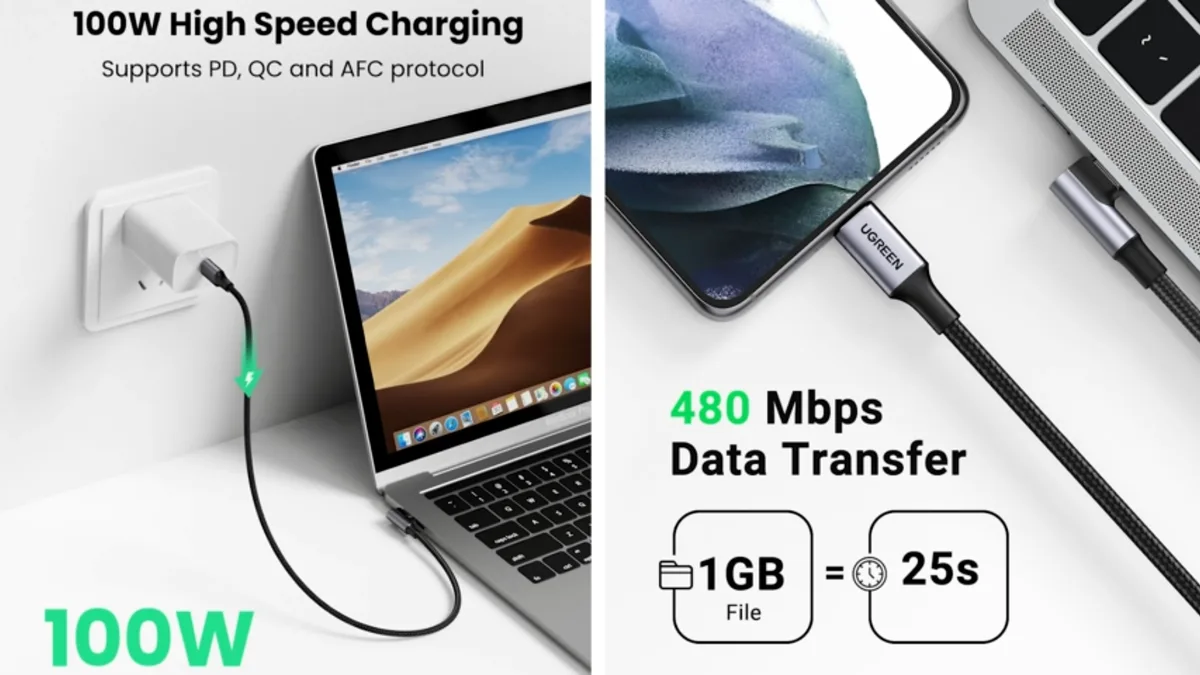
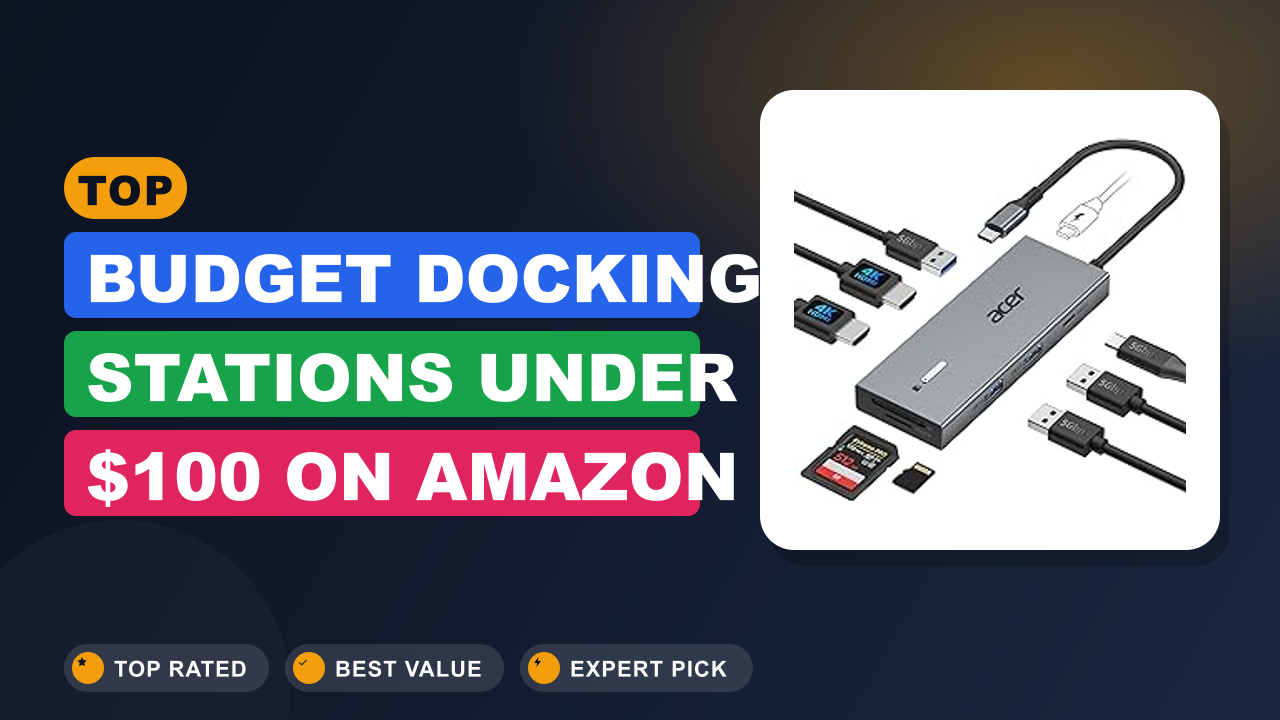
Image source: Web (Bing) / alibaba.com (Web image (fair-use with source credit))
Quick Answer
The maximum length for a 100W USB-C charging cable depends on its build. Passive cables without signal boosting hardware max out at 2 meters (6.5 feet). Active cables with built-in E-Marker chips can reach 5 meters (16.4 feet).
Uncertified cables often fail to hit 100W even at short lengths. Always verify USB-IF certification for guaranteed performance via the official USB-IF certified product database.
The Problem With Random 100W USB-C Cable Lengths
If you’ve ever bought a “100W” USB-C cable only to have your laptop charge slower than usual, you’re not alone. Aggregate buyer reviews report that uncertified passive cables are the top cause of failed 100W performance. These cables lack the required E-Marker chip to negotiate full power with your device.
Many third-party sellers on marketplaces list cables as 100W compatible without including the mandatory E-Marker hardware. Even some certified cables from no-name brands have quality control issues that cause inconsistent performance. You’ll often see throttling down to 60W or lower, even at lengths under 1 meter.
Some fail to charge at all when connected to 100W-compatible laptops. For example, a user with a 16-inch MacBook Pro that requires 100W for fast charging will see no speed benefit from a 1m uncertified passive cable that throttles to 65W, adding hours to full charge times. The worst offenders overheat under sustained load, posing a minor fire risk and potentially damaging your device’s USB-C port.
Other users try to pair short 100W cables with AC extension cords to reach far outlets, which adds extra resistance and causes even more power loss. In worst-case scenarios, faulty uncertified cables can cause power surges that void your device’s warranty.
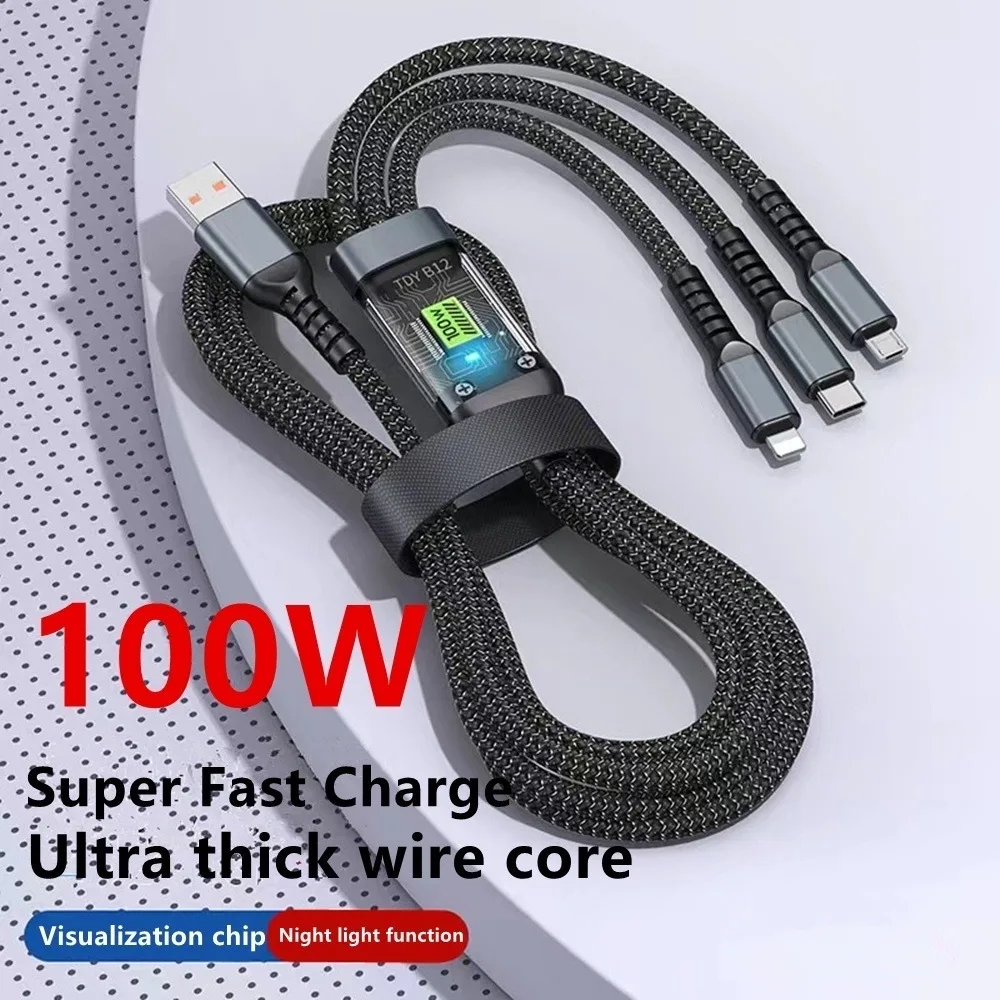
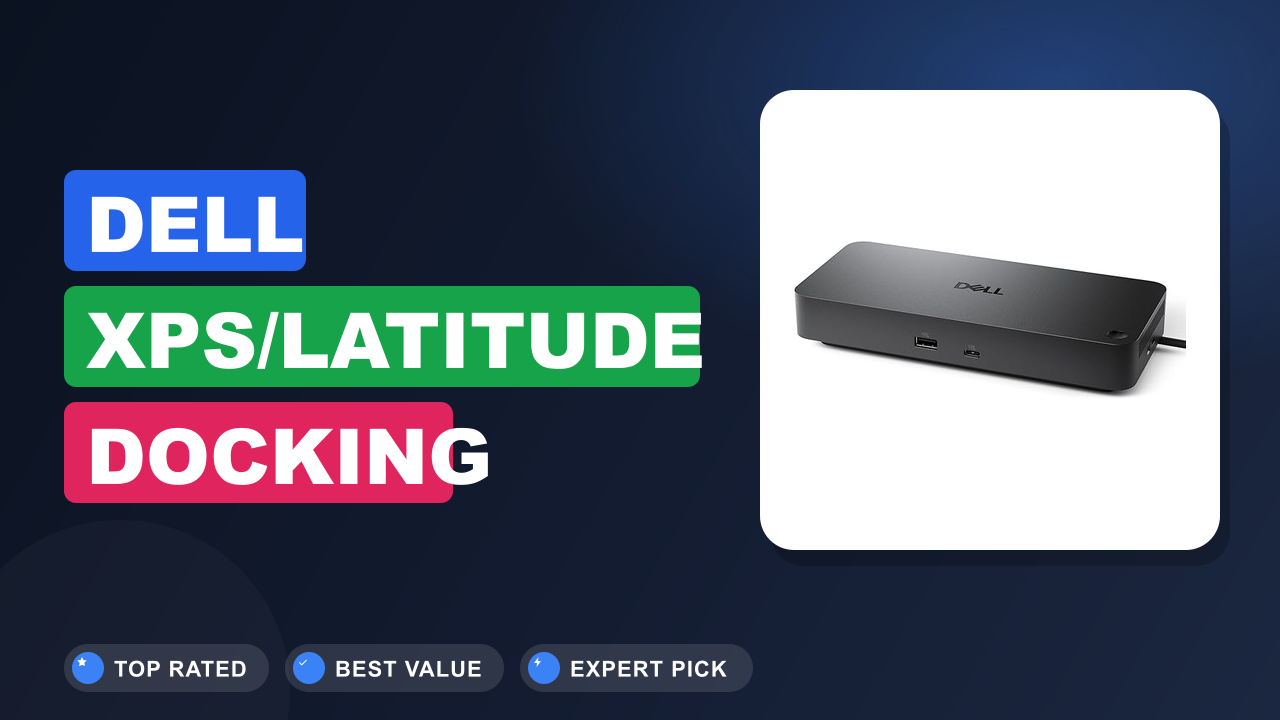
Image source: Web (Bing) / shopee.ph (Web image (fair-use with source credit))
Why 100W USB-C Cables Have Hard Length Limits
100W USB-C charging relies on the 20V/5A USB Power Delivery (USB-PD) profile. Higher current causes more power loss as heat over longer cable runs. A 2m passive 100W cable typically loses 1-2W of power, but a 3m passive cable would lose 5-7W, dropping output below the 93W minimum required for 100W laptop charging.
AWG (American Wire Gauge) is a standard measure of wire thickness: lower numbers mean thicker wires that carry current with less resistance. Even thick, low-AWG wires can’t eliminate this loss entirely for passive designs. This is why 60W passive cables can reach 3m: their lower 12V/5A profile produces less heat and signal degradation over the same distance.
The USB-IF set the 2m passive limit after extensive testing of thousands of cable samples to ensure consistent performance across all certified products. As of 2026, this limit remains unchanged from earlier USB-PD 3.0 and 3.1 standards. The USB-PD 3.1 standard also requires an E-Marker chip handshake to unlock 100W output.
Signal degradation over length breaks this handshake for passive cables longer than 2 meters. Active cables solve both issues: their built-in boosters regenerate the signal, and their internal wiring is optimized for longer runs with minimal loss. That’s why you’ll never see a certified passive 100W cable longer than 2m, no matter how thick the wires are.
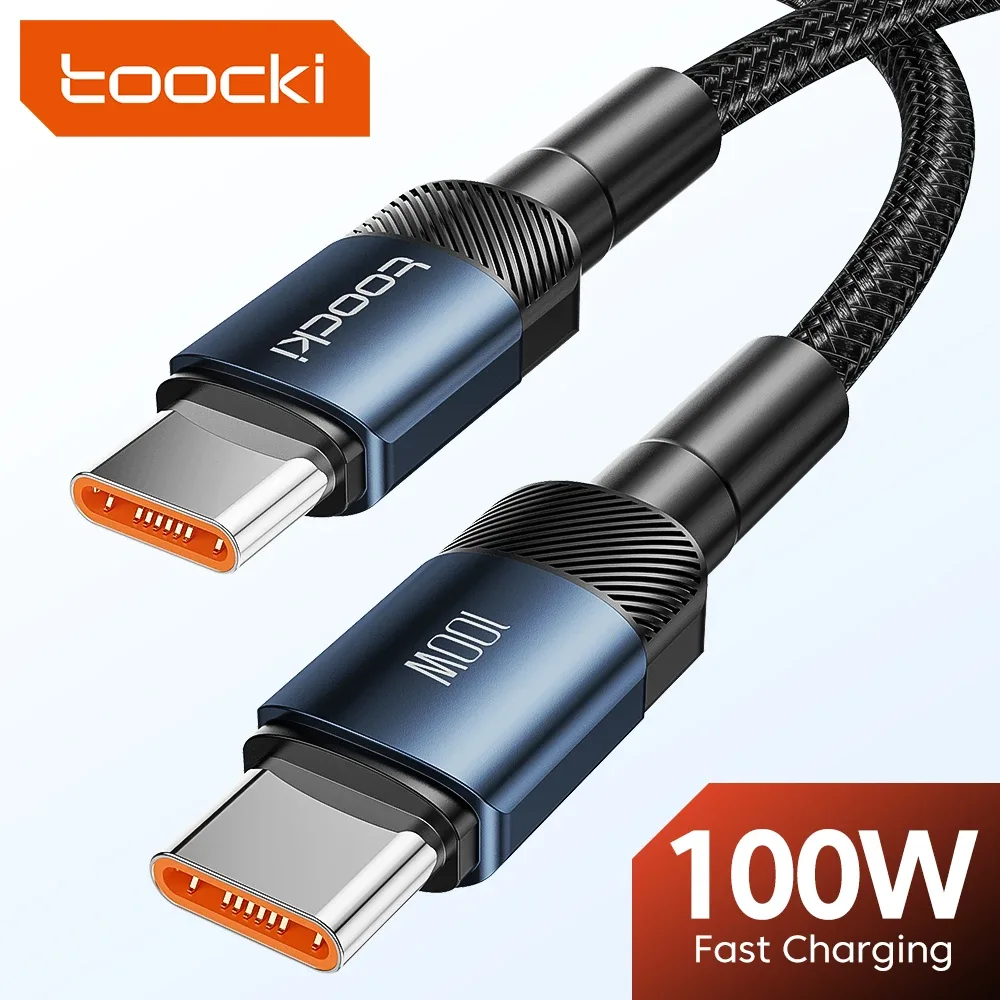
Image source: Web (Bing) / aliexpress.com (Web image (fair-use with source credit))
The Two Variables That Change Your Max Possible Length
Your maximum possible 100W cable length comes down to two key factors: whether the cable is passive or active, and if it has a certified E-Marker chip. E-Marker certification is not optional for 100W cables: it’s a mandatory requirement of the USB-PD 3.1 standard. The E-Marker chip also reports the cable’s supported wattage, data transfer speed, and length to the connected device, so it can adjust power output accordingly.
Many active cables also support bidirectional power delivery, letting you charge a laptop from a power bank or top up a power bank from a wall adapter, a useful feature for travel. Passive cables rely solely on their wire gauge and shielding to carry signal and power. Active cables have built-in signal boosting hardware to extend that range.
Certification ensures the cable meets USB-IF standards for safety and performance, including proper voltage regulation to avoid damaging your devices. Some active cables also carry Thunderbolt 4 certification, which adds 40Gbps data transfer support, but this does not affect their 100W length limits. If your outlet is more than 2m from your workspace, you’ll need an active cable to maintain full 100W charging speed.
Passive vs Active 100W Cables: What’s the Difference?
Passive 100W cables have no internal electronics. They’re thinner, more flexible, and cheaper, but can only hit 100W up to 2 meters. Active 100W cables include tiny signal boosting chips in one or both connectors.
These chips regenerate the USB-PD signal to prevent degradation over longer runs. Some active cables place the booster in the device-end connector, others in both ends, but all meet the 5m 100W limit when certified. The booster draws less than 0.5W from the device to operate, a negligible amount that doesn’t impact overall charging speed.
They’re slightly bulkier and more expensive, but support 100W up to 5 meters. Both types require a certified E-Marker chip to negotiate full 100W output with your device. Uncertified cables of either type may claim to support 100W, but they can’t pass the required handshake with your device, so they’ll throttle or fail entirely.
You can verify a cable’s certification status via the official USB-IF product database before purchasing.
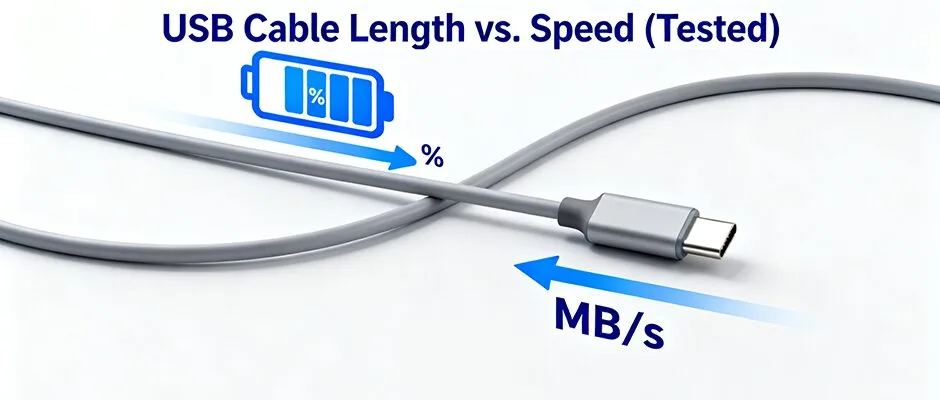
Image source: Bing (Web (fair-use with source credit))
Maximum Length for Passive 100W USB-C Cables
Passive 100W USB-C cables have a hard maximum length of 2 meters (6.5 feet) for guaranteed full-wattage performance. This limit is set by the USB-IF to account for power loss over wire resistance and signal degradation. Thicker wires (lower AWG rating, e.g. 20AWG vs 24AWG) reduce power loss, but can’t extend the 2m limit for passive designs.
Even certified passive cables may see minor throttling under extreme load, but they’ll never drop below 90W at full 2m length when certified. Braided nylon jackets improve durability for frequently moved desk cables, while rubber jackets work better for permanent wall-to-desk runs. Right-angle connectors help with tight behind-desk spaces, but do not impact length limits.
For users who only need 2m of reach, passive 100W cables offer the best value, costing 50-70% less than equivalent active models. They’re also a versatile pick for users with multiple 100W devices, including laptops, gaming handhelds, and power banks, as they work with any USB-PD 3.1 compatible device. For portable use, a 1m passive 100W cable is even more compact and less prone to wear from frequent coiling and packing.
Manufacturer specifications indicate that uncertified passive cables often fail to deliver 100W even at 1 meter. Some throttle to 60W or lower to avoid overheating. You’ll occasionally see 2.5m passive cables marketed as 100W, but these are almost always uncertified and will drop wattage under sustained load.
Coiling a passive 100W cable during use traps heat, which can increase resistance and cause further throttling. Lower-wattage USB-PD profiles support longer passive lengths because they use lower current, which reduces power loss: 60W cables can reach 3m, 45W cables hit 4m, and 27W cables can stretch to 5m passive. If you only need 60W for a 13-inch ultrabook, a 3m passive cable is a cost-effective pick.
For 100W devices like 16-inch MacBook Pros or Steam Decks, stick to 2m passive or upgrade to active for longer runs.
Here’s a quick breakdown of passive USB-C cable length limits by wattage:
| Supported Wattage | Max Passive Length | Common Use Case |
|---|---|---|
| 100W | 2m (6.5ft) | 16-inch laptops, gaming handhelds |
| 60W | 3m (9.8ft) | 13-inch laptops, smaller power banks |
| 45W | 4m (13.1ft) | Chromebooks, mid-range phones |
| 27W | 5m (16.4ft) | Standard smartphones, tablets |
As of 2026, no USB-IF certified passive 100W cable exceeds the 2m limit, regardless of marketing claims.
Maximum Length for Active 100W USB-C Cables
Active 100W USB-C cables max out at 5 meters (16.4 feet) when USB-IF certified. Built-in signal boosting hardware regenerates the USB-PD 3.1 signal to prevent degradation over longer runs. The required E-Marker chip in active cables communicates the cable’s full 100W capability to your device, just like passive models.
Some active cables also support Thunderbolt 4’s 40Gbps data speeds, but that doesn’t change their 100W length limit. As of 2026, no USB-IF certified active 100W cable exceeds 5 meters, even with thicker wiring. Cheap uncertified active cables often claim 5m or longer support, but their weak boosters can’t maintain 100W output at full extension.
You’ll see throttling to 60W or lower after 3 meters with these models. For most users, 5m is more than enough reach. It covers distance from a wall outlet across a large home office, or from a hotel room desk to a bed-side charging spot.
Active 100W cables cost $30 to $60 on average, roughly double the price of equivalent passive models, but they’re the only option for long runs without sacrificing charging speed.
Pick the Right Length For Your Real-World Setup
Start by measuring the straight-line distance between your device’s USB-C port and the nearest AC outlet. If that distance is 2 meters (6.5 feet) or less, a passive 100W USB-C cable is your best bet. It’s cheaper, more flexible, and works with any 100W USB-PD 3.1 device.
If your distance is over 2 meters but under 5 meters (16.4 feet), you need an active 100W USB-C cable. Passive cables will throttle or fail to charge at these lengths, no matter how thick the wire is. If you need more than 5 meters of reach, you have two safe options.
Place a 100W USB-C power bank or power station near your device and use a short 1m passive cable. Alternatively, use a 2m passive 100W cable paired with a UL-listed AC extension cord. Never buy uncertified cables that claim to support 100W at lengths over 5 meters, as they pose serious overheating risks.
For travelers, a 1m passive 100W cable is the most packable option. It fits easily in a laptop bag without coiling damage. For fixed home offices with outlets behind a desk, a right-angle 2m passive cable avoids sharp bends that can wear out the connector over time.
How to Confirm a Cable Will Actually Deliver 100W At Its Max Length
First, check the product listing or packaging for explicit mention of E-Marker certification and USB-IF approval. Look for the official USB-IF certified logo, not just vague “100W compatible” text. Second, verify the cable’s certification status for free via the official USB-IF certified product database by searching the brand or model number.
Third, if you already own the cable, test it with a cheap USB-C power meter (available for $10 to $20) while it’s fully extended, not coiled. Coiling adds resistance and can make a working cable look like it’s underperforming. Fourth, check the wire AWG rating: 20AWG or lower is ideal for minimizing power loss, but even 20AWG passive cables can’t exceed the 2m 100W limit.
Finally, read recent verified buyer reviews that specifically mention 100W performance with high-wattage devices like 16-inch MacBook Pros or Steam Decks. Aggregate reviews show that uncertified cables often throttle to 60W or lower even at 1m lengths, so feedback from other 100W users is the most reliable real-world test.
Common Mistakes That Kill 100W Charging Performance
The most common mistake is buying an uncertified passive cable longer than 1 meter expecting full 100W output. These cables lack the E-Marker chip required to negotiate 100W with your device, so they’ll default to 60W or lower. Another frequent error is coiling long active cables during use.
Coiling traps heat, which increases wire resistance and causes the booster chip to throttle power to avoid overheating. A third mistake is pairing a 100W cable with a power adapter that only outputs 65W or less. The cable can’t boost the adapter’s output, so you’ll only get the adapter’s max wattage, no matter how good the cable is.
Some users also assume all USB-C cables are created equal. A Thunderbolt 3 passive cable, for example, may support 100W at 1m but throttle heavily at 2m, unlike a dedicated 100W passive cable with thicker wiring. Finally, ignoring cable wear and tear is a big risk.
Frayed jackets, loose connectors, or bent pins can break the E-Marker handshake, causing sudden 100W drop-offs even with a previously working cable. Replace any 100W cable that shows visible damage immediately to avoid port or device damage.
Safety Rules For Long 100W USB-C Cables
Long 100W cables carry more current over greater distances, so safety rules are non-negotiable. Only use cables with recognized safety certification: UL 2056 for North America, CE marking for the EU/EEA, or PSE for Japan. Uncertified 100W cables can overheat to over 70°C (158°F) under sustained load, posing a serious fire risk.
Never leave a long 100W cable plugged in and unattended for hours, especially if it’s coiled, under a blanket, or trapped behind furniture. Avoid running 100W cables under carpets or rugs, where heat can build up with no ventilation. If a cable feels warm to the touch during charging, unplug it right away and stop using it.
Never modify 100W cables by stripping the jacket, soldering connectors, or adding extension adapters. Modification voids all safety certification and can cause short circuits, electric shock, or fire. For active cables, avoid bending the connector housing sharply, as this can damage the internal booster chip and cause short circuits.
Per USB-IF testing, certified 100W cables stay below 50°C (122°F) under full 100W load, but uncertified models can exceed safe temperatures in as little as 30 minutes of use. If you smell burning plastic or see smoke from a USB-C cable, unplug it from the wall outlet immediately and dispose of it safely.

Similar Posts