How to Choose the Best Laptop Stand for Your Treadmill Desk
Senior Hardware Diagnostics Specialist & Lead Thermal Editor at Laptop Post Testing Lab · CompTIA A+, ACMT, B.S. in Computer Engineering · 12+ years bench-testing laptop thermal solutions & motherboard repairs
Finding the right way to choose a laptop stand for a standing walking treadmill desk is essential for anyone aiming to stay productive while moving. An unstable setup quickly turns a simple walking session into a frustrating experience plagued by screen shake and eye strain.
Research from the Occupational Safety and Health Administration emphasizes that workstation ergonomics should prioritize neutral posture to prevent long-term musculoskeletal discomfort. By aligning your monitor height with your natural eye level, you reduce the strain caused by constant downward looking while you walk.
Quick Answer
Choose a heavy, wide-base laptop stand for your walking treadmill desk. Pick desk-mounted arms if your desk is height-adjustable. Ensure all joints lock firmly to prevent screen vibration.
Prioritize steel construction for maximum stability during movement. Always maintain your screen at eye level for better ergonomics.
The Bobblehead Problem: Why Walking While Working is Hard
If you have ever tried to type while walking, you know the struggle of the bobblehead effect. Every step you take transfers vibration through the floor and into your desk. This movement causes your monitor to oscillate, making text difficult to read and causing significant eye fatigue.
This vibration happens because most standard office equipment is designed for static surfaces. When you introduce a motor-driven treadmill into your workspace, you are adding a continuous source of kinetic energy. Without proper damping, your laptop screen becomes a pendulum that swings with every stride you take.
Quick Insight: The Stability Hierarchy for Treadmill Desks
Stability follows a hierarchy based on how the stand connects to your workspace. The more physical points of contact you have with a static, non-moving surface, the less vibration you will experience. A desk-mounted arm is nearly always more stable than a floor-standing unit.
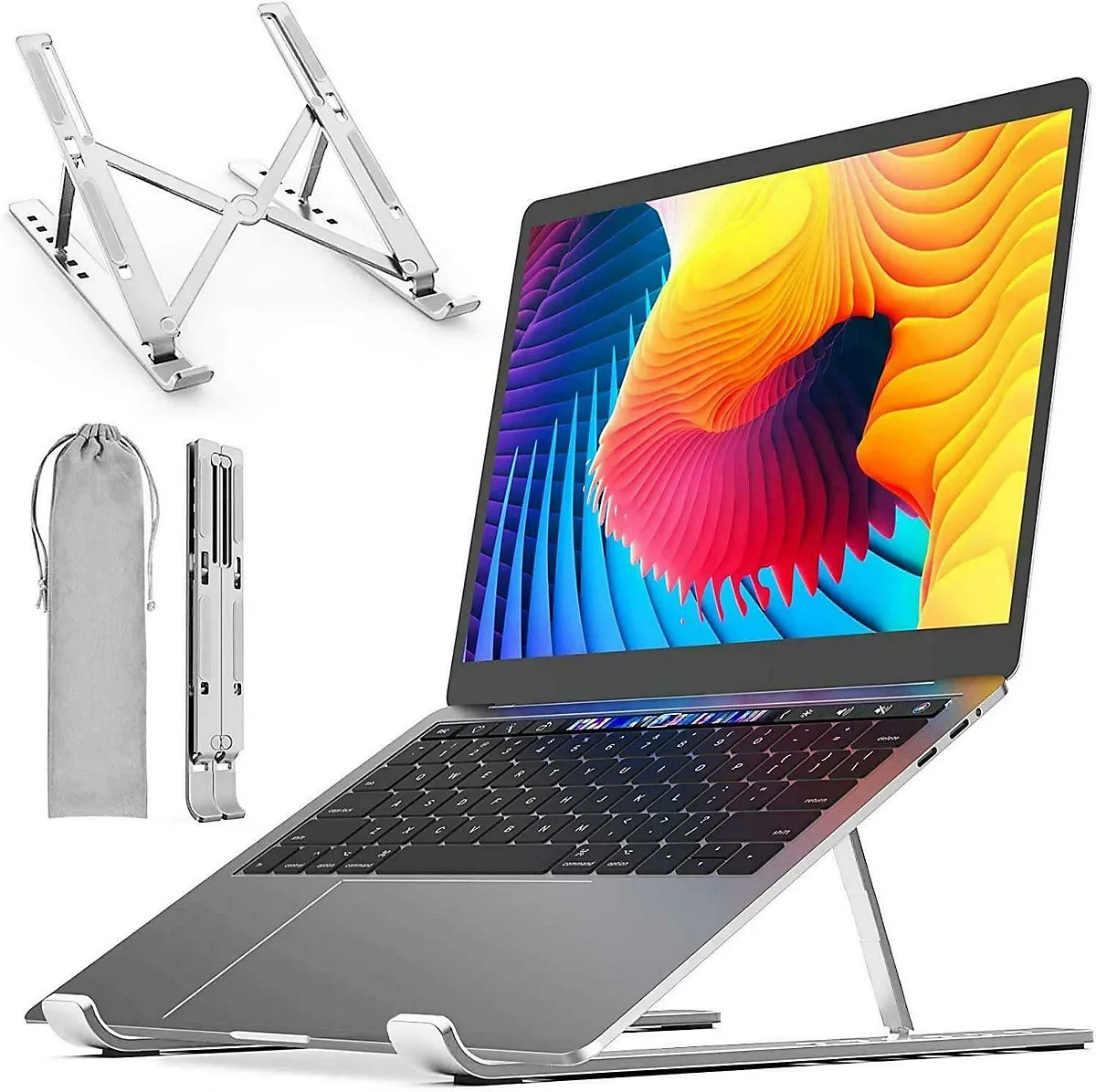
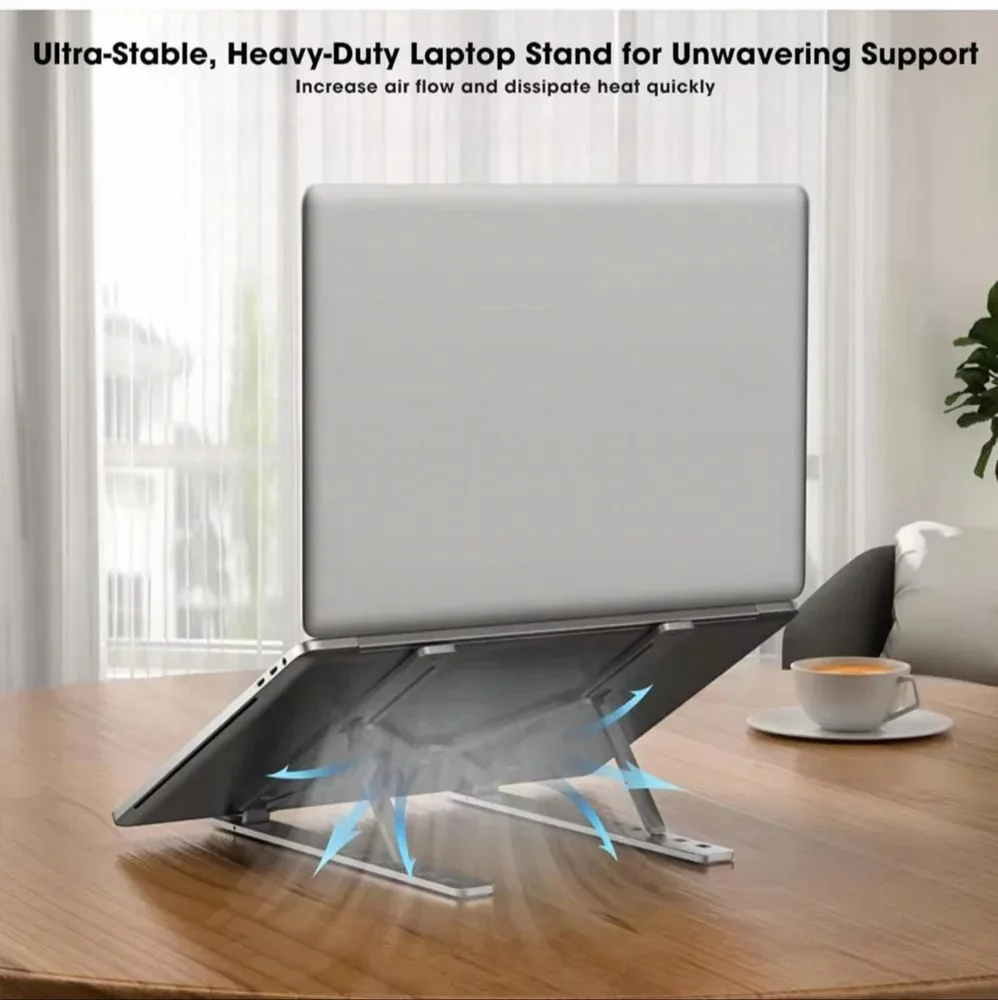
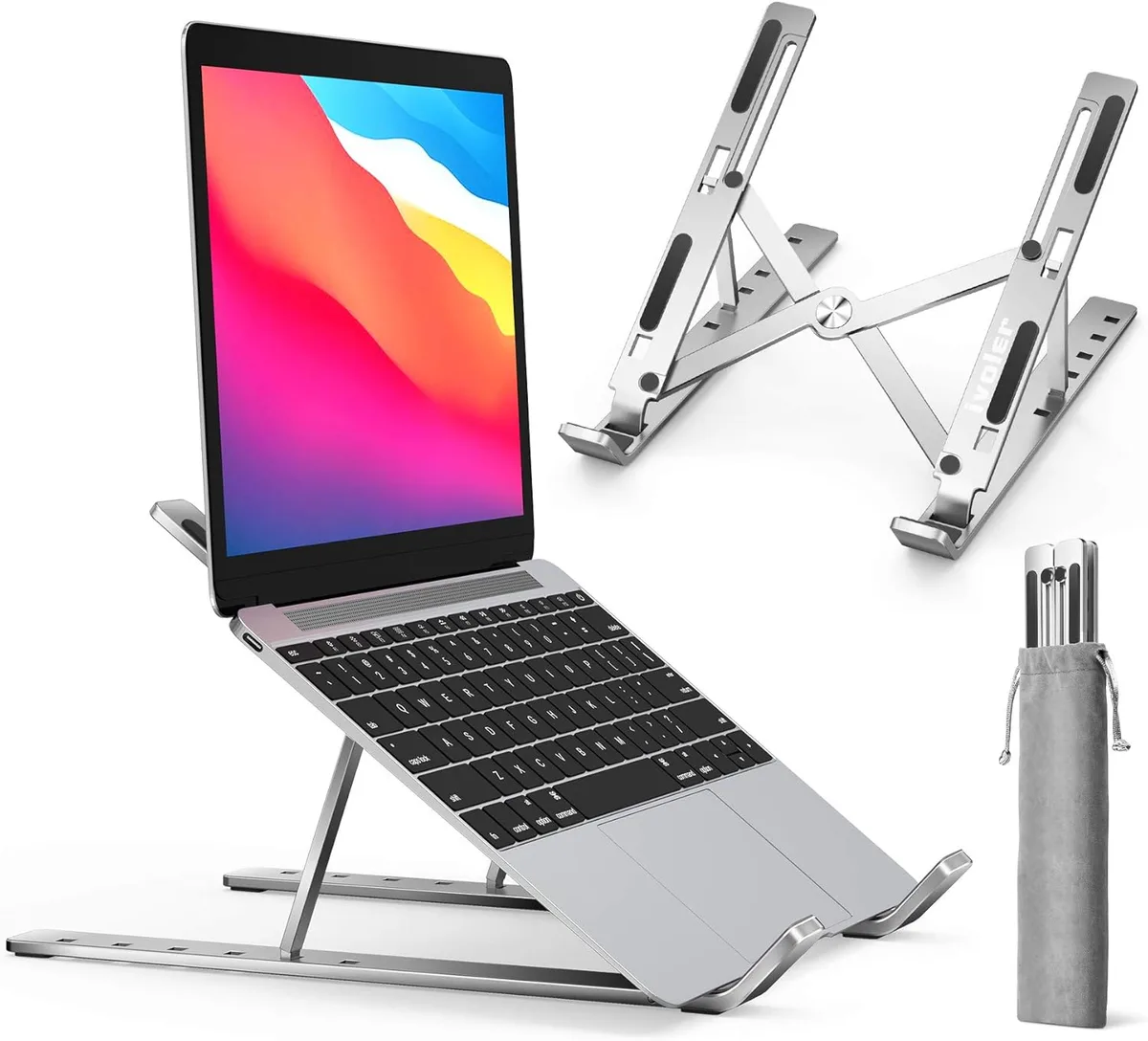
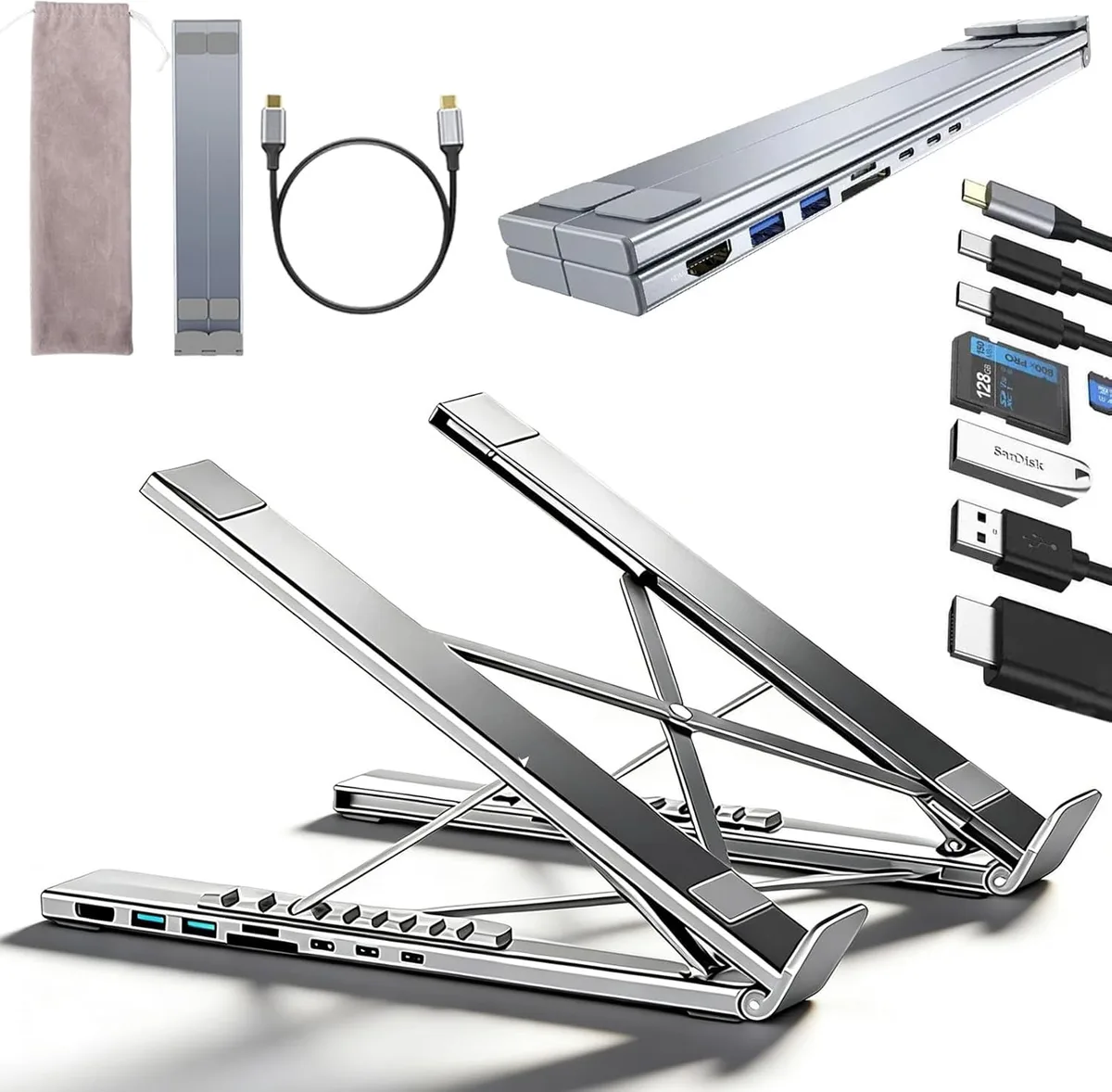
If you must use a floor-standing unit, the weight and footprint of the base matter more than any other feature. Lightweight aluminum stands meant for travel are almost never sufficient for a walking workstation. You need substantial mass to counteract the rhythmic movement of the treadmill motor.
Evaluating Your Current Workspace Setup
Start by assessing your existing desk before buying any new hardware. If your treadmill sits under a height-adjustable standing desk, you already have a stable, fixed platform. In this scenario, you should avoid floor-based stands entirely.
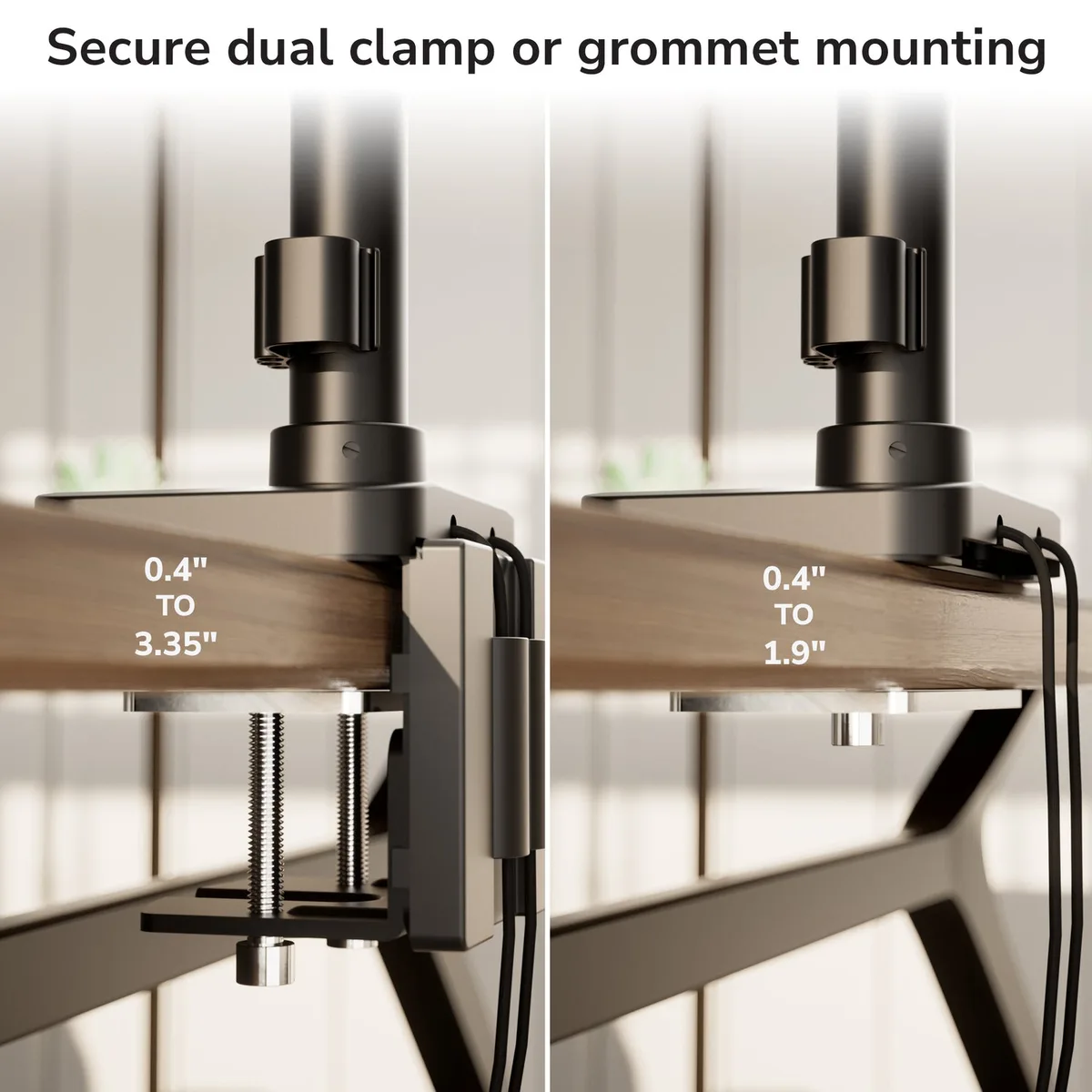
Floor-based stands introduce an unnecessary trip hazard and often lack the stiffness of a desk-mounted solution. Look at your desk surface thickness. Most high-quality monitor arms require a solid, flat edge at least 2 inches wide for a secure C-clamp or grommet mount.
Determining Your Mount Type: Desk-Clamp vs. Floor-Standing
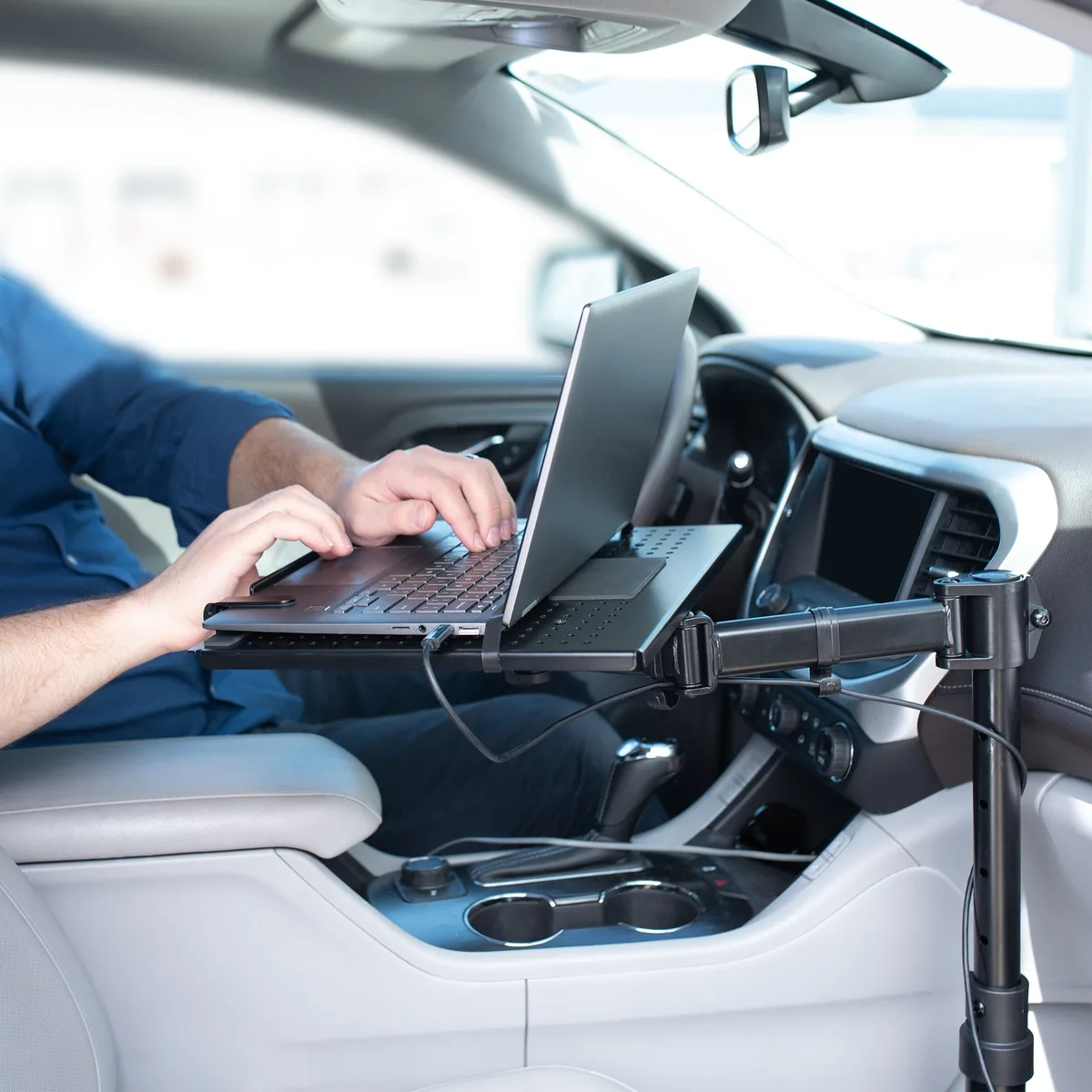
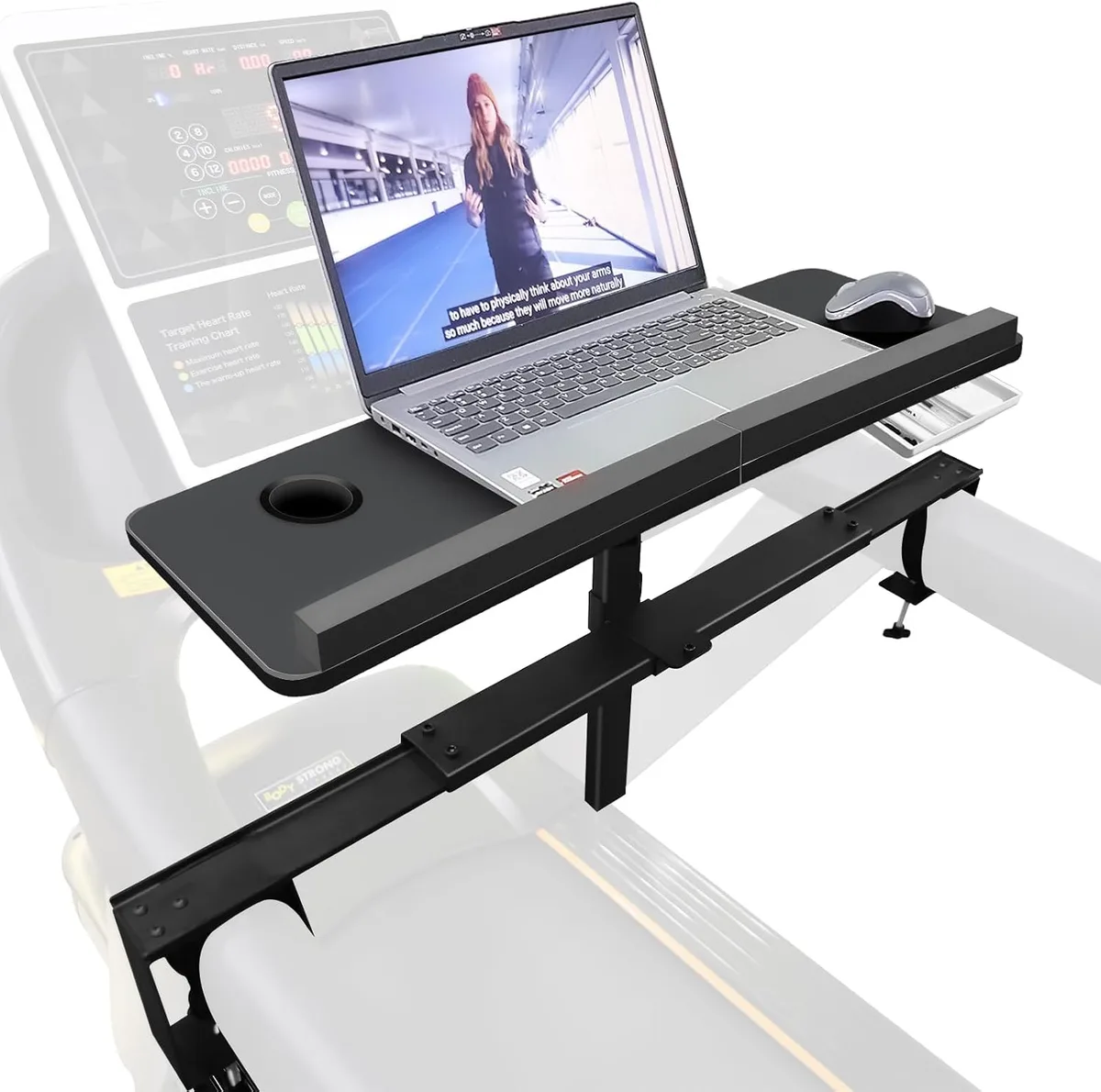
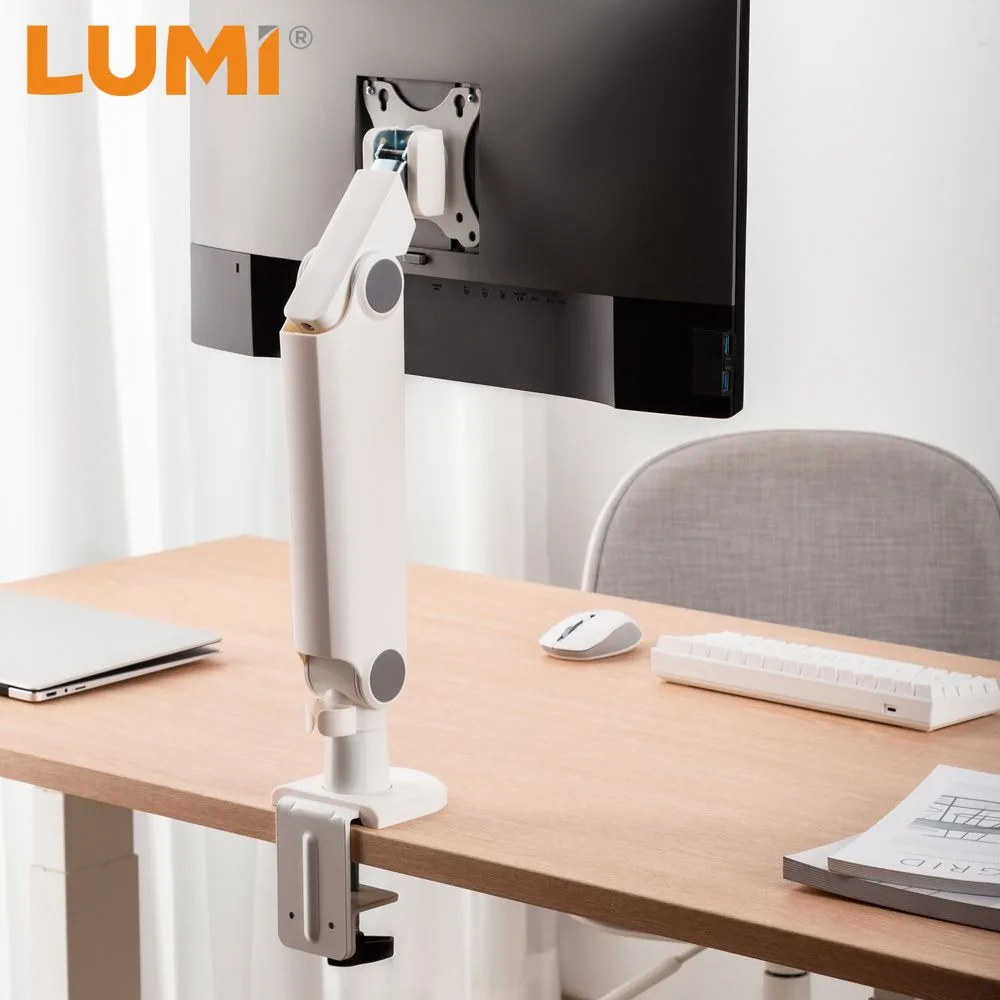
Choosing between a desk-mounted arm and a floor-standing unit depends entirely on your current furniture. Desk-mounted arms are the gold standard for treadmill users. They isolate your screen from the floor vibrations entirely by anchoring it to your desk.
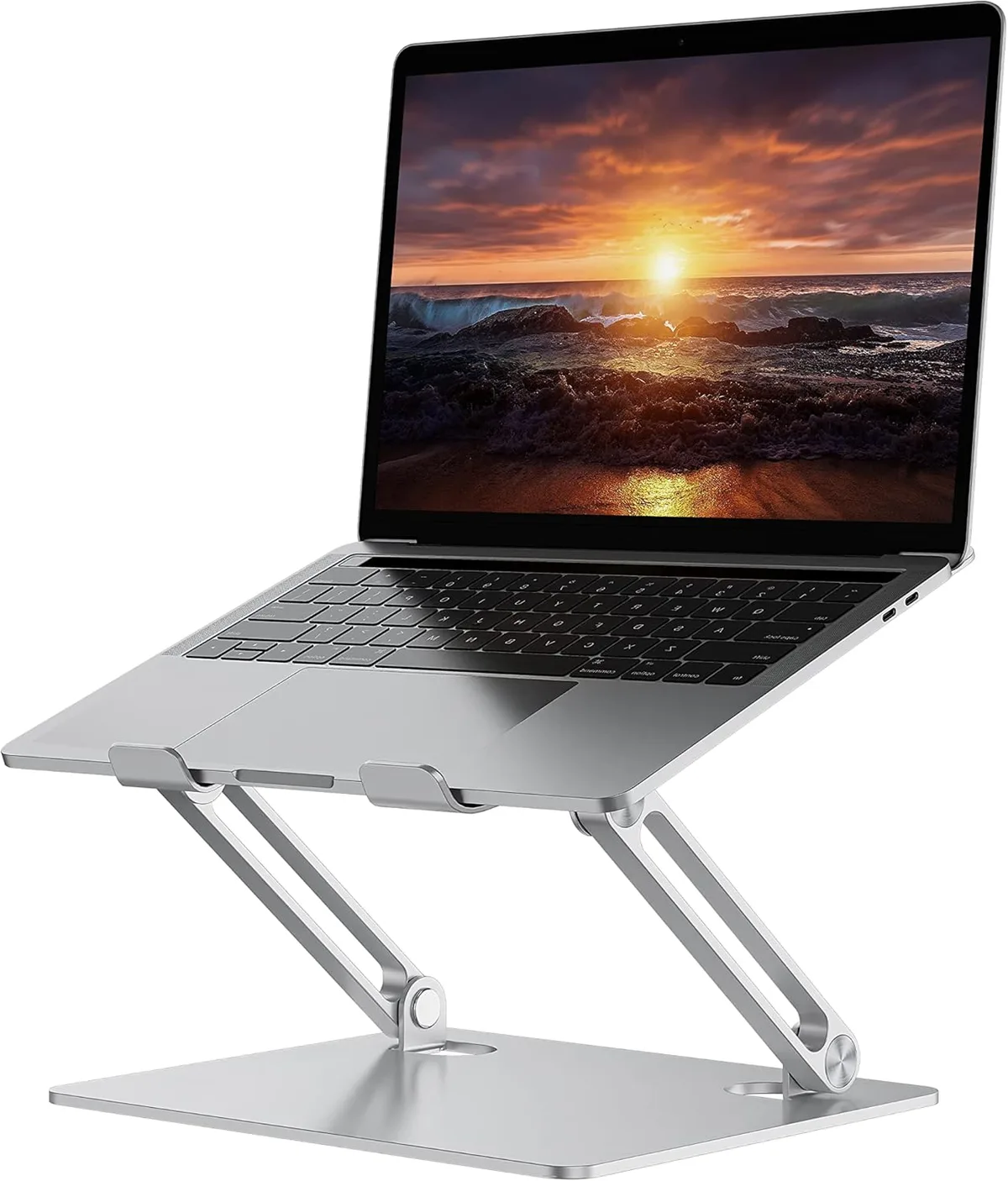
Floor-standing stands are the secondary choice for users without a proper desk. If you choose this path, you must ensure the base is wide enough to straddle the treadmill frame. An H-shape or U-shape base is best.
Avoid tripod-style bases at all costs, as they are prone to tipping and offer poor stability.
| Mount Type | Best For | Stability Rating |
|---|---|---|
| Desk-Clamp Arm | Adjustable desks | Excellent |
| Crossbar Mount | Treadmills with handles | High |
| Floor-Stand | No desk available | Moderate |
Structural Requirements for Vibration-Free Typing
Structural rigidity is the most important factor when you select a stand. As of 2026, manufacturers are increasingly using reinforced steel and tension-adjustable gas springs to combat movement. Look for stands that specify a high weight capacity, even if your laptop is light.
A higher weight capacity usually indicates thicker, more rigid joints that resist sagging. Check the locking mechanisms on every joint. Friction-based joints are often insufficient, so prioritize stands with positive-lock pins or heavy-duty bolt-tightening systems.
Rubberized padding at the mounting points also acts as a vital vibration dampener. This material absorbs high-frequency micro-vibrations before they reach your screen. If your stand is made entirely of rigid plastic or thin aluminum, it will likely flex and vibrate under the load of your hands while you type.
The Decision Tree: Choosing the Right Stand for Your Specific Treadmill
Selecting the correct stand requires answering a few foundational questions about your current setup. Start by identifying your treadmill type. If you use a walk-pad without side rails, you need a floor-standing unit with a wide, weighted base.
If your unit includes built-in handrails, you should seek a crossbar-mounting solution.
Next, consider your typing habits. Do you type directly on the laptop, or do you use an external keyboard? If you type on the laptop, stability is your absolute priority.
You must choose a double-column support stand to minimize bounce. If you use an external keyboard on a separate tray, you can prioritize screen height and positioning over raw structural stiffness.
Finally, verify your available floor or desk space. Desk-clamped arms require a solid, flat surface at the back of your desk. Floor-standing units need a clear area beneath your treadmill to slide the base into position.
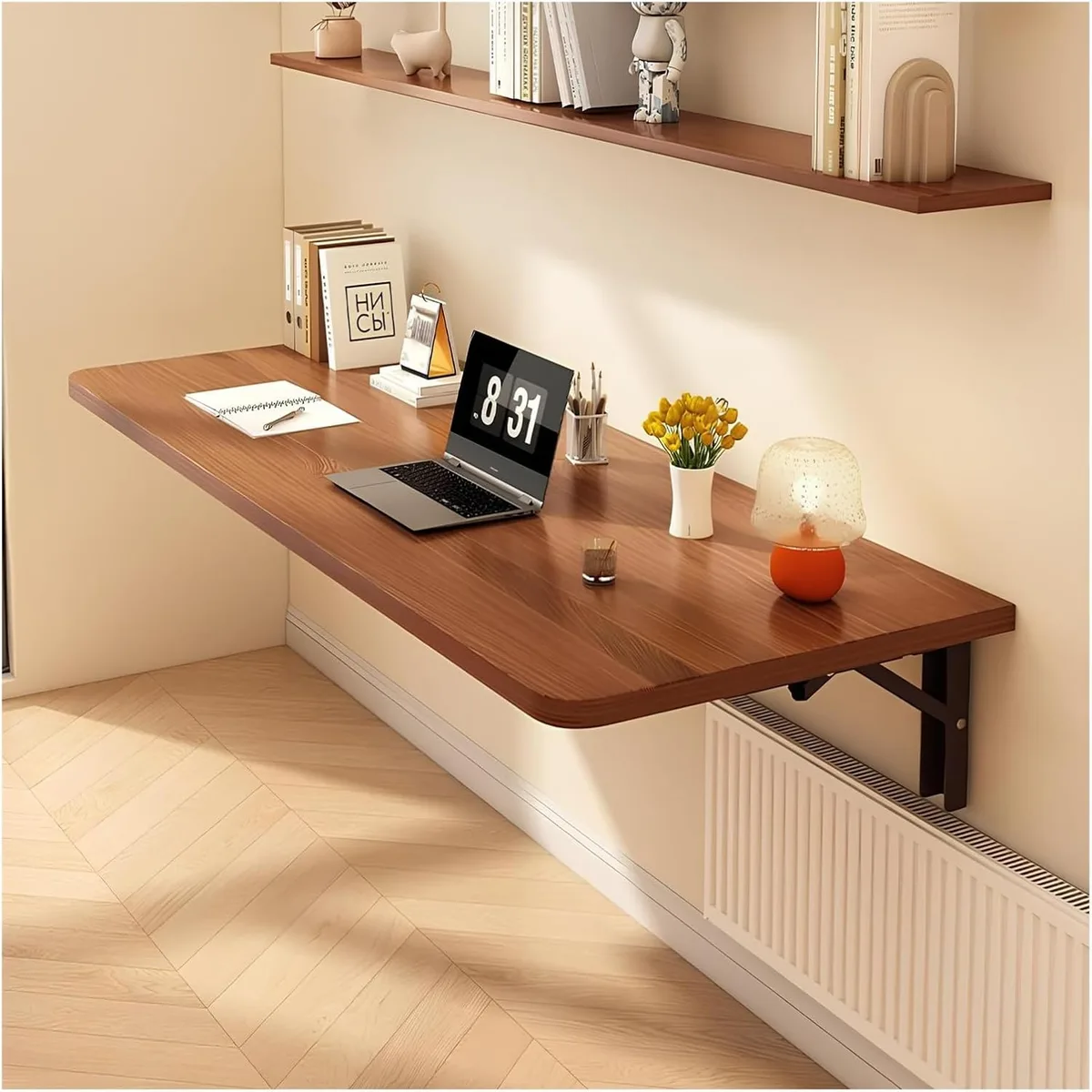
If you lack space for a wide base, a wall-mounted monitor arm is your most effective fallback.
Benefits of Proper Eye-Level Ergonomics
Correct monitor placement is vital for long-term health, especially when you are walking. Ideally, the top third of your screen should be at eye level. This position keeps your neck in a neutral, vertical alignment rather than a forward-bent hunch.
Walking while looking down places significant, unnecessary stress on your cervical spine. Over time, this causes neck pain and tension headaches. Positioning your laptop screen properly prevents this strain.
It also helps you maintain a natural gait, which is critical for consistent fitness gains from your treadmill desk.
Ergonomic calibration also improves your cognitive focus. When your neck is aligned and your screen is steady, you spend less physical and mental energy correcting your posture or focusing on a shaky display. You are free to engage more fully with your actual work tasks.
Common Mistakes That Increase Screen Shake
The most frequent error is over-extending a telescopic arm to reach a desired height. The further you extend an arm, the more leverage your hand movements have to create vibration. Always keep your screen as close to the mounting point as possible to ensure maximum rigidity.
Another common oversight is failing to tighten every joint properly. Many stands arrive with adjustable tension screws. If you leave these loose, even the sturdiest stand will wobble.
Take time during assembly to dial in the tension until the arm stays in place without sagging.
Using a stand on a soft carpet also creates a spring effect that amplifies vibration. If you must set up on a carpeted floor, place a rigid piece of plywood or a thick rubber mat under the treadmill base. This simple step creates a stable platform and significantly reduces the amount of movement transferred to your stand.
Critical Safety and Cable Management Checks
Your workspace must be free of trip hazards to remain safe. Treadmill desks involve constant movement, so loose cables are a major risk. Always secure your power and data cords to the stand itself using zip ties or cable sleeves.
Leave enough slack in your cables to account for height adjustments. If a cable is pulled tight, it acts like a bridge for vibrations. It can even pull your laptop toward the edge of the stand if you move the screen suddenly.
Ensure every cable has a small amount of play.
Finally, check your weight limits regularly. Laptops, extra monitors, and peripherals add up quickly. If your stand is rated for 10 pounds and you add a heavy laptop, an external drive, and a light bar, you are flirting with structural failure.
Periodically check the mounting hardware to ensure no bolts have loosened from the constant vibration of walking.
Calibrating Your Setup for Neutral Posture
To find your perfect setting, start by standing on your treadmill with your feet flat. Let your arms hang naturally at your sides. Your keyboard should sit at or slightly below elbow height when your elbows are bent at a 90-degree angle.
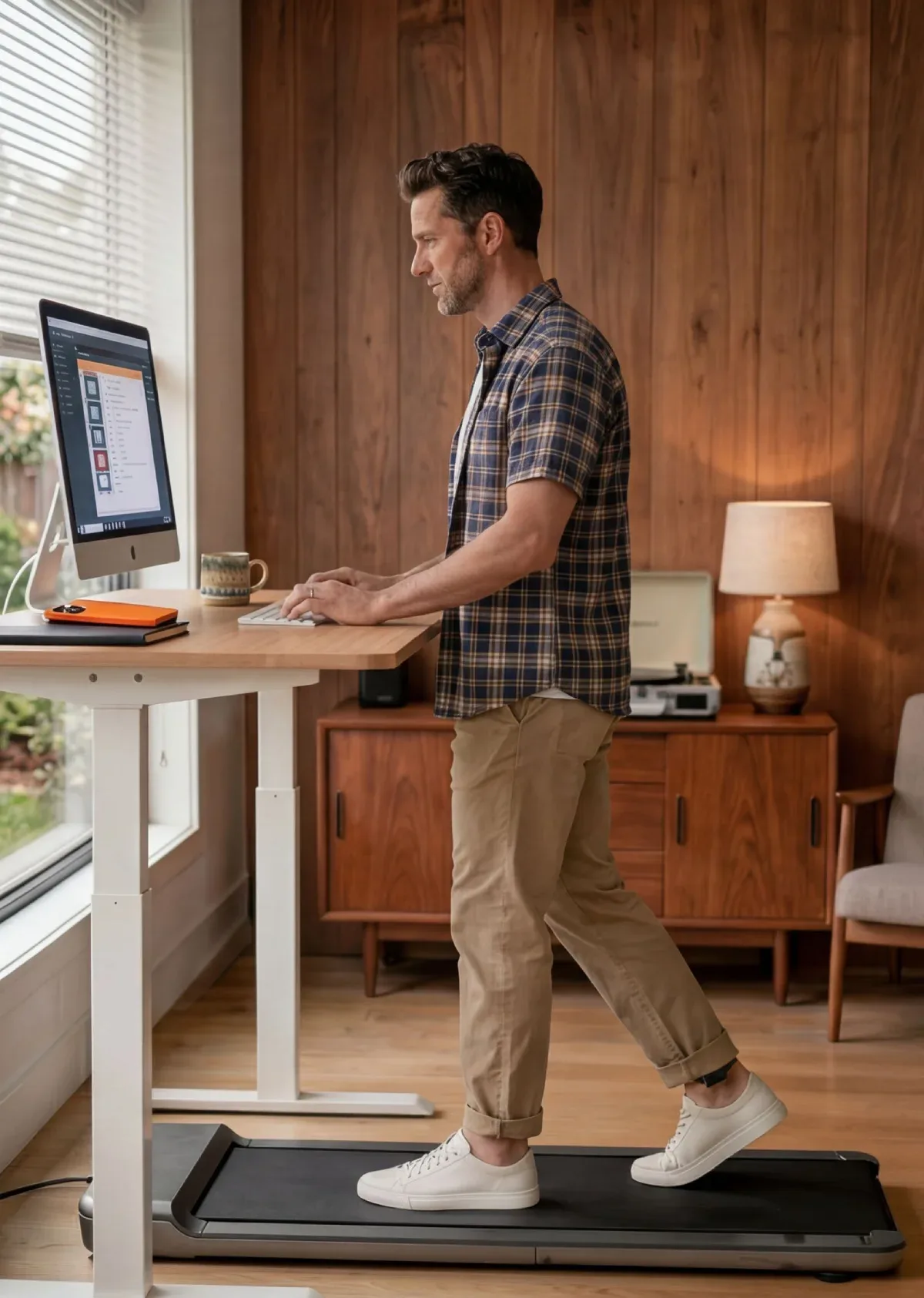
Next, adjust the laptop screen until your gaze lands on the top third of the display. If your stand does not offer enough vertical height, you may need a riser or a different mounting arm. Do not settle for a position that forces you to lower your chin.
Walk at your standard working speed to check for swaying. If you see movement, identify the point of flex. Often, tightening a single bolt on the main support column solves the issue.
Small, incremental adjustments during your first few walking sessions will lead to the most comfortable, long-term workstation setup.
Long-Term Optimization: Reducing Gear Wear and Tear
Constant vibration takes a toll on your laptop hardware over time. Spinning mechanical hard drives are particularly vulnerable to vibration-induced failure, so ensure your laptop uses a solid-state drive (SSD). If you rely on external peripherals, make sure all connections are snug.
Periodically check the mounting hardware on your stand for signs of fatigue. Screws can back out from the micro-oscillations of the treadmill motor. A quick check every few weeks ensures your gear stays secure and your desk remains stable.
You should also look for signs of stress on your laptop hinges. If your stand forces the screen into an awkward angle, the weight of the display might strain the hinge assembly. Keep the lid at a comfortable angle and ensure the stand carries the load, not the hinges themselves.
Expert Pro-Tips for Smoother Walking Sessions
Vibration dampening is more effective when you introduce mass to the system. Placing a heavy rubber mat under your treadmill frame isolates the motor from the floor structure. This creates a quieter environment and prevents energy from traveling up through your stand.
Try to coordinate your stride with your typing rhythm. Many users find they type more accurately during the down phase of their stride. If you hit a particularly shaky patch, pause your typing for a moment.
Recover your rhythm and return to your work once your gait stabilizes.
Also, consider the height of your treadmill belt. If you are using a desk-top treadmill, you might be standing an inch or two higher than you expect. Factor this extra height into your stand adjustment to avoid hunching over your keyboard.
Frequently Asked Questions
Can I use a regular laptop stand for a walking treadmill?
Most standard stands are too light and lack the necessary structural stiffness for a treadmill desk. You need a model with a heavy, weighted base or a desk-clamped mount. Lightweight, portable stands will bounce significantly while you walk and make typing almost impossible.
How do I stop the screen from shaking while I walk?
Screen shake usually stems from loose joints or a weak base. Tighten all tension screws on your stand to ensure there is no play. If the shaking persists, move your setup to a desk-mounted arm.
This eliminates floor vibration entirely, providing the most stable platform possible.
Is it safe to type on a laptop while walking?
Typing while walking is safe for most people if they maintain good posture. Keep your keyboard at elbow height and your monitor at eye level. If you feel dizzy or lose your balance, stop the treadmill immediately.
Always prioritize your gait over your typing speed.
How much weight capacity should my stand have?
Your stand should support at least double the weight of your laptop. This extra capacity ensures the joints remain rigid and do not sag under the constant vibration. Check the manufacturer's maximum load rating to confirm the stand can handle your gear without flexing.
Final Verdict: Which Stand Fits Your Workflow
Your ideal choice comes down to your available infrastructure. Use a desk-mounted arm if you have a height-adjustable desk. It is the gold standard for stability and requires no floor-based hardware.
This choice keeps your workspace clear and provides the most rigid mounting point.
If you don't have a desk, choose a floor-standing unit with a wide, heavy base. Avoid tripods and thin-column stands, as they cannot handle the kinetic energy of a moving treadmill. Always prioritize heavy-duty materials like steel over lightweight alternatives to ensure long-term performance.
Take your time during the setup process to lock in your height and tension settings. A few minutes of careful adjustment will prevent hours of frustration. By focusing on structural rigidity and proper ergonomic alignment, you can turn your treadmill desk into a reliable, high-productivity workstation.

Similar Posts