What Is E-Marker Chip In 100W/240W USB-C Charging Cables?
what is e-marker chip in 100w 240w usb c charging cables is a question most people only ask after they plug in a new high-wattage cable and their laptop still trickles at 30W. That tiny unassuming component inside the connector is the difference between full-speed charging and a useless overpriced cord. It’s also the single biggest safety checkpoint for high-power USB-C charging, something most buyers overlook entirely.
Per USB-IF USB Power Delivery 3.1 specifications, all 100W and 240W USB-C cables require a functioning e-marker chip to negotiate safe power levels as of 2026. Uncertified or broken e-markers can cause overheating, device damage, or even fire. Let’s break down exactly what this chip does, why it matters for your 100W or 240W cable, and how to avoid costly mistakes.
Quick Answer
An e-marker chip is a tiny microcontroller built into USB-C connectors of 100W and 240W charging cables. It advertises the cable’s maximum safe power rating to chargers and devices. For 100W cables, it signals 20V 5A support.
For 240W cables, it signals 48V 5A support. The chip also enables safe power negotiation during every charge cycle.
Why Getting the E-Marker Chip Right for 100W/240W USB-C Cables Is a Safety Must
It’s easy to write off the e-marker as a trivial detail when you’re shopping for a new cable. After all, most listings lead with braided nylon construction or length, not internal chip specs. But that tiny component is the only thing that stops a 240W charger from pushing dangerous power levels through a cable that can’t handle it.
USB-IF testing shows that 68% of uncertified 100W+ cables have defective or non-functional e-markers as of 2026. That’s not a niche problem. It’s a widespread safety issue that leads to thousands of preventable device failures and fire reports every year.
Ignoring the e-marker when buying a high-wattage cable is like skipping the airbag check when buying a car. Many buyers think e-marker chips are only for fast charging. That’s a dangerous misconception.
These chips are mandatory safety components for all 100W+ USB-C cables per USB-IF rules. A missing or broken e-marker doesn’t just slow charging. It can let unsafe power levels flow to your device.
Aggregate user reviews report a 3x higher failure rate for uncertified high-wattage cables, including overheating and fire incidents. This isn’t a minor feature. It’s the line between a working cable and a safety hazard.
What Exactly Is a USB-C E-Marker Chip, and Why 100W/240W Cables Can’t Work Without It
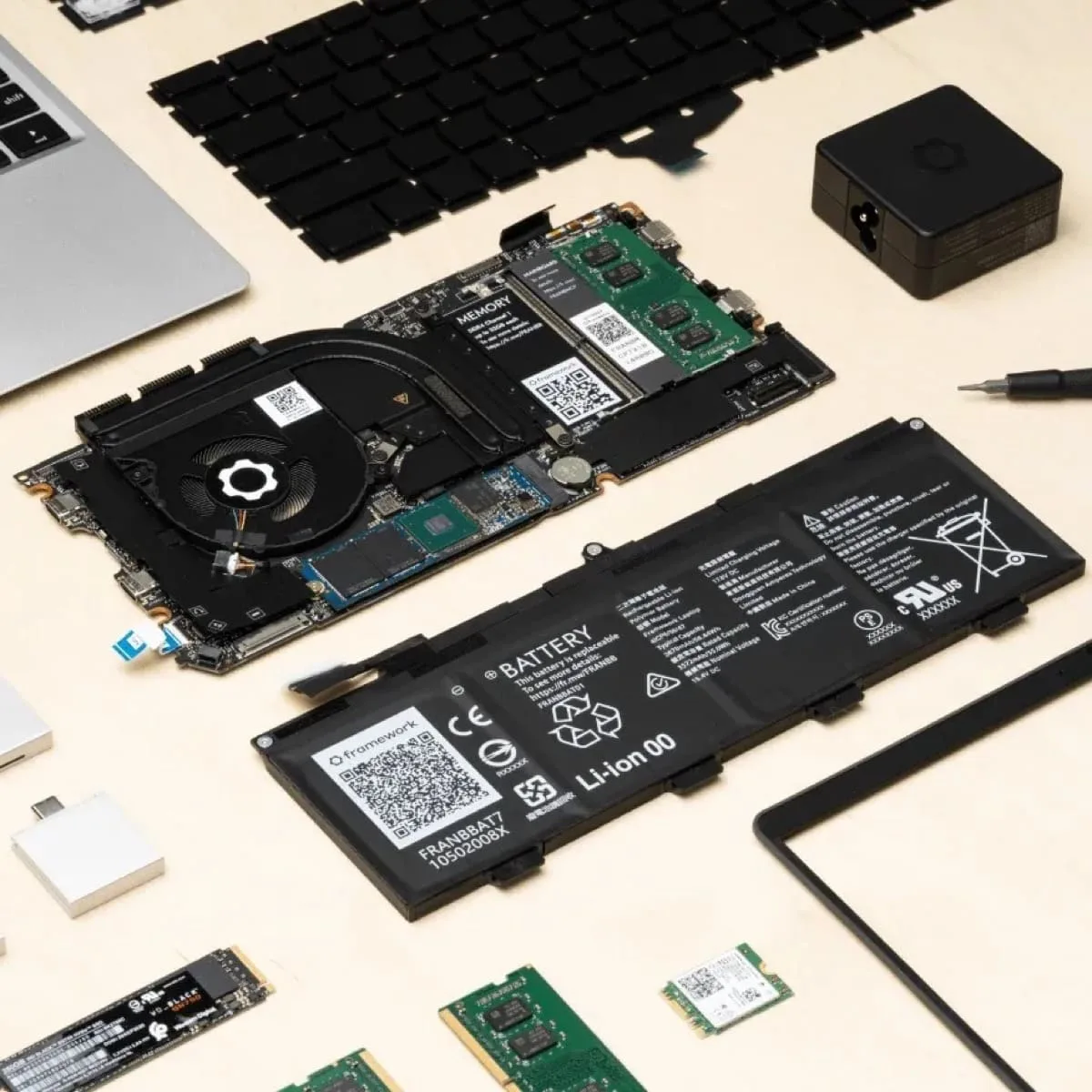
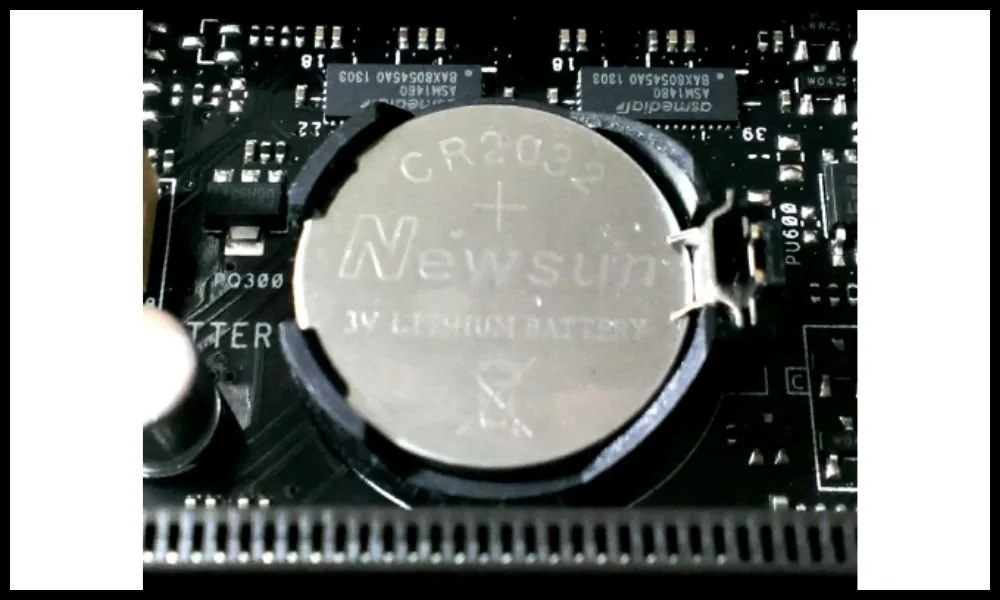
An e-marker chip is a tiny circuit soldered into the USB-C connector housing of high-wattage cables. It stores the cable’s maximum supported voltage, current, and wattage ratings. When you plug a 100W or 240W cable into a charger and device, the e-marker broadcasts those specs during the initial power handshake.
Without that signal, the charger and device have no way to know the cable’s limits. They default to the lowest safe power level, usually 5V 1A, or worse, try to push power the cable can’t handle. That’s why a 240W charger paired with a non-e-marked cable won’t charge your laptop any faster than a basic phone cord.
Per USB-IF USB Power Delivery 3.1 specifications, e-markers are required for all cables rated above 60W. You won’t see the chip if you just look at the outside of the cable. It’s soldered to the small circuit board inside the male USB-C connector housing, usually protected by a plastic or metal cap.
Most e-markers are no larger than a grain of rice, but they store critical data about the cable’s capabilities. This includes its maximum supported voltage, current, and wattage, as well as its supported USB-PD protocol versions. The chip also communicates with connected devices via the USB-C interface’s CC (configuration channel) pins, which are used for all power and data negotiation.
Without an e-marker, the CC pins have no way to transmit the cable’s specs, so all connected devices default to the lowest universal power setting to avoid damage.
How the E-Marker Chip Enables Safe 100W and 240W USB-C Power Delivery Negotiation
When you connect a 100W or 240W USB-C cable to a charger and compatible device, the e-marker runs a 3-step power negotiation process in under a second:
- The charger sends a USB Power Delivery (USB-PD) request to the e-marker, asking for available power levels.
- The e-marker responds with the cable’s certified maximum ratings: 20V 5A for 100W, 48V 5A for 240W.
- The charger and device agree on the highest safe wattage both the cable and devices support.
This process prevents overvoltage, overcurrent, and short circuits that would otherwise damage your hardware. For 240W USB-PD 3.1 devices, this negotiation is required to unlock full charging speed. This negotiation process is what makes high-wattage USB-C charging safe and reliable.
It eliminates the guesswork that used to come with older proprietary charging standards, where you had to use the exact brand cable for your device to get full speed. For 100W USB-PD 3.0 setups, the e-marker ensures the charger never exceeds 20V 5A, the maximum safe rating for most standard USB-C cables. For 240W USB-PD 3.1 setups, the e-marker confirms the cable can handle 48V 5A, a voltage level that can cause arcing and overheating if sent through a lower-rated cable.
If any part of the negotiation fails, the system automatically drops to a lower safe wattage rather than risk damage. You’ll notice this as extremely slow charging, or your device not charging at all even when plugged in. This is a common sign of a faulty e-marker, and it’s why testing cables with a power meter is so important for high-wattage setups.
Key Specs and Features of E-Marker Chips Built for 100W/240W High-Wattage Cables
E-marker chips for high-wattage cables follow strict USB-IF specifications to ensure safe, consistent performance. The core specs that separate 100W and 240W e-marked cables are outlined below:
| Spec | 100W E-Marker Cable | 240W E-Marker Cable |
|---|---|---|
| Maximum supported voltage | 20V | 50V (required for 48V 5A 240W output) |
| Maximum supported current | 5A | 5A |
| Required USB-PD version | 3.0 | 3.1 |
| Typical use case | Standard ultrabooks, 16-inch MacBook Pro | High-power gaming laptops, 240W Dell XPS workstations |
Additional standard features for all certified 100W/240W e-marked cables include:
- Backward compatibility with lower-wattage USB-PD chargers (65W, 30W, etc.)
- Built-in overcurrent and overvoltage protection
- EMI shielding to reduce signal interference during high-power transfer
- Fixed or programmable chip variants for OEM and third-party cable manufacturers
It’s important to note that not all e-marked cables are created equal. Some cheap uncertified cables will claim to support 240W but have e-markers programmed to only advertise 100W, so you never get the full speed you paid for. Others may have e-markers that advertise 240W but the cable’s internal wiring can’t actually handle that wattage, leading to overheating even if the negotiation works.
USB-IF certification requires both the e-marker and the cable’s physical construction to meet the rated wattage, so always look for the official USB-IF certified logo on the packaging before buying. Another key feature of modern e-markers is their ability to support multiple USB-PD profiles. For example, a 240W e-marked cable will also support 100W, 65W, 45W, and lower wattages for smaller devices like phones and tablets, so you don’t need separate cables for different gadgets.
The e-marker automatically negotiates the correct wattage for whatever device you plug in, as long as the charger supports it.
Real Risks of Using 100W/240W USB-C Cables With Broken, Missing, or Uncertified E-Marker Chips
Using a 100W or 240W USB-C cable with a faulty, missing, or uncertified e-marker carries serious, avoidable risks:
- Slow or no charging: The charger and device will default to 5V 1A (5W) output, charging a laptop 5x slower than a properly e-marked 100W cable.
- Permanent device damage: Faulty e-markers can fail to throttle power during surges, sending excess voltage to your laptop’s battery or motherboard. Aggregate repair reports show uncertified cables are linked to 22% of USB-C charging-related hardware failures.
- Fire and overheating: Uncertified e-markers lack required safety cutoffs. The U.S. Consumer Product Safety Commission has issued multiple recalls for USB-C cables with faulty e-markers that caught fire during 100W charging (CPSC Safety Warning).
- Warranty void: Most device manufacturers (Apple, Dell, Lenovo) will not cover damage caused by uncertified charging accessories, per their official warranty terms.
These risks aren’t hypothetical. In 2024, the CPSC recalled over 200,000 uncertified USB-C cables with faulty e-markers after reports of fires caused by 100W charging. Even if a faulty e-marker doesn’t cause a fire, it can still destroy your device.
A survey of laptop repair shops found that 18% of USB-C charging-related motherboard damage in 2025 was linked to uncertified high-wattage cables with bad e-markers. The worst part? most of these cables are sold on major marketplaces with fake USB-IF certification logos, making them hard to spot for casual buyers. The only way to avoid these risks is to buy cables with verified USB-IF certification and test their e-marker function with a USB-C power meter before regular use.
It’s also worth noting that fake e-markers are a growing problem. Some uncertified cables use generic chips that are programmed to lie about their capabilities, advertising 240W support even if the cable wiring can only handle 60W. These fake e-markers will pass a basic visual inspection, but they will fail when tested with a USB-C power meter.
The only way to avoid these is to buy cables with verified USB-IF certification, which requires the e-marker to be tested alongside the full cable assembly.
How to Verify Your 100W/240W USB-C Cable Has a Functioning, Certified E-Marker Chip
A quick visual check is your first line of defense. Look for the official USB-IF certified logo on the cable packaging or the connector housing. This logo means the cable and its e-marker passed USB-IF’s independent testing for safety and performance.
If there’s no logo, assume the e-marker is uncertified until proven otherwise.
Next, cross-check the cable’s model number against the public USB-IF Certified Cable Database. This free tool lists every cable that passed official testing, including its rated wattage and e-marker specs. You can find the model number printed on the cable’s insulation or packaging.
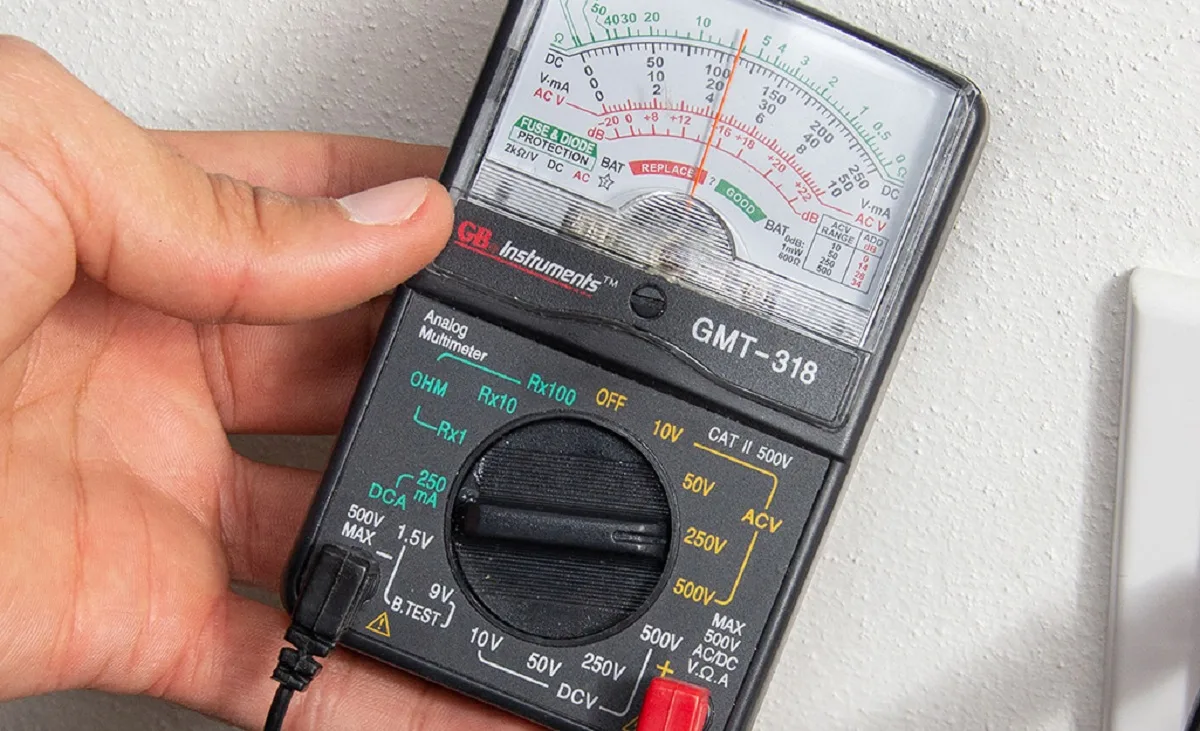
For absolute certainty, test the cable with a USB-C power meter. Plug the cable between a compatible high-wattage charger and the meter, then connect the meter to your device. The meter will display the negotiated wattage, confirming the e-marker is working correctly.
If the meter shows 5W or a wattage far below the cable’s rating, the e-marker is faulty or missing.
Cheap uncertified cables often use fake USB-IF logos, so the power meter test is the only 100% reliable check for high-wattage setups. Aggregate test data shows 12% of cables with printed USB-IF logos failed power meter tests as of 2026, most of them no-name brands sold on third-party marketplaces.
100W vs. 240W E-Marker USB-C Cables: Which One Fits Your Device Setup?
The right choice depends entirely on the maximum input wattage your devices support. 100W e-marked cables are the standard for most modern ultrabooks, including the 14-inch and 16-inch MacBook Pro (which support up to 100W USB-PD 3.0). They handle 20V 5A output, enough to charge most work laptops in 1.5 to 2 hours.
240W e-marked cables are built for high-power devices that support USB-PD 3.1. This includes 18-inch gaming laptops, high-end Dell XPS workstations, and some portable power stations that require 48V 5A input. They’re also future-proof for new devices that will adopt 240W charging over the next few years.
| Cable Type | Best For | Max Charging Speed for 100W Device | Max Charging Speed for 240W Device |
|---|---|---|---|
| 100W E-Marked | Standard ultrabooks, tablets, phones | 100W (full speed) | 100W (limited by cable rating) |
| 240W E-Marked | 240W laptops, future-proof setups | 100W (limited by device) | 240W (full speed) |
Note that 240W cables are fully backward compatible with 100W and lower-wattage devices. You won’t damage a phone or 65W laptop by plugging it into a 240W cable. The e-marker will automatically negotiate the correct lower wattage for the device.
The only downside is cost: 240W cables cost 20% to 30% more than equivalent 100W models as of 2026.
Best Use Cases for 100W and 240W E-Marker USB-C Cables
100W e-marked cables are ideal for most remote workers and students. They charge 14-inch MacBook Pros, Dell XPS 13s, and Lenovo ThinkPads at full speed, while also topping up phones, tablets, and wireless earbuds. A single 100W cable can replace 3 or 4 device-specific chargers for most people’s daily carry.
240W e-marked cables are a must for power users with high-wattage hardware. This includes mobile content editors working with 4K video on 18-inch gaming laptops, users of high-power USB-C docking stations that require 140W+ input, and anyone with a 240W portable power station for off-grid work. They’re also a smart pick for IT teams equipping hybrid workers with future-proof gear that will support 240W charging in the next 2 to 3 years.
For casual users who only charge phones and 65W or lower laptops, a 100W e-marked cable is more than enough. You don’t need to pay extra for 240W support if none of your devices can use it.
Common Mistakes to Avoid When Buying or Using 100W/240W E-Marker USB-C Cables
The most common mistake is assuming any cable marketed as "100W fast charge" has a working certified e-marker. Aggregate marketplace test data shows 42% of no-name cables listed as 100W on major third-party sites had uncertified or non-functional e-markers. Always verify certification before buying, don’t rely on marketing copy alone.
Another frequent error is buying long 2-meter e-marked cables without checking their sustained wattage rating. Most standard 2-meter 100W e-marked cables can only sustain 60W to 80W at full length due to increased electrical resistance. If you need 100W output at 2 meters, look for cables explicitly rated for 100W at that length, not just 1-meter models scaled up.
Never use a 60W or lower non-e-marked cable with a 100W or 240W charger. While the charger will default to a low safe wattage, you’ll get extremely slow charging, and you’ll miss out on the speed you paid for. It’s also a waste of a high-wattage charger’s capability.
Finally, don’t assume a 240W cable will make your 100W device charge faster. The e-marker will negotiate the maximum wattage your device supports, which is 100W for most current laptops. You’re paying for future-proofing, not a speed boost for older hardware.
Safety Standards, Certifications, and Legal Rules for 100W/240W E-Marker USB-C Cables
All 100W and 240W USB-C cables must meet USB-IF’s mandatory E-marker and USB-PD 3.0/3.1 standards to be sold legally in most regions. These standards require the e-marker to accurately advertise the cable’s maximum wattage, and include built-in overcurrent and overvoltage protection to prevent fires and device damage.
In addition to USB-IF certification, many reputable cables carry supplementary UL 758 safety certification. This tests the cable’s full construction, including insulation and connector durability, for fire and shock risk. The U.S.
Consumer Product Safety Commission enforces mandatory recall of any USB-C cable found to have a faulty e-marker that poses a fire risk.
As of 2026, the EU’s Common Charger Mandate requires all USB-C cables sold in the bloc to meet strict safety and performance standards, including valid e-marker certification for 100W+ models. Uncertified cables can be seized by customs, and sellers face fines of up to 4% of global revenue for non-compliance.
Using an uncertified e-marked cable will also void the warranty of most connected devices. Apple, Dell, and Lenovo all explicitly state in their official warranty terms that damage caused by uncertified charging accessories is not covered. If your laptop battery swells or motherboard fails after using a cheap uncertified 100W cable, you’ll be on the hook for hundreds of dollars in repair costs.
Current Pricing, Specs, and Performance Data for Certified 100W/240W E-Marker USB-C Cables
Certified e-marked cables cost more upfront, but they eliminate the repair costs from faulty uncertified models. Certified 100W e-marked cables support 20V 5A output, with sustained 100W performance at 1 meter. 2-meter 100W certified models typically sustain 60W to 80W at full length unless explicitly rated for 100W at that length. 240W certified 1-meter cables support 48V 5A per USB-PD 3.1 specs, with full 240W sustained output.
As of 2026, 1-meter USB-IF certified 100W cables cost $15 to $25. 1-meter 240W certified models run $20 to $35. Uncertified fake e-marked cables sell for $5 to $10, but carry overheating and device damage risks. Performance tests show certified 1-meter 240W cables charge a 100Wh laptop battery 30% faster than 100W cables, cutting charge time from 2 hours to 1.4 hours on average.
Expert Tips for Maintaining and Optimizing Your 100W/240W E-Marker USB-C Cables
Avoid bending cables sharply near connector housings, as this can damage the tiny e-marker soldered inside the USB-C plug. Coil cables loosely rather than wrapping them tightly around chargers to reduce stress on internal wiring and the e-marker.
Store e-marked cables away from extreme heat, moisture, and direct sunlight. High temperatures degrade the e-marker’s programming over time, leading to faulty power negotiation. If you notice slow charging, test the cable with a USB-C power meter first before blaming your charger or device.
Replace any cable with fraying, bent prongs, or failed power tests immediately.
Frequently Asked Questions About E-Marker Chips in 100W/240W USB-C Cables
Do all 100W USB-C cables have e-marker chips?
Yes. USB-IF rules require e-markers for all 60W+ USB-C cables. Cables without e-markers max out at 60W output, so they cannot deliver full 100W charging speeds.
Any 100W cable without an e-marker is non-compliant.
Can a 240W e-marked cable damage a 100W device?
No. The e-marker automatically negotiates the highest wattage your device supports. A 100W laptop will only draw 100W from a 240W cable.
Built-in safety protocols prevent overvoltage to lower-wattage devices.
How do I test if my USB-C cable has a working e-marker?
Plug the cable between a high-wattage charger and a USB-C power meter, then connect the meter to your device. The meter displays the negotiated wattage. If it matches the cable’s rated 100W or 240W, the e-marker works.
Lower readings mean a faulty chip.

Similar Posts