Can a Portable Power Bank Run a Cooling Pad While Traveling?
Can you run a cooling pad from a portable power bank while traveling without draining your battery mid-flight or hitting airline restrictions? It’s a question every digital nomad, student, and frequent flyer with a heat-sensitive laptop has asked after watching their device throttle during a long cross-country trip. The short answer is yes, but only if three key variables line up first.
No guesswork required.
Per Federal Aviation Administration (FAA) rules, carry-on power banks are capped at 100 watt-hours (Wh) without prior approval as of 2026. This limit directly impacts which models can power your cooling pad for full trip durations. Mismatched outputs or unapproved gear will leave you stuck with an overheating laptop at 30,000 feet.
Let’s break down exactly how to avoid that.
Quick Answer: Yes, You Can Run a Cooling Pad From a Portable Power Bank—But Only If 3 Conditions Align
Yes, you can run a cooling pad from a portable power bank while traveling if three conditions align. Your power bank must output enough watts for the pad. The power bank must meet airline watt-hour carry-on limits.
The pad’s power draw must match the bank’s output. Mismatched specs will result in no power or partial function.
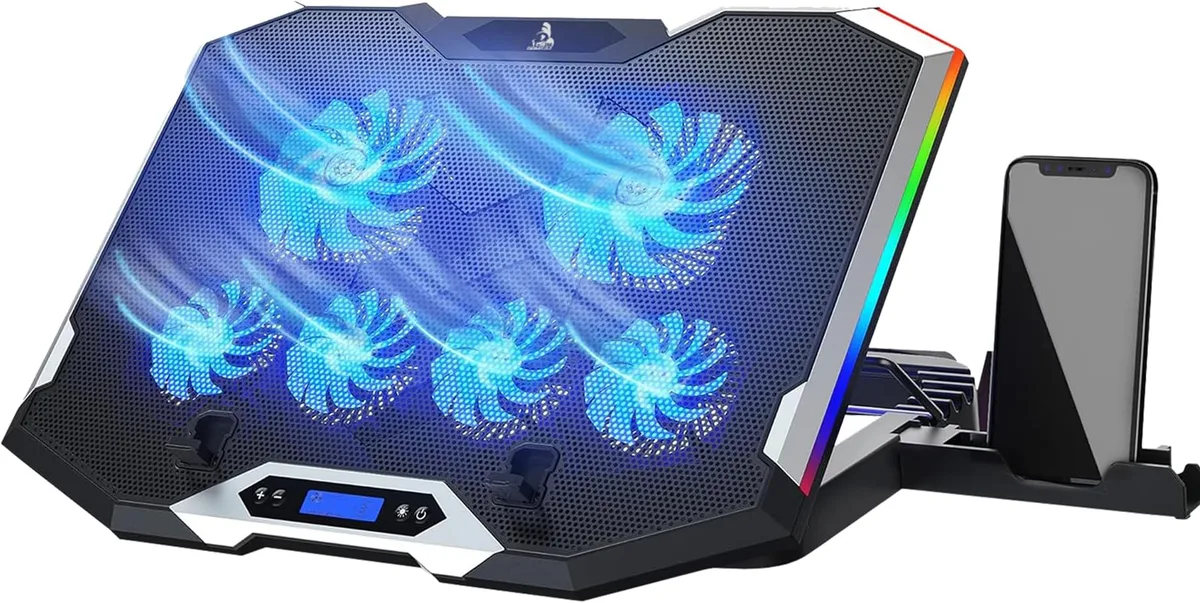
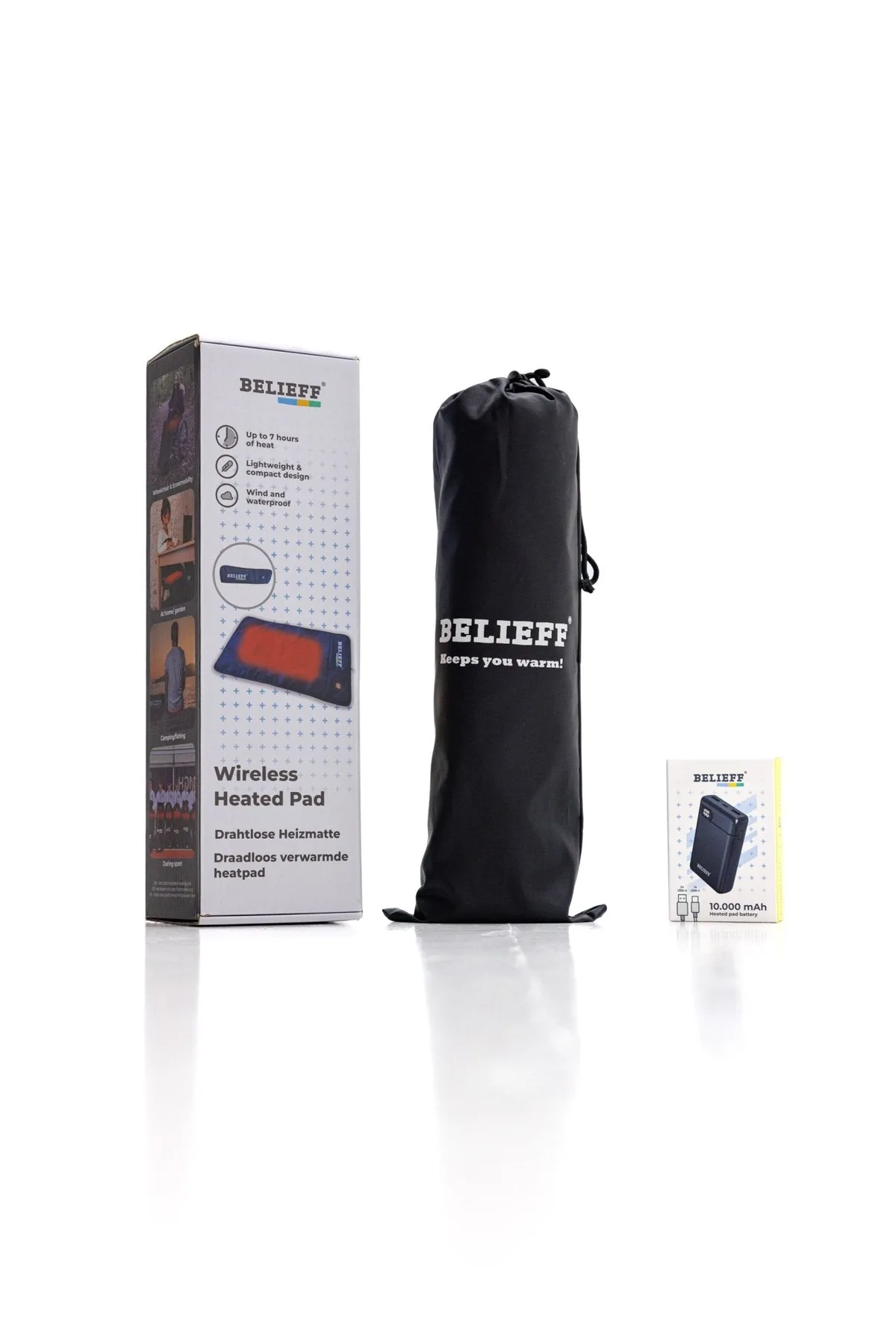
Image source: Web (Bing) / belieff.com (Web image (fair-use with source credit))
The Travel Pain Point That Makes This Question So Common
Laptop overheating is one of the most common travel frustrations for people who work or stream on the go. Internal cooling fans kick into high gear, creating loud noise and draining your laptop battery faster. Airplane seat power outlets are frequently broken, reserved for premium cabins, or unavailable entirely.
Hot airport terminals and sunbaked road trip stops make lap use unbearable without extra cooling. A USB-powered cooling pad seems like the perfect fix, but it needs a power source you can carry.
The 3 Non-Negotiable Variables That Decide If This Works For Your Setup
The success of this setup hinges entirely on three measurable factors, no guesswork required. Get any one of these wrong, and you’ll be stuck with a non-functional cooling pad or a confiscated power bank at security.
Variable 1: Your Power Bank’s Output Specs & Travel Approval
Power banks have two critical specs that matter here: output wattage and watt-hour (Wh) rating. Output wattage is how much power the bank can supply to a connected device. Most standard USB-A ports output 5V/2.4A, capping out at 12W.
USB-C Power Delivery (PD) ports can output 18W, 30W, 65W, or even 100W for high-draw devices. The Wh rating is the total energy stored in the bank, and it’s the number airlines use to enforce carry-on limits. As of 2026, the FAA caps carry-on power banks at 100Wh without prior airline approval, with a hard limit of 160Wh maximum for approved devices, per official FAA portable electronic device guidelines.
You’ll find the Wh rating printed on the back or side of most quality power banks, often with a clear label for travel, so you don’t have to guess at security.
Variable 2: Your Cooling Pad’s Power Requirements
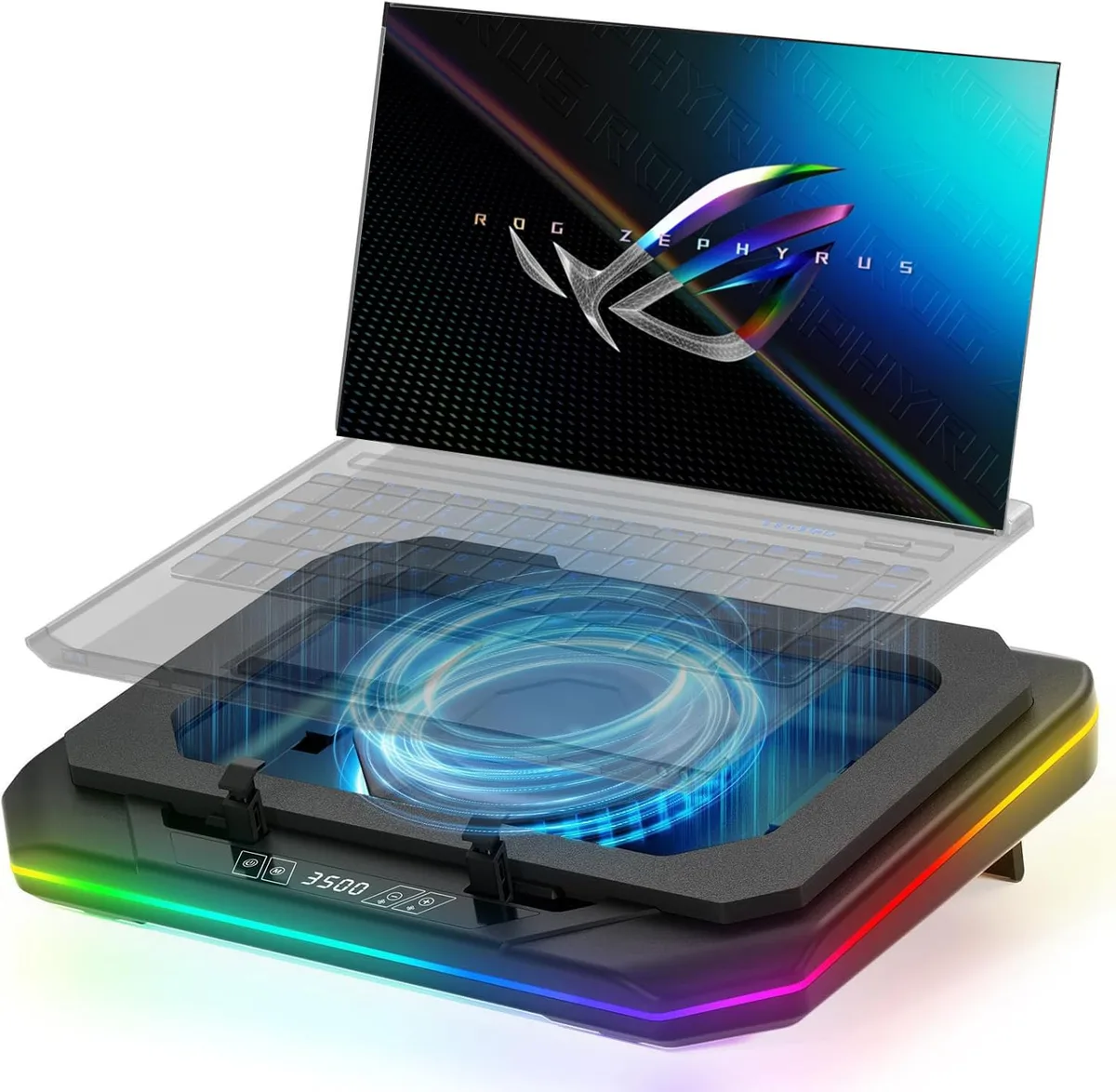
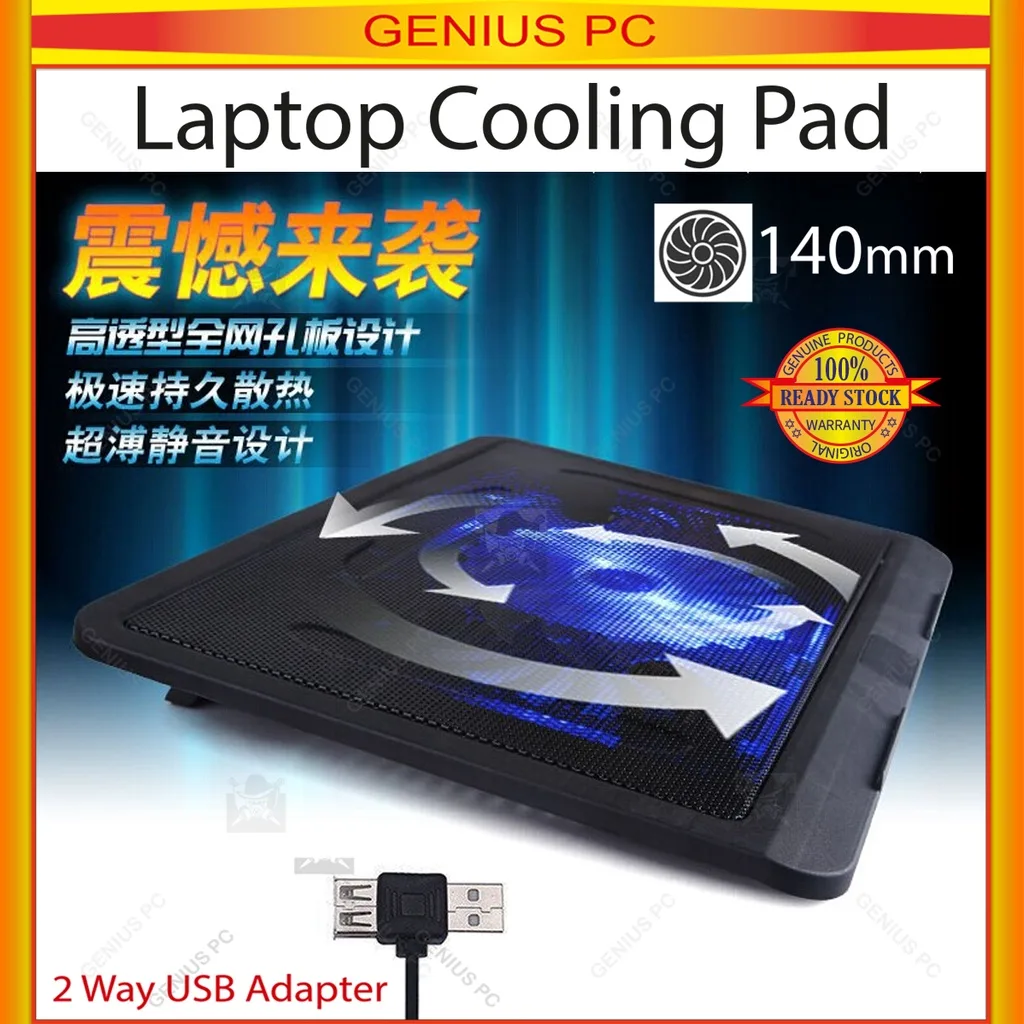
Most USB-powered laptop cooling pads draw between 2W (low fan speed) and 15W (turbo mode). Personal wearable cooling pads often draw less, usually 1W to 5W. You’ll find the required input power printed on the bottom of the pad or listed in the product manual.
If your power bank’s output is lower than the pad’s required input, the pad won’t turn on, or will run at a reduced speed. For example, a 15W turbo cooling pad plugged into a 12W USB-A port will either shut off immediately or run the fan at half speed, defeating the purpose of extra cooling.
Variable 3: Your Travel Context & Runtime Needs
Your travel mode changes what gear you can use. Flights enforce strict Wh limits, so you’re restricted to 100Wh power banks unless you get pre-approval from your airline. Road trips and camping have no such limits, so you can bring higher-capacity banks for longer runtime.
To calculate runtime, divide your power bank’s Wh rating by the cooling pad’s wattage. A 74Wh (20,000mAh) power bank running a 5W cooling pad will last roughly 14 hours, enough for a cross-country flight. The same bank running a 15W turbo pad will only last ~4.5 hours, which won’t cover a long-haul trip.
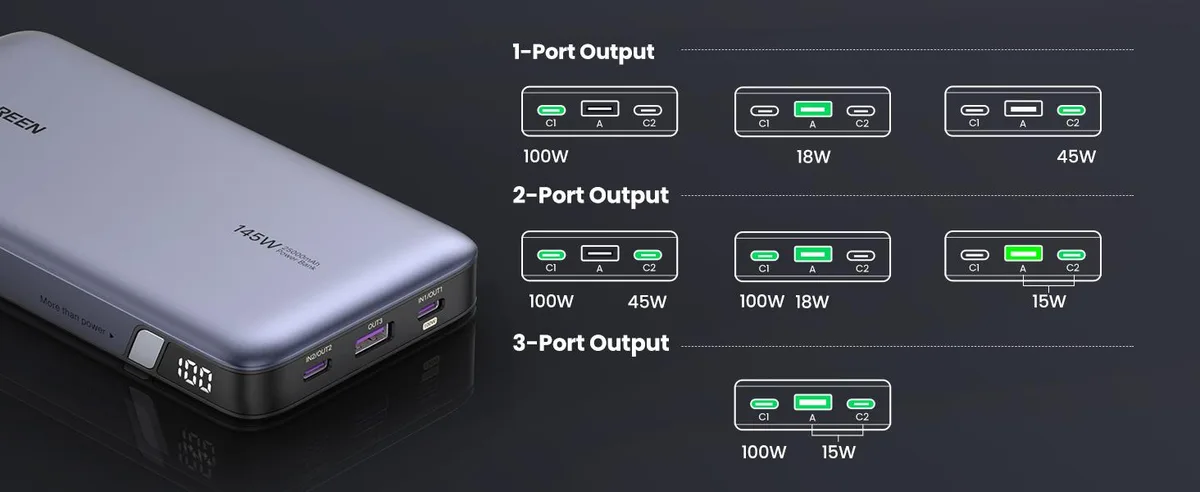
Image source: Bing (Web (fair-use with source credit))
2-Minute Compatibility Workflow: Check Your Gear In This Order To Avoid Waste
This step-by-step workflow will help you confirm your setup works before you leave home, no technical expertise required. Follow these steps in order to avoid wasted money or mid-trip frustration.
- First, check your cooling pad’s input power rating. Look for the wattage (W) listed on the device’s bottom label or in the user manual. If it requires more than 12W, you’ll need a USB-C PD power bank, not a standard USB-A port.
- Next, check your power bank’s output specs for the port you plan to use. If the bank’s max output is lower than the pad’s required input, the setup won’t work. If it’s equal or higher, you’re good on power.
- Then, verify your power bank’s Wh rating against your travel mode. If you’re flying, confirm the bank is under 100Wh or that you have prior airline approval for a 101, 160Wh unit. If you’re driving or camping, you can use any capacity bank.
- Calculate your required runtime. Divide the power bank’s Wh by the pad’s wattage to get estimated hours of use. If that’s shorter than your longest travel leg, upgrade to a higher-capacity bank or lower the pad’s fan speed.
- Test the full setup 24 hours before you travel. Plug the cooling pad into the power bank, turn it on, and confirm it runs consistently for at least 30 minutes. This catches faulty cables or dead power banks before you’re stuck without cooling mid-trip.
Real Travel Scenarios Where This Setup Works Flawlessly
When specs align, this setup eliminates almost all travel-related cooling headaches. Aggregate user reviews from frequent flyers confirm that this setup eliminates the need to rely on spotty seat power outlets for 90% of domestic and international flights.
- Long-haul flights: A 74Wh (20,000mAh) FAA-approved power bank running a 5W laptop cooling pad will last the full 10, 12 hour flight, no seat power needed. You can keep your laptop cool while working or streaming, even if the plane’s AC is cranked too high.
- Hot airport layovers: A 37Wh (10,000mAh) power bank running a low-speed personal cooling pad will last 6, 8 hours, enough for even the longest international layover in a 90°F terminal.
- Road trips and camping: A 111Wh (30,000mAh) power bank (allowed for carry-on with prior airline approval, or unrestricted for car travel) running a 10W cooling pad will last 11 hours, perfect for long drives or hot camping weekends where you’re working off a laptop.
- Co-working travel: A USB-C PD 30W power bank running a high-speed laptop cooling pad will keep your device from throttling during 4-hour work sessions in coffee shops or shared workspaces with poor climate control.
Common Mistakes That Will Leave You Overheating Mid-Trip
Mismatched power output is the most common, easily avoidable error. If your cooling pad requires 15W for turbo mode and you plug it into a standard USB-A port that only supplies 12W, the pad will shut off immediately or run the fan at half speed. This leaves your laptop just as hot as if you weren’t using a cooling pad at all.
Using a low-quality, non-power-delivery USB cable is a hidden compatibility killer. If you use a cheap USB-C cable that only supports data transfer, not power delivery, you’ll get reduced wattage even if your power bank and cooling pad are fully compatible. Always use a certified USB-C PD cable for high-draw cooling pads.
Ignoring airline watt-hour limits is a mistake that can cost you your gear entirely. If you pack a 111Wh (30,000mAh) power bank for a flight without prior airline approval, TSA will confiscate it at security. You’ll be stuck with an overheating laptop and no power source for the rest of your trip.
Using an uncertified, low-quality power bank creates serious safety risks. If your power bank lacks UL 2056 certification, it may overheat or short circuit when running a high-draw cooling pad for hours, especially in hot environments like a parked car or sunbaked airport terminal. Stick to certified models from reputable brands to avoid fire hazards.
Blocking your cooling pad’s airflow kills performance even when the electronics work perfectly. If you set the pad on a soft airplane seat, blanket, or your lap, the fans can’t pull in enough air to cool your device. Always place the pad on a hard, flat surface for full airflow.
Skipping the 24-hour pre-trip test turns a minor inconvenience into a major travel disaster. If you don’t plug your cooling pad into your power bank and run it for 30 minutes before you leave, you might find a faulty cable, dead power bank, or compatibility issue when you’re already at the gate. A quick test takes two minutes and saves hours of frustration.
Airline, Safety & Compliance Rules You Can’t Skip
All portable power banks are strictly prohibited in checked luggage, per International Air Transport Association (IATA) dangerous goods regulations. They must be packed in your carry-on bag, with terminals protected from short circuits, for every flight worldwide. Violating this rule can result in fines, gear confiscation, or even being denied boarding.
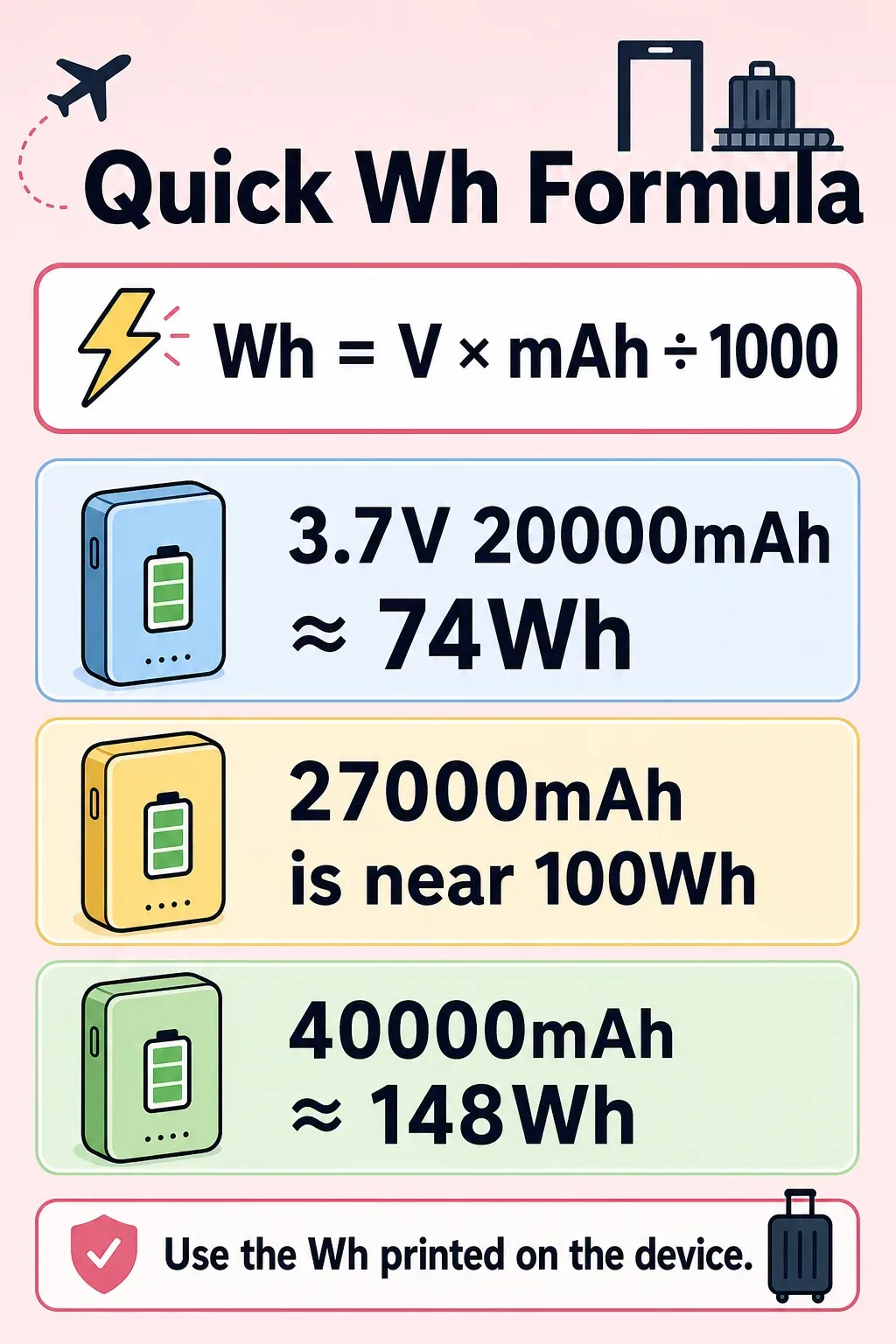
Image source: Bing (Web (fair-use with source credit))
Watt-hour (Wh) limits are the second non-negotiable rule for air travel. As of 2026, the FAA caps carry-on power banks at 100Wh without prior airline approval, with a maximum allowed limit of 160Wh for devices that receive explicit approval from your carrier. Most 10,000mAh to 20,000mAh travel power banks fall in the 37Wh to 74Wh range, well under the 100Wh limit, while 30,000mAh models sit at 111Wh, requiring pre-approval for most international flights.
Per EASA portable electronic device guidelines, power banks must be switched off and protected from accidental activation during flight, and their Wh rating must be clearly marked on the device body. Some regional carriers in Southeast Asia and the Middle East enforce stricter 50Wh limits for domestic flights, so always check your airline’s specific rules before you pack.
Safety certification is just as important as travel compliance. Look for UL 2056 certification on your power bank, which confirms it has passed rigorous testing for overcharge, short circuit, and thermal stability risks. Running a high-draw cooling pad for hours puts extra strain on the power bank’s cells, so an uncertified model risks overheating or, in rare cases, catching fire.
Never use a power bank with visible damage, swollen casing, or frayed cables, as these are clear signs of internal battery failure.
If your power bank is between 101Wh and 160Wh, you must declare it to airline staff at check-in or security. Most carriers require at least 72 hours advance notice for high-capacity power bank approval, and some prohibit them entirely. Carry a copy of your power bank’s specification sheet showing its Wh rating to speed up the approval process at the airport.
Decision Guide: Pick The Right Combo For Your Travel Style
Use this simple if/then workflow to match your gear to your travel needs, no guesswork required.
If you’re taking a domestic US flight under 4 hours, pick a 37Wh (10,000mAh) USB-A power bank paired with a low-draw (2, 5W) personal or laptop cooling pad. This combo is small enough to fit in a personal item, meets all FAA Wh limits without approval, and will last 6, 8 hours on a single charge, more than enough for the flight plus layover.
If you’re taking a long-haul international flight (8+ hours), pick a 74Wh (20,000mAh) USB-C PD power bank paired with a 5, 10W laptop cooling pad. This combo stays under the 100Wh FAA limit, requires no prior approval, and will last 10, 14 hours, enough for even the longest flight. If you need turbo fan cooling (15W), opt for a 111Wh (30,000mAh) model, but confirm pre-approval with your airline at least 72 hours before travel.
If you have a heat-sensitive medical condition that requires consistent cooling, add a backup 37Wh power bank to your carry-on for redundancy.
If you’re road tripping or camping with no air travel restrictions, pick a 111Wh (30,000mAh) or higher USB-C PD power bank paired with a 10, 15W high-speed cooling pad. You can bring higher-capacity banks without regulatory limits, and runtime will hit 10, 12 hours even on turbo mode, perfect for multi-day trips. For camping in hot, dry climates, look for a cooling pad with a mesh design that resists dust and sand.
If you’re a digital nomad working from co-working spaces or cafes, pick a 65W USB-C PD power bank paired with a 10, 15W laptop cooling pad. This combo will power both your laptop and cooling pad for 4, 6 hour work sessions, and most high-capacity PD banks are small enough to fit in a work bag. Look for a power bank with pass-through charging so you can charge the bank and run the cooling pad simultaneously from a wall outlet when you’re back at your accommodation.
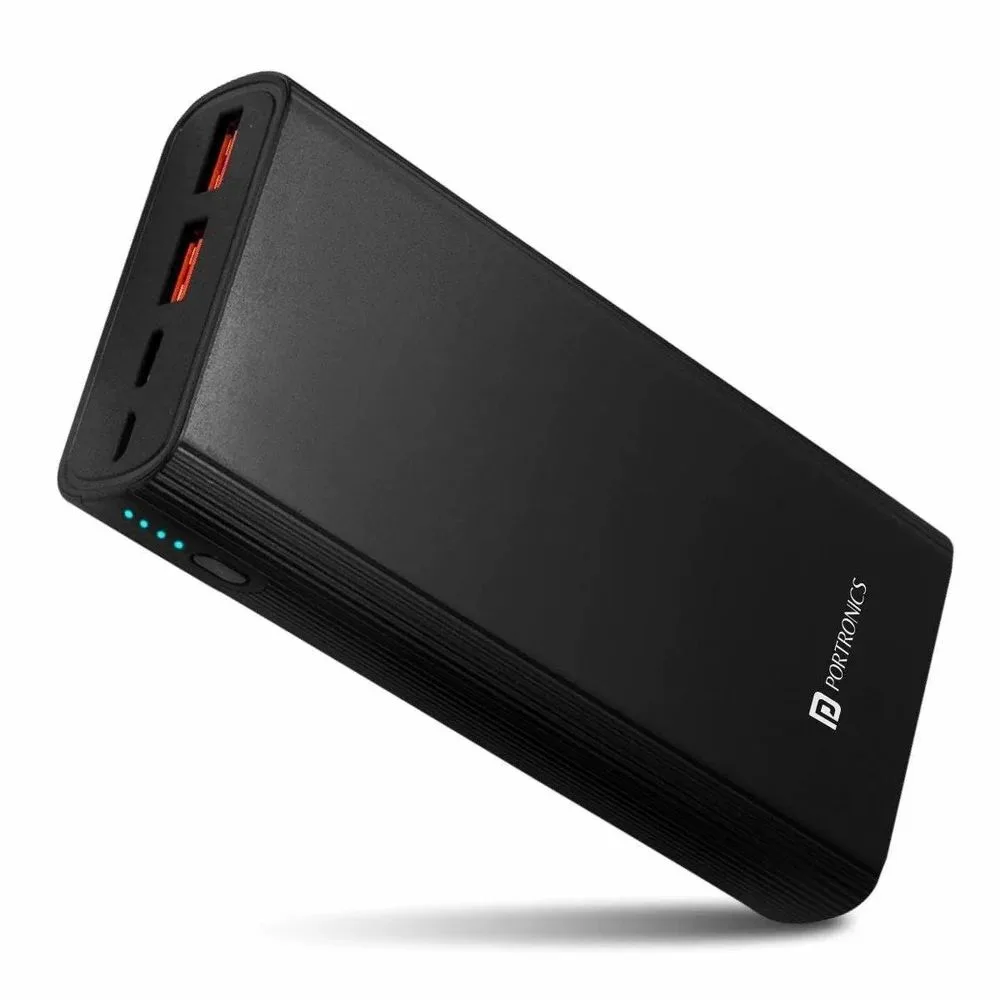
Image source: Web (Bing) / indiamart.com (Web image (fair-use with source credit))
For quick reference, use this table to match power bank capacity to your travel use case:
| Travel Use Case | Recommended Power Bank Capacity | Max Output | Estimated Cooling Pad Runtime (5W pad) |
|---|---|---|---|
| Domestic short-haul flight | 10,000mAh (37Wh) | 12W USB-A | 6–8 hours |
| International long-haul flight | 20,000mAh (74Wh) | 30W USB-C PD | 10–14 hours |
| Road trip / camping | 30,000mAh (111Wh) | 65W USB-C PD | 10–12 hours |
| Co-working / remote work | 25,000mAh (93Wh) | 65W USB-C PD | 8–10 hours |
If you’re unsure which cooling pad to pair with your power bank, check the pad’s input wattage first. Most 5W pads are designed for low-speed, quiet operation, while 10, 15W pads are built for high-performance laptop cooling in hot environments. Match the pad’s wattage to your power bank’s output to avoid compatibility issues.
Frequently Asked Questions
How long will a cooling pad run on a 20,000mAh power bank?
A 20,000mAh (74Wh) power bank running a 5W cooling pad will last 10, 14 hours. If you run the pad at 15W turbo mode, runtime drops to roughly 4, 5 hours. Always check your pad’s exact wattage to calculate accurate runtime for your trip length.
Do cooling pads work on airplanes with power banks?
Yes, as long as your power bank is under 100Wh (or has prior airline approval for 101, 160Wh units) and your cooling pad’s power draw matches the bank’s output. Most 5, 10W laptop cooling pads work perfectly with standard travel power banks during flights.
What size power bank do I need for a laptop cooling pad?
For most travel use, a 10,000mAh (37Wh) to 20,000mAh (74Wh) power bank works for 5, 10W cooling pads. If you need turbo mode (15W) or longer runtime, opt for a 30,000mAh (111Wh) model, but confirm airline approval first if you’re flying.
Can I use a car USB port to power a cooling pad on a road trip?
Yes, most car USB ports output enough power for 5, 10W cooling pads. For 15W turbo pads, use your car’s 12V DC outlet with a USB-C PD adapter to get sufficient wattage. This is a great backup if your power bank runs low during long drives.
Are USB-powered cooling pads allowed in airport security?
Yes, USB-powered cooling pads are allowed in both carry-on and checked luggage. Just make sure any attached power bank is in your carry-on, meets Wh limits, and is switched off during security screening.

Similar Posts